Best Automation Tools in 2026: 8 Tools Compared


Widest app catalogue, easiest start · Starting price: $19.99 per month
How we put this together: we compare official feature and pricing pages, app store listings, privacy policies and public user reviews. Prices change, so check the provider's site before you pay.
Key takeaways
- Zapier has the widest app catalogue and the easiest start, but its per-task pricing can grow fast at high volumes.
- Make offers strong visual workflows at a lower entry price, at $9 per month on annual billing in recent comparisons.
- n8n suits technical teams, with self-hosting available and per-execution pricing that favours long, multi-step workflows.
- Power Automate is the obvious pick inside Microsoft 365, while IFTTT remains best for simple personal automations.
Quick comparison
| Name | Who it suits | Starting price | Free option | |
|---|---|---|---|---|
| Zapier | Widest app catalogue, easiest start | $19.99 per month | Yes | Visit |
 Make Make | Visual workflows at a lower price | $9 per month | Yes | Visit |
 n8n n8n | Self-hosting and developer control | $20 per month | Yes | Visit |
 Microsoft Power Automate Microsoft Power Automate | Microsoft 365 organisations | $15 per user per month | No | Visit |
 IFTTT IFTTT | Simple personal automations | $2.99 per month | Yes | Visit |
 Pipedream Pipedream | Code-first workflows and AI agents | $29 per month | Yes | Visit |
 Workato Workato | Enterprise integration at scale | See website | No | Visit |
 Activepieces Activepieces | Open-source Zapier alternative | See website | Yes | Visit |
The best Automation Tools
Automation tools connect apps so routine work happens without manual copying. The right choice depends less on the number of integrations and more on who builds the workflows, how often they run, and how the vendor charges for that volume. We compared pricing pages and billing models for the tools below.
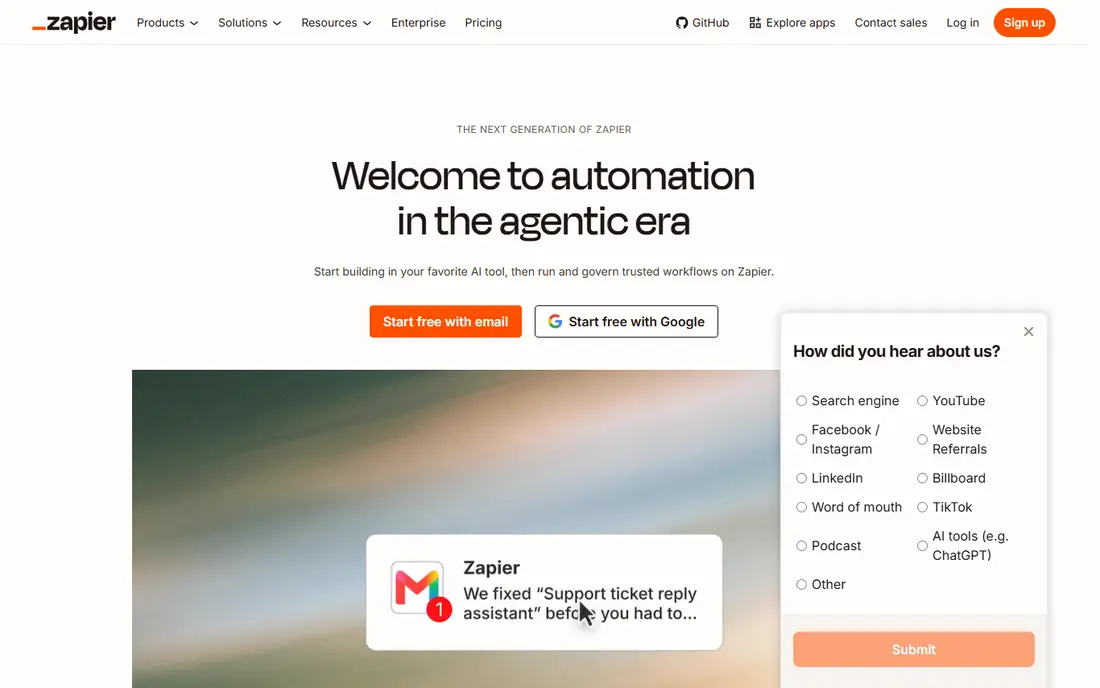
Zapier fits non-technical teams that want automations running quickly. In our comparison, its catalogue and templates make the first automation fast to build. Pricing sits at $19.99 per month, with a free option listed as Yes, so check the plan page for the exact limits before you commit. Teams that match the best-for description above will get the most from it, while teams outside that group should weigh the trade-offs carefully. The honest catch is that heavy users can face a steep bill as task counts rise. That weakness does not make it a poor product, but it does decide whether it fits your situation. If the strength matters more than the weakness for your team, it belongs on your shortlist. If not, one of the other options in this list will serve you better.
- Thousands of app integrations
- Plain-language workflow building
- Solid governance tools
- Per-task pricing grows with volume
- Free plan covers only 100 tasks a month
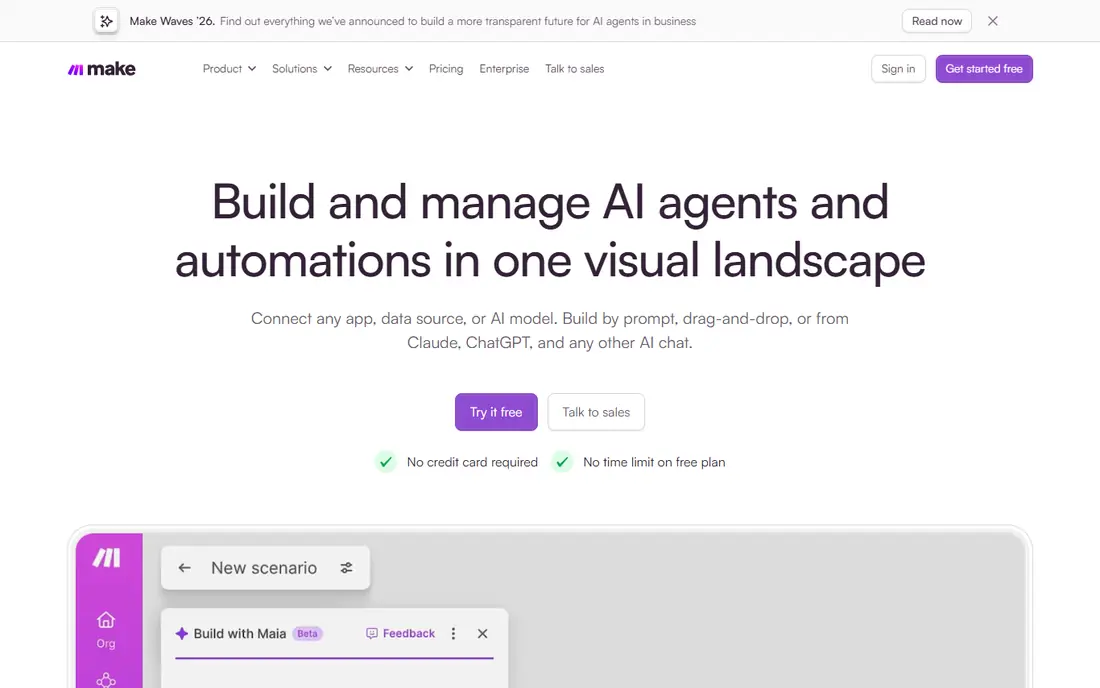
Make fits small teams building multi-step workflows on a budget. In our comparison, its visual builder makes complex logic easier to follow than a list of steps. Pricing sits at $9 per month, with a free option listed as Yes, so check the plan page for the exact limits before you commit. Teams that match the best-for description above will get the most from it, while teams outside that group should weigh the trade-offs carefully. The honest catch is that teams needing a rare integration may still need Zapier alongside it. That weakness does not make it a poor product, but it does decide whether it fits your situation. If the strength matters more than the weakness for your team, it belongs on your shortlist. If not, one of the other options in this list will serve you better.
- Visual canvas with branching and loops
- Generous credit allowances
- Free plan available
- Smaller catalogue than Zapier
- Credit math needs care at scale
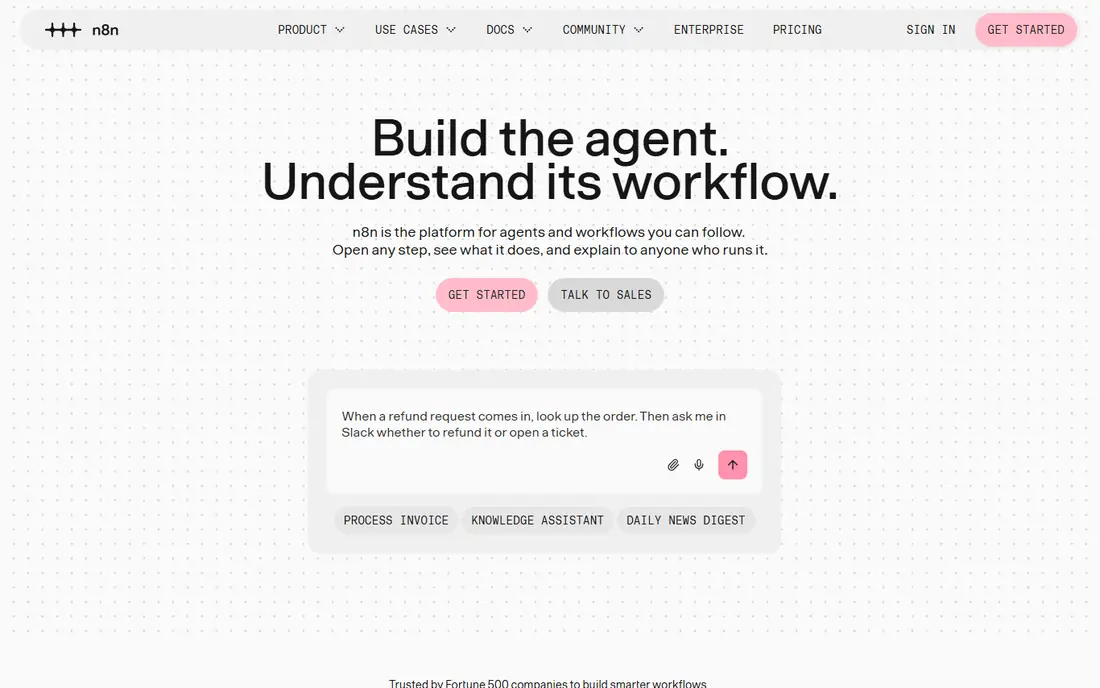
n8n fits technical teams that want full control over data and hosting. In our comparison, its per-execution pricing makes long workflows far cheaper than per-task rivals. Pricing sits at $20 per month, with a free option listed as Yes, so check the plan page for the exact limits before you commit. Teams that match the best-for description above will get the most from it, while teams outside that group should weigh the trade-offs carefully. The honest catch is that non-technical teams may stall without a developer to maintain it. That weakness does not make it a poor product, but it does decide whether it fits your situation. If the strength matters more than the weakness for your team, it belongs on your shortlist. If not, one of the other options in this list will serve you better.
- Self-hosted community edition
- Code steps in workflows
- Per-execution pricing
- Needs technical skill to run well
- Smaller template library than Zapier
Microsoft Power Automate fits companies already standardised on Microsoft 365. In our comparison, its native Microsoft integration removes friction for Office-based teams. Pricing sits at $15 per user per month, with a free option listed as No, so check the plan page for the exact limits before you commit. Teams that match the best-for description above will get the most from it, while teams outside that group should weigh the trade-offs carefully. The honest catch is that Google Workspace shops will get less value from it. That weakness does not make it a poor product, but it does decide whether it fits your situation. If the strength matters more than the weakness for your team, it belongs on your shortlist. If not, one of the other options in this list will serve you better.
- Deep Microsoft 365 and Teams integration
- Desktop flows for older apps
- Process tools
- Best value only inside Microsoft 365
- Outside apps need premium connectors
IFTTT fits individuals automating personal and smart home tasks. In our comparison, its simplicity means anyone can build a useful automation in minutes. Pricing sits at $2.99 per month, with a free option listed as Yes, so check the plan page for the exact limits before you commit. Teams that match the best-for description above will get the most from it, while teams outside that group should weigh the trade-offs carefully. The honest catch is that business teams will outgrow it as soon as workflows need conditions. That weakness does not make it a poor product, but it does decide whether it fits your situation. If the strength matters more than the weakness for your team, it belongs on your shortlist. If not, one of the other options in this list will serve you better.
- Dead simple trigger-action setup
- Smart home support
- Very low price
- Not built for business workflows
- Limited branching and error handling
Pipedream fits developers building custom integrations and AI workflows. In our comparison, its code-first approach gives developers control that no-code tools cannot match. Pricing sits at $29 per month, with a free option listed as Yes, so check the plan page for the exact limits before you commit. Teams that match the best-for description above will get the most from it, while teams outside that group should weigh the trade-offs carefully. The honest catch is that business users without coding skill will find it hard to adopt. That weakness does not make it a poor product, but it does decide whether it fits your situation. If the strength matters more than the weakness for your team, it belongs on your shortlist. If not, one of the other options in this list will serve you better.
- Code steps in Python, Node, and other languages
- Strong developer tooling
- Less friendly for non-developers
- Production pricing rises with use
Workato fits large IT teams running governed integrations across many systems. In our comparison, its governance and compliance features suit regulated enterprises. Pricing sits at See website, with a free option listed as No, so check the plan page for the exact limits before you commit. Teams that match the best-for description above will get the most from it, while teams outside that group should weigh the trade-offs carefully. The honest catch is that small teams cannot compare it on price without a sales conversation. That weakness does not make it a poor product, but it does decide whether it fits your situation. If the strength matters more than the weakness for your team, it belongs on your shortlist. If not, one of the other options in this list will serve you better.
- Governed enterprise automation
- Broad SaaS connectors
- Strong compliance tooling
- Quote-only enterprise pricing
- Overkill for small teams
Activepieces fits teams that want open-source control with a simple builder. In our comparison, its open-source model gives teams data control without developer-only tooling. Pricing sits at See website, with a free option listed as Yes, so check the plan page for the exact limits before you commit. Teams that match the best-for description above will get the most from it, while teams outside that group should weigh the trade-offs carefully. The honest catch is that rare integrations may be missing, so check your stack first. That weakness does not make it a poor product, but it does decide whether it fits your situation. If the strength matters more than the weakness for your team, it belongs on your shortlist. If not, one of the other options in this list will serve you better.
- Open-source and self-hostable
- Simple builder
- Growing integration list
- Smaller integration catalogue than Zapier or Make
How we picked these
We compared official pricing pages and recent comparison guides that quoted vendor pricing in 2026, with attention to billing units, since per-task, per-credit, and per-execution pricing behave very differently. We did not claim hands-on testing. Where entry prices varied by billing term, we noted the annual figure where known. We focused on products that exist and work today, that truly fit the topic, and that ordinary buyers can actually sign up for. We compared official feature and pricing pages first, and used public reviews and comparison guides only to cross-check figures. We did not invent prices, awards, counts, or features, and where a figure could not be verified we used See website instead.
What to check before you buy
Start with one real workflow, not a feature list. Write down the trigger, the steps, and how often it runs each month. Then price that exact workflow on two tools, because billing units differ: a 20-step workflow run 1,000 times costs far more per task than per execution. Check who will maintain the automation when the builder leaves or an app changes its API. Simple tools win when the owner is a business user; developer tools win when a technical owner exists. Finally, test failure handling. A workflow that fails silently is worse than no workflow, so check alerts, retries, and logs before you rely on it. Also check contract terms before you sign. Notice periods, renewal prices, and data export options matter more after the first year than during a trial. A tool that is hard to leave is a tool you should price with extra care.
Frequently asked questions
What is the best automation software for small business?
Zapier suits teams that value breadth and ease, while Make suits teams that want visual workflows at a lower price. Start with Zapier if your stack is unusual, and Make if your workflows are complex but your apps are common.
What are Power Automate alternatives?
Zapier, Make, and n8n are the main Power Automate alternatives. Zapier wins on catalogue size, Make wins on visual value, and n8n wins on self-hosting and control.
Is there a free automation tool?
Yes. Zapier, Make, n8n, IFTTT, Pipedream, and Activepieces all offer free options, though limits differ sharply. Check task, credit, or execution limits against your real monthly volume.
What is the best task automation software for developers?
n8n and Pipedream are the strongest developer picks here. n8n suits self-hosted workflow control, while Pipedream suits code-first integrations.
How much do automation tools cost?
Entry paid plans here range from $2.99 per month for IFTTT to $29 per month for Pipedream, with Zapier at $19.99 and Make at $9 per month on annual billing.
Sources we checked (8)

Online Jobs is an independent blog about careers, online work, learning new skills and the tools that help people earn. More about us.
Keep reading
All posts
Zoom Alternatives
Zoom alternatives compared for 2026: Google Meet, Microsoft Teams, Webex, Jitsi and more for free calls, large meetings and webinars for teams and classrooms.

What Is the Best Free Tool to Rotate a PDF
What is the best free tool to rotate a PDF? We compare eight free rotation tools on per-page control, limits, privacy and saved output quality in detail.

What Is the Best AI Dubbing Tool
We compared the best AI dubbing tools in 2026, from ElevenLabs and HeyGen to Rask AI, Dubverse and Veed, for videos and creators in many languages worldwide.