Best Audio Editing Software in 2026: 9 Tools Compared

How we put this together: we compare official feature and pricing pages, app store listings, privacy policies and public user reviews. Prices change, so check the provider's site before you pay.
Key takeaways
- Audacity is our pick for free editing, with multitrack recording and editing on Windows, Mac and Linux at no cost.
- Reaper is best value for a full DAW, with a $60 discounted licence and a 60-day fully functional evaluation.
- Adobe Audition is best for professional podcast and broadcast post-production, at $22.99 per month.
- Logic Pro is best for Mac music production without a subscription, at $199.99 one time.
- Descript is best for podcasters who think in words, since you edit audio by editing the transcript.
Quick comparison
| Name | Who it suits | Starting price | Free option | |
|---|---|---|---|---|
 Audacity Audacity | Free editing and recording | Free | Yes | Visit |
 Adobe Audition Adobe Audition | Pro broadcast and podcast post | $22.99 per month | Free trial | Visit |
 GarageBand GarageBand | Free Mac recording studio | Free | Yes | Visit |
 Logic Pro Logic Pro | Full Mac DAW, one-time price | $199.99 one-time | No | Visit |
 Pro Tools Pro Tools | Industry-standard studio recording | $9.99 per month | Yes | Visit |
 Reaper Reaper | Best-value full DAW | $60 one-time | Free trial | Visit |
 Ocenaudio Ocenaudio | Lightweight free editor | Free | Yes | Visit |
 Descript Descript | Text-based podcast editing | Free | Yes | Visit |
 WavePad WavePad | Simple editing with a free version | Free | Yes | Visit |
The best audio editing software
Audio editing software splits into two families: editors and digital audio workstations. Editors like Audacity and Adobe Audition focus on recording, cutting and cleaning audio files. DAWs like Logic Pro, Pro Tools and Reaper handle multitrack recording, MIDI instruments, mixing and mastering in one environment. Podcasters usually need an editor, musicians usually need a DAW, and many creators use both. We compared nine tools on price, platform, features and fit, using published pricing pages.
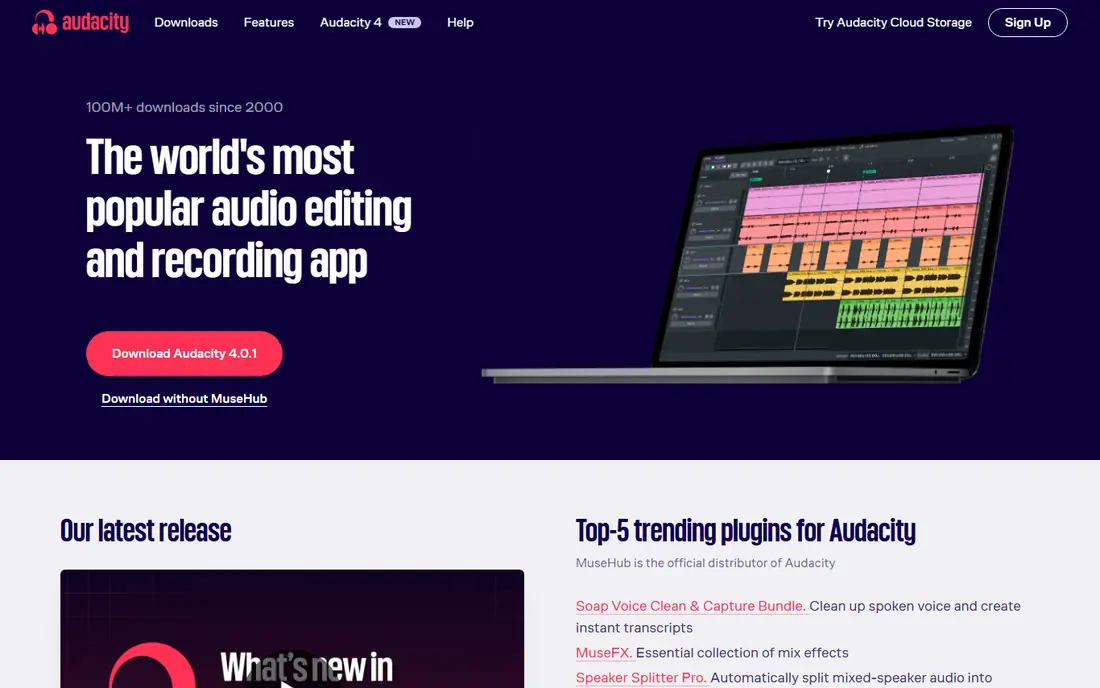
Audacity is the best free audio editing software, and it covers most editing jobs at zero cost. It records and edits multiple tracks on Windows, Mac and Linux, supports major audio formats and plugins, and includes noise reduction, equalisation, compression and a full set of effects. Optional plugins add noise suppression and transcription, and the community around it is large enough that almost any question has an answer online.
The interface looks dated, and there are no built-in MIDI instruments, so music producers will outgrow it. For podcast editing, voice recording, trimming, cleanup and format conversion, Audacity is all most people ever need.
- Completely free and open source
- Multitrack recording and editing on Windows, Mac and Linux
- Supports major formats and plugins
- No paid tier or trial clock
- Interface looks dated
- No built-in MIDI instruments
- Destructive editing workflow needs care with backups
Adobe Audition is the professional standard for broadcast and podcast post-production. Its restoration tools clean up hum, hiss, clicks and room noise better than any editor on this list, and the multitrack editor handles full episode mixing with Essential Sound presets, auto-ducking for music under speech, and batch processing for series work. It fits naturally into an Adobe workflow alongside Premiere Pro.
The subscription costs $22.99 per month on an annual plan, and the 7-day trial is short. For a podcaster or broadcaster who cleans audio daily, Audition earns its price. For occasional trimming, Audacity is enough.
- Professional restoration and cleanup tools
- Multitrack mixing with Essential Sound presets and auto-ducking
- Batch processing
- Integrates with Premiere Pro
- Subscription at $22.99 per month on an annual plan
- 7-day trial is short
- Overkill for simple trimming
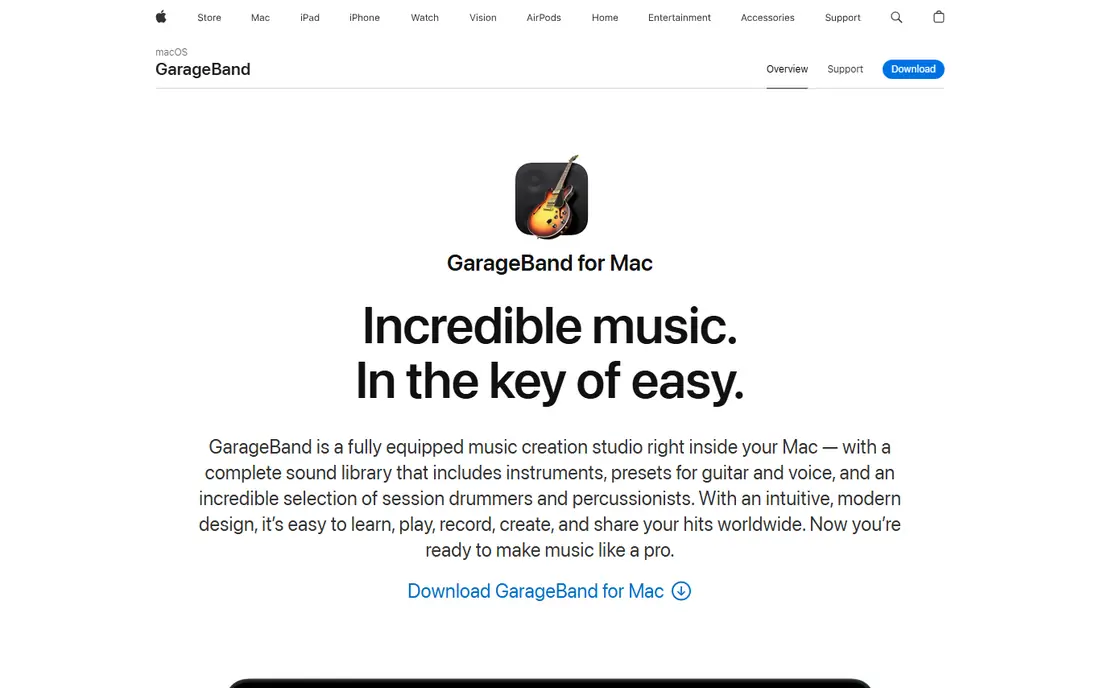
GarageBand is the best free starting point for music on Apple hardware, and it is already on your Mac or iPhone. It offers a visual recording studio with software instruments, loops, a virtual Drummer and simple mixing, and it teaches concepts that transfer directly to Logic Pro, since GarageBand projects open there. Podcasters can record and edit simple episodes in it too.
It runs on Mac and iOS only, and mixing depth is limited compared with a full DAW. For an Apple user recording a first song or episode, GarageBand costs nothing and teaches real skills.
- Free on Mac and iOS
- Visual and beginner-friendly
- Includes instruments, loops and Drummer
- Projects open directly in Logic Pro
- Mac and iOS only
- Limited mixing depth
- No Windows or Android version
Logic Pro is the best Mac music production tool without a subscription. For $199.99 one time, you get a full professional DAW with a huge library of instruments, loops and effects, plus professional mixing, mastering and Dolby Atmos support. It is the natural upgrade from GarageBand, and it handles everything from a bedroom demo to a finished album.
It runs on Mac only, and the iPad version is a separate subscription at $4.99 per month. For a Mac musician who wants professional tools without monthly payments, Logic Pro is the strongest buy-once option available.
- One-time price of $199.99 with no subscription
- Huge library of instruments, loops and effects
- Professional mixing and mastering
- Free updates for the version you buy
- Mac only
- IPad version is a separate $4.99 per month subscription
- Large download and learning curve
Pro Tools remains the industry standard for professional recording studios, and that compatibility is its main selling point. If you record in commercial studios or collaborate with engineers, Pro Tools session files are the format everyone expects. The free Intro tier covers basic recording and editing, with paid plans from about $9.99 per month.
Paid tiers are subscriptions, and the learning curve is steeper than GarageBand or Reaper. For a home creator who never works in a commercial studio, Reaper or Logic Pro is better value. For studio work, Pro Tools is still the expected tool.
- Industry standard for professional studios
- Free Intro tier to start
- Paid plans from about $9.99 per month
- Session files are the studio lingua franca
- Subscription model for paid tiers
- Steeper learning curve
- Hardware and plugin costs add up in a pro setup
Reaper is the best-value full DAW at any price. A $60 discounted licence, or $225 for commercial use, buys a complete professional workstation that runs on Windows, Mac and Linux, with a 60-day evaluation that is fully functional and has no feature limits. It handles multitrack recording, MIDI, mixing, video sync and scripting, and it is endlessly customisable.
The interface is plain out of the box and needs customisation, and it includes fewer instruments than Logic Pro. For a creator on any platform who wants professional tools for the price of a dinner out, Reaper is the pick.
- Full professional DAW for a $60 discounted licence
- 60-day fully functional evaluation with no feature limits
- Runs on Windows, Mac and Linux
- Endlessly customisable
- Interface is plain and needs customisation
- Fewer included instruments than Logic Pro
- No built-in loop library of the same scale
Ocenaudio is the best lightweight free editor, and the easiest tool on this list to learn. It is a single-track waveform editor with a clean interface, real-time effect preview so you hear changes as you adjust them, and a small footprint that runs fast on older machines. It covers trimming, normalising, fading, format conversion and simple cleanup.
It edits one track at a time, so multitrack podcast mixing needs Audacity or a DAW. For quick edits, voice notes and simple cleanup, Ocenaudio is faster to open and easier to use than any other free editor.
- Completely free
- Simple, clean interface
- Real-time effect preview
- Fast on older machines
- Cross-platform
- Single-track waveform editing only, no multitrack
- Fewer effects than Audacity
- No MIDI support
Descript is the fastest route from recording to finished episode for podcasters who think in words. You edit the transcript like a document, and the audio follows: delete a sentence from the text and it disappears from the recording. Studio Sound cleans up room tone, filler-word removal cuts ums and ahs automatically, and video editing is included in the same workflow.
Paid plans start at about $16 per month billed annually for serious use, and music-heavy shows are weaker than in a DAW. For a solo podcaster or interview show, Descript cuts editing time dramatically.
- Edit audio by editing the transcript, like a document
- Studio Sound cleanup and filler-word removal
- Free tier to start
- Video editing included
- Paid plans from about $16 per month billed annually for serious use
- Music-heavy shows and detailed sound design are weaker
- Transcription accuracy varies with audio quality
WavePad is a simple, approachable editor for users who want basic editing without learning a DAW. The free version covers non-commercial trimming, effects and format conversion, with batch processing for handling many files at once, and it runs on Windows, Mac, iOS and Android.
The free version is limited, and the paid version is needed for full features. For a beginner who wants a straightforward editor on any device, WavePad is a solid, low-friction choice, though Ocenaudio is free-er and Audacity is more powerful.
- Free version for non-commercial use
- Simple interface for trimming and effects
- Batch processing
- Runs on Windows, Mac, iOS and Android
- Free version is limited
- Paid version needed for full features
- Interface feels dated next to Ocenaudio
How we picked these
We compared price, platform, editing versus DAW capability, and fit for podcasts, music and voice work, and we included free options at every level. We left out highly specialised restoration tools like iZotope RX, which deserve their own guide, and focused on tools a creator would use daily.
Editor or DAW: which do you need
If you edit speech, start with Audacity or Ocenaudio, and move to Descript if you edit by transcript or to Audition if you clean audio professionally. If you make music, start with GarageBand on Apple hardware or Reaper anywhere, and move to Logic Pro on Mac or Pro Tools for studio work. Most creators end up with one editor and one DAW.
Frequently asked questions
What is the best free audio editing software?
Audacity is best for free editing on any platform, with multitrack recording and editing at no cost. Ocenaudio is best for simple single-track edits, and GarageBand is best for free music production if you own Apple hardware.
What is the best audio editing software for podcasts?
Descript is fastest for podcast editing, since you edit the transcript like a document. Adobe Audition is best for professional cleanup and mixing, and Audacity is best for free podcast editing.
What is the best audio editing software for music?
Logic Pro is best for Mac music production at $199.99 one time. Reaper is best value anywhere at $60, and Pro Tools is best for studio compatibility. GarageBand is the best free starting point on Apple hardware.
Do I need to pay monthly for audio editing software?
No. Logic Pro, Reaper and FL Studio are one-time purchases, and Audacity, GarageBand and Ocenaudio are free. Only Adobe Audition and paid Pro Tools tiers require ongoing subscriptions among the tools here.
What is the difference between a DAW and an audio editor?
A DAW like Logic Pro, Pro Tools or Reaper handles multitrack recording, MIDI instruments, mixing and mastering in one environment. An editor like Audacity or Adobe Audition focuses on recording, cutting and processing audio files, often with surgical precision. Podcasters usually need an editor, musicians usually need a DAW.
Can I collaborate with someone using different audio software?
Sometimes. Stems, which are exported audio files per track, move between any DAWs without trouble, and most programs import and export WAV, MP3 and MIDI. Full project files rarely transfer cleanly between brands, though GarageBand projects open in Logic Pro.
Sources we checked (9)

Online Jobs is an independent blog about careers, online work, learning new skills and the tools that help people earn. More about us.
Keep reading
All posts
Zoom Alternatives
Zoom alternatives compared for 2026: Google Meet, Microsoft Teams, Webex, Jitsi and more for free calls, large meetings and webinars for teams and classrooms.
PowerPoint Alternatives
Compare the best PowerPoint alternatives, from free Google Slides and Canva to Prezi and Gamma, with prices, collaboration and export options covered.
Gmail Alternatives
Gmail alternatives compared for 2026: Proton Mail, Outlook, Tuta, Fastmail, Zoho Mail and more for privacy, business and cross-platform use for US readers.