Best Artificial Intelligence App in 2026: 9 Apps Compared

How we put this together: we compare official feature and pricing pages, app store listings, privacy policies and public user reviews. Prices change, so check the provider's site before you pay.
Key takeaways
- ChatGPT is the safest single subscription for most people, with broad tools for writing, coding, images and everyday questions.
- Claude suits careful writing and long documents, Gemini suits Google Workspace users, and Copilot suits Microsoft 365 users.
- Perplexity leads for research with cited sources, while DeepSeek and Meta AI offer strong free routes for budget users.
- Prices cluster around $20 per month for flagship plans, so pick by the apps you already use and the work you do most, not by price alone.
Quick comparison
| Name | Who it suits | Starting price | Free option | |
|---|---|---|---|---|
 ChatGPT | Everyday all-round AI help | $20 per month | Yes | Visit |
 Claude | Writing and long documents | $20 per month | Yes | Visit |
 Gemini | Google Workspace users | $19.99 per month | Yes | Visit |
 Microsoft Copilot | Microsoft 365 productivity | $19.99 per month | Yes | Visit |
 Perplexity | Research with cited sources | $20 per month | Yes | Visit |
 Grok | Real-time social context | See website | Yes | Visit |
 DeepSeek | Budget reasoning and coding | Free | Yes | Visit |
 Meta AI | Free casual chat in social apps | Free | Yes | Visit |
 Poe | Comparing many models in one app | $4.99 per month | Yes | Visit |
The best artificial intelligence app
The best artificial intelligence app is not one model for everyone. It is the assistant that fits your daily work, your existing apps and your budget, and that you will actually open each day. These nine cover general chat, writing, coding, research and office work, with free tiers on every one.
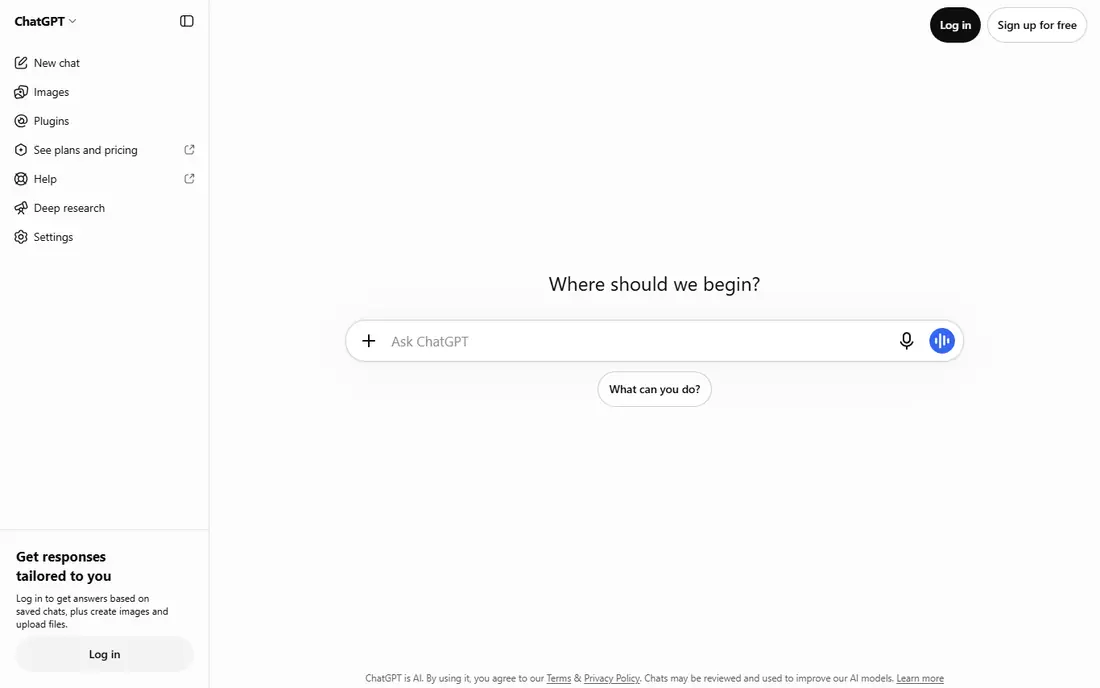
ChatGPT remains our pick for most people because it handles the widest range of daily work well: drafting, brainstorming, summarising, coding help, image generation and everyday questions. The Plus plan at $20 per month adds higher limits and advanced tools, while the free tier covers casual use. Custom GPTs let teams shape an assistant for a repeat task without building software.
It is not the best at everything. Long document analysis and cited research have stronger specialists in this list, and heavy users may hit limits on the standard plan. As a single subscription that covers most needs, though, ChatGPT is the hardest to beat.
- Broadest everyday toolset
- Custom GPTs
- Image generation and coding help
- Free tier limits advanced features
- Long documents need careful prompting
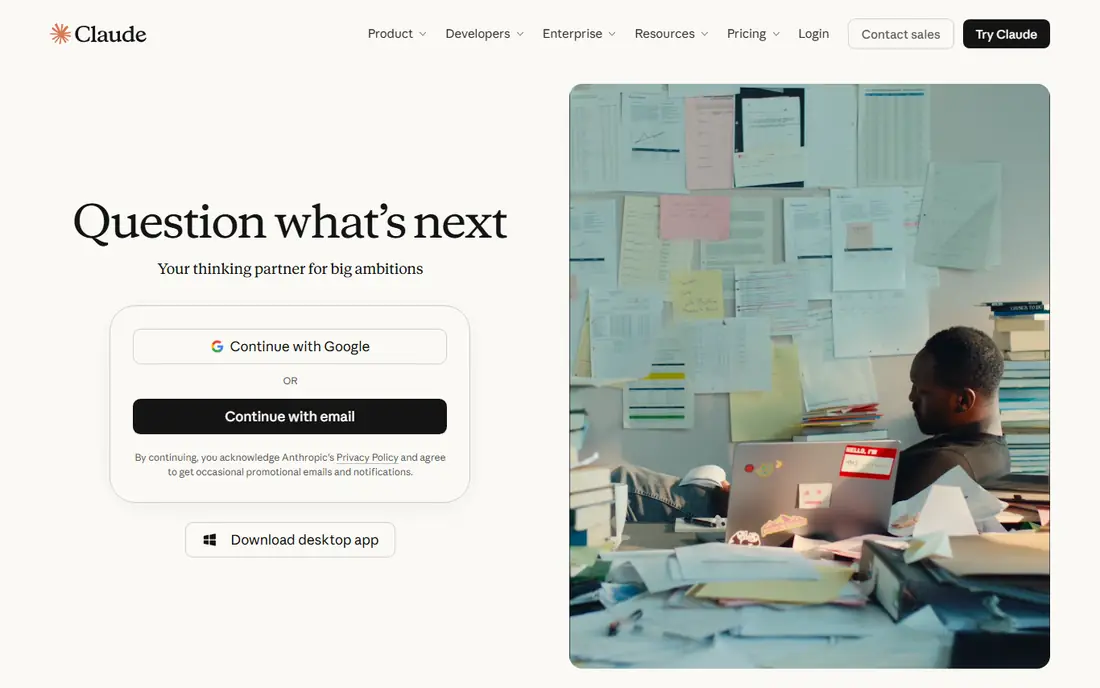
Claude suits writers, researchers and developers who work with long documents and want careful, structured output. It handles large uploads, follows nuanced instructions well, and produces prose that needs less editing than many rivals. The Pro plan at $20 per month raises message limits for regular use, and team plans add shared workspaces.
Consumer extras like image generation are thinner than ChatGPT, and the free tier limits daily messages, so heavy casual users may hit caps. For writing, analysis and coding where quality matters more than extras, Claude is our pick.
- Careful, readable writing
- Strong long-document handling
- Good coding support
- Free tier limits daily messages
- Fewer consumer extras than ChatGPT
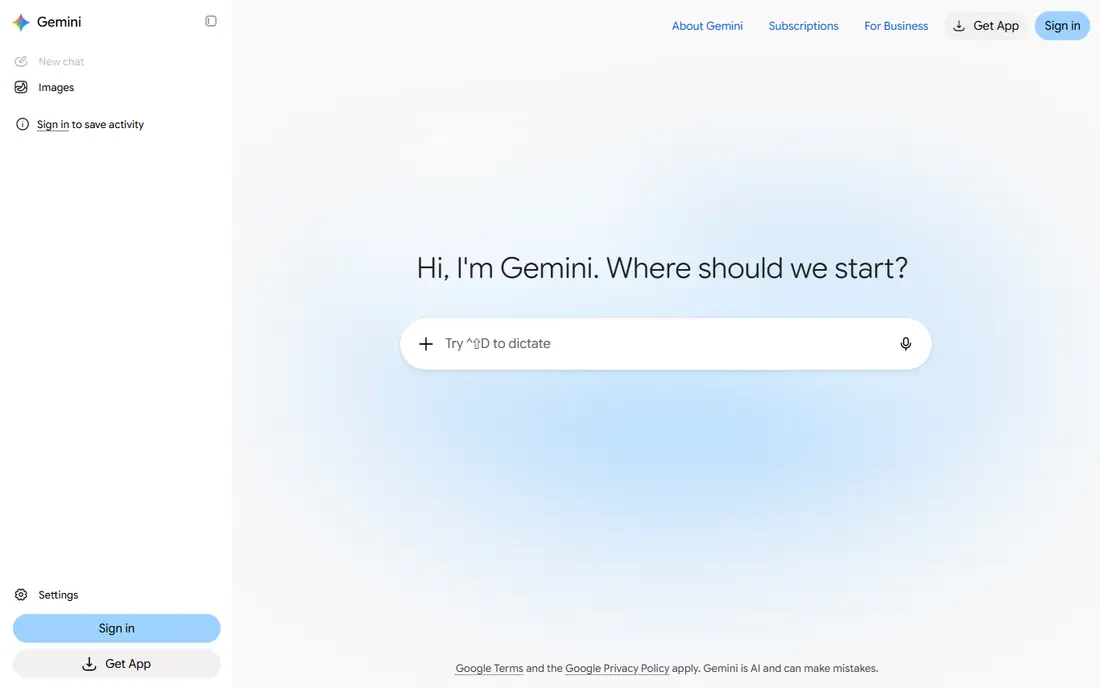
Gemini is the natural artificial intelligence platform for people who live in Gmail, Docs, Drive and Google Search. It summarises mail threads, drafts documents, analyses long files and grounds answers in web search, all inside the Google apps many users already open daily. The AI Pro plan at $19.99 per month adds higher limits and storage in some bundles, while the free tier is generous for casual use.
Users outside Google Workspace get less of the benefit, and the range of Gemini models and plans can confuse a first-time buyer. If your work already lives in Google apps, Gemini is the most convenient pick in this list.
- Native Gmail, Docs and Drive help
- Long context for documents
- Generous free tier
- Best value depends on Google apps
- Model choice can confuse new users
Microsoft Copilot brings AI into the Office apps where many office workers spend their day: drafting in Word, analysing data in Excel, summarising meetings in Teams and triaging mail in Outlook. It respects existing Microsoft permissions and compliance controls, which matters for business users handling sensitive documents. Consumer plans bundle Copilot with Microsoft 365, while business Copilot is priced per user.
If you do not use Microsoft 365 daily, Copilot offers less than ChatGPT or Gemini. Plan names and bundles have also changed over time, so check the current Microsoft pricing page before subscribing and confirm which apps are included.
- Embedded Word, Excel, Teams and Outlook help
- Respects Microsoft permissions
- Business controls
- Paid value depends on Microsoft 365 use
- Plan names change often
Perplexity is the best artificial intelligence tool for research, because answers come with sources you can open and check. That habit matters when accuracy counts, since it lets you verify claims rather than trust a single answer. The free tier covers basic search, while Pro at $20 per month adds advanced models and higher limits for regular researchers.
Creative writing and coding help are not its strengths, so pair it with ChatGPT or Claude for drafting. For anyone whose daily work starts with a question that needs a sourced answer, Perplexity earns its subscription quickly.
- Answers linked to sources
- Strong for fact-checking
- Fast research summaries
- Less suited to long creative writing
- Pro value depends on research volume
Grok, from xAI, stands out for real-time context from social discussion and current events, which suits users who track news, trends and public conversation. Its tone is conversational, and access is bundled with some X subscription plans, with standalone pricing varying by region and plan. A limited free tier lets new users try it.
For structured office work, document analysis or coding, ChatGPT, Claude and Copilot are stronger. Grok fits best as a second assistant for current-events questions, not as the only AI app for work.
- Live social and news context
- Conversational tone
- Bundled with some X plans
- Pricing varies by bundle
- Less suited to structured office work
DeepSeek offers strong reasoning and coding help for free, which makes it the best budget option in this list. Its chat app covers everyday questions, maths, logic and code, and its open-weight models let developers self-host or build on them. API pricing is low compared with flagship rivals, which helps builders on a budget.
Consumer polish, integrations and support are thinner than ChatGPT or Gemini, and some features depend on region. For users who want capable AI without a monthly fee, or developers who want open models, DeepSeek is a genuine alternative rather than a cut-down demo.
- Free chat for reasoning and coding
- Open-weight models
- Low API costs
- Fewer consumer features
- Availability and support vary by region
Meta AI is the free artificial intelligence app most people already have, built into WhatsApp, Instagram, Facebook and Messenger. It answers questions, drafts messages, explains topics and generates images without a subscription, which makes it ideal for casual use. There is no paid plan to weigh, so the cost question disappears.
Deep work is not its strength. Long documents, coding projects and cited research belong with Claude, ChatGPT or Perplexity. As a free everyday assistant inside apps you already use, Meta AI is convenient and cost-free, with privacy settings worth checking in each social app.
- Fully free for casual use
- Built into WhatsApp, Instagram and Facebook
- Image help
- Basic for deep work
- Privacy controls need checking in social apps
Poe lets you use many AI models, including GPT, Claude, Gemini and niche bots, under one subscription, which suits power users who want to compare answers without juggling accounts. The entry price is low, the free tier covers casual use, and switching models for different tasks is quick. That flexibility is its main selling point.
Usage limits vary by model, so heavy use of a flagship model may still need that model direct subscription. For explorers, students and builders who want breadth over depth, Poe offers the widest model choice per dollar here.
- Many models in one subscription
- Easy comparison
- Low entry price
- Limits vary by model
- Not a single best-in-class model
How we picked these
We compared official pricing pages, product pages and app store listings for each assistant, plus public feature documentation. We kept apps that exist today, offer a free tier or free access, and serve a distinct use case, from office work to research to budget chat. Where pricing varies by bundle or region, we wrote See website rather than presenting one figure as universal.
What to check before you choose
Start with the apps you already use. A Google Workspace user gains most from Gemini, a Microsoft 365 user from Copilot, and a user with no strong ecosystem ties gains most from ChatGPT or Claude. Then match the assistant to your main task: writing, coding, research or daily office work, since each tool leads in a different area.
Privacy and data
Check how each app handles your prompts and uploads, especially for work documents. Business plans often add data controls that consumer plans lack, so read the privacy page before uploading sensitive files.
Limits that matter
Free tiers limit messages, models or features in different ways. Trial the free tier with your real tasks for a week, and note where you hit limits, since that pattern predicts whether a paid plan is worth it.
Check answers that matter
AI answers can be wrong, especially on facts, prices and legal or medical topics. Verify important claims against primary sources, and use Perplexity or a direct source check when accuracy affects a decision.
Frequently asked questions
What is the best artificial intelligence app for most people?
ChatGPT Plus is the safest single pick for everyday writing, coding, images and questions. Claude suits careful writing, Gemini suits Google users, and Copilot suits Microsoft 365 users.
What is the best artificial intelligence software for research?
Perplexity leads for research with cited sources, while Claude and Gemini handle long documents well. Always open the cited sources before acting on an important finding.
What is the best AI development platform for builders?
ChatGPT and Claude offer APIs and tools for builders, while DeepSeek and Replit-style platforms suit budget and code-first builders. The best AI development platform depends on model choice, API cost and integration needs.
Is there a free artificial intelligence app worth using?
Yes. ChatGPT, Claude, Gemini, Copilot, Perplexity, DeepSeek, Meta AI and Poe all offer free tiers or free access. Meta AI and DeepSeek are fully free for casual chat, while others limit advanced features.
Which AI app is best for Microsoft Office work?
Microsoft Copilot is built for Word, Excel, Teams and Outlook, and it respects Microsoft permissions. ChatGPT and Claude can also draft Office documents, but they lack the same native integration.
How much does a good AI app cost?
Flagship individual plans cluster around $19.99 to $20 per month, with cheaper entry tiers on some apps and free tiers on all of them. Start free, then pay only when you regularly hit free limits.
Sources we checked (9)

Online Jobs is an independent blog about careers, online work, learning new skills and the tools that help people earn. More about us.
Keep reading
All posts
Zoom Alternatives
Zoom alternatives compared for 2026: Google Meet, Microsoft Teams, Webex, Jitsi and more for free calls, large meetings and webinars for teams and classrooms.

Which Software Is Best for Data Entry
Compare the best data entry software for forms, OCR scanning, and spreadsheets, with free plans, pricing, and honest limits for each tool before you commit.

What Is the Best Free Tool to Rotate a PDF
What is the best free tool to rotate a PDF? We compare eight free rotation tools on per-page control, limits, privacy and saved output quality in detail.