Best Art Apps in 2026: 8 Apps Compared

How we put this together: we compare official feature and pricing pages, app store listings, privacy policies and public user reviews. Prices change, so check the provider's site before you pay.
Key takeaways
- Procreate is our pick for iPad artists who want a fast, one-time purchase with a large brush range and a simple canvas workflow.
- Clip Studio Paint is the stronger choice for comics and manga, because panel, lettering, and animation tools are built for that work.
- Krita, ibis Paint, and MediBang Paint give beginners a low-cost start, with Krita standing out as a free desktop option.
- Device matters as much as features, because Procreate is iPad-only while Clip Studio Paint and Krita cover more platforms.
- Check brush, layer, and export limits on the free tier before you start a large project, because those limits shape the final file.
Quick comparison
| Name | Who it suits | Starting price | Free option | |
|---|---|---|---|---|
 Procreate | iPad illustrators | $12.99 one-time purchase | No | Visit |
 Clip Studio Paint | Comic and manga artists | See website | Free trial | Visit |
 Adobe Fresco | Digital painters | Free | Yes | Visit |
 Krita | Desktop painters on a budget | Free | Yes | Visit |
 ibis Paint | Anime and manga fans on mobile | Free | Yes | Visit |
 MediBang Paint | Beginners making comics | Free | Yes | Visit |
 Sketchbook | Clean sketching on any device | Free | Yes | Visit |
 Concepts | Designers and sketch planners | Free | Yes | Visit |
The best art apps
We picked apps that cover sketching, painting, comics, and design work, so you can find one that matches your device and your drawing style.
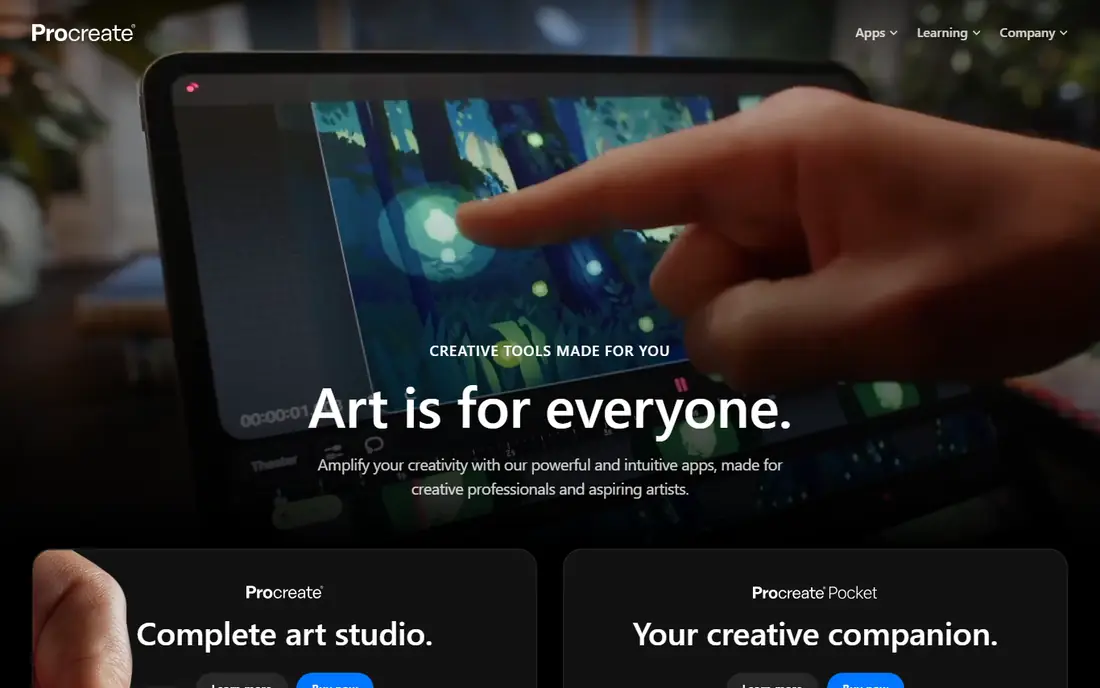
Procreate has become the default iPad drawing app for many illustrators, and its speed is the first thing you notice. It fits ipad illustrators well, and it is worth a closer look if that description matches how you work day to day.
Its strength is the brush engine, which stays responsive on large canvases and makes sketching feel direct rather than laggy. That is the main reason we kept it on this list, even though no single option here suits every buyer.
Its weakness is platform lock-in, because moving to Android or Windows means learning a different app and rebuilding your setup. If that weakness would slow you down often, look at the next options on this list before you commit.
- Fast brush engine on iPad
- Large brush and layer range
- One-time purchase, no subscription
- IPad only
- No desktop version for the same purchase
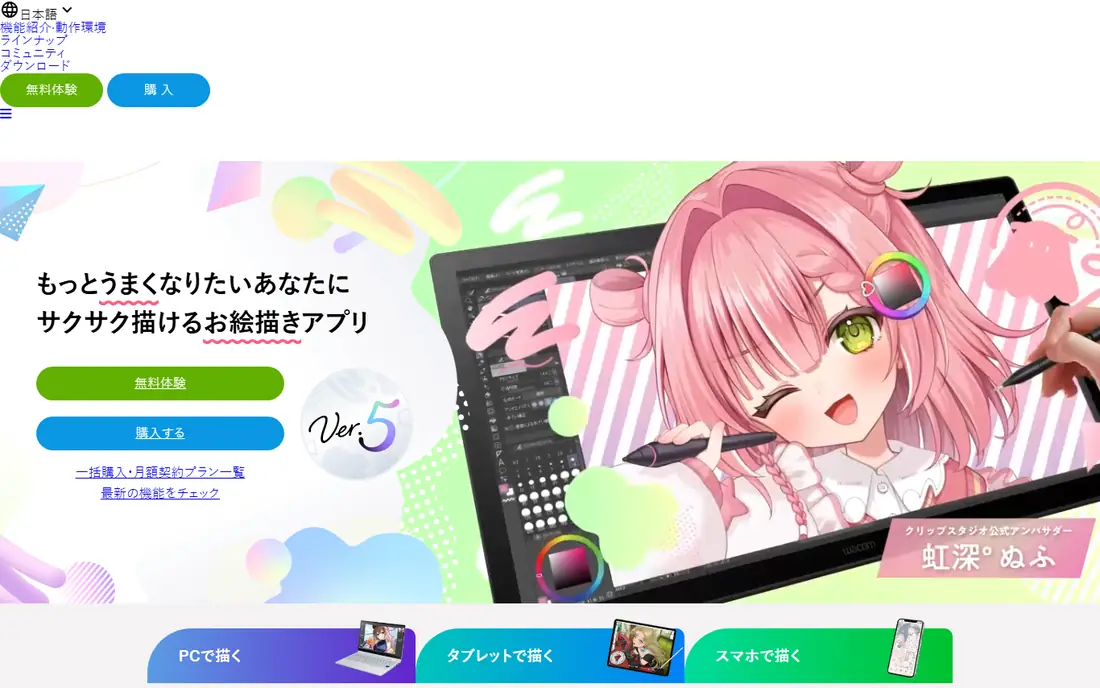
Clip Studio Paint is the app many comic artists choose when a project moves from sketches to finished pages. It fits comic and manga artists well, and it is worth a closer look if that description matches how you work day to day.
Its strength is the comic toolkit, with panels, tones, and text tools that save hours compared with a general painting app. That is the main reason we kept it on this list, even though no single option here suits every buyer.
Its weakness is the learning curve, because the dense interface can slow a beginner who only wants to sketch. If that weakness would slow you down often, look at the next options on this list before you commit.
- Panel, lettering, and comic tools
- Animation support
- Runs on desktop, tablet, and phone
- Subscription for most full plans
- Interface can feel dense at first
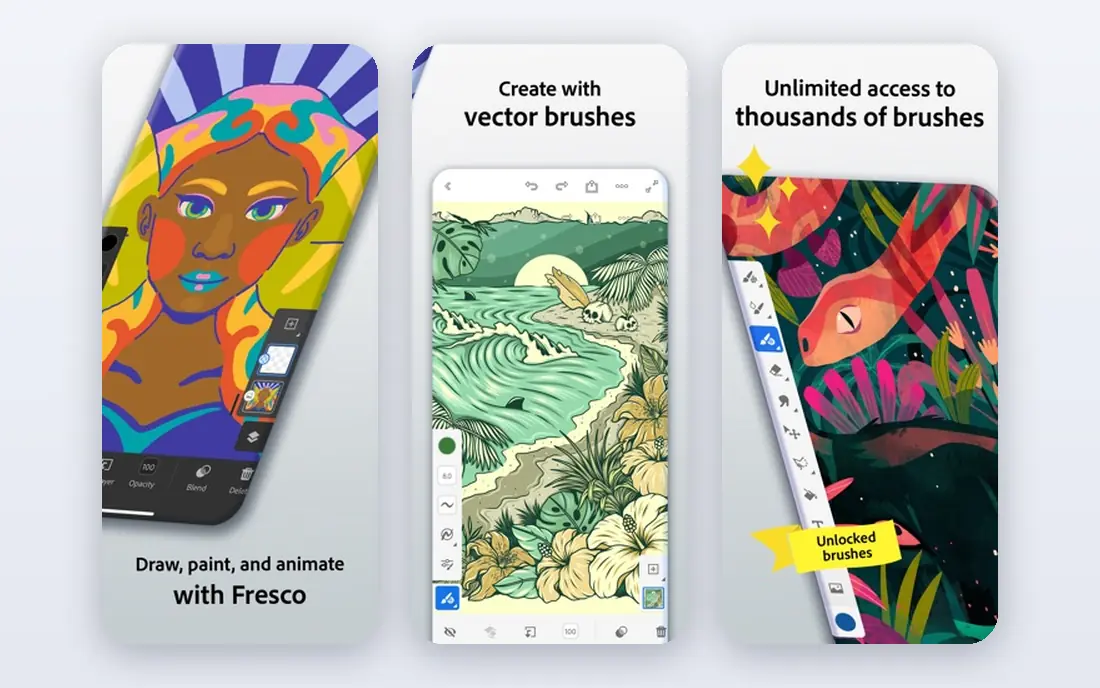
Adobe Fresco suits painters who want brush behaviour that mimics real paint, without leaving a digital canvas. It fits digital painters well, and it is worth a closer look if that description matches how you work day to day.
Its strength is live brushes, which blend and spread in ways that feel closer to traditional media than flat digital strokes. That is the main reason we kept it on this list, even though no single option here suits every buyer.
Its weakness is the free tier, which limits some tools and may push serious painters toward a subscription. If that weakness would slow you down often, look at the next options on this list before you commit.
- Live brushes for oil and watercolour effects
- Vector and raster brushes in one app
- Works with Adobe tools
- Full features need a paid plan
- Best experience is on iPad or Windows
Krita proves that a free app can still handle serious illustration work on a desktop computer. It fits desktop painters on a budget well, and it is worth a closer look if that description matches how you work day to day.
Its strength is depth at no cost, with brush engines, animation tools, and layer handling that rival paid desktop apps. That is the main reason we kept it on this list, even though no single option here suits every buyer.
Its weakness is polish, because the interface and setup can feel less guided than Procreate or Fresco. If that weakness would slow you down often, look at the next options on this list before you commit.
- Free and open source
- Strong brush and layer tools
- Good for illustration and animation
- Interface can feel busy
- Android version is less mature than desktop
ibis Paint is popular with mobile artists who want a huge brush choice without paying upfront. It fits anime and manga fans on mobile well, and it is worth a closer look if that description matches how you work day to day.
Its strength is the brush and material library, which helps anime-style artists find line and tone tools quickly. That is the main reason we kept it on this list, even though no single option here suits every buyer.
Its weakness is ads and paid extras, which can interrupt a free workflow on smaller screens. If that weakness would slow you down often, look at the next options on this list before you commit.
- Very large brush range
- Social and recording features
- Free tier covers core drawing
- Ads on the free tier
- Some features need a paid plan
MediBang Paint gives beginners a free route into comics, with cloud sync that keeps work available across devices. It fits beginners making comics well, and it is worth a closer look if that description matches how you work day to day.
Its strength is accessibility, because the core comic and drawing tools cost nothing and the interface stays simple. That is the main reason we kept it on this list, even though no single option here suits every buyer.
Its weakness is ceiling, because advanced comic artists may outgrow its brush and layout options. If that weakness would slow you down often, look at the next options on this list before you commit.
- Free comic tools and cloud sync
- Works across phone, tablet, and desktop
- Simple interface for new artists
- Brush range is smaller than Clip Studio Paint
- Some assets need a paid plan
Sketchbook is the calm option on this list, with an interface that gets out of the way of the drawing itself. It fits clean sketching on any device well, and it is worth a closer look if that description matches how you work day to day.
Its strength is simplicity, which helps beginners focus on line and shape rather than hunting through menus. That is the main reason we kept it on this list, even though no single option here suits every buyer.
Its weakness is specialisation, because comic or animation artists will need extra tools elsewhere. If that weakness would slow you down often, look at the next options on this list before you commit.
- Clean, uncluttered interface
- Free professional tools
- Works on desktop and mobile
- Fewer comic-specific tools
- Less animation depth than Clip Studio Paint
Concepts works best when a sketch is a plan, not just a picture, because the infinite canvas invites layout and notes. It fits designers and sketch planners well, and it is worth a closer look if that description matches how you work day to day.
Its strength is vector sketching, which keeps lines clean when you zoom, move, or export a design idea. That is the main reason we kept it on this list, even though no single option here suits every buyer.
Its weakness is painting depth, because it does not match Procreate or Krita for textured, painterly work. If that weakness would slow you down often, look at the next options on this list before you commit.
- Infinite canvas for ideas
- Vector-based sketching
- Good for diagrams and product sketches
- Painting brushes are less deep than Procreate
- Some tools need in-app purchases
How we picked these
We checked official feature pages, pricing pages, and app store listings for each app, and we compared brush tools, layer support, platform availability, and published prices. We also read public reviews to see where users reported crashes, missing features, or limits in free plans.
We did not claim hands-on testing, and we left a price as See website when the vendor did not publish a clear starting price. An app stayed on the list only if its official homepage or store listing loaded and clearly belonged to that product.
How to choose a digital art app for your device and style
Start with your device. An iPad-only app is fine if you already own an iPad and a stylus, but it is a poor fit if you work on Android or Windows. A cross-platform app gives you more room to change hardware later without losing your brush library.
Then match the tool to the work. Comic artists need panels and text tools, painters need natural brush behaviour, and designers may need vector layers. A general sketch app can cover early practice, but it may slow you down on a finished comic page.
Finally, check file handling. Look at canvas size limits, layer limits, and export formats, especially if you print work or share files with clients. A low-cost app that exports clean PSD or PNG files is often more useful than a pricier app with locked exports.
Frequently asked questions
What are the best digital art apps for beginners?
Sketchbook, ibis Paint, and MediBang Paint are good starting points because they are free or low cost and easy to learn. Procreate is also beginner-friendly on iPad, despite its one-time price. The best drawing apps for beginners keep the interface simple while still offering layers and brushes.
What is the best digital drawing app for iPad?
Procreate is the most common answer for iPad, thanks to its speed, brush range, and one-time purchase. Clip Studio Paint is a strong alternative if you make comics, and Adobe Fresco suits painters who like live brush behaviour. Your stylus and iPad model also affect performance.
What is the best app for digital art on Android?
ibis Paint and MediBang Paint are widely used on Android, and Clip Studio Paint also runs on Android tablets. Krita has an Android version too, though desktop remains its strongest home. Check stylus support for your exact tablet before you buy a paid plan.
Is there good best art software for comics?
Clip Studio Paint is the usual pick for comics and manga, with panel tools, speech tools, and animation support. MediBang Paint is a free alternative with cloud sync and comic tools. For a single finished page, either can work, but Clip Studio Paint covers more steps in one app.
Are free art apps good enough for serious work?
Yes, for many artists. Krita is a full desktop painting app at no cost, and ibis Paint covers a large brush range for free. Paid apps may offer smoother performance or extra tools, but free apps can still produce finished, printable work if you learn their limits.
Sources we checked (8)

Online Jobs is an independent blog about careers, online work, learning new skills and the tools that help people earn. More about us.
Keep reading
All posts
What's the Best AI App for Creating Images
Find what's the best AI app for creating images, from Midjourney and Adobe Firefly to Ideogram and Leonardo AI, with free plans and honest limits for beginners.
Best AI Tools to Animate Photo
Discover the best ai tools to animate photo in 2026. We compare 8 photo animation apps on motion quality, controls, pricing, and exports to help you pick.
Best AI Photo Generator Apps
We compared the best ai photo generator app options for art, posters, and social posts, covering free plans, pricing, text handling, and commercial use.