Best Apps for Work in 2026: 9 Apps Compared

How we put this together: we compare official feature and pricing pages, app store listings, privacy policies and public user reviews. Prices change, so check the provider's site before you pay.
Key takeaways
- One app per job beats several apps doing the same job, because overlap creates confusion about where work lives.
- Free plans are useful for small teams, but history limits and user limits matter as you grow.
- Integrations matter: chat, tasks and docs should connect, not live in separate silos.
- Pick tools your team will actually open daily, not just the ones with the longest feature list.
Quick comparison
| Name | Who it suits | Starting price | Free option | |
|---|---|---|---|---|
 Slack | Team chat and channels | $7.25 per month | Yes | Visit |
 Notion | Docs, wikis and databases | $10 per month | Yes | Visit |
 Asana | Cross team projects | $10.99 per month | Yes | Visit |
 Trello | Simple kanban boards | $5 per month | Yes | Visit |
 ClickUp | All in one work workspace | $7 per month | Yes | Visit |
 Todoist | Personal and shared task lists | $5 per month | Yes | Visit |
 Microsoft Teams | Chat inside Microsoft 365 | See website | Yes | Visit |
 Google Workspace | Docs, email and meetings | $7 per month | Yes | Visit |
 Toggl Track | Time tracking and reports | $9 per month | Yes | Visit |
The best apps for work
We compared work apps by the job they do best, ease of adoption, integrations and price, so you can build a small stack that covers chat, tasks, docs and time without overlap.
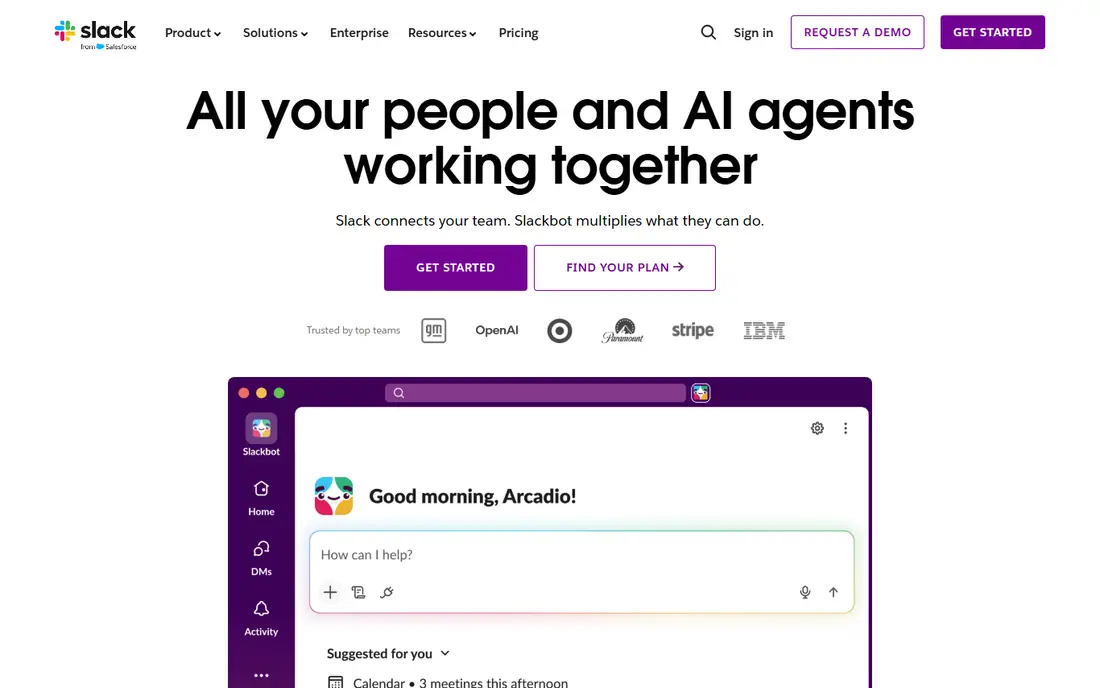
Slack is the default team chat for many small and mid sized teams. Channels organise conversations by project or topic, integrations bring alerts from tasks, code and sales tools into chat, and search helps you find past decisions. For day to day communication, it keeps work visible without endless email threads.
The catch is history and noise. The free plan limits message history, and unmanaged channels can create notification overload. Set channel rules early, archive dead channels, and use threads for side discussions. With that discipline, Slack remains a strong communication hub.
- Channel based chat
- Many integrations
- Search and file sharing
- Free history limited to 90 days
- Notification overload if unmanaged
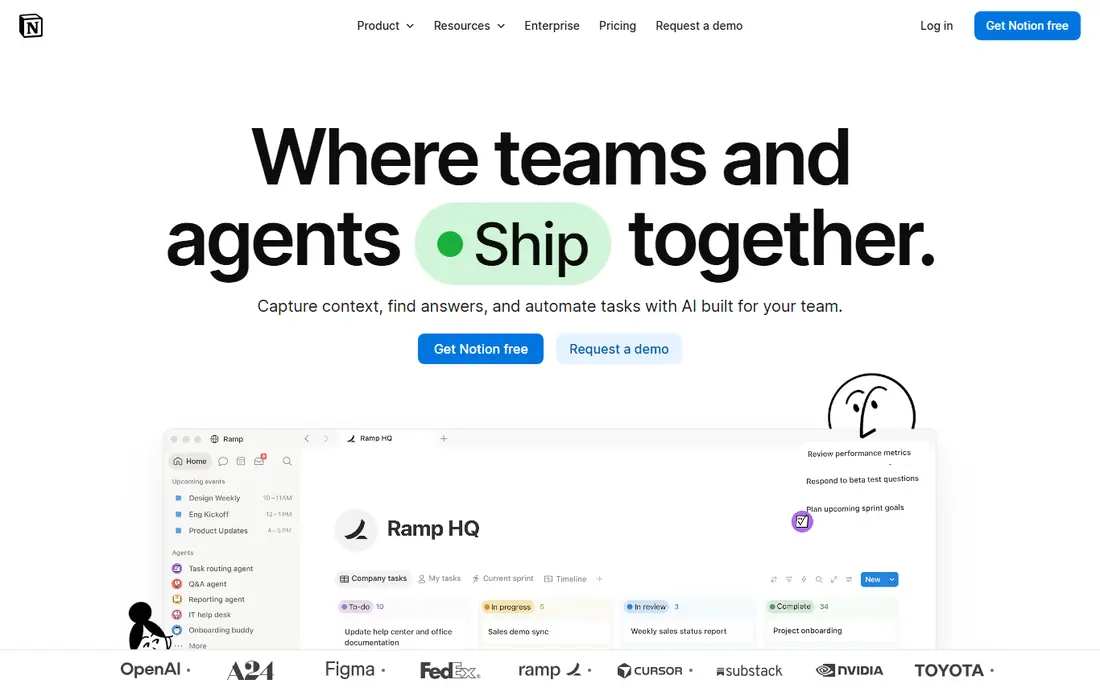
Notion suits teams that want docs, wikis and databases in one workspace. Build a company wiki, track projects in databases, and keep meeting notes alongside tasks, all in pages your team can edit together. Templates help you start, and the flexibility suits teams with varied needs.
The catch is setup and governance. Without an owner and clear structure, a Notion workspace can become messy. Start with a few core pages, agree on naming and ownership, and expand slowly. If you need a single home for knowledge and light project tracking, Notion is hard to beat.
- Flexible pages and databases
- Wikis and docs
- Templates
- Setup takes time
- Can become messy without an owner
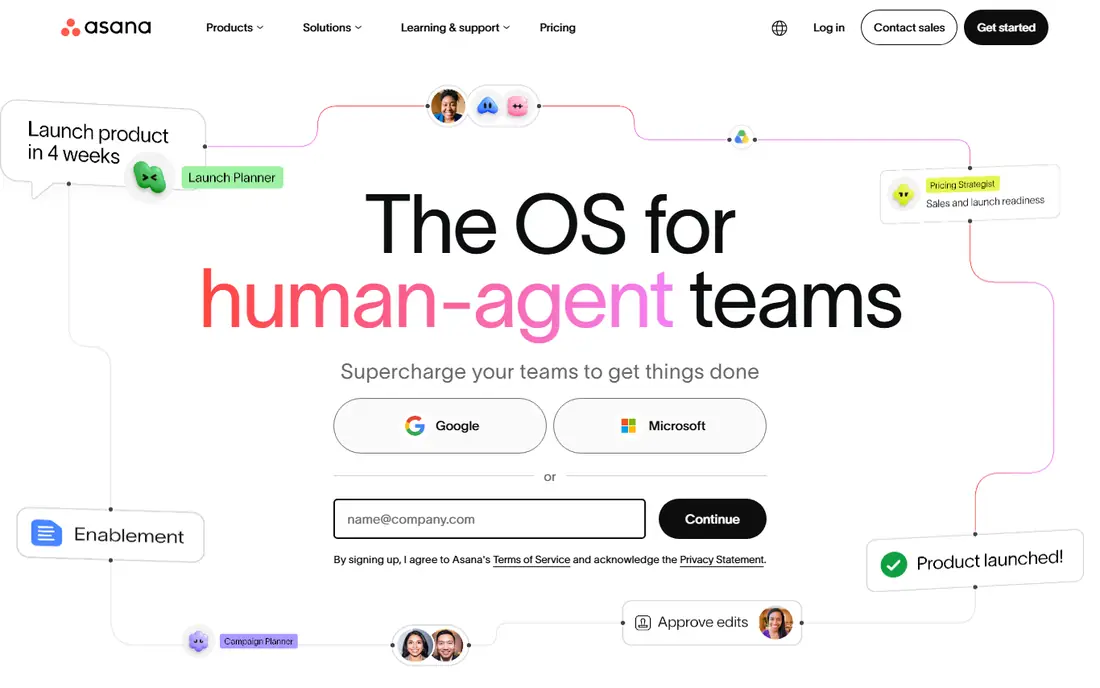
Asana suits cross team projects that need clear ownership and deadlines. List, board, timeline and calendar views show work from different angles, and rules automate routine steps such as assigning tasks or updating status. That structure helps teams that run many projects at once.
The catch is free plan limits and tiering. The free plan suits very small teams, while larger teams and advanced automation need paid plans. If your work is project based and needs visibility across teams, Asana offers a clear, adoptable system.
- Project views and timelines
- Rules and automation
- Portfolios on higher plans
- Free plan limited to small teams
- Advanced features on higher plans
Trello suits small teams that want a kanban board running today. Create a board, add cards, move them across lists, and assign members and due dates in minutes. That simplicity helps for content pipelines, hiring boards and small project tracking where a heavy system would slow work down.
The catch is depth. Native task dependencies are limited, and complex projects with many rules may outgrow Trello. Power Ups add features, but costs can add up. If you need a simple visual board, Trello is fast and friendly. If you need structured portfolios, Asana or ClickUp fit better.
- Easy kanban boards
- Quick setup
- Power Ups for extras
- No native dependencies
- Limited for complex projects
ClickUp suits teams that want one workspace for tasks, docs, goals and time tracking. The free plan covers unlimited tasks and members, and paid plans add dashboards, workload views and automation. That breadth helps teams that want to reduce the number of tools they pay for.
The catch is complexity. So many features can overwhelm a new team, and a messy workspace follows if no one owns setup. Turn off features you do not use, appoint an admin, and start with one project. On value alone, ClickUp is one of the strongest work apps available.
- Tasks, docs, goals and time tracking
- Many views
- Generous free plan
- Can feel overwhelming
- Setup needs an owner
Todoist suits individuals and small teams who live by task lists. Quick Add lets you type a task in plain language with a date, and projects, labels and filters organise work without a heavy project system. Shared projects help small teams coordinate without learning a full platform.
The catch is project depth. Full team workspaces need the Business plan, and complex project views are thinner than in Asana or ClickUp. If your main need is capturing and completing tasks reliably, Todoist is excellent. If you run large cross team projects, pick a project tool instead.
- Fast task capture
- Natural language dates
- Shared projects
- Team workspace features need Business plan
- Less project depth
Microsoft Teams suits organisations already using Microsoft 365. Chat, video meetings and file collaboration sit alongside Word, Excel, Outlook and SharePoint, so work stays in one environment. Calendar and file integration are genuinely native, which reduces switching between apps.
The catch is feel and value outside Microsoft. The interface is heavier than Slack, and the best value comes inside a Microsoft 365 subscription. If your organisation already pays for Microsoft 365, Teams is a natural choice. If not, Slack plus a separate project tool may be simpler.
- Chat, video and file collaboration inside Microsoft 365
- Outlook integration
- Interface feels heavy
- Best value inside Microsoft shops
Google Workspace suits teams that live in Gmail, Docs and Drive. Email, documents, spreadsheets, storage and video meetings share one account system, and sharing is simple. That unity helps small teams collaborate on documents and schedule meetings without extra tools.
The catch is cost per user and plan tiers. Costs add up as teams grow, and advanced admin controls sit on higher plans. If your team already uses Google tools, Workspace formalises that setup with business email and support. If you only need docs, a free Google account plus Slack and Asana may be enough.
- Gmail, Docs, Drive and Meet in one suite
- Easy sharing
- Per user cost adds up
- Admin controls vary by plan
Toggl Track suits teams that need to know where time goes. Start a timer with one click, tag time by project or client, and generate reports for billing, payroll or planning. Integrations with project tools help teams track time without leaving their main workspace.
The catch is free limits and reporting tiers. The free plan suits small teams, while deeper reporting needs paid plans. If you bill by time or want to improve estimates, Toggl Track gives clear data with little friction. If you only need a simple timer, a free plan may be enough.
- One click timers
- Reports
- Integrations with project tools
- Free plan limited to small teams
- Reporting depth on higher plans
How we picked these
We checked official pricing pages and product pages for each app, including free plan limits, paid starting prices and what each plan includes. We compared the core job of each app, rather than ranking chat tools against project tools directly, because a good stack needs different tools for different jobs. We also weighed adoption ease, since a tool nobody opens helps no one.
We did not claim hands on testing we did not do. Prices change and vary by billing term and team size, so confirm current prices on vendor pages before you buy. Where sources differed on a starting price, we used the most recent vendor or well sourced figure and used See website where a single price would mislead.
How to build a work app stack without overlap
Start with four jobs: chat, tasks, docs and time. Pick one app for each job and write down where each kind of work lives. Chat is for discussion, tasks are for owned work with dates, docs are for knowledge, and time tracking is for billing or planning. That simple rule prevents work from hiding in chat threads.
Next, connect the tools you pick. Make sure tasks can be created from chat, docs can link to tasks, and time can be tracked from project work. Integrations do not need to be perfect, but a stack that requires copying the same update into three places will fail under pressure.
Finally, review the stack after a month. Check which apps are opened daily, which are ignored, and where duplicate work appears. Drop tools that duplicate a job, even if they are free, because attention is the real cost. A small, well used stack beats a large, half used one every time.
Frequently asked questions
What are the best apps for work?
Slack for chat, Asana or ClickUp for projects, Notion for docs, Todoist for task lists and Toggl Track for time tracking form a strong core stack. The best mix depends on team size, existing tools and whether you use Microsoft 365 or Google Workspace.
Can I get work apps for free?
Yes, most apps on this list offer free plans, though limits vary. Slack limits history, Asana limits free team size, and Toggl Track limits free users. Free plans suit small teams and testing, while growing teams usually need a paid plan for history and admin controls.
Do I need Slack and Microsoft Teams?
No. Pick one chat tool for your team. Slack suits teams that want broad third party integrations, while Teams suits organisations already on Microsoft 365. Running both creates confusion about where conversations live.
What is the best project app for a small team?
Trello suits simple kanban work, Asana suits cross team projects, and ClickUp suits teams that want tasks, docs and goals in one place. Start with the simplest tool that covers your project style, and move up only when limits block real work.
How many work apps should a small team use?
Fewer than you think. A chat app, a task or project app, a docs app and, if you bill time, a time tracker cover most needs. Add scheduling or video tools only when a clear gap appears, and drop any tool that duplicates another job.
Is Notion good for project management?
Notion can handle light project tracking with databases and pages, especially alongside docs and wikis. For complex projects with timelines, rules and portfolios, a dedicated project tool like Asana or ClickUp is usually stronger.
Sources we checked (9)

Online Jobs is an independent blog about careers, online work, learning new skills and the tools that help people earn. More about us.
Keep reading
All posts
Zoom Alternatives
Zoom alternatives compared for 2026: Google Meet, Microsoft Teams, Webex, Jitsi and more for free calls, large meetings and webinars for teams and classrooms.

Which Software Is Best for Data Entry
Compare the best data entry software for forms, OCR scanning, and spreadsheets, with free plans, pricing, and honest limits for each tool before you commit.

What Is the Best Free Tool to Rotate a PDF
What is the best free tool to rotate a PDF? We compare eight free rotation tools on per-page control, limits, privacy and saved output quality in detail.