Best Apps for Study Management in 2026: 8 Apps Compared

How we put this together: we compare official feature and pricing pages, app store listings, privacy policies and public user reviews. Prices change, so check the provider's site before you pay.
Key takeaways
- MyStudyLife is the best dedicated academic planner, since it understands class schedules, rotating timetables and exams rather than treating them as generic tasks.
- Google Calendar plus a task app is the best free starting point if you want a visual week without learning a new system.
- Notion suits students with long projects and lots of notes, but it needs setup before it helps, so start with one simple assignment table.
- Todoist and TickTick are the best choices for turning assignments into a clear daily list, with TickTick adding focus timers and habits.
- Forest helps with phone distraction during study sessions, which is a different problem from planning, so pair it with a planner rather than replacing one.
Quick comparison
| Name | Who it suits | Starting price | Free option | |
|---|---|---|---|---|
 MyStudyLife MyStudyLife | Academic schedules and exams | Free | Yes | Visit |
 Google Calendar Google Calendar | Visual weekly study plan | Free | Yes | Visit |
 Notion Notion | Course notes and project dashboards | Free | Yes | Visit |
 Todoist Todoist | Assignment lists and deadlines | Free | Yes | Visit |
 TickTick TickTick | Tasks, habits and focus timers | Free | Yes | Visit |
 Forest Forest | Staying off your phone while studying | See website | No | Visit |
 Microsoft To Do Microsoft To Do | Simple Outlook-connected lists | Free | Yes | Visit |
 Structured Structured | Visual daily timeline | Free | Yes | Visit |
The best apps for study management
Study management is really three jobs: knowing when classes and exams happen, tracking assignments until they are done, and protecting actual study time. No single app does all three perfectly, so the best setup is usually a planner for the timetable plus a task list for the work. We compared official feature pages, pricing pages and student-focused reviews for the apps below.
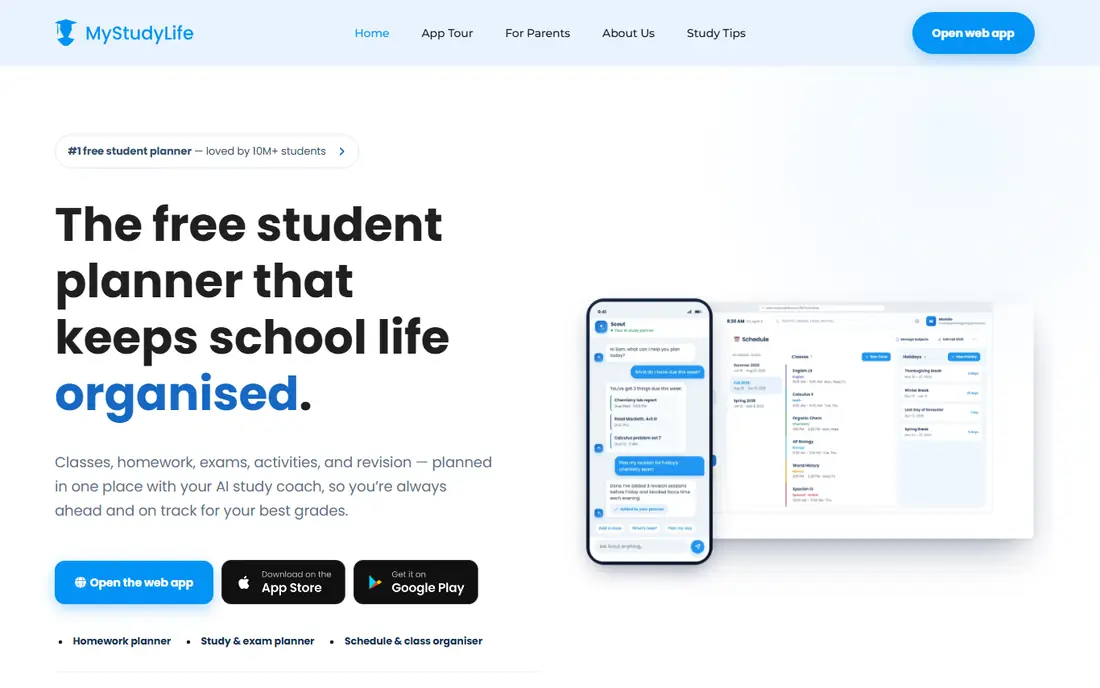
MyStudyLife is the only app here built from the ground up for students, and that shows in how it handles timetables. It supports rotating schedules, block days and alternating weeks, which generic calendars handle awkwardly, and it keeps classes, homework and exams as separate kinds of work with their own reminders. Exam countdowns make it easy to see how many days you have left, which helps with planning revision.
The honest limit is data entry. MyStudyLife does not read your syllabus, so assignments and due dates mostly get typed in by hand, and its premium tier adds features such as subtasks and advanced grade tracking. The free tier now shows ads, according to recent student reviews. If your schedule is complicated, though, no generic task app matches how well it models a school week.
- Built for rotating and block class schedules
- Tracks classes, homework and exams separately
- Syncs across devices free
- Assignment entry is mostly manual
- Limited group project features
- Cannot attach files to assignments on the free tier
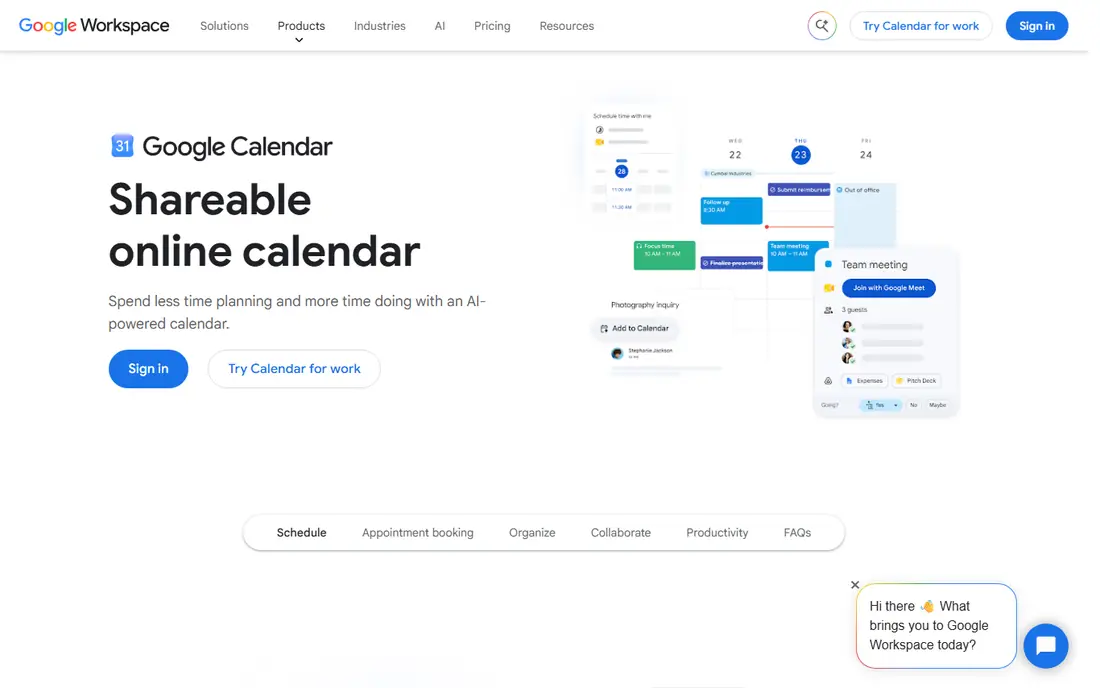
Google Calendar is the best free starting point because it turns a list of intentions into a week with hard edges. Put classes in first as recurring events, then place study blocks around them, and an impossible plan becomes obvious fast. Sharing makes it easy to coordinate group study sessions, and reminders keep classes and deadlines visible on your phone.
Calendars are poor homes for unscheduled ideas and detailed project plans, so pair Google Calendar with a short task list rather than squeezing every assignment into a time slot the moment it arrives. Used that way, it is the backbone of a study system: the calendar shows when you will work, and the task app shows what needs doing.
- Free with a Google account
- Clear visual week with recurring classes
- Easy sharing and reminders
- Weak task backlog for unscheduled work
- No built-in assignment tracking
- A tidy calendar can still hide an unrealistic workload
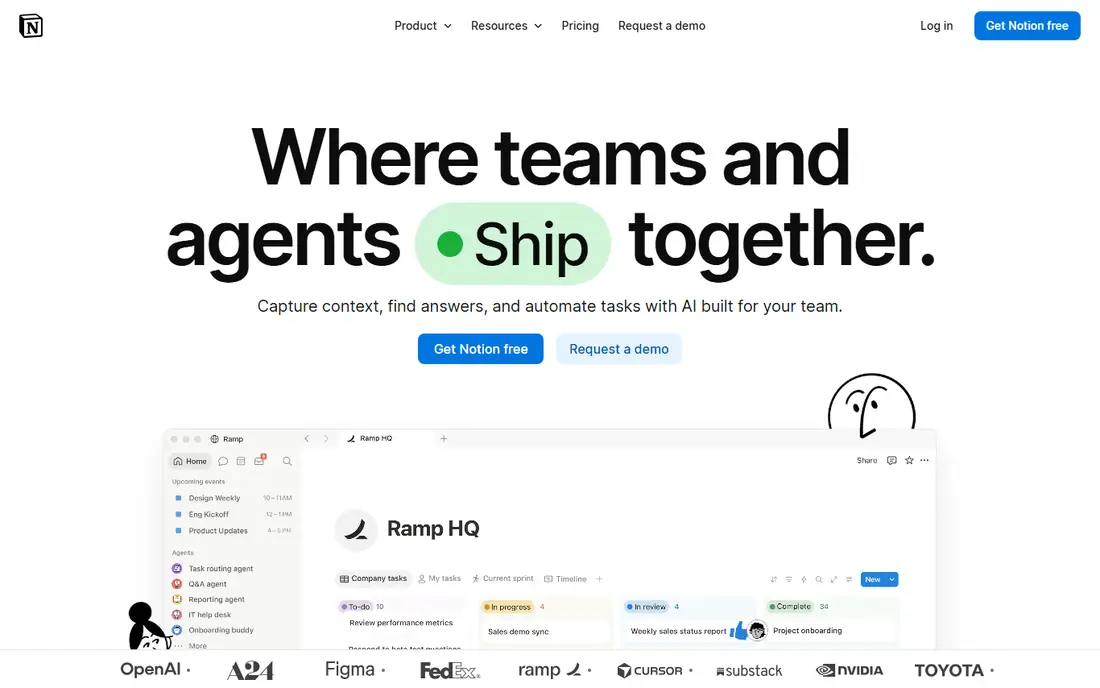
Notion can hold course pages, an assignment database, reading lists and project notes in one flexible workspace, which suits students with long projects or complicated courses. You can create exactly the fields and views you need, such as a table of assignments sorted by due date and a page of notes for each class. Eligible students can also get education benefits on top of the free plan.
The freedom is also the trap. If you spend longer styling a dashboard than checking your deadlines, use a simpler planner instead. The practical way to start is one plain assignment table with columns for subject, task, due date and status, and nothing else. Add views and templates only after that table is part of your daily habit.
- Flexible databases for assignments, notes and reading lists
- Education benefits for eligible students
- Works on every major platform
- Needs setup before it helps
- Easy to spend more time styling pages than studying
- No built-in class timetable logic
Todoist is the best choice if your main problem is turning assignments into a list you actually check. You can type a task in plain language with a due date, sort tasks into projects by class, and break large assignments into smaller steps. Reminders keep deadlines visible, and the app works on nearly every platform, so your list is always within reach.
The free plan limits the number of projects, which matters if you take many classes, and calendar views with durations and time blocking sit behind the paid plan. It also treats an exam like any other task, without the academic structure MyStudyLife offers. For straightforward assignment tracking, though, its speed and simplicity are hard to beat.
- Fast natural-language task entry
- Projects by class keep work separate
- Reminders and priorities on the free plan
- Calendar layout and time blocking require the paid plan
- Only a limited number of projects on the free plan
- Does not treat classes and exams specially
TickTick is the pick for students who want tasks and focus time in one app. Alongside task lists and a calendar view, it includes a built-in Pomodoro timer for timed study sessions and habit tracking for daily routines such as revision or reading. That combination suits students who study in focused blocks and want to build a steady daily rhythm.
The app packs a lot in, so the first week can feel busy while you learn which views you actually need. Some features require the paid plan, and habit tracking only helps if you keep the habit list short. Start with tasks and the timer, add habits for one or two routines, and ignore the rest until those two habits are solid.
- Combines tasks, calendar, habits and a Pomodoro timer
- Good for daily study routines
- Affordable paid plan
- Interface has many features to learn
- Some views require the paid plan
- Habit tracking can become a chore if overused
Forest solves a different problem from the planners on this list: distraction. You plant a virtual tree, set a focus timer, and the tree grows while you stay in the app. Leave early to check your phone and the tree withers, which is a small but effective nudge to keep studying. It is simple, pleasant and easy to understand in seconds.
It does not manage assignments, classes or deadlines, so it cannot replace a planner. Think of it as a companion to MyStudyLife or Todoist: the planner tells you what to study, and Forest helps you actually stay with it for the session. If phone distraction is not your problem, you do not need it. If it is, it is one of the most effective tools here.
- Gamified focus timer that grows a virtual tree while you stay off your phone
- Simple and pleasant to use
- Works well with a separate planner
- Paid app with no free plan
- Does not manage assignments or schedules
- A planted tree will wither if you leave the app early
Microsoft To Do is the best choice if you want the simplest possible list and you already use Outlook or Microsoft 365. It covers the basics well: lists, due dates, reminders and a daily planning view that helps you pick today's tasks. There is no learning curve, and it syncs across devices without a subscription.
The feature set is deliberately basic. You will not get class timetables, Pomodoro timers or project dashboards, and students with complex coursework will outgrow it. For a student who wants one clean list for assignments and nothing else, though, that simplicity is a strength rather than a weakness, since the app never gets in the way of the work.
- Completely free
- Simple lists with reminders and due dates
- Connects with Outlook and Microsoft 365
- Basic feature set
- No academic schedule features
- Weaker project views than Notion or Todoist
Structured is the pick for students who plan day by day rather than by semester. It turns your tasks into a visual timeline, so you can see at a glance whether your day is realistic or packed with more work than the hours allow. That visual check is useful on busy days when a plain list hides how long everything will take.
The day-by-day focus is also its limit. Structured does not replace a semester planner or an assignment database, so pair it with MyStudyLife for the timetable or Todoist for the backlog. Used together, the planner holds the semester, the task app holds the work, and Structured holds today, which is a setup many students find easier to stick with.
- Turns your day into a clear visual timeline
- Easy to see gaps and overloads
- Gentle interface that encourages realistic plans
- Focuses on one day at a time rather than a semester view
- Advanced features require a paid plan
- No built-in assignment database
How we picked these
We compared official feature pages, pricing pages and student-focused reviews, and we favored apps with a free plan or a low-cost entry point, since students rarely need an expensive tool to stay organized. We included dedicated academic planners, general task apps, a calendar, a focus tool and a visual day planner, because study management covers scheduling, task tracking and focus, and different students struggle with different parts. We did not claim hands-on testing of every feature, since we compared published information and public documentation. Where a price could not be confirmed on the vendor's own site, we marked it as See website.
How to set up a study system that lasts past week one
Put classes in first, then study blocks
Open your timetable and add every class as a recurring event before you plan anything else. Then add study blocks in the gaps, leaving space for meals, travel and delays. A plan that fills every hour will fail in the first week, so leave at least one unscheduled block each day for work that runs long.
Keep one list for all assignments
Choose one task app and put every assignment in it, with the due date and the class attached. When assignments live in several places, such as email, a syllabus and a chat group, deadlines slip. Spend ten minutes each Sunday moving new assignments into the list and checking what is due in the next two weeks.
Break large work into dated steps
A term paper or project is not one task, it is a chain of steps: research, outline, draft, revise and submit. Give each step its own due date in your task app, working backward from the final deadline. That turns a large, stressful task into a series of small ones you can finish in a single study block.
Protect focus time with a timer
Use a Pomodoro timer, or Forest if phone distraction is your main problem, for study blocks of 25 to 50 minutes with short breaks between them. Track which blocks actually happened, not just which were planned, so you can adjust next week's plan to match your real pace rather than your hopes.
Frequently asked questions
What is the best app for organizing life as a student?
MyStudyLife is the best dedicated student organizer for classes and exams, while Google Calendar plus Todoist is the best free general setup for organizing life and study together. Pick the dedicated planner if your timetable is complicated, and the general setup if you also manage work, clubs and personal tasks in one place.
What are the best organizational apps for students?
The strongest organizational apps for students are MyStudyLife for academic planning, Notion for notes and project dashboards, Todoist for assignment lists and TickTick for tasks plus focus timers. Most students need two of these, not all four, so start with the one that fixes your biggest problem.
What is the best free organizer app for studying?
MyStudyLife and Google Calendar are the best free organizer apps for studying, since both are free and cover the core jobs of scheduling and reminders. Microsoft To Do is another free option if you want a simple list without extra features.
What is the best app for organization and productivity for students?
Todoist and TickTick lead for organization and productivity, because they turn assignments into actionable lists with reminders and priorities. TickTick adds focus timers and habits, while Todoist is faster for pure task capture, so choose TickTick if you want routines and Todoist if you want speed.
How do I organize my study time better?
Start by putting classes in a calendar, then add study blocks around them and keep a single assignment list with due dates. Review the list weekly, break large work into dated steps, and use timed focus sessions for the actual studying, since planning alone does not create study time.
Sources we checked (8)

Online Jobs is an independent blog about careers, online work, learning new skills and the tools that help people earn. More about us.
Keep reading
All posts
Zoom Alternatives
Zoom alternatives compared for 2026: Google Meet, Microsoft Teams, Webex, Jitsi and more for free calls, large meetings and webinars for teams and classrooms.

PowerPoint Alternatives
Compare the best PowerPoint alternatives, from free Google Slides and Canva to Prezi and Gamma, with prices, collaboration and export options covered.
Gmail Alternatives
Gmail alternatives compared for 2026: Proton Mail, Outlook, Tuta, Fastmail, Zoho Mail and more for privacy, business and cross-platform use for US readers.