Best Apps for Reading Books in 2026: 9 Apps Compared

How we put this together: we compare official feature and pricing pages, app store listings, privacy policies and public user reviews. Prices change, so check the provider's site before you pay.
Key takeaways
- Kindle and Apple Books suit buyers who want a large store, while Libby suits library borrowers who want free books.
- Kobo is the strongest alternative store and reader for people who want an open ecosystem and a dedicated e-reader.
- Tracking apps such as Goodreads and StoryGraph help you remember what you read, but they are not bookstores.
- Subscription apps suit heavy readers, but check whether the books you want are included before you pay monthly.
- Pick an app that works on the devices you already own, because a great library on the wrong device will go unused.
Quick comparison
| Name | Who it suits | Starting price | Free option | |
|---|---|---|---|---|
 Kindle | Largest ebook store and reader | Free | Yes | Visit |
 Libby | Free library ebooks and audiobooks | Free | Yes | Visit |
 Apple Books | Reading on iPhone, iPad, and Mac | Free | Yes | Visit |
 Kobo | Alternative store and e-readers | Free | Yes | Visit |
 Google Play Books | Reading on Android and web | Free | Yes | Visit |
 Audible | Audiobooks with a large catalogue | See website | Free trial | Visit |
 Scribd | Subscription reading and audio | See website | Free trial | Visit |
 Goodreads | Tracking books and finding recommendations | Free | Yes | Visit |
 StoryGraph | Tracking with detailed reading stats | Free | Yes | Visit |
The best apps for reading books
We compared these apps by catalogue, price model, device support, and whether they sell, lend, or track books. That distinction matters, because a tracking app will not sell you a book, and a library app will not keep a book forever. Use the mix that fits how you read: buy, borrow, listen, or track.
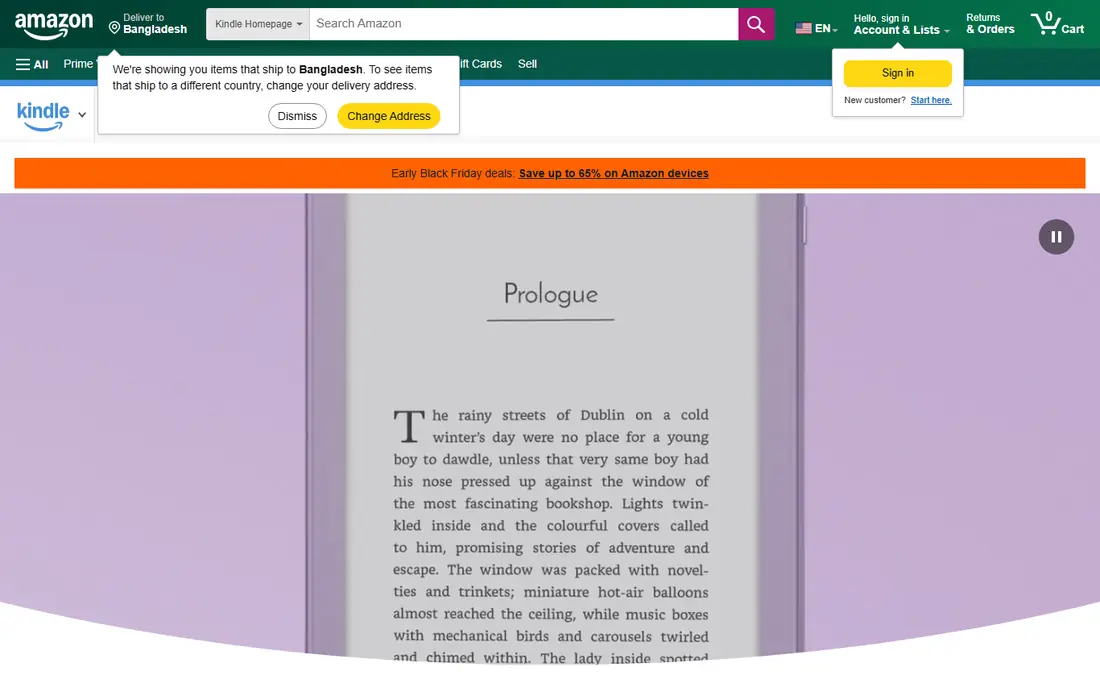
Kindle is our pick for most readers who buy books, because the store is large, the app is free, and reading progress syncs across phone, tablet, and dedicated Kindle devices. You can buy a book in seconds, adjust font and layout, and pick up on another device without losing your place. That convenience is hard to beat for daily readers. The catch is ecosystem lock-in. Kindle books use Amazon formats and protections, so moving a large Kindle library to another reader is not simple. If you borrow from a library, use Libby alongside Kindle, because Libby sends many library loans to Kindle in the US.
- Huge ebook store
- Syncs across phone, tablet, and Kindle devices
- Whispersync for many audiobook pairs
- Store is tied to Amazon
- Library lending works through Libby rather than inside Kindle store
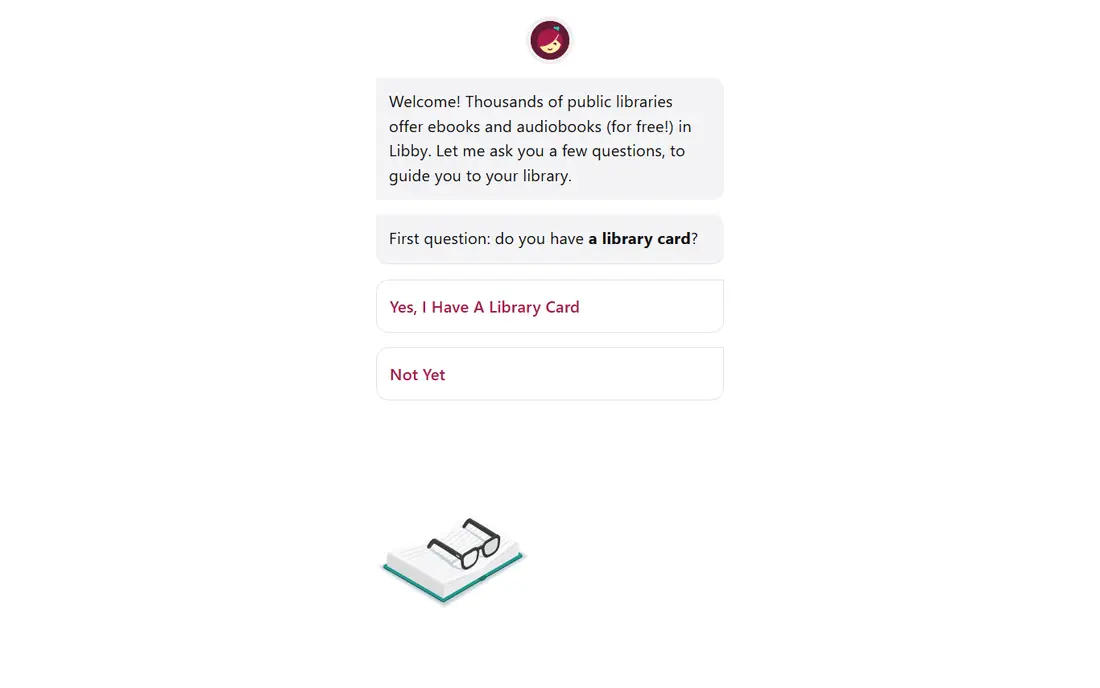
Libby is the best app in this list for value, because it gives you free ebooks and audiobooks through your public library. All you need is a library card, and you can borrow, place holds, and return books from your phone. That makes it ideal for readers who finish many books and do not want to buy every one. The honest limit is availability. Popular new releases often have long holds, and loans expire after the lending period, so you cannot keep a book forever. Use Libby for discovery and for books you will read once, and buy the few you want to keep.
- Free with a library card
- Ebooks and audiobooks in one app
- Holds and loans managed clearly
- Popular books have waitlists
- Loans expire, so you do not own the book
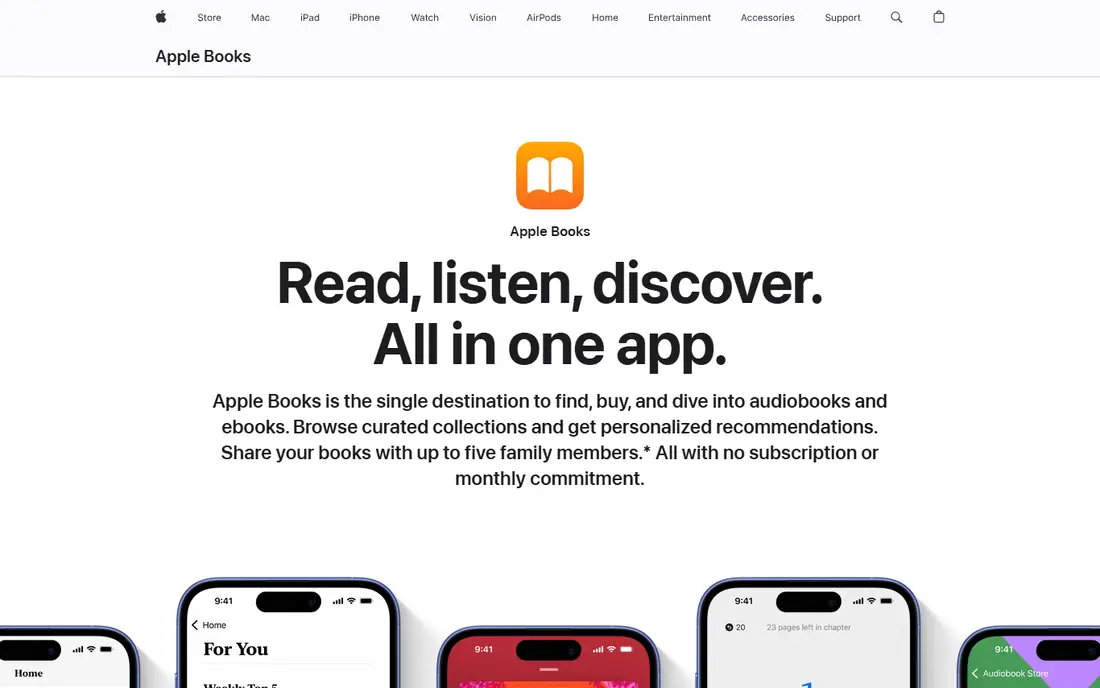
Apple Books suits readers who live in the Apple ecosystem and want a clean, built-in reader without a separate app. The store covers ebooks and audiobooks, the reader is polished, and progress syncs across iPhone, iPad, and Mac. That simplicity appeals to casual and regular readers alike. The weakness is platform scope. Apple Books is at its best on Apple devices, so Android and Windows readers should pick Kindle, Kobo, or Google Play Books instead. Check the store for your favourite authors, because catalogue strengths differ by genre.
- Clean reading experience on Apple devices
- Built-in store and audiobooks
- Syncs across Apple devices
- Best on Apple devices only
- Store size differs from Kindle in some categories
Kobo is the strongest alternative to Kindle for readers who want choice. Its store is large, its e-readers support a wider range of file formats, and its app works on phone and tablet as well as on Kobo devices. That openness suits readers who buy from several stores or who keep their own ebook files. The catch is US presence. Kindle remains larger in the US store market, so some titles may appear first or only on Kindle. If you already own a Kobo reader, or you want to avoid Amazon lock-in, Kobo is the clear pick.
- Large store with an open approach
- Dedicated Kobo e-readers
- Supports more file types than Kindle
- Smaller US store presence than Kindle
- App experience varies by device
Google Play Books suits Android users and readers who want to read in a browser as well as on a phone. The app is free, the store covers many popular titles, and you can upload your own ebook files to read alongside purchases. That upload feature is useful for readers with existing files from other sources. The honest weakness is reader polish. Play Books is solid for everyday reading, but its annotation and organisation tools are simpler than Kindle or Kobo. For most casual readers, that simplicity is fine, and the cross-device web access is a real plus.
- Works on Android, iOS, and web
- Lets you upload your own files
- Frequent discounts
- Reader features are simpler than Kindle or Kobo
- Store depth varies by genre
Audible is the leading audiobook app for listeners who want the widest choice, including new releases and Audible originals. Membership gives monthly credits to buy audiobooks, plus access to a rotating selection of included titles, and the app supports bookmarks, sleep timers, and playback speed. That makes it ideal for commutes, workouts, and chores. The catch is cost and credit rules. A monthly membership is a real expense, and unused credits can expire under the terms, so check the current membership page and only subscribe if you listen to at least one book a month. Library listeners should try Libby first for free audiobooks.
- Very large audiobook catalogue
- Membership includes credits
- App has sleep timer and bookmarks
- Monthly cost adds up
- Credits expire under membership rules, so check terms
Scribd suits heavy readers who want ebooks, audiobooks, and magazines under one monthly subscription, rather than buying each title. If you read several books a month, the subscription can cost less than buying them one by one, and the app works on phone, tablet, and web. That breadth is its main draw. The limitation is catalogue. Scribd does not include every publisher title, and availability can change, so search for your must-read authors before you subscribe. Use the trial to test whether the books you actually want are included.
- Subscription covers ebooks, audiobooks, and magazines
- Good for heavy readers
- Works across devices
- Not every title is included
- Catalogue changes, so check for your authors
Goodreads is the best-known tracking app, and it remains useful for one job: remembering what you read, what you want to read, and what friends recommend. You can shelve books, set a yearly reading challenge, rate titles, and browse lists by genre. That social layer helps readers discover books they would miss in a store alone. The catch is that Goodreads does not sell or lend books, and its app can feel busy compared with StoryGraph. Use it for tracking and discovery, and pair it with Kindle, Libby, or Kobo for actual reading.
- Huge community and book database
- Reading challenge and shelves
- Recommendations from friends
- Not a bookstore or reader
- App can feel cluttered
- Owned by Amazon
StoryGraph is our pick for readers who want better stats and cleaner tracking than Goodreads offers. It breaks your reading down by mood, pace, genre, and page count, and its recommendations use those details rather than only star ratings. That makes it useful for readers who want to understand their habits or find books that match a specific mood. The trade-off is community size. Goodreads has more users and more reviews, so StoryGraph may have fewer friend recommendations at first. Paid plans add more stats and features, while the free plan covers core tracking well.
- Detailed mood, pace, and genre stats
- Clean tracking interface
- Recommendations based on your taste
- Smaller community than Goodreads
- Not a bookstore
- Some features need a paid plan
How we picked these
We compared official app and store pages, library and subscription models, device support, and whether each app sells, lends, listens, or tracks. We favoured apps with current releases, clear pricing, and real use by ordinary readers, and we mixed stores, library apps, subscription apps, and trackers so readers can build a complete reading setup. We left out apps that have shut down or that only offer pirated content, because those do not support authors or libraries.
How to build a reading setup that sticks
Start with how you already read. If you read on your phone in short bursts, a phone-first app such as Kindle or Apple Books will suit you better than a dedicated e-reader you leave at home. If you read for an hour each evening, a Kindle or Kobo device may be worth it for eye comfort and battery life. Match the device to the habit, not the other way round, and keep your library in one main store so you do not lose track of purchases.
Next, mix buying and borrowing. Use Libby for books you will read once, buy the books you want to annotate or reread, and use a subscription only if you read enough each month to beat the cost of buying. Track everything in Goodreads or StoryGraph, because a simple want-to-read list prevents duplicate buys and helps you remember recommendations. Finally, set a realistic reading goal, such as a number of pages per day rather than a large yearly total, and keep the next book ready before you finish the current one, because a gap is where reading habits fade.
Frequently asked questions
What are the best apps for books reading on a phone?
Kindle, Apple Books, Kobo, and Google Play Books all read well on a phone, with Kindle best for store size, Apple Books best on Apple devices, and Google Play Books best for Android and web reading. Pick the one that matches your phone and your store preference.
What are the best book reading apps with a subscription?
Scribd covers ebooks, audiobooks, and magazines under one subscription, while Audible covers audiobooks through credits and included titles. Check whether your favourite authors are included before you pay, because subscription catalogues do not cover every title.
What are the best reading tracking apps?
Goodreads and StoryGraph lead for tracking, with Goodreads offering the largest community and StoryGraph offering better stats and mood-based recommendations. Both are free for core tracking, so try both for a month and keep the one you actually open.
What are the best apps to track books read and set goals?
Goodreads offers a yearly reading challenge and shelves, while StoryGraph offers detailed stats on pace, mood, and genre alongside goals. StoryGraph suits data-minded readers, while Goodreads suits readers who value friend recommendations.
What is the best app for keeping track of books read over years?
StoryGraph and Goodreads both keep a long-term history, and both let you export or review past reads. StoryGraph gives clearer long-term stats, while Goodreads gives a larger archive of community reviews for older titles.
What is the best book subscription app for audiobooks?
Audible leads for audiobook choice, while Scribd suits readers who want audiobooks plus ebooks in one plan. Libby is the free alternative for audiobooks, subject to library availability and waitlists.
Sources we checked (9)

Online Jobs is an independent blog about careers, online work, learning new skills and the tools that help people earn. More about us.
Keep reading
All posts
Zoom Alternatives
Zoom alternatives compared for 2026: Google Meet, Microsoft Teams, Webex, Jitsi and more for free calls, large meetings and webinars for teams and classrooms.

Which Software Is Best for Data Entry
Compare the best data entry software for forms, OCR scanning, and spreadsheets, with free plans, pricing, and honest limits for each tool before you commit.
What's the Best App to Read PDFs
Find what's the best app to read PDFs in 2026, from Adobe Acrobat Reader and Foxit to PDF Expert and Xodo, with free options and honest limits for every device.