Best Apps for Productivity Tips in 2026: 9 Apps Compared

How we put this together: we compare official feature and pricing pages, app store listings, privacy policies and public user reviews. Prices change, so check the provider's site before you pay.
Key takeaways
- Todoist and TickTick are the best starting points for personal tasks, because capture is fast and the free tiers are useful.
- Notion suits teams and knowledge workers who want tasks, notes and databases in one workspace, but it takes longer to set up.
- Forest and Toggl Track solve different problems: Forest helps you focus, while Toggl Track shows where your time actually goes.
- Google Calendar and Microsoft To Do are strong free complements to a task app, not replacements for a full project system.
- The best productivity system is the smallest one you will use daily. Start with one task app and one calendar, then add tools only for a clear gap.
Quick comparison
| Name | Who it suits | Starting price | Free option | |
|---|---|---|---|---|
 Todoist Todoist | Fast task capture | Free | Yes | Visit |
 Notion Notion | All in one workspace | Free | Yes | Visit |
 TickTick TickTick | Tasks plus habits | Free | Yes | Visit |
 Forest Forest | Focus sessions | See website | No | Visit |
 Toggl Track Toggl Track | Time tracking | Free | Yes | Visit |
 Google Calendar Google Calendar | Scheduling | Free | Yes | Visit |
 Microsoft To Do Microsoft To Do | Simple daily lists | Free | Yes | Visit |
 Trello Trello | Visual boards | Free | Yes | Visit |
 Asana Asana | Team projects | Free | Yes | Visit |
The best apps for productivity tips
We compared official feature pages, pricing pages, app store listings and public reviews for the apps below. This guide covers apps that help you plan, focus and track work, plus practical tips for using them, because an app alone does not create a productive habit. Prices are US list prices reported in 2026 coverage and can change, so check the vendor site for the current plan.
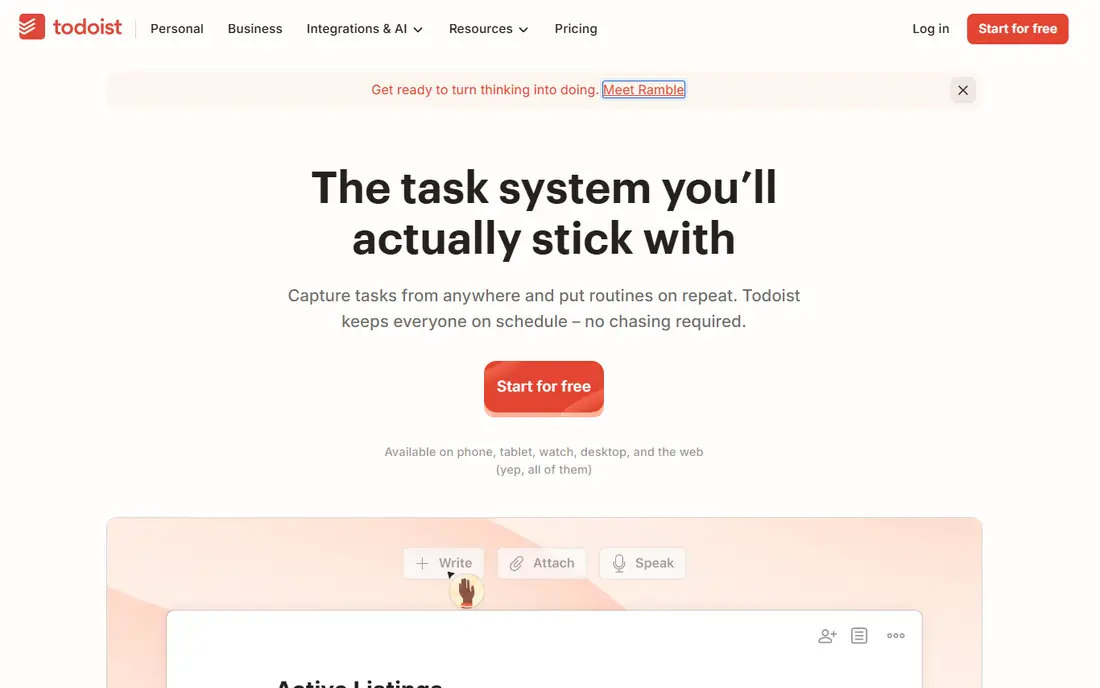
Todoist is our pick if your main problem is forgetting tasks. You can type a task in plain language, such as a meeting tomorrow at 10, and Todoist sets the date for you. That speed matters, because a task app you do not open in the moment will not capture the thought that prompted it. Projects and labels then let you sort work, home and study tasks without complex setup.
Todoist is less visual than Trello or Notion, and some users miss a board view or a rich notes system. Paid plans start at around $4 to $5 per user per month in reported 2026 pricing. Start free, and upgrade only if reminders, filters or team features become essential.
- Very fast natural language task entry
- Projects, labels and filters for organisation
- Works on web, mobile and desktop
- Paid plan needed for reminders and advanced filters in reported terms
- No built in calendar view on free in some cases
- Can feel plain for visual planners
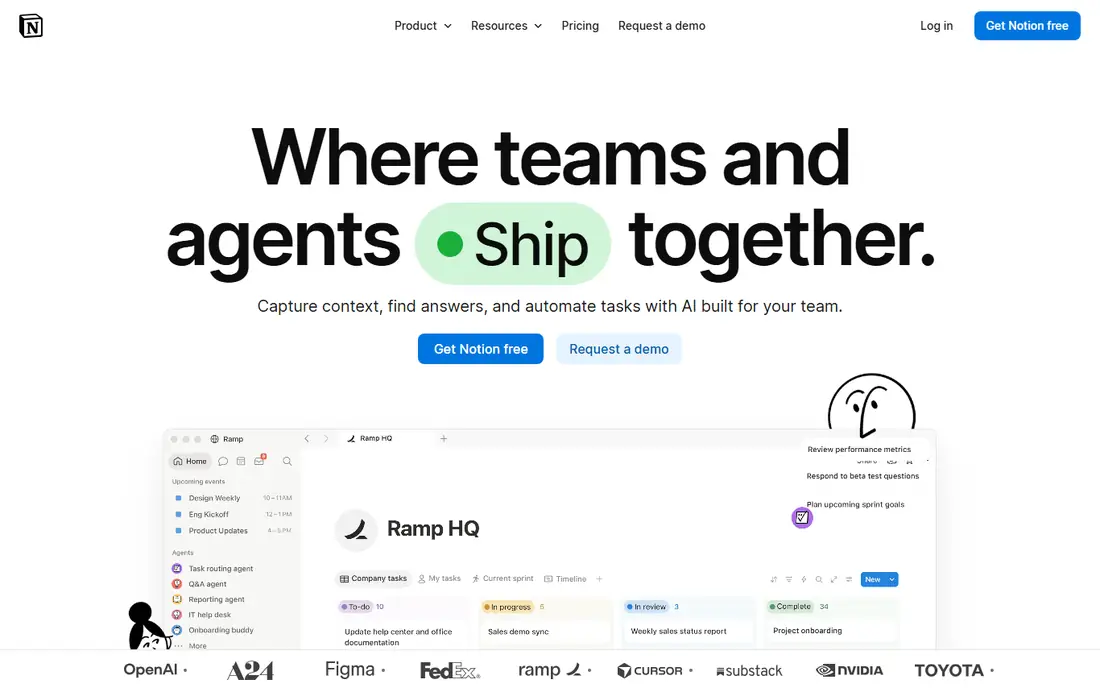
Notion suits people who want one workspace for notes, tasks and project tracking, rather than three separate apps. A team can keep meeting notes, a project board and a knowledge base linked together, so information is easier to find later. Templates for weekly planning, habit tracking and project management help new users start without building from scratch.
Notion is easy to overbuild. A workspace with dozens of databases can take more time to maintain than the work it tracks. Keep your first Notion setup to one task database and one notes page, and add structure only when a real need appears. Paid plans start at around $10 per user per month in reported pricing.
- Tasks, notes, wikis and databases in one place
- Strong templates
- Good team collaboration
- Setup takes time and can become a project itself
- Performance can lag on very large workspaces
- Paid plans cost more per seat than simple task apps
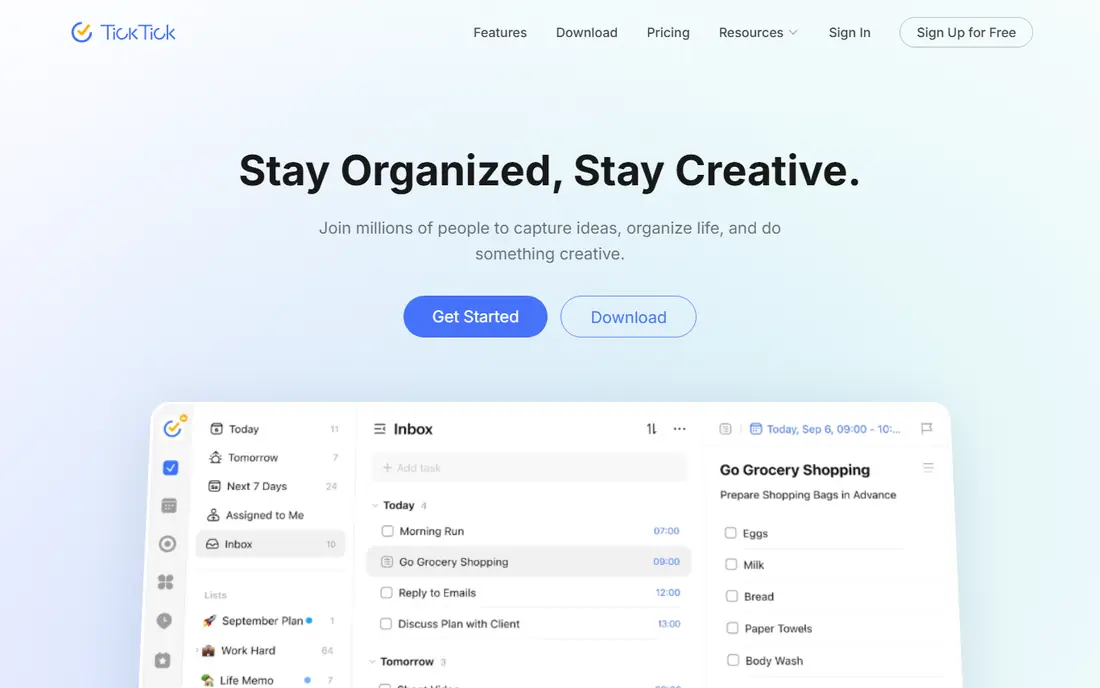
TickTick is the best all rounder for personal productivity, because it combines tasks, habits, a calendar and a focus timer without forcing you to buy four apps. You can plan a day, track a habit such as reading or exercise, and run a timed focus session from the same list. That combination helps students and time blockers who want one daily hub.
The breadth can also feel busy, and team features are thinner than Asana. Premium costs $35.99 per year in reported 2026 pricing, which is good value for what it includes. TickTick is best for individuals who want tasks and habits together, and weaker for large team projects.
- Tasks, calendar, habits and Pomodoro timer in one app
- Fast capture
- Good value Premium
- Interface can feel busy
- Collaboration is weaker than Asana or Notion
- Some advanced features need Premium
Forest solves a different problem from Todoist: starting work, not organising it. You plant a virtual tree, set a timer, and the tree grows only if you stay off your phone until the session ends. That simple rule helps habitual phone checkers, because breaking focus has a visible cost, even if it is only a virtual tree.
Forest does not replace a task app, and it will not help if your problem is too many tasks rather than distraction. Use Forest alongside Todoist or TickTick: pick one task, plant a tree, work until the timer ends, then take a break. That pairing is more effective than either app alone.
- Gamified focus timer that grows a virtual tree
- Discourages phone checking during a session
- Simple and motivating for students
- Paid app with limited free options in reported listings
- Does not manage tasks or projects
- Virtual rewards may not motivate every user
Toggl Track is our pick for freelancers and consultants who bill by time or want to audit where hours go. The timer is simple, reports show time by project and client, and the free plan covers small teams. That data often surprises people: meetings, email and admin can take far more time than expected, and seeing the split is the first step to changing it.
Toggl Track only works if you actually run the timer. Forgetting to start or stop it creates gaps, so pair it with a habit: start the timer when you start a task in Todoist, and stop it when you finish. Paid plans start at around $10 per user per month in reported pricing for advanced features.
- Simple timer and manual entries
- Clear reports by project and client
- Free plan suits small teams
- Tracking requires discipline to start and stop timers
- Paid plans needed for advanced reporting
- Does not plan tasks by itself
Google Calendar is the scheduling backbone for most personal productivity systems. It handles meetings, reminders and time blocking, and it syncs with Todoist, TickTick and many other apps. Time blocking, where you reserve calendar slots for focused work, is one of the most practical productivity tips in this guide, and Google Calendar makes it simple to try.
Google Calendar does not manage tasks well on its own. Tasks without a time slot tend to drift, so combine it with a task app: keep tasks in Todoist, then block time in Google Calendar for the three most important tasks each day. That split keeps planning and scheduling separate and clear.
- Free with a Google account
- Easy sharing and meeting invites
- Integrates with Gmail and many task apps
- Not a task manager by itself
- Time blocking needs discipline
- Features depend on Google account and ecosystem
Microsoft To Do is the best free simple list app, especially for Microsoft 365 users. The My Day view encourages a daily habit: each morning, add the tasks you will actually do that day, and ignore the rest of the list until tomorrow. That focus helps people overwhelmed by a long backlog.
Microsoft To Do lacks the filters, natural language entry and habit tools of paid rivals, and it is not a project management tool. It is best as a daily list alongside Outlook and Google Calendar, or as a first task app for someone who wants simplicity over power.
- Fully free
- My Day view helps daily planning
- Integrates with Microsoft 365 and Outlook
- Fewer power features than Todoist or TickTick
- Collaboration is basic
- Less suited to complex projects
Trello suits visual planners and small teams who think in stages, such as to do, doing and done. A board makes progress visible at a glance, and moving a card feels more satisfying than ticking a checkbox. That visibility helps creative teams, event planning and personal projects with clear stages.
Trello is weaker for projects with dependencies, deadlines across many tasks, or detailed reporting. Asana or Notion handle those better. Paid plans start at around $5 per user per month in reported pricing. Use Trello when a visual board clarifies work, and switch when you need timelines and workload views.
- Visual Kanban boards are easy to understand
- Simple drag and drop workflow
- Good free tier for small teams
- Weak for complex dependencies and reporting
- Large boards can become cluttered
- Advanced features need paid plans
Asana is our pick for team work, because it handles assignments, deadlines, dependencies and workload in one place. A manager can see who is overloaded, a team member can see what is due next, and timelines show how a delay in one task affects the rest. That structure matters once a project involves several people and dates.
Asana is too much for a personal to do list. Solo users will find Todoist or TickTick faster and simpler. Free plans cover small teams, while paid plans start at around $10.99 per user per month in reported pricing. Choose Asana when coordination, not just capture, is the main problem.
- Strong team project views including list, board and timeline
- Workload and goal tracking
- Good integrations
- Overkill for personal lists
- Setup and learning curve for small teams
- Paid plans cost more per user than simple task apps
How we picked these
We compared official feature pages, pricing pages, app store listings and public reviews, and we weighted capture speed, ease of daily use, team features, focus and time tracking tools, and free tier value. We mixed personal, team, focus and scheduling tools, because productivity tips work best as a small system, not as a single app.
We did not claim hands on use of every paid plan. Where prices differed between sources, we used the most consistently reported figures and marked uncertain prices as See website, so readers verify the current plan on the vendor site.
Productivity tips that work with any app
Start each day by choosing three tasks that matter most, and put them at the top of your list. If everything is a priority, nothing is, and a long list creates guilt rather than progress. Work on the hardest important task first when energy is highest, and leave admin tasks for lower energy periods.
Use time blocking and focus sessions
Block time in your calendar for focused work, and protect that block from meetings and messages where possible. Use a timer, such as Forest or the Pomodoro timer in TickTick, for 25 to 50 minute work sessions, followed by a short break. If you are interrupted, note the interruption and return to the task, rather than switching to a new task entirely.
Review weekly, not just daily
Spend 15 minutes each week reviewing unfinished tasks, upcoming deadlines and time tracked in Toggl Track. Cancel or reschedule tasks that no longer matter, break large tasks into smaller steps, and plan the next week calendar. A weekly review prevents a task list from growing silently until it feels unmanageable.
Frequently asked questions
What are the best productivity apps for work?
Todoist and TickTick are best for personal work tasks, Notion and Asana are best for team work, and Trello suits visual project boards. Add Google Calendar for scheduling, Toggl Track for time tracking, and Forest for focus sessions. Start with one task app and one calendar, then add tools only for a clear gap.
What is the best free productivity app?
Todoist, TickTick, Notion, Google Calendar, Microsoft To Do, Trello and Asana all offer useful free tiers. Todoist is best for fast free task capture, TickTick is best for free tasks plus habits, and Microsoft To Do is best for a fully free simple list. Test one free app for two weeks before paying for a premium plan.
How can I be more productive at work?
Choose three priority tasks each day, block time for focused work, limit notifications during focus sessions, and review your list weekly. Productivity tips work best when they reduce decisions: a single task app, a single calendar, and a regular review are more effective than many apps used inconsistently.
What is the Pomodoro technique?
The Pomodoro technique uses timed work sessions, usually 25 minutes, followed by a short break, with a longer break after four sessions. Apps such as Forest and TickTick include timers for this method. It helps by making starting easier, since you commit to a short session rather than an open ended task.
Should I use one productivity app or several?
Use as few as possible. One task app, one calendar and, if needed, one focus or time tracking tool cover most needs. Each extra app adds capture and review work, and tasks spread across apps are easy to lose. Add a new app only when it solves a problem your current system cannot solve.
How do I stop procrastinating on important tasks?
Break the task into a first step that takes less than 10 minutes, schedule that step in your calendar, and start with a timed focus session. If the task still feels blocked, check whether it needs information, a decision or help from someone else, and make getting that input the next step instead of repeating the same vague task.
Sources we checked (9)

Online Jobs is an independent blog about careers, online work, learning new skills and the tools that help people earn. More about us.
Keep reading
All posts
Best Writing Software
Looking for the best writing software in 2026? We compared 9 writing apps for books, articles and screenplays on price, features and fit. All verified.

Best Weather Apps
Searching for the best weather app? We compared eight top weather apps for accurate forecasts, radar, severe alerts, and daily planning near you today.

Best Video Editing Software
We compared the best video editing software for beginners and pros, checking official pricing, free plans and honest limits before ranking all nine editors.