Best Apps for Organization and To-Dos in 2026: 9 Apps Compared

How we put this together: we compare official feature and pricing pages, app store listings, privacy policies and public user reviews. Prices change, so check the provider's site before you pay.
Key takeaways
- Todoist is our pick for most people, because natural language entry and wide platform support make capturing tasks almost effortless.
- TickTick gives you the most for the money, with a calendar view, habit tracking and a focus timer built into one app.
- Microsoft To Do, Google Tasks and Apple Reminders are completely free and excellent if you already live inside one of those ecosystems.
- Things 3 is the best-designed option for Apple-only users who would rather pay once than subscribe.
- The app matters less than the habit: pick one, use it for two weeks, and review your list every day before adding a new tool.
Quick comparison
| Name | Who it suits | Starting price | Free option | |
|---|---|---|---|---|
 Todoist Todoist | Balanced power and ease | Free | Yes | Visit |
 TickTick TickTick | Tasks, calendar and habits in one | Free | Yes | Visit |
 Microsoft To Do Microsoft To Do | Microsoft 365 users | Free | Yes | Visit |
 Google Tasks Google Tasks | Gmail and Calendar users | Free | Yes | Visit |
 Any.do Any.do | Daily planning prompts | Free | Yes | Visit |
 Things 3 Things 3 | Apple users who dislike subscriptions | See website | No | Visit |
 Apple Reminders Apple Reminders | Casual Apple users | Free | Yes | Visit |
 Notion Notion | Docs, notes and tasks together | Free | Yes | Visit |
 Superlist Superlist | Clean team task lists | Free | Yes | Visit |
The best apps for organization and to-dos
Most to-do apps fail for the same reason: they are either too simple to hold a real workload or so packed with features that opening them feels like work. The apps below cover the full range, from a plain list inside Gmail to a full workspace that holds tasks, notes and projects together. We compared official feature pages, pricing pages and app store listings, and we judged each app on capture speed, reminders, calendar views and how well it works across phone and desktop.
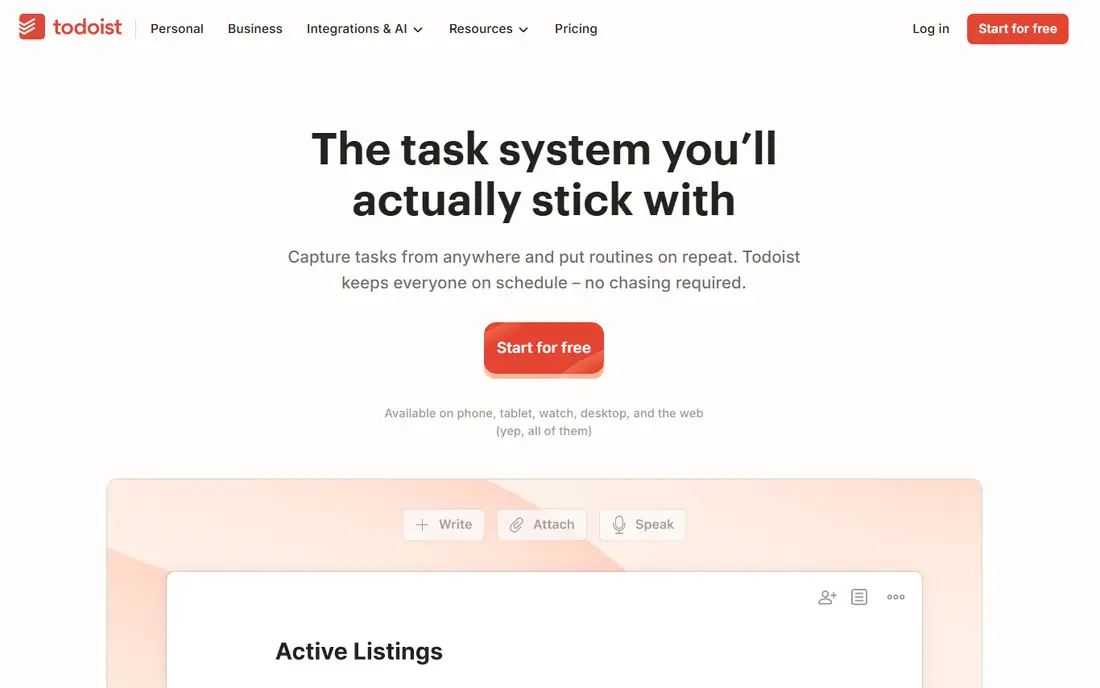
Todoist is our pick for most people because it gets the basics right. Type a phrase such as "call the dentist tomorrow at 3pm" and it becomes a scheduled task without menus or fiddling. That speed matters: a task app you can feed in under five seconds is one you will actually keep using.
The free plan covers everyday lists, while the paid plan adds reminders, filters and more projects. The interface stays calm even as lists grow, and integrations with calendars and email mean tasks can arrive from wherever your work already lives. The catch is that reminders, arguably the most useful feature of any to-do app, sit behind the paid tier.
- Natural language entry turns typed phrases into dated tasks
- Works on nearly every platform
- Strong filters and integrations
- Paid plan needed for reminders and larger project limits
- Free plan caps active projects
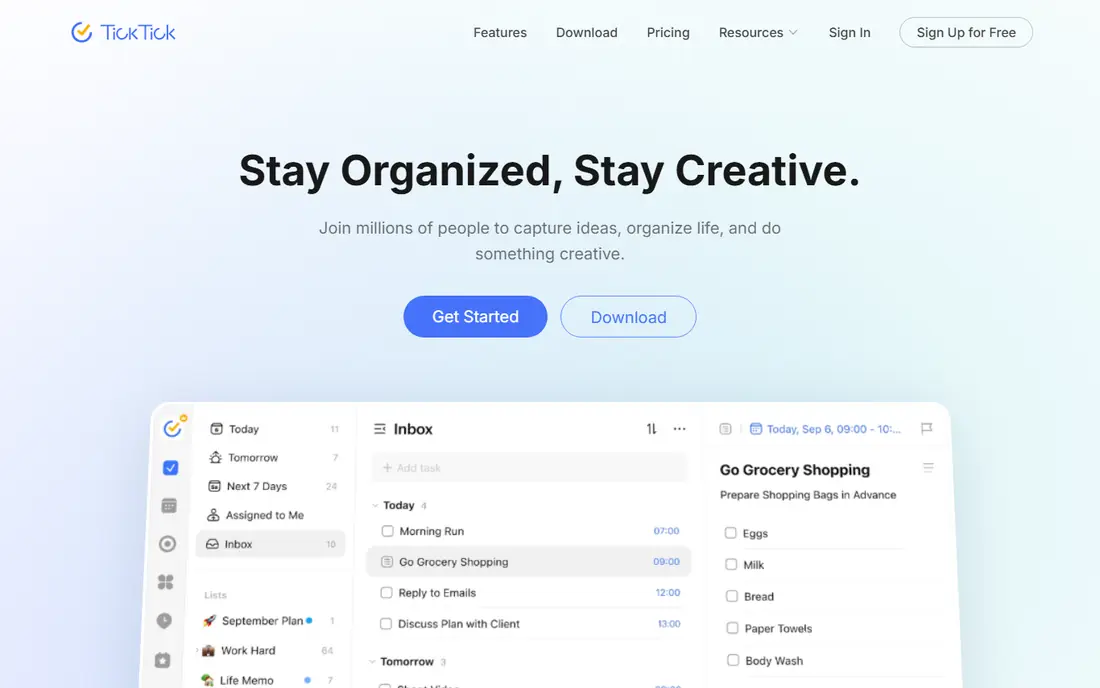
TickTick is the best value in this list. One app holds your tasks, your calendar, your habits and a focus timer, so you can stop paying for three separate tools. The free tier is genuinely usable, with lists, a calendar view and habit tracking included, which is rare at this price.
The trade-off is density. All those built-in tools mean more buttons and menus than a minimalist app, and people who want a bare list may find it noisy. If you like seeing your day in one place, though, TickTick's calendar view alone is worth the switch, and the paid plan is priced below most rivals.
- Built-in calendar view, habit tracker and Pomodoro timer
- Generous free tier
- Fast natural language entry
- Interface can feel busy next to Todoist
- Some advanced calendar features need the paid plan
Microsoft To Do is the best completely free option here, because there is no paid tier waiting to limit you. Flagged emails become tasks, Planner assignments sync in, and the My Day view gives you a clean daily shortlist each morning. If your work life runs on Outlook and Teams, it slots in without any setup friction.
It is not the most powerful app on this list. Filters, smart lists and third-party integrations are thinner than Todoist or TickTick, and heavy users may hit its limits. For straightforward daily lists inside the Microsoft world, though, it is hard to beat a price of zero.
- Completely free with no paid tier
- Deep Outlook and Planner integration
- My Day view for daily focus
- Fewer power features than Todoist or TickTick
- No natural language entry as strong as rivals
Google Tasks wins on proximity: it is already inside the Gmail sidebar and Google Calendar, so there is nothing new to install or learn. Turn an email into a task, set a date, and it appears on your calendar. For people whose whole day already runs through Google, that closeness beats any feature list.
The limits show up quickly for bigger workloads. Subtasks are shallow, views are basic, and there is no full desktop app beyond the web version. Treat Google Tasks as a daily capture list, not a project system, and it does that one job very well.
- Lives inside Gmail and Google Calendar
- Completely free
- Simple and fast for short lists
- No subtask depth or reminders as rich as rivals
- No dedicated desktop app
Any.do is built for people who forget their list exists. Its Plan My Day feature walks you through today's tasks each morning, asking what stays, what moves and what gets done first. That small daily ritual is the reason many users stick with it when fancier apps gather dust.
The app looks good on every device and handles shared lists for households well. The catch is that recurring reminders and location-based alerts sit on the paid plan, so the free version suits simple daily lists better than complex routines. If your problem is follow-through rather than features, Any.do is a strong pick.
- Plan My Day routine prompts a daily review
- Clean design across devices
- Calendar and grocery list views
- Paid plan needed for recurring reminders and location alerts
- Some features feel lighter than TickTick
Things 3 is the best-designed to-do app on this list, and the only major one that still charges once instead of monthly. Its Areas, projects and headings make large lists feel calm, and its Today and Upcoming views are models of clarity. If you live entirely on Apple devices, it is a pleasure to use every day.
The limits are absolute: there is no Android, Windows or web version, so mixed-device households are out of luck. You also buy the iPhone, iPad and Mac versions separately. For Apple-only users who refuse subscriptions, that one-time cost still works out cheaper than years of a rival subscription.
- Beautiful, calm design
- One-time purchase per device, no subscription
- Areas and projects keep big lists tidy
- Apple only, with no Android, Windows or web version
- Buying each device app adds up
Apple Reminders is already on your iPhone, iPad and Mac, and for casual lists it is all most people need. Ask Siri to add a task, share a grocery list with your household, and set a location reminder for when you reach the store. It syncs through iCloud without any setup.
Power users will miss Todoist's filters and natural language entry, and there is no Android or Windows version. But if your lists are short and your devices are Apple, starting here costs nothing and teaches you what you actually need before you pay for anything else.
- Free and built into every Apple device
- Smart lists and shared lists
- Siri voice capture
- Apple only
- Weaker than Todoist for heavy task management
Notion suits people whose tasks live inside bigger work: notes, project docs, meeting records and wikis. You can build a task database with any view you like, from kanban boards to calendars, and link tasks to the documents they belong to. The free plan is generous for personal use.
The risk is overbuilding. Notion rewards tinkering, and it is easy to spend an evening perfecting a system instead of finishing a task. Capture is also slower than Todoist or TickTick. Use Notion when your tasks need context; use a dedicated list app when they just need doing.
- Tasks live beside notes, docs and databases
- Highly flexible views
- Generous free plan for individuals
- Slower capture than a dedicated to-do app
- Easy to overbuild instead of doing tasks
Superlist is a newer option with a clean, modern feel and a focus on shared lists. It suits small teams and households that want tasks, assignments and comments in one tidy place without the weight of a full project tool. Setup is quick, and the interface stays pleasant as lists grow.
Because it is newer, its integration library and power features are thinner than Todoist's. Solo users with complex filters and automations may find it light. For a team that wants a shared list that everyone will actually open, Superlist is a refreshing choice.
- Modern, fast design
- Good shared lists for teams and households
- Integrations with common tools
- Newer and smaller ecosystem than Todoist
- Fewer power features for solo heavy users
How we picked these
We compared official feature pages, pricing pages and app store listings, and we weighed capture speed, reminders, calendar views, platform coverage and free plan generosity. We included free ecosystem apps alongside paid specialists, because the best app is often the one already installed on your phone. Prices and plan limits change often, so where a paid price was not confirmed on the vendor's own page at the time of writing, we list it as See website. We did not claim hands-on testing, and we did not invent user counts or ratings.
How to pick one and actually stick with it
Choose by your ecosystem first and your feature wish list second. If you live in Gmail, start with Google Tasks. If you live in Outlook, start with Microsoft To Do. If you live on Apple devices, try Reminders or Things 3. Only move to Todoist or TickTick if those free options leave you wanting more, because switching costs time and attention you could spend on the tasks themselves.
Once you pick, set two rules. First, capture every task in the same place, the moment you think of it, instead of scattering notes across apps and paper. Second, review the list once a day, pick three to five tasks for today, and move or delete the rest. A list with hundreds of items is not a plan, it is a source of guilt, and no app can fix that on its own.
When to pay for a to-do app
Pay when a specific feature saves you real time: reminders that stop you missing deadlines, calendar views that replace a second app, or shared lists your whole team uses daily. Do not pay for features you admire but never open. Most people should run the free plan for at least two weeks, note which limits actually bite, and only then upgrade to the plan that removes those exact limits.
Frequently asked questions
What is the best app for organization and to-dos?
Todoist is our pick for most people, thanks to fast entry and wide platform support. TickTick is better value if you also want habits and a calendar view, while Microsoft To Do and Google Tasks are the best free options inside their ecosystems.
Is there a completely free to-do app?
Yes. Microsoft To Do, Google Tasks and Apple Reminders are completely free with no paid tier. Todoist, TickTick, Any.do, Notion and Superlist also have free plans, though their best features usually need a paid plan.
What is the best to-do app for Apple users?
Things 3 is the best-designed Apple-only option and charges once per device instead of monthly. Apple Reminders is free and built in, and it suits casual lists. Todoist and TickTick are better if you also use Android or Windows devices.
How do I stop abandoning my to-do app?
Keep one list, capture tasks the moment you think of them, and review the list once a day. Pick three to five tasks for today and move the rest. Switching apps rarely fixes a habit problem, so give one app at least two weeks before judging it.
Can a to-do app replace a calendar?
Partly. TickTick and Notion include calendar views, and Google Tasks and Microsoft To Do sync with their calendars. For meetings and appointments, a real calendar app is still the safer home, with tasks linked to it rather than replacing it.
What is the best to-do app for teams?
Superlist and Notion suit small teams that want shared lists alongside notes and comments. Todoist also handles shared projects well. Larger teams with formal project tracking usually need a project tool rather than a to-do app.
Sources we checked (9)

Online Jobs is an independent blog about careers, online work, learning new skills and the tools that help people earn. More about us.
Keep reading
All posts
Zoom Alternatives
Zoom alternatives compared for 2026: Google Meet, Microsoft Teams, Webex, Jitsi and more for free calls, large meetings and webinars for teams and classrooms.

What Is the Best Free Tool to Rotate a PDF
What is the best free tool to rotate a PDF? We compare eight free rotation tools on per-page control, limits, privacy and saved output quality in detail.

What Is the Best AI Dubbing Tool
We compared the best AI dubbing tools in 2026, from ElevenLabs and HeyGen to Rask AI, Dubverse and Veed, for videos and creators in many languages worldwide.