Best Apps for Note Taking in 2026: 9 Apps Compared

How we put this together: we compare official feature and pricing pages, app store listings, privacy policies and public user reviews. Prices change, so check the provider's site before you pay.
Key takeaways
- Notion suits structured workspaces and team notes, while Obsidian suits personal notes in local files you control.
- OneNote and Apple Notes are the best free starting points for Microsoft and Apple users respectively.
- Bear suits clean Markdown writing on Apple devices, while Joplin suits privacy-focused users on any platform.
- Evernote still suits large archives with strong search and web clipping, though its paid plans cost more than rivals.
Quick comparison
| Name | Who it suits | Starting price | Free option | |
|---|---|---|---|---|
 Notion Notion | Structured workspaces | Free | Yes | Visit |
 Obsidian Obsidian | Local files and linked notes | Free | Yes | Visit |
 Microsoft OneNote Microsoft OneNote | Freeform notes and handwriting | Free | Yes | Visit |
 Apple Notes Apple Notes | Simple Apple notes | Free | Yes | Visit |
 Evernote Evernote | Search and web clipping | See website | Yes | Visit |
 Bear Bear | Clean Markdown writing on Apple | See website | Yes | Visit |
 Joplin Joplin | Privacy and open-source notes | Free | Yes | Visit |
 Google Keep Google Keep | Quick capture and reminders | Free | Yes | Visit |
 Goodnotes Goodnotes | Handwritten notes and PDFs | See website | Yes | Visit |
The best apps for note taking
Note-taking apps split by how you think: structured databases, linked ideas, freeform pages, or quick capture. We compared official feature pages, pricing pages, app store listings and public reviews, looking at free limits, sync, search, handwriting, offline access and export options. Pick by workflow first, since migrating years of notes is painful.
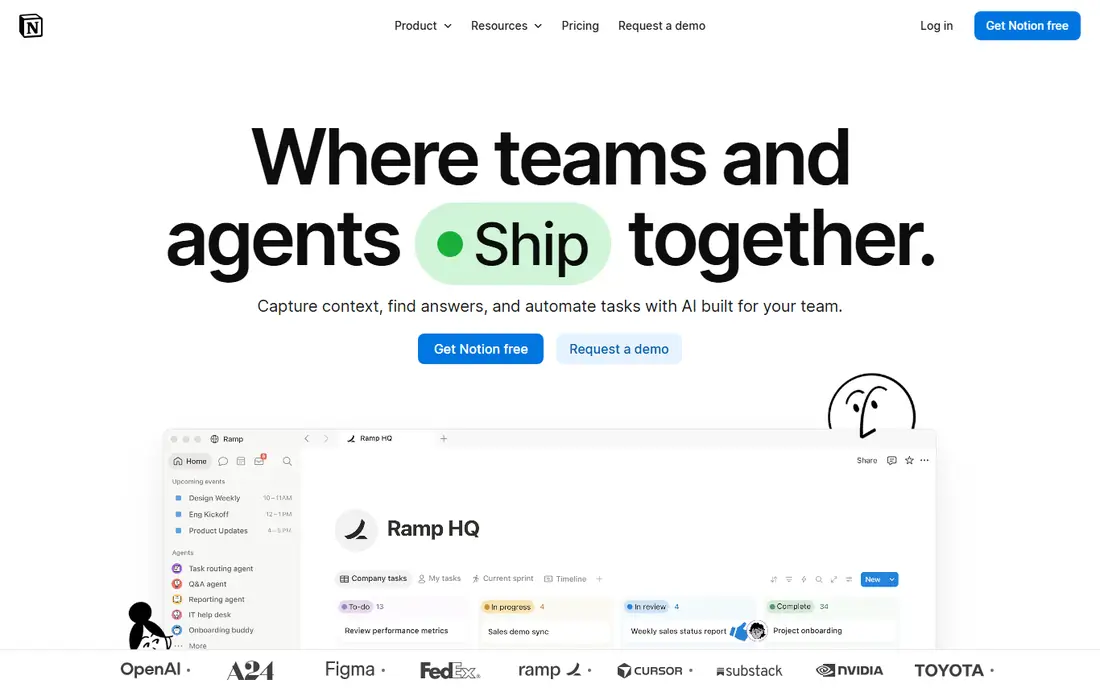
Notion is the best pick when notes need structure. Meeting notes, project pages, reading lists and task trackers can live in one workspace, linked by databases that sort and filter by date, status or person. Templates speed up recurring notes, and sharing works well for teams and group projects. The free personal plan covers most individual needs.
Overbuilding is the main risk. A workspace with too many linked databases takes longer to maintain than the notes are worth, and offline access is not as smooth as a local app. Start with one page per project and one simple tracker, then add structure only when a real need appears. Used lightly, Notion replaces several tools at once.
- Databases, pages and templates in one place
- Strong collaboration
- Generous free personal plan
- Offline support has limits
- Easy to overbuild
- Search is weaker than Evernote for scanned content
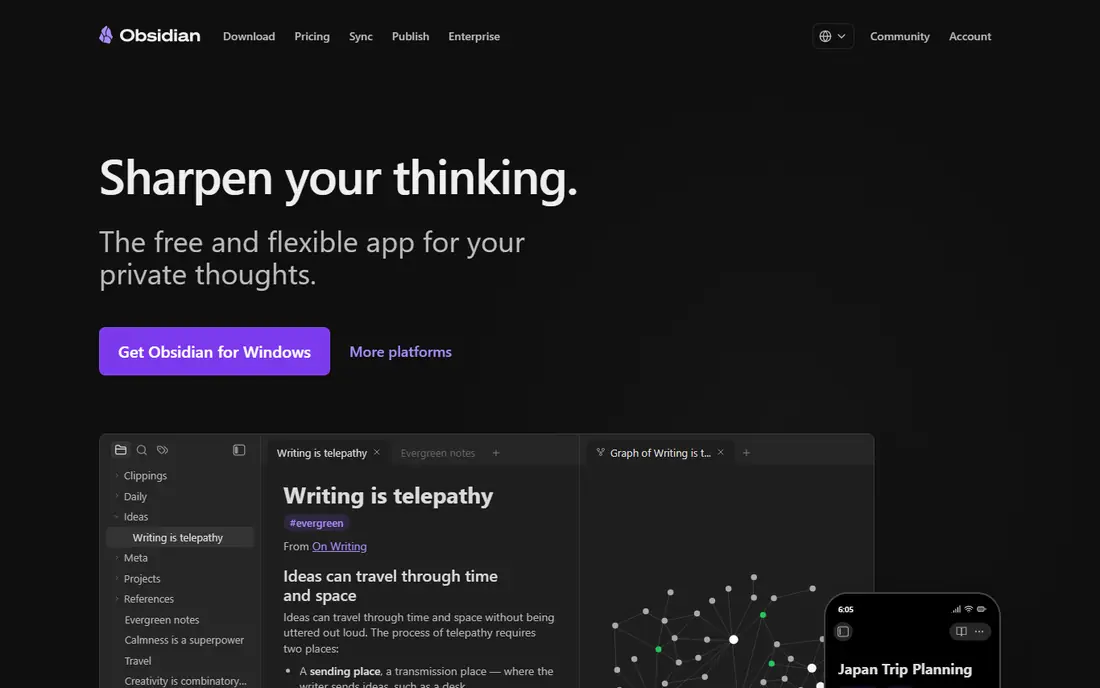
Obsidian stores notes as plain Markdown files on your device, so you own the files and can open them in any text editor, even if you stop using Obsidian. Backlinks connect ideas across notes, and the graph view reveals links between topics over time. Plugins add calendars, task management, PDF annotation and more, making it highly adaptable.
Sync is the main cost decision. Official Sync is a paid extra, though users can set up their own sync with other tools if they are comfortable doing so. Collaboration is also weaker than Notion. Obsidian suits personal knowledge work, writing and research, where ownership and linking matter more than team sharing.
- Notes as local Markdown files
- Backlinks and graph view
- Free core app
- Strong plugin range
- Official sync is paid
- Setup takes time
- Collaboration is limited
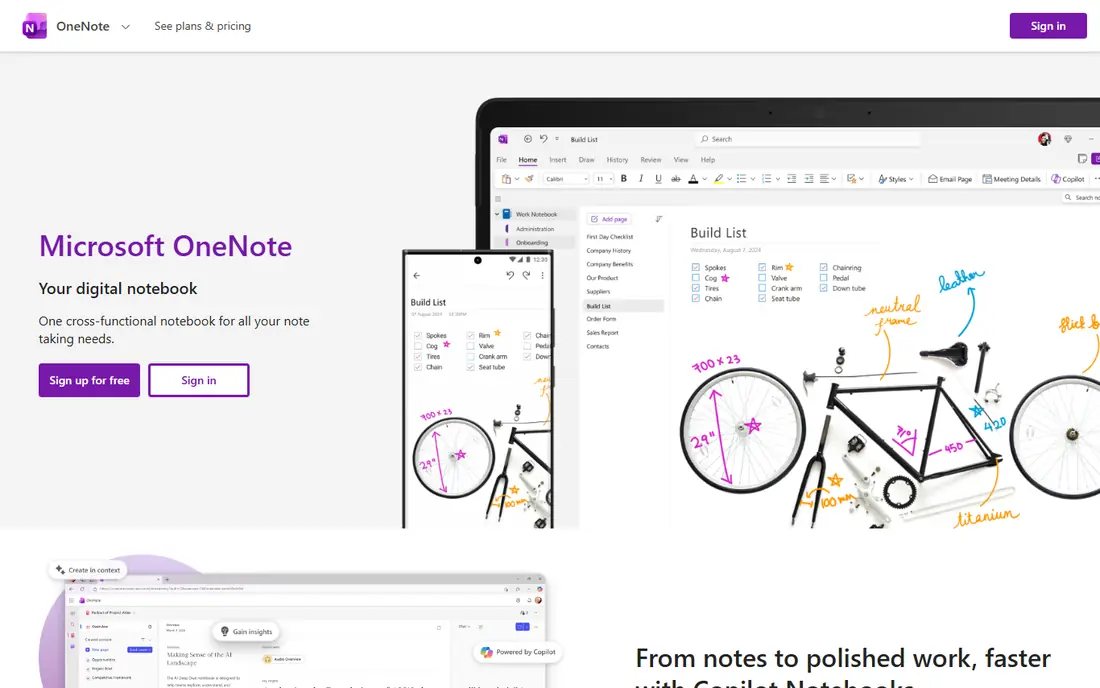
OneNote feels like a digital notebook with no fixed grid. You can type, draw, paste images and clip web pages anywhere on a page, which suits brainstorming, lecture notes and meeting sketches. Handwriting support works well with a stylus, and search covers typed text, handwriting and images in many cases. It is free with a Microsoft account, which makes it an easy starting point.
Organisation can sprawl across notebooks, sections and pages, and export to other formats is less clean than Obsidian or Joplin. Sync runs through OneDrive, so Microsoft account users gain most. For students and office workers already in the Microsoft world, OneNote is the most capable free option.
- Free with a Microsoft account
- Freeform canvas
- Handwriting and drawing support
- Good search
- Sync relies on OneDrive
- Organisation can sprawl
- Export is less clean than Markdown apps
Apple Notes wins on speed inside Apple devices. A note starts in seconds from a phone, tablet or Mac, syncs through iCloud, and supports checklists, tables, scanned documents, drawings and locked notes. Search and tags keep a growing library usable, and recent versions handle formatting and collaboration better than before.
The limit is platform. There is no full Android or Windows app, so users outside Apple devices need another pick. Databases, backlinks and advanced organisation are also thinner than Notion or Obsidian. For Apple-only users who want fast, simple notes without a subscription, Apple Notes is hard to beat.
- Free with an Apple ID
- Fast capture
- Folders, tags and search
- Document scanning
- Apple devices only
- Weaker databases and linking than Notion or Obsidian
Evernote built its reputation on capture and search. Its web clipper saves articles cleanly, search finds text inside images and PDFs, and notebooks plus tags organise large archives built over years. For researchers, journalists and professionals with a deep archive, that search depth still matters.
Paid plans cost more than many rivals, and the free tier limits devices and features, so casual users may find better value elsewhere. Interface changes over recent years have also divided long-time users. Evernote suits users with a large existing archive or a heavy clipping habit, rather than users starting fresh on a budget.
- Strong search including text in images
- Excellent web clipper
- Mature notebook and tag system
- Paid plans cost more than rivals
- Free tier is limited
- Interface changes have divided users
Bear is a writing-first notes app for Apple users. Its interface is calm, Markdown formatting stays out of the way, and tags replace folders for organisation, which suits writers who think in topics rather than hierarchies. Focus mode, export options and a clean reading view make it pleasant for drafting and long notes.
Sync across Apple devices needs the paid Pro plan, and there is no Android or Windows version. Databases, team sharing and web clipping are thinner than Notion or Evernote. Bear suits writers and minimalists on Apple devices who want beautiful, focused notes rather than a full workspace.
- Clean writing interface
- Markdown support
- Tags instead of folders
- Focus mode
- Apple only
- Sync needs a paid plan
- No databases or collaboration depth
Joplin is the privacy-focused, open-source option that runs on Windows, Mac, Linux, iOS and Android. Notes are stored as Markdown, encryption is available for sync, and it imports Evernote archives directly, which eases migration. For users who want control over their data without paying, Joplin is the strongest cross-platform pick.
Design is functional rather than polished, and sync needs a cloud service or Joplin Cloud, which is a paid option for convenience. The web clipper works but is less refined than Evernote. Joplin suits users who value openness, encryption and portability over visual polish.
- Free and open-source
- End-to-end encryption option
- Markdown notes
- Imports Evernote files
- Design is functional rather than polished
- Sync setup takes a little work
- Web clipper is basic
Google Keep is for capture, not for archives. A thought, a shopping list or a reminder goes in within seconds, with colours, labels and location or time reminders to surface it later. It syncs through a Google account and works on web, Android and iOS, making it easy to grab from any device.
Long documents, deep organisation and rich formatting are not its job. Notes stay short, and a large library becomes harder to manage than in Notion or Obsidian. Use Keep as a fast inbox for ideas, then move anything lasting into your main notes app. Paired that way, it is one of the most useful free tools on this list.
- Free with a Google account
- Instant capture
- Colour labels and reminders
- Fast search
- No folders or deep organisation
- Weak for long documents
- Limited formatting
Goodnotes suits students and professionals who think by hand. On iPad with a stylus, notebooks feel close to paper, with handwriting recognition, PDF annotation and templates for planners, Cornell notes and study sheets. Lecture slides can be marked up directly, keeping notes and source material together.
Android and Windows support is thinner, so non-Apple users should test carefully. The free tier limits the number of notebooks, and the full version is paid. If handwriting is central to your note-taking, Goodnotes is the strongest pick. If you type most notes, a text-first app will serve you better.
- Natural handwriting on iPad
- PDF annotation
- Searchable handwriting
- Notebook templates
- Apple-first with thinner Android support
- Free tier limits notebook count
How we picked these
We compared official feature pages, pricing pages, app store listings and public reviews, favouring apps with a real free tier, reliable sync, usable search and a clear export path. We included structured, linked, freeform, quick-capture and handwritten options, across Apple, Microsoft, Google and cross-platform ecosystems, so device choice does not force a bad workflow. Prices vary by platform and region, so check the vendor site or store listing before paying.
Export matters more than most users realise. Before committing years of notes to any app, test exporting a sample notebook and opening it elsewhere. Markdown apps like Obsidian and Joplin export cleanly, while database and handwriting apps may export less completely. A good notes app should let you leave as easily as you joined.
How to choose the right notes app
Start with input method and platform. Handwriting favours Goodnotes and OneNote, typing favours Notion, Obsidian, Bear and Joplin, and quick capture favours Google Keep and Apple Notes. Then check the ecosystem: Apple users gain most from Apple Notes and Bear, Microsoft users from OneNote, and Google users from Keep, while Obsidian and Joplin work across all of them.
One app or two
Most people do best with one main notes app and one capture app. Keep handles fleeting ideas, while Notion, Obsidian or OneNote holds lasting notes. Avoid running three full notes apps at once, since searching across them wastes the time a notes app should save. Review your capture inbox weekly, move lasting notes into the main app, and delete the rest.
Search, sync and backup
Test search with a real query before committing, especially for scanned documents or handwriting. Check sync across your actual devices, not just the marketing page, and set up a backup or export routine for important notes. A notes app that only lives on one device is a single point of failure, however beautiful its interface may be.
Frequently asked questions
What is the best note taking app?
Notion suits structured workspaces, Obsidian suits linked personal notes, OneNote suits freeform and handwritten notes, and Apple Notes suits simple Apple notes. Bear suits clean writing on Apple devices, while Joplin suits privacy-focused users. The best app depends on how you take notes and which devices you use.
What is the best free note taking app?
OneNote is free with a Microsoft account, Apple Notes is free with an Apple ID, Google Keep is free with a Google account, and Obsidian and Joplin are free for personal use. Notion also offers a free personal plan. Together, those free options cover most note-taking styles without a subscription.
Is Notion or Obsidian better for notes?
Notion is better for structured workspaces, databases and team collaboration, while Obsidian is better for personal linked notes stored as local files. Notion works best online with shared workspaces, and Obsidian works best offline with full file ownership. Many users try both free versions before choosing.
Can I use a note taking app on all my devices?
Cross-platform apps like Notion, Obsidian, Joplin, OneNote, Evernote and Google Keep run on Windows, Mac, iOS, Android and web in most cases. Apple Notes and Bear are Apple-only, and Goodnotes is Apple-first, so check device support before committing to those options.
How do I move notes from Evernote to another app?
Evernote exports notebooks in its own format, and Joplin, Obsidian and Notion offer import tools that handle much of that archive. Test migration on a small notebook first, check tags, attachments and formatting, and keep the original export as a backup until the new library is checked.
Do note taking apps work offline?
Obsidian, Joplin, Bear, Apple Notes and OneNote offer strong offline access, since notes live on the device or sync locally. Notion and Google Keep rely more on a connection, though both offer some offline support. If you often work without internet, favour a local-first app and test offline editing before you rely on it.
Sources we checked (9)

Online Jobs is an independent blog about careers, online work, learning new skills and the tools that help people earn. More about us.
Keep reading
All posts
Zoom Alternatives
Zoom alternatives compared for 2026: Google Meet, Microsoft Teams, Webex, Jitsi and more for free calls, large meetings and webinars for teams and classrooms.
PowerPoint Alternatives
Compare the best PowerPoint alternatives, from free Google Slides and Canva to Prezi and Gamma, with prices, collaboration and export options covered.
Gmail Alternatives
Gmail alternatives compared for 2026: Proton Mail, Outlook, Tuta, Fastmail, Zoho Mail and more for privacy, business and cross-platform use for US readers.