Best Apps for Goal Setting in 2026: 8 Products Compared


Habit and target tracking on Apple devices · Starting price: See website
How we put this together: we compare official feature and pricing pages, app store listings, privacy policies and public user reviews. Prices change, so check the provider's site before you pay.
Key takeaways
- Strides and Griply suit measurable targets with deadlines, while Habitica and Way of Life suit daily habits that build toward a goal.
- Todoist and TickTick suit people whose goals live inside a daily task list, since tasks, habits and calendars sit together.
- Notion and ClickUp suit team or complex goals that need milestones, owners and shared views.
- A goal app only works if you open it daily, so pick the simplest tool you will actually use rather than the most featured one.
- Review goals weekly, not just at the start of the year, since a short check-in catches a slipping goal while there is still time to adjust.
Quick comparison
| Name | Who it suits | Starting price | Free option | |
|---|---|---|---|---|
| Strides | Habit and target tracking on Apple devices | See website | Yes | Visit |
 Habitica | Gamified habit consistency | Free | Yes | Visit |
 Todoist | Simple goal-linked task lists | See website | Yes | Visit |
 TickTick | Tasks and habits in one app | See website | Yes | Visit |
 Notion | Custom goal databases | See website | Yes | Visit |
 ClickUp | Goals inside project work | See website | Yes | Visit |
 Griply | Dedicated goal progress charts | $5 per month | Yes | Visit |
 Way of Life | Simple visual habit tracking | See website | Yes | Visit |
The best apps for goal setting
Goal setting fails in different ways. Some people set a goal but never break it into steps. Some track habits but never check whether the outcome is on track. Some lose time because the calendar fills up. We compared apps by the failure they fix, so you can pick a tool for your actual problem rather than for a feature list.
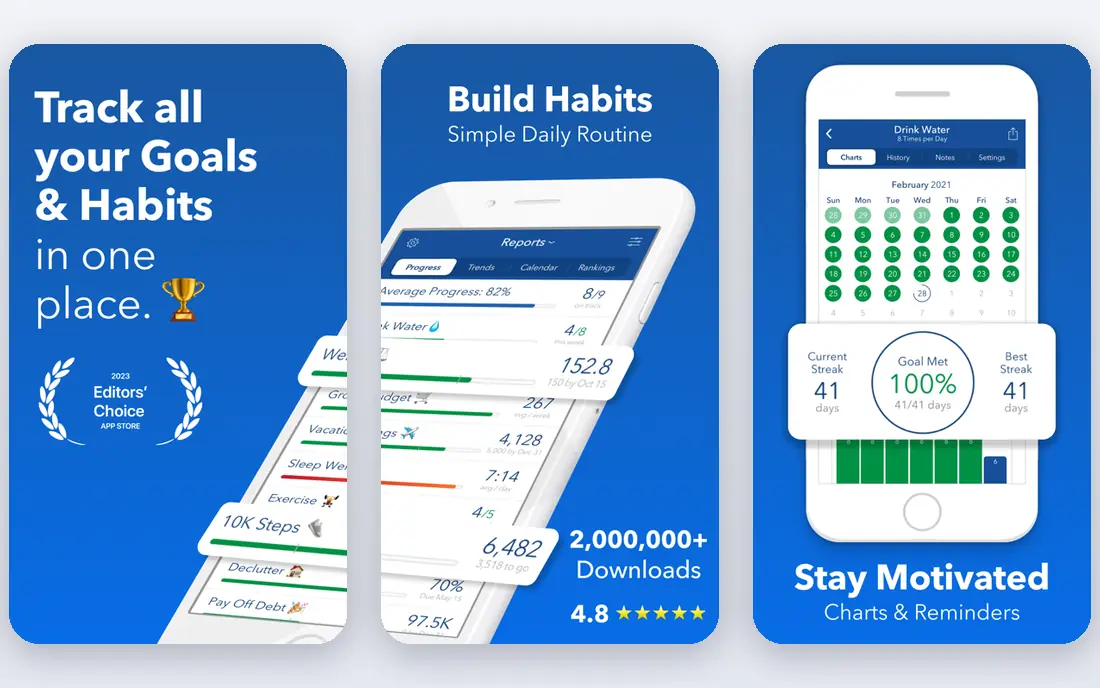
Strides is a dedicated tracker for habits, targets, averages and milestones. Its pace line is the standout feature: it shows whether today's progress is fast enough to hit a target by its deadline, turning green when you are ahead and red when you fall behind. That single view answers the question most goal apps dodge, which is not whether you did something today, but whether you will finish on time. Strides is Apple-first, with iPhone, iPad, Mac and Apple Watch support, and Android availability has been limited. It also leans on manual logging, so you must enter progress yourself. Strides fits best for individuals on Apple devices who want measurable targets, streaks and a clear pace view. Use the free tier to test three trackers first, and check whether manual logging fits your routine before paying.
- Pace line shows whether you are on track
- Habit and target trackers
- Apple Health links
- Apple-first
- Manual logging for many trackers
- Limited team features
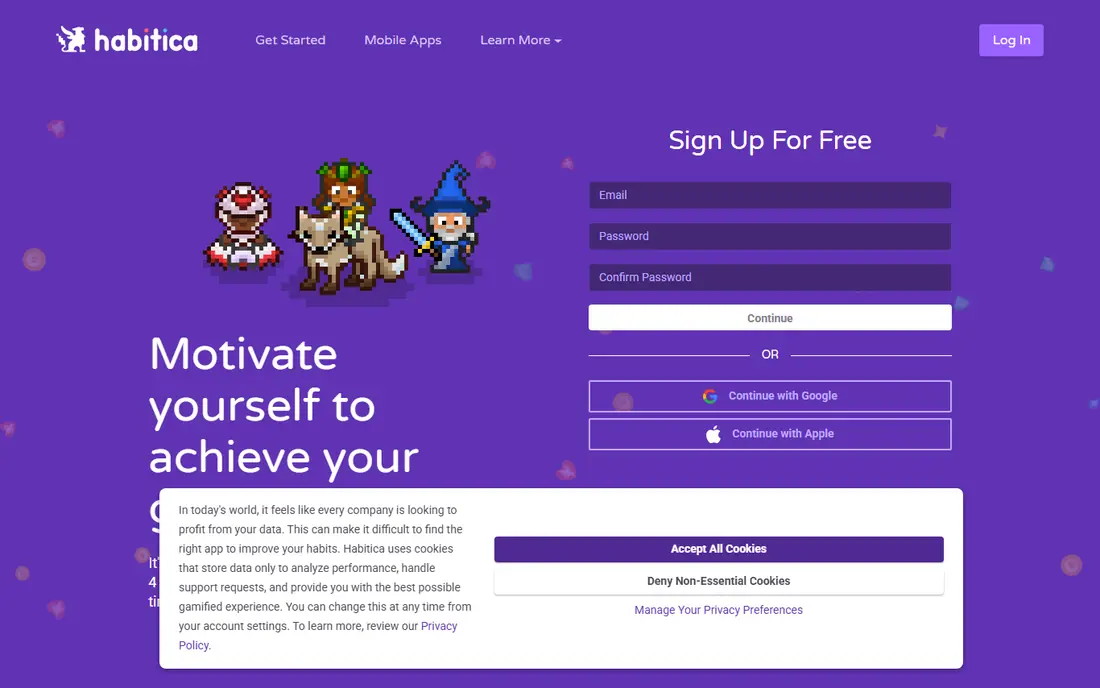
Habitica turns habits and tasks into a role-playing game. Completing habits, daily tasks and to-dos earns experience, gold and gear for your character, while missed dailies damage your character. Group challenges and parties add accountability, since friends or colleagues can see progress and join quests. For people who struggle with consistency, that game layer can make daily check-ins feel less like admin. Habitica does not offer a goal target chart in the way Griply or Strides do, so it tracks behaviour better than outcomes. The game appeal also fades for some long-term users once the novelty wears off. Habitica fits best for people who enjoy game rewards, who want a free tracker, and who need help with daily consistency. Pair it with a simple written goal and deadline, since the app alone will not tell you if you are on pace for a larger target.
- Free core app
- Game rewards and group challenges
- Habits, dailies and to-dos together
- No goal target chart
- Game appeal fades for some users
- Simple progress views
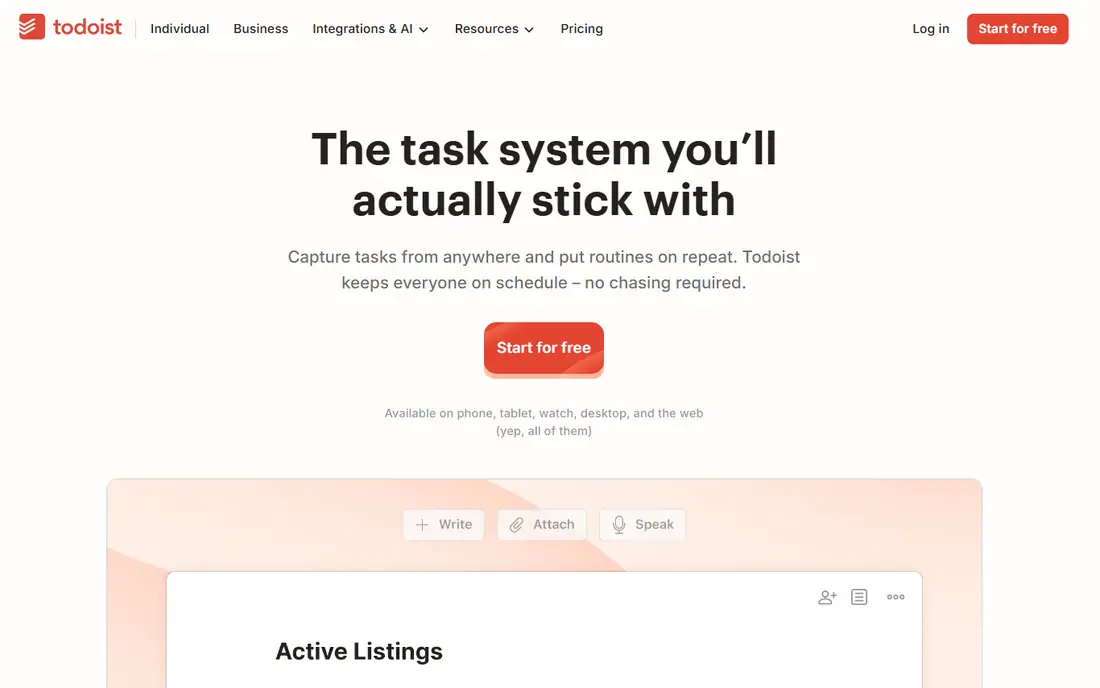
Todoist is a fast, lightweight task manager that many people use for goal-linked work. Natural language input lets you type a task with a date and recurrence in one line, and projects can hold the steps for a larger goal. Karma points and streaks add light motivation for completing tasks regularly. The app runs on most platforms, so a goal list stays with you across phone and computer. Todoist does not offer dedicated goal charts, pace lines or habit heatmaps. Habits become recurring tasks, which works for simple routines but gives less insight than a dedicated tracker. Todoist fits best for people who want a simple, fast list for goal steps and who already plan their day around tasks. Keep goal projects separate from daily admin tasks, or the goal steps will get buried under routine work.
- Fast task capture
- Natural language dates
- Karma streaks
- Cross-platform
- Habit tracking rides on recurring tasks
- No rich goal charts
TickTick combines tasks, habits, a calendar and a focus timer in one app. That combination suits goals that need both daily actions and scheduled work, since you can plan a task, track the habit behind it and block calendar time without switching tools. The free tier covers several habits and lists, which is enough for many personal goals, and the app works across phone, web and desktop. Habit trends are lighter than in Strides or Griply, and shared lists with several editors can become messy. TickTick fits best for personal goal planning where tasks and habits overlap, and for people who want one planner rather than two apps. Use habits for repeated actions, tasks for goal steps, and the calendar view for a weekly review of what actually got done.
- Tasks, habits, calendar and timer together
- Cross-platform
- Good free tier
- Habit trends lighter than dedicated trackers
- Shared lists can get messy
Notion lets you build a goal system from databases, pages and templates. You can link a yearly goal to quarterly milestones, tasks, notes and review pages, and share views with a team or a coach. For complex goals with many parts, that flexibility is a real strength, and the free plan for individuals makes it easy to start. Notion requires building. Progress charts, streaks and pace views need manual setup, and a goal database can grow messy without regular tidying. It fits best for people who like designing their own system, who keep goals alongside notes and projects, and who are willing to spend setup time. Start from a proven goal template, keep the database simple, and review its structure each month so it stays usable.
- Flexible goal databases
- Docs and tasks together
- Many templates
- Setup takes time
- Progress views need building
- No native habit streak system
ClickUp has a dedicated Goals feature that links a goal to targets, tasks and measurable results, with dashboards to track progress across a team. That link matters when a goal depends on other people's work, since progress updates as tasks complete. Docs, sprints and timelines sit in the same workspace, so a team goal does not live apart from daily work. ClickUp's breadth can overwhelm a solo user who only wants a personal goal tracker. Setup also needs discipline, or goals, tasks and docs will multiply without a clear structure. ClickUp fits best for team goals, work goals and projects where milestones have owners and deadlines. Define one goal owner, set target dates, and review the dashboard weekly, or the goal view will go stale while tasks move on elsewhere.
- Goals linked to tasks and targets
- Team views
- Dashboards and docs
- Broad feature set can overwhelm
- Setup needs clear rules
Griply is a dedicated goal planner built around one question: are you on track. Each goal gets a progress chart, with subgoals, linked habits and tasks shown alongside it, so you can see both the outcome and the daily actions behind it. The free plan covers a small number of goals and habits, which is enough to test whether the chart view changes your behaviour. Griply is smaller and less known than the large workspace apps, so integrations and community templates are thinner. Premium removes limits and adds subgoals and a timeline view. Griply fits best for individuals with a few important goals who want a clear progress chart and who find habit apps too narrow and workspaces too broad. Start with one major goal, link two habits to it, and check the chart each Sunday.
- Progress chart per goal
- Subgoals and linked habits
- Tasks in the same app
- Smaller app than Todoist or Notion
- Premium needed for more goals
Way of Life is one of the simplest habit trackers on this list. Each habit gets a colour-coded grid: green for done, red for missed, grey for skipped. Tapping a habit takes a second, and long-term trend charts show patterns across weeks, months and years. For people who want a fast daily check-in without setup, that simplicity is the appeal. Way of Life records only yes, no or skip, so numeric targets, counts and ratings fall outside it. Data sync between iOS and Android has also been limited, so check platform support for your devices. Way of Life fits best for simple daily habits, such as exercise, reading or meditation, where a clear streak grid is enough. It works well alongside a goal app when you need habit proof without a complex system.
- Simple colour-coded habit grid
- Long-term trend charts
- Fast daily logging
- Yes or no habits only
- No counts or ratings
- Sync limits between platforms
How we picked these
We selected apps that are live in October 2026, that support goal setting, habit tracking or goal-linked tasks, and that offer a free tier or trial a reader can test. We included dedicated trackers, gamified apps, task managers and workspaces, because goal setting spans all four. We weighted progress visibility, ease of daily logging, milestone and subgoal support, cross-platform availability and price. We did not rank on feature count alone, since a complex app that you never open helps no goal. Where a price was not clearly published, we wrote See website. Check the vendor or app store page for your country and device before paying, since prices and free limits vary.
How to set goals an app can actually track
A goal app works best with a goal that has a number, a deadline and a next step. Turn a vague goal such as getting fit into a measurable version, such as training three times a week for twelve weeks, with a weekly check-in. Break that goal into subgoals or milestones, such as completing the first four weeks, then the next four, so progress feels real before the final deadline. Review weekly, not yearly. A five-minute Sunday review should answer three questions: did I do the planned actions, am I on pace for the deadline, and what needs to change next week. If the pace line is red or the streak breaks, adjust the plan rather than abandoning the goal. Lower the weekly target, change the habit time or drop a subgoal that stopped mattering. A goal app that only records success will not help when life gets busy.
Habits, targets and projects: pick the right type
Habits suit repeated behaviour, such as daily reading. Targets suit measurable outcomes with a deadline, such as saving a set amount. Projects suit multi-step work with milestones, such as launching a website. Many goals need more than one type: a fitness goal may need a habit for training, a target for weight or distance, and a project for race preparation. Choose an app that handles your main type well, and use a second simple tool only if a gap remains.
Frequently asked questions
What is the best app for goal setting?
It depends on your goal type. Strides and Griply suit measurable targets with deadlines, Habitica suits daily consistency through game rewards, and Todoist or TickTick suit goal steps inside a task list. For team goals, ClickUp suits best. Pick the app that matches your main goal type and that you will open daily.
Are goal setting apps free?
Many offer useful free tiers, including Habitica, Todoist, TickTick, Notion, ClickUp, Strides and Griply, with limits on goals, habits or features. Paid plans remove those limits and add charts, subgoals or team features. Start free, and pay only when a limit actually blocks your goal tracking.
How do I stay motivated to track goals?
Keep the system simple, review weekly and link each goal to a reason that matters to you. Streaks, charts and group challenges help some people, while others prefer a quiet daily check-in. If tracking feels like a chore, reduce the number of goals or habits rather than adding more features.
What is the difference between a goal and a habit?
A goal is an outcome with an endpoint, such as finishing a course by June. A habit is repeated behaviour, such as studying for 20 minutes each day. Habits support goals, but tracking a habit alone does not prove the goal is on track. A good system tracks both the behaviour and the outcome.
Can I use a goal app for team goals?
Yes, ClickUp and Notion suit team goals with owners, milestones and shared views. Dedicated personal trackers such as Strides and Griply suit individual goals better. For a team, agree on one goal owner, clear targets and a weekly review rhythm before choosing a tool.
Do goal apps work for health and fitness goals?
They can help with tracking habits, targets and progress, but they do not replace medical advice or a training plan. If you have a health condition, speak to a clinician before starting a new exercise or diet goal. Use the app to track actions and progress, and adjust targets based on professional advice where needed.
Sources we checked (8)

Online Jobs is an independent blog about careers, online work, learning new skills and the tools that help people earn. More about us.
Keep reading
All posts
Zoom Alternatives
Zoom alternatives compared for 2026: Google Meet, Microsoft Teams, Webex, Jitsi and more for free calls, large meetings and webinars for teams and classrooms.

Which Software Is Best for Data Entry
Compare the best data entry software for forms, OCR scanning, and spreadsheets, with free plans, pricing, and honest limits for each tool before you commit.

What Is the Best Free Tool to Rotate a PDF
What is the best free tool to rotate a PDF? We compare eight free rotation tools on per-page control, limits, privacy and saved output quality in detail.