Best Apps for Digital Painting in 2026: 9 Apps Compared

iPad painting and illustration · Starting price: $12.99 one-time
How we put this together: we compare official feature and pricing pages, app store listings, privacy policies and public user reviews. Prices change, so check the provider's site before you pay.
Key takeaways
- Procreate remains the iPad benchmark for painting feel and value, while Krita is the strongest free option on desktop.
- Clip Studio Paint is the clear pick for comics and manga, thanks to panel, inking, and screen tone tools.
- Device comes first: the best iPad app is useless on a Windows desktop, and the best desktop app may not suit a tablet workflow.
- Traditional-media realism favors Rebelle and Corel Painter, while vector-friendly illustration favors Photoshop and Clip Studio Paint.
- One-time purchases suit hobbyists who draw occasionally, while subscriptions suit professionals who need cross-device sync and updates.
Quick comparison
| Name | Who it suits | Starting price | Free option | |
|---|---|---|---|---|
| Procreate | iPad painting and illustration | $12.99 one-time | No | Visit |
 Clip Studio Paint Clip Studio Paint | Comics, manga, and illustration | See website | Free trial | Visit |
 Krita Krita | Free desktop digital painting | Free | Yes | Visit |
 Adobe Photoshop Adobe Photoshop | Industry-standard painting and editing | $22.99 per month | Free trial | Visit |
 Adobe Fresco Adobe Fresco | Touch painting with live brushes | Free | Yes | Visit |
 Corel Painter Corel Painter | Traditional-media simulation | See website | Free trial | Visit |
 Rebelle Rebelle | Realistic watercolor and oil | See website | Free trial | Visit |
 MediBang Paint MediBang Paint | Free comics across devices | Free | Yes | Visit |
 Infinite Painter Infinite Painter | Android and iOS natural brushes | Free | Yes | Visit |
The best apps for digital painting
Digital painting software replaces brushes, ink, and paper with pressure-sensitive tools, layers, and blending modes. The right app depends on your device, your style, and whether you need comics, realism, or general illustration. The apps below cover those different needs without forcing one winner on everyone.
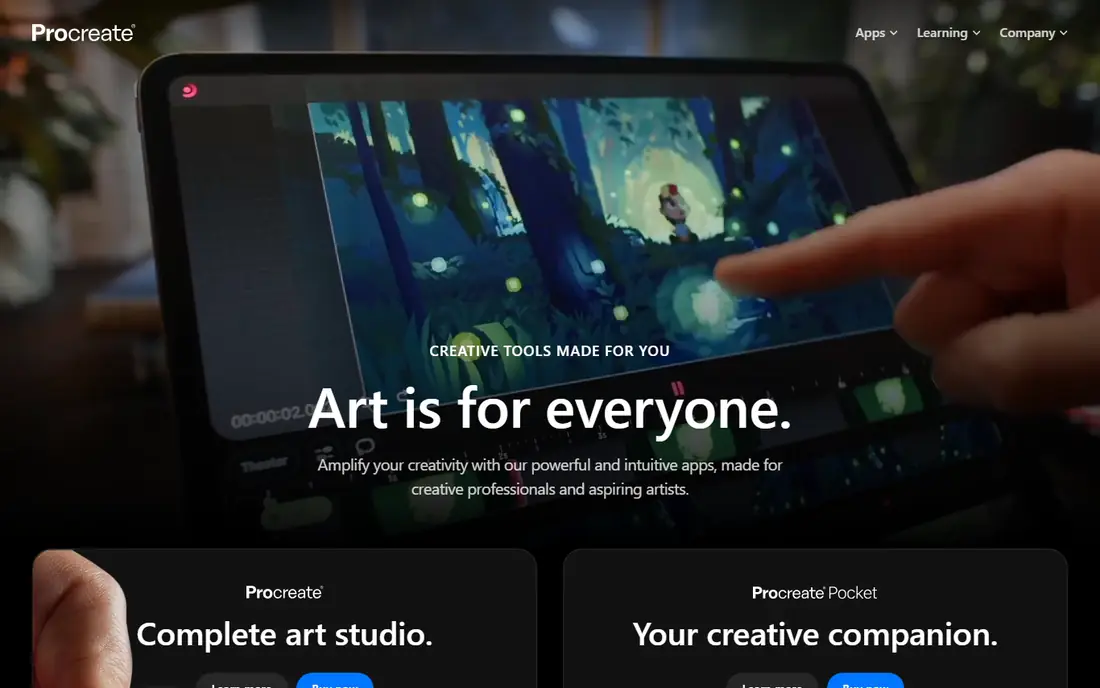
Procreate is still the benchmark for iPad painting. Its brush engine, gesture controls, and Apple Pencil optimization give a natural drawing feel that many artists prefer for illustration and painting. The one-time price of $12.99, with free updates, makes it exceptional value compared with subscription rivals.
The limitation is platform. Procreate is iPad only, so artists on Windows, Android, or Mac desktops cannot use it as a main tool. Canvas size and layer counts also depend on iPad memory, so very large print work needs planning. If you already own an iPad, though, Procreate is the first app to try.
- Excellent Apple Pencil feel and brush engine
- One-time purchase with free updates
- Fast performance and time-lapse recording
- IPad only
- Canvas and layer limits depend on iPad hardware
- No desktop version for cross-platform work
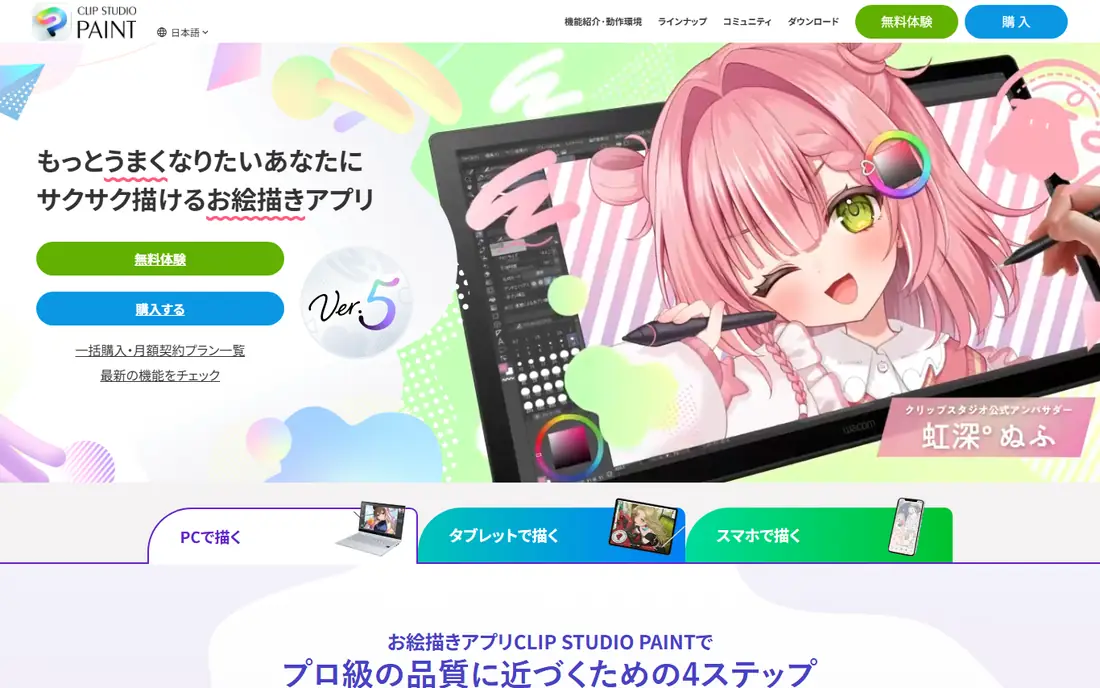
Clip Studio Paint is the professional choice for comics, manga, and webtoons. Panel layout, perspective rulers, vector inking, and 3D models for posing are built in, not added through plugins. That depth saves hours for sequential artists who would otherwise juggle several tools.
The catch is complexity and pricing structure. The interface has many panels and options, and mobile pricing differs from desktop perpetual licenses. Beginners should start with the PRO version and a focused set of brushes, rather than trying to learn every comic tool at once.
- Panel, inking, screen tone, and 3D pose tools for comics
- Cross-platform on desktop, iPad, and Android
- Huge asset library
- Interface can overwhelm beginners
- Tablet use needs a subscription for ongoing use
- Desktop and mobile pricing differ
Krita is the strongest free digital painting software, not a stripped-down teaser. Its brush engine, blending modes, and animation tools cover most hobbyist and many freelance workflows at no cost. For students and artists on a tight budget, Krita removes the price barrier entirely.
The honest weakness is polish and support. Krita relies on community funding and support, so help can be slower than with a commercial app, and the interface can feel dense at first. If you can invest a few hours in setup and brush customization, Krita rewards that effort.
- Free and open source with a pro brush engine
- Animation, CMYK, and layer tools
- No subscription or paywall
- Community support rather than commercial support
- Interface can feel busy
- Tablet versions are less polished than desktop
Photoshop remains the industry standard for a reason: it handles painting, photo editing, compositing, and print preparation in one program. Clients and studios expect PSD files, and Photoshop's brush, layer, and adjustment tools cover almost any illustration brief. For professionals who already pay for Creative Cloud, it is a natural main tool.
The trade-off is cost and complexity. At $22.99 per month on the plans cited in 2026 comparisons, Photoshop is expensive for a hobbyist who paints twice a month. Pure painters may also prefer the focused feel of Procreate or Krita, since Photoshop's breadth can slow a simple sketch.
- Deepest editing, compositing, and brush customization in the industry
- Standard file format for client work
- IPad and desktop versions
- Subscription cost adds up
- Interface is large and can overwhelm pure painters
- Painting feel depends on brush setup
Adobe Fresco suits artists who paint on a tablet and want realistic brush behavior without a full Photoshop workflow. Its live brushes simulate watercolor bloom and oil mixing in a way that feels closer to traditional media than a standard digital brush. The free tier lets you test that feel before paying.
The limitation is depth. Fresco is a painting app, not a full editing suite, and the most useful features sit behind a paid plan or a Creative Cloud bundle. Artists who need heavy compositing or print work will still need Photoshop alongside Fresco.
- Live brushes that mimic watercolor and oil
- Raster and vector brushes in one app
- Free tier for getting started
- Full features need a paid plan or bundle
- Less depth than Photoshop for editing
- Touch-first design suits tablets best
Corel Painter is the pick for fine art painters who want digital tools to feel like real media. Its Natural-Media brushes, paper textures, and thick paint simulation go further than general illustration apps. For artists moving from oils or watercolors to digital, that realism can make the transition easier.
The catch is price and learning time. Corel Painter is a premium desktop program, and its huge brush library can overwhelm a beginner. It suits serious painters who will use its realism daily, rather than casual sketchers who need a quick app.
- Deepest traditional-media brush library
- Realistic thick paint, watercolor, and paper textures
- Strong for fine art painters going digital
- High one-time price
- Steep learning curve
- Desktop only, with no strong tablet companion
Rebelle specializes in one job and does it exceptionally well: making digital paint behave like wet media. Watercolor bleeds, dries, and granulates, while oils mix and build texture in a way that surprises first-time users. For watercolor and ink artists, Rebelle can be the most enjoyable app on this list.
The limitation is scope. Rebelle is not a comic production tool or a vector illustration suite, and it runs on desktop only. Pair it with Krita or Photoshop for layout and editing, and use Rebelle for the painting stage where its realism shines.
- Hyper-realistic watercolor, ink, and oil simulation
- Fluid paint behavior with drying and mixing
- One-time purchase model
- Narrower toolset than Photoshop or Clip Studio Paint
- Desktop only
- Less suited to vector or comic production work
MediBang Paint is the best free route into comics across devices. You can sketch on a phone, continue on a tablet, and finish on a desktop, with panel tools and cloud storage built in. For students, hobby comic artists, and small teams, that cross-device freedom at no cost is hard to beat.
The honest weakness is depth. MediBang does not match Clip Studio Paint for professional inking, screen tones, and multi-page production. It is a strong starting point and a good collaboration tool, but serious comic professionals will likely upgrade later.
- Free across Windows, Mac, iPad, and Android
- Comic panel and cloud tools
- Team and cloud sync for collaborative work
- Cloud sync needs a MediBang account
- Brush and tool depth is lower than Clip Studio Paint
- Ads and premium options in some versions
Infinite Painter fills an important gap: a polished painting app for Android artists, with iOS support as well. Its brushes feel natural, perspective guides help with scenes and architecture, and stroke stabilization smooths shaky lines. For Android illustrators, it is often the first app worth trying.
The catch is device limits. Canvas size and layers depend on your phone or tablet hardware and on the tier you choose, so large work needs a capable device. The community and brush library are also smaller than Procreate's, so finding tutorials and assets takes a bit more searching.
- Natural brushes with perspective guides and stroke stabilization
- Flexible workspace on mobile
- Good Android option
- Layers and canvas size depend on device and tier
- Smaller community and asset library than Procreate or Clip Studio Paint
How we picked these
We compared official feature and pricing pages, app store listings, and public reviews for digital painting software, and we favored apps with a clear device and style fit. We treated one-time, subscription, and free models fairly, since the cheapest long-term cost depends on how often you draw. Where a vendor does not publish a clear starting price, we wrote "See website" rather than repeating a third-party estimate. We also weighed brush feel, platform coverage, comic and realism tools, and file compatibility, because those factors decide whether an app fits a real workflow.
How to choose the right digital painting app
Start with your device
If you own an iPad, start with Procreate. If you work on Windows, Mac, or Linux desktops, start with Krita or Clip Studio Paint. If you work on Android, start with Infinite Painter or MediBang Paint. Device fit saves more frustration than any feature list.
Match the app to your style
Comic artists should prioritize Clip Studio Paint or MediBang Paint. Traditional-media painters should prioritize Rebelle or Corel Painter. General illustrators can choose by feel: Procreate for iPad, Krita for free desktop work, and Photoshop for client-standard editing.
Test brushes before you pay
Download a trial or free tier, and paint a full piece, not only a test stroke. Check pressure response, blending, layer limits, and export quality at your usual canvas size. A brush that feels good for five minutes may not hold up for a five-hour painting.
Frequently asked questions
What is the best digital painting software for beginners?
Krita and MediBang Paint are the best free starting points, while Procreate is the best paid starting point on iPad. Krita offers pro tools at no cost, MediBang offers cross-device comics, and Procreate offers a simple interface with a one-time price. Beginners should pick by device first, then by style.
Which app is best for digital painting on iPad?
Procreate is the best iPad app for most painters, thanks to its brush engine, performance, and $12.99 one-time price. Clip Studio Paint suits iPad comic artists, and Adobe Fresco suits touch painters who want live watercolor and oil brushes. All three work well with Apple Pencil.
What is the best free digital painting software?
Krita is the best free digital painting software on desktop, with a full brush engine, animation, and CMYK support. MediBang Paint is the best free option for cross-device comics, and Adobe Fresco offers a useful free tier for tablet painting. Free does not mean limited here, though support and polish vary.
Is Clip Studio Paint or Procreate better for comics?
Clip Studio Paint is better for comics, thanks to panel layout, vector inking, screen tones, and 3D posing tools. Procreate is better for general illustration and painting feel on iPad, but it lacks dedicated comic production tools. Comic artists who work across devices should choose Clip Studio Paint.
What digital painting software do professionals use?
Professionals use Photoshop for client-standard editing, Clip Studio Paint for comics, Procreate for iPad illustration, and Corel Painter or Rebelle for traditional-media realism. Many professionals use two apps: one for painting and one for editing, layout, or print preparation.
Can I use digital painting software without a drawing tablet?
Yes, you can draw with a mouse or a touchscreen, but a pressure-sensitive pen tablet or stylus gives far better control for painting. iPad artists use Apple Pencil, desktop artists use Wacom or similar tablets, and Android artists use a compatible stylus. A tablet is a worthwhile investment if you paint regularly.
Sources we checked (9)

Online Jobs is an independent blog about careers, online work, learning new skills and the tools that help people earn. More about us.
Keep reading
All posts
Best White Label SEO Companies
We compare the best white label SEO companies and tools in 2026 for agencies, from fulfilment services to branded reporting platforms, margins and prices.
Best Webinar Software
We compared the best webinar software for 2026 on price, attendee limits, automation and ease of use, to help you host better live sessions with confidence.

Best Web Scraping Tools
Compare the best web scraping tools in 2026, from no-code Octoparse and Browse AI to Apify, Firecrawl, Bright Data, Zyte, ScraperAPI and free Scrapy, with prices.