Best Apps for ADHD College Students in 2026: 8 Apps Compared

How we put this together: we compare official feature and pricing pages, app store listings, privacy policies and public user reviews. Prices change, so check the provider's site before you pay.
Key takeaways
- Todoist and TickTick suit task capture and deadlines, while Notion suits organising notes and semester plans in one place.
- Forest and Structured suit focus and daily routines, because they make time visible and starting easier.
- Google Calendar suits time blocking, Anki suits memory practice, and Habitica suits habit building through game rewards.
- These are organisational tools, not medical treatment, and they work best alongside campus support and professional advice where needed.
Quick comparison
| Name | Who it suits | Starting price | Free option | |
|---|---|---|---|---|
 Todoist Todoist | simple task lists and deadlines | Free | Yes | Visit |
 Forest Forest | focus sessions without phone distraction | See website | No | Visit |
 Notion Notion | notes and semester organisation | Free | Yes | Visit |
 TickTick TickTick | tasks, calendar, and Pomodoro timer | Free | Yes | Visit |
 Google Calendar Google Calendar | time blocking and reminders | Free | Yes | Visit |
 Anki Anki | flashcard memory practice | Free | Yes | Visit |
 Habitica Habitica | habit building through game rewards | Free | Yes | Visit |
 Structured Structured | visual daily timeline | Free | Yes | Visit |
The best apps for adhd college students
College work with ADHD often breaks down at the same points: remembering deadlines, starting large assignments, and keeping track of time. The apps below target those points with simple capture, visual schedules, focus timers, and memory practice. None of them treat or diagnose ADHD, and none replace professional support, but they can make daily study routines easier to follow.
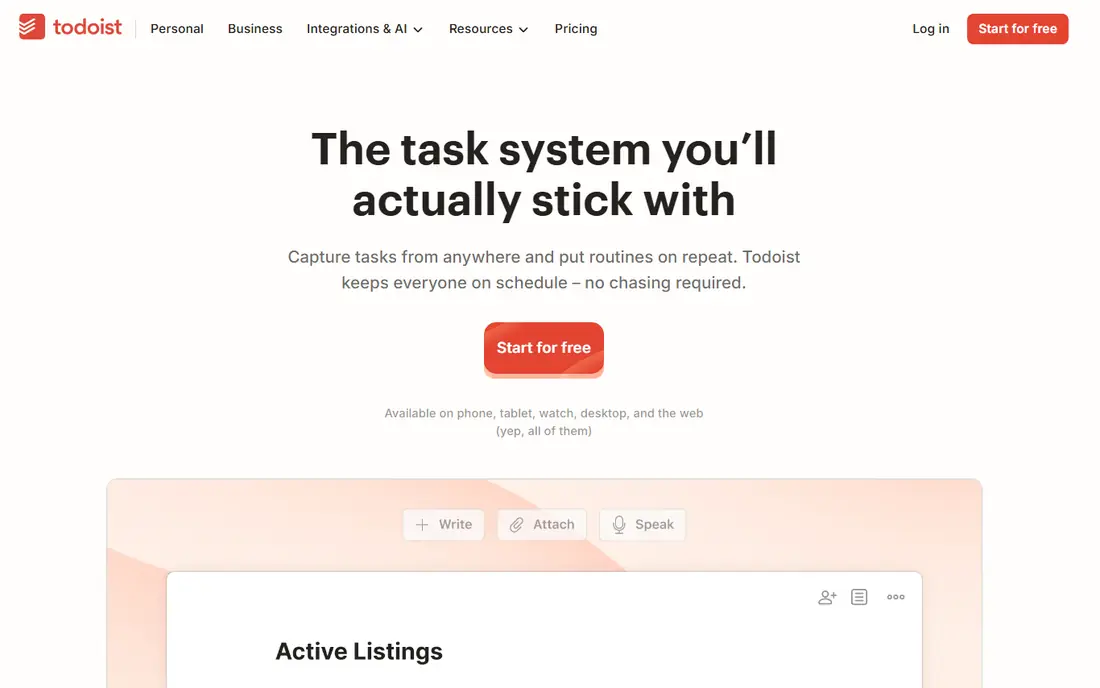
Todoist suits students who need to capture tasks fast before they forget them. Type a task in plain words, such as an assignment due next Friday, and Todoist sets the date for you. Priorities, labels, and recurring tasks help you sort a busy week, while the clean list view keeps the focus on what is due today rather than a wall of options.
The free plan covers core task management well enough for most students, with a paid Pro plan for filters, reminders, and more projects. Todoist has no built-in Pomodoro timer, so pair it with Forest or TickTick for focus sessions. Its strength is low friction: if capturing a task takes more than a few seconds, you are less likely to do it, and Todoist keeps that step short.
- Fast natural-language task entry
- Priorities and recurring tasks
- Clean list view with low clutter
- Calendar view and some filters need a paid plan
- No built-in focus timer
- Projects can grow messy without regular review
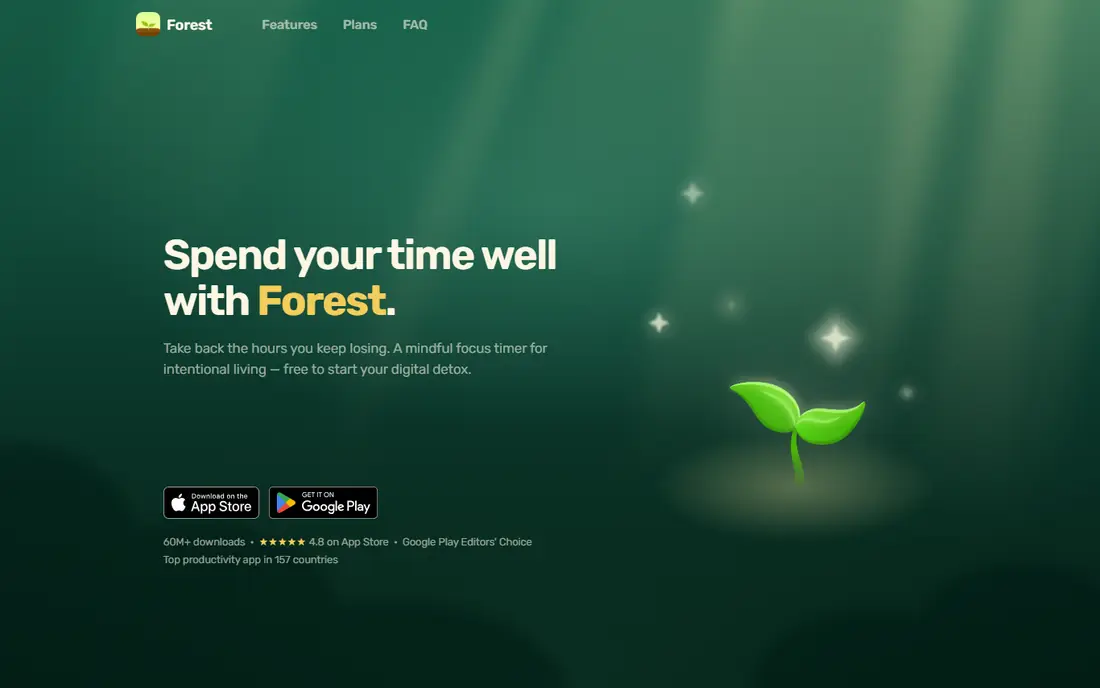
Forest turns a focus session into a small visual goal. Plant a virtual tree, set a timer, and stay in the app while you study. If you leave to check social media, the tree dies, which gives an immediate, visible consequence for distraction. If you stay focused, the tree grows and joins a forest that shows your study history.
Forest is a paid app in recent listings, with prices varying by store, so check the current price before buying. It does not manage tasks or deadlines, so use it alongside Todoist or TickTick: plan the work in a task app, then open Forest to do the work. For students whose main problem is phone distraction during study, Forest's simple game loop can make starting a session feel easier.
- Visual tree reward for staying focused
- Simple timer to start
- Friends mode for shared focus sessions
- Paid app with no free plan in recent listings
- No task management depth
- Reward only works if you value the visual goal
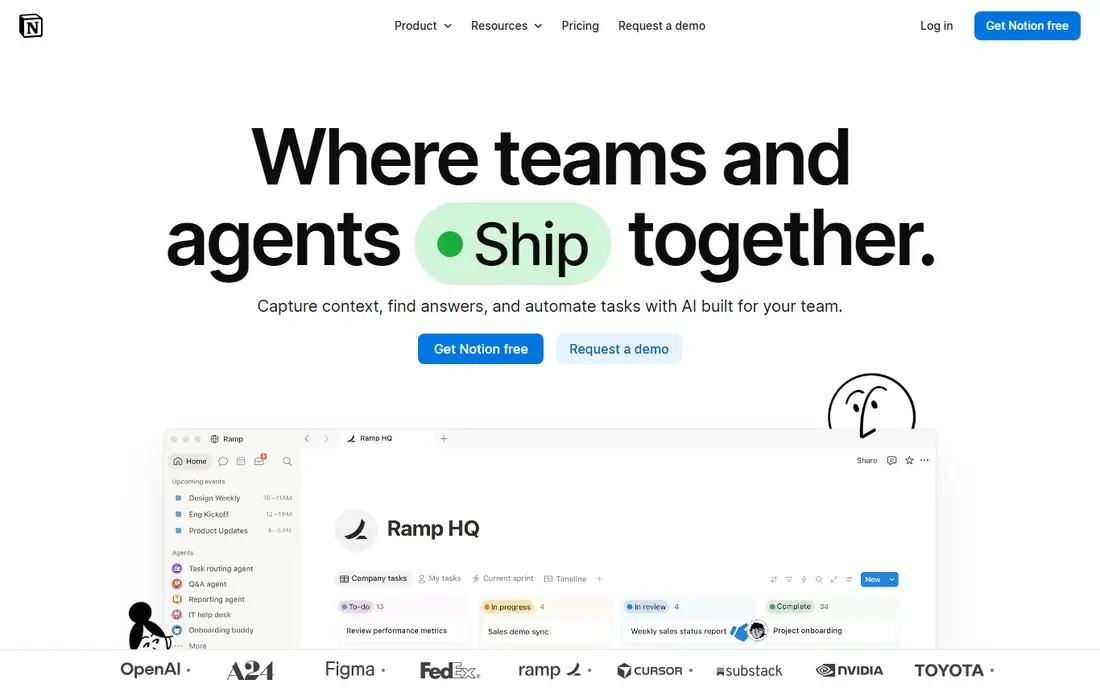
Notion is the most flexible organiser in this list, and that flexibility is both its strength and its risk. You can build a semester dashboard with course pages, assignment trackers, reading notes, and deadline databases, all in one workspace. Student templates, including ones designed for ADHD-style planning, can give you a starting layout without building from scratch.
The free plan is generous, and students with an academic email have been offered extra benefits in recent listings, so check Notion's current education offer. The risk is over-building: a complex system you never open is worse than a simple list you use daily. Start with one page per course and one assignment tracker, and add features only when a real need appears.
- Flexible pages, databases, and templates
- Free for students with an academic email in recent offers
- Good for course notes and trackers
- Setup can feel overwhelming at first
- No built-in focus timer
- Needs regular upkeep or pages go stale
TickTick suits students who want tasks, calendar, and a focus timer in one place, rather than three separate apps. You can list assignments, see them on a calendar, track habits, and start a Pomodoro session without switching tools. That all-in-one design reduces the number of apps you need to check each morning, which helps when routines already feel fragile.
The free plan covers core tasks and timer use, while Premium adds more calendar views, habit features, and sync options at a modest price that varies by billing term. TickTick's interface is busier than Todoist, so it suits students who like having everything visible. If you prefer a minimal list, Todoist may feel calmer. If you want one app for planning and focus, TickTick is a strong pick.
- Tasks plus calendar in one app
- Built-in Pomodoro timer and habit tracking
- Good free plan
- Interface is busier than Todoist
- Some calendar and habit features need Premium
- Sync limits apply on free plan
Google Calendar is the simplest way to make time visible. Block study sessions, classes, deadlines, and breaks on a timeline, and you can see at a glance whether a day is realistic or overloaded. Reminders help with due dates, and shared calendars help group projects, because everyone sees the same meeting times.
Google Calendar does not break large assignments into small steps, and it has no focus timer, so pair it with Todoist for tasks and Forest or TickTick for focus. Notifications also need tuning: too many reminders become noise, and too few mean missed deadlines. Set reminders for the few deadlines that matter most, and review the next day's blocks each evening to keep the system working.
- Free and widely used on campus
- Time blocking makes the day visible
- Reminders and shared calendars for group work
- No task breakdown or focus timer built in
- Can feel empty without a habit of blocking time
- Notifications need tuning to avoid overload
Anki suits students who need to remember facts, vocabulary, or formulas for exams. It uses spaced repetition, showing you a card again just before you are likely to forget it, which is more efficient than re-reading notes. Shared decks cover many subjects, though quality varies, so check a deck before relying on it for an exam.
Anki is free on desktop and Android, while the iOS app is a paid purchase, so check the current price if you study mainly on an iPhone. The interface feels dated, and making good cards takes practice: short, specific questions work better than long paragraphs copied from slides. For memory-heavy courses, Anki's scheduling can save hours compared with unstructured review.
- Spaced repetition schedules reviews for you
- Large library of shared decks
- Free on desktop and Android
- Interface feels dated
- IOS app is paid
- Making good cards takes practice
Habitica turns daily routines into a role-playing game: complete a habit or task, earn rewards, level up a character, and earn items. For students who struggle to start routine tasks, such as daily review or morning planning, that immediate reward can make the habit feel more appealing than a plain checklist. The free plan covers core habits, tasks, and rewards.
The game layer can also become a distraction if you spend more time on rewards than on study, so set a simple rule: check Habitica only when you complete a task, not during focus sessions. Habitica's task features are simpler than Todoist, so use it for habits and daily routines, and keep complex assignment planning in Todoist or Notion. For routine building, though, its game rewards are a genuine difference.
- Turns tasks and habits into a role-playing game
- Rewards and streaks for daily routines
- Free core plan
- Game features can distract from work itself
- Party and social features need care with privacy
- Task features are simpler than Todoist
Structured suits students who struggle with time blindness, because it shows the day as a visual timeline rather than a list. Drag tasks into time blocks, see gaps and overlaps, and follow the timeline through the day. That visual layout helps you judge whether a plan is realistic, and it makes transitions between classes, study, and breaks clearer.
Structured focuses on the day, not on semester-long projects, so pair it with Notion or Todoist for assignment tracking. The free plan covers core timeline planning, with a paid plan for extra features that vary by store listing. If lists feel abstract and you need to see time, Structured's timeline can make a daily routine much easier to follow.
- Visual timeline shows the day at a glance
- Drag-and-drop time blocks
- Simple and calm design
- Focus is daily planning, not long-term projects
- Some features need a paid plan
- Fewer integrations than Notion or Todoist
How we picked these
We compared official product pages, pricing pages, and app store listings for apps that help college students plan, focus, take notes, or practise memory, and are still available in 2026. We kept a mix of free and paid options, task managers, focus tools, and study aids, and we marked prices as See website where store prices vary. We did not claim hands-on testing, and we did not present any app as treatment for ADHD.
What to check before you build a study system
Start with one problem, not eight apps. If you forget deadlines, start with Todoist or TickTick. If you cannot start studying, start with Forest or Structured. If notes are scattered, start with Notion. Adding every app at once creates a second job: managing the system, instead of studying.
Keep the system small and visible
Use at most three apps: one for tasks and deadlines, one for notes or calendar, and one for focus or memory. Put the task app on your phone home screen, review tomorrow's plan each evening, and break large assignments into steps small enough to start in under ten minutes. If a step still feels too big, break it again, because starting is often the hardest part.
Use campus support alongside apps
Apps help with organisation, but they do not replace campus support services, tutoring, counselling, or professional advice. If ADHD symptoms affect your studies, work, or wellbeing, consider speaking to your campus disability support office or a clinician about accommodations and support options. A simple app routine plus proper support is a stronger combination than either alone.
Frequently asked questions
What are the best ADHD productivity apps for college students?
Todoist and TickTick suit tasks and deadlines, Notion suits notes and semester planning, and Forest suits focus sessions. The best combination for most students is one task app, one notes or calendar app, and one focus tool, rather than every app at once.
What is the best ADHD organisation app?
Notion suits students who want a flexible semester dashboard, while Todoist suits students who want a simple task list. Structured suits students who need a visual daily timeline, because lists alone can feel abstract when time is hard to judge.
Can apps help with ADHD in college?
Apps can help with organisation, reminders, focus sessions, and memory practice, which are common college challenges. They are not medical treatment, and they work best alongside study strategies, campus support, and professional advice where needed.
Is Forest good for ADHD students?
Forest suits students whose main problem is phone distraction, because it gives a visible reward for staying focused. It does not manage tasks or deadlines, so pair it with a task app, and check its current store price, since it is a paid app.
What is the best free app for ADHD college students?
Todoist, Notion, TickTick, Google Calendar, Anki on desktop and Android, Habitica, and Structured all offer free plans that cover core use. Start free, test one app for two weeks on real coursework, and only pay for features you actually use.
Sources we checked (8)

Online Jobs is an independent blog about careers, online work, learning new skills and the tools that help people earn. More about us.
Keep reading
All posts
Zoom Alternatives
Zoom alternatives compared for 2026: Google Meet, Microsoft Teams, Webex, Jitsi and more for free calls, large meetings and webinars for teams and classrooms.

What Is the Best Free Tool to Rotate a PDF
What is the best free tool to rotate a PDF? We compare eight free rotation tools on per-page control, limits, privacy and saved output quality in detail.

What Is the Best AI Dubbing Tool
We compared the best AI dubbing tools in 2026, from ElevenLabs and HeyGen to Rask AI, Dubverse and Veed, for videos and creators in many languages worldwide.