Best Apps in 2026: 8 Apps Compared

iPhone and iPad readers wanting a clean briefing · Starting price: Free
How we put this together: we compare official feature and pricing pages, app store listings, privacy policies and public user reviews. Prices change, so check the provider's site before you pay.
Key takeaways
- The best news apps balance speed, source range, and control over topics, rather than pushing one feed for every reader.
- Apple News and Google News suit most readers who want a clean daily briefing without managing many sources.
- Flipboard, Feedly, SmartNews, and Ground News suit readers who want to shape the feed, follow niche topics, or compare coverage.
- Free apps still differ on ads, paywalled articles, and offline reading, so check those points before settling on one.
- A news aggregator works best when paired with one or two trusted direct sources, not as a replacement for them.
Quick comparison
| Name | Who it suits | Starting price | Free option | |
|---|---|---|---|---|
| Apple News | iPhone and iPad readers wanting a clean briefing | Free | Yes | Visit |
 Google News Google News | Android and web readers wanting broad coverage | Free | Yes | Visit |
 Flipboard Flipboard | Readers wanting topic magazines | Free | Yes | Visit |
 Feedly Feedly | Readers wanting to follow chosen sources | Free | Yes | Visit |
 SmartNews SmartNews | Readers wanting fast headlines and local news | Free | Yes | Visit |
 Ground News Ground News | Readers wanting to compare coverage across outlets | See website | Free trial | Visit |
 Yahoo News Yahoo News | Readers wanting a broad daily news feed | Free | Yes | Visit |
 Microsoft Start Microsoft Start | Windows and web readers wanting a personal feed | Free | Yes | Visit |
The best apps
The best apps are the ones you open every day without thinking about it, and for most people that means news first. A good news app brings stories together, lets you follow the topics you care about, and keeps the feed readable on a phone. This roundup leans toward news apps and news aggregators, because that is where a daily habit is built, and it includes options for different phones, budgets, and reading styles.

Apple News suits readers who already use an iPhone or iPad and want news without managing feeds. The Today view mixes top stories with topics you follow, and the layout stays calm even on a busy news day. Saved stories and a simple follow system make it easy to return to a long read later.
The catch is platform fit. On Android or Windows, Apple News is not the natural pick, and the free tier still leaves some stories behind paywalls. Apple News Plus adds magazines and more publisher content for a subscription, which is worth pricing separately if you read a lot of magazine content. For Apple users who want a tidy daily briefing, the free app is a strong starting point.
- Clean reading layout on Apple devices
- Personalised topics and a daily briefing
- Offline reading for saved stories
- Full experience is tied to Apple devices
- Some articles sit behind publisher paywalls
- Subscription content costs extra
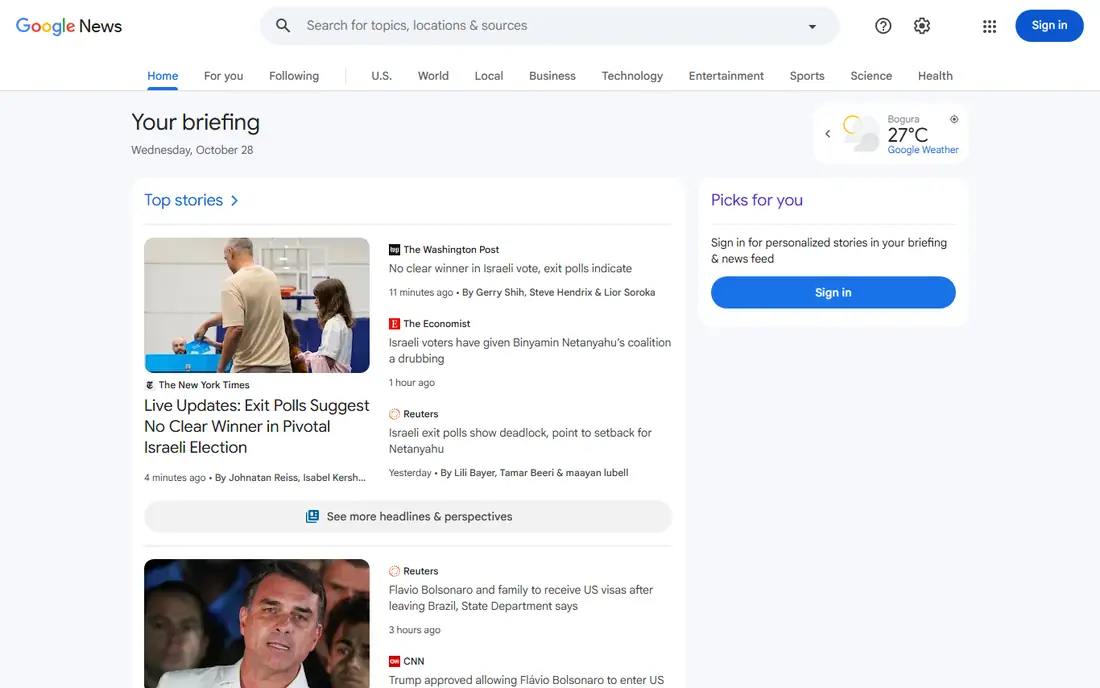
Google News suits readers who want breadth first. It pulls from many outlets, groups related coverage under one story, and lets you follow topics, locations, and sources. The briefing gives a quick morning read, while full coverage helps when a story is moving fast and one outlet is not enough.
The trade-off is control. The feed learns from what you open, so it needs a little pruning at the start, by hiding sources or topics you do not want. Once tuned, it becomes a reliable daily habit across phone and desktop, with the same saved stories and follows in both places. For a free, cross-platform news app, it is hard to beat.
- Broad source range across topics and regions
- Works on Android, iPhone, and the web
- Personalised briefing plus full coverage views
- Feed can feel busy on heavy news days
- Personalisation needs tuning to avoid repeat stories
- Some articles require a publisher subscription
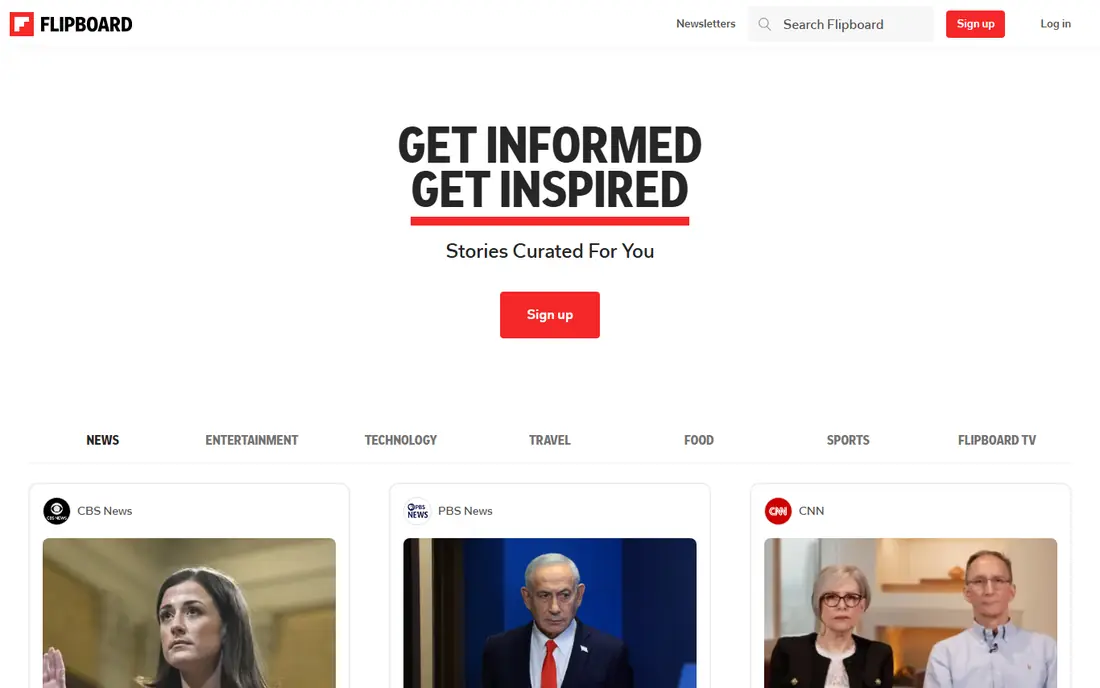
Flipboard suits readers who like to browse by interest rather than scan a single headline list. You follow topics such as technology, health, or travel, and Flipboard builds magazine-style pages around them. The visual layout makes it pleasant for longer reads and photo-led stories, and curated magazines add a human editorial touch.
The catch is pace. If you want five headlines and out, Flipboard can feel slower than Google News or Apple News. It works best as a second app for interests, alongside a fast briefing app for breaking news. Set up a few magazines around your main interests first, and the feed improves quickly.
- Magazine-style layout that suits browsing
- Topic feeds and curated magazines
- Easy saving and sharing
- Layout favours browsing over a tight briefing
- Some content is sponsored or promotional
- Account setup helps to get the best feed
Feedly suits readers who know which blogs, journals, and outlets they trust and want to follow them directly. Instead of an algorithm choosing stories, you add feeds, sort them into folders, and read in your own order. That control helps professionals, students, and hobby readers who follow niche topics that general news apps miss.
The honest catch is effort. Feedly rewards a little setup time, and a bare account with no feeds feels empty. The free plan covers basic reading, while paid plans add search, sharing, and team features. If you already have a list of sources you read every week, Feedly turns that list into a calm daily routine.
- You choose every source, so the feed stays focused
- Folders and boards for organising topics
- Works well for niche blogs and trade news
- Setup takes more work than a ready-made briefing
- Free plan limits some features
- News from social platforms is not the focus
SmartNews suits readers who want headlines fast, especially on a commute or a short break. The app loads quickly, groups stories by channel, and includes local news and weather in a way that many national apps handle poorly. SmartView, its fast-reading mode, helps when a connection is slow.
The trade-off is depth. Popular stories dominate, so a niche interest may need a second app such as Feedly. Ads in the free version are also part of the deal, though they are easy to scroll past. For a free, fast, local-friendly news app, SmartNews is a practical daily pick.
- Fast loading and a clear headline view
- Local news and weather tabs
- Offline reading for top stories
- Feed leans on popular stories, so niche coverage can be thin
- Ads appear in the free app
- Personalisation is lighter than rivals
Ground News suits readers who want to see more than one version of a story. It groups coverage of the same event, labels outlet lean where it can, and flags stories that get wide coverage on one side and little on another. That context helps a reader judge a story rather than accept the first headline.
The catch is price and pace. The free tier gives a taste, but the fuller comparison tools are paid, so check the subscription before relying on them daily. Ground News also works best when you slow down for a major story, not when you need five headlines in a minute. Pair it with a fast briefing app for the best mix of speed and context.
- Shows how outlets cover the same story
- Bias and ownership labels add context
- Blind-spot alerts highlight stories covered mainly by one side
- Full features sit behind a subscription
- The comparison view takes a little learning
- Some readers will prefer a simpler briefing
Yahoo News suits readers who want one broad feed without setting up topics or feeds. It covers the main national stories, business, sport, and entertainment in a single scroll, and it works well on the web for desktop readers. Original reporting and video sit next to agency copy, so a story can be followed in more than one form.
The trade-off is focus. A broad feed means more stories you will skip, and promoted items need a quick eye to tell apart from news. Readers who want a tight, topic-led feed may prefer Google News or Feedly. For a free, no-setup daily read, Yahoo News remains a solid, familiar option.
- Broad mix of national, business, sport, and entertainment news
- Simple feed on web and mobile
- Video and original reporting alongside wire stories
- Feed can feel crowded
- Ads and promoted content appear in the free feed
- Personalisation is basic compared with Apple News and Google News
Microsoft Start suits Windows users who want news close at hand. It appears in Windows widgets and in Edge, and the mobile app carries the same personal feed across devices. Weather, sport scores, and news sit together, which suits a reader who checks several things in one morning pass.
The catch is tuning. With default settings, the feed can drift toward popular or lifestyle stories, so take a few minutes to follow interests and hide topics you do not want. It does not replace Feedly for source control, but as a free, always-there briefing for Windows users, it earns its place on this list.
- Built into Windows and Edge for easy access
- Personalised feed across news, weather, and sport
- Works on mobile and the web
- Feed quality depends on interest settings
- Ads appear in the free feed
- Less suited to readers who want source-by-source control
How we picked these
We compared official app pages, app store listings, and feature descriptions for widely used news apps and news aggregators available in the United States. We gave weight to source range, topic control, reading layout, offline reading, platform fit, and whether the free tier was genuinely useful. We did not claim hands-on testing, and we set prices to the vendor figure where we could confirm it, and to See website where a subscription or bundle price could change.
How to choose a news app
Start with your phone and your habit. An iPhone reader gets the most from Apple News, an Android reader from Google News or SmartNews, and a Windows reader from Microsoft Start. Cross-platform readers should favour Google News, Flipboard, or Feedly, so the feed follows them across devices.
Next, decide how much control you want. A ready-made briefing suits a reader who wants headlines in minutes. A source-led app such as Feedly suits a reader with a trusted list of outlets. A comparison app such as Ground News suits a reader who wants context on contested stories. Most readers end up with two apps, one fast and one deep, rather than one app for everything.
Ads, paywalls, and offline reading
Check three practical points before you settle. First, how often do ads interrupt reading, and does a paid tier remove them. Second, how many stories sit behind publisher paywalls, since a free aggregator cannot open every article. Third, whether saved stories work offline, which matters for travel and weak connections. Those three points affect daily use more than a long feature list.
Keep a direct source in the mix
An aggregator is a starting point, not a single source of truth. Keep one or two direct sources you trust, such as a local paper or a specialist outlet, and check them for stories that matter to you. That habit protects against a feed that narrows over time and keeps local news in view.
Frequently asked questions
What is the best news app?
The best news app for most readers is Apple News on Apple devices and Google News on Android and the web, because both give a clean briefing from many sources at no cost. Readers who want topic control should look at Flipboard or Feedly, while readers who want coverage comparison should look at Ground News. The right pick depends on your phone and how you like to read.
What are the best news apps for free?
Apple News, Google News, SmartNews, Yahoo News, and Microsoft Start all offer useful free tiers, and Feedly and Flipboard are free for basic reading. Free tiers differ on ads, saved stories, and paywalled articles, so try two free apps for a week and keep the one you open more often. A paid tier is worth it only if you use the extra features daily.
What is the best news aggregator app?
The best news aggregator app depends on control. Google News aggregates the widest range with little setup, Feedly aggregates exactly the sources you choose, and Ground News aggregates coverage of the same story across outlets. For most readers, Google News is the simplest aggregator, while Feedly is the best choice for niche or professional reading.
What is the best app for local news?
SmartNews and Google News both handle local news well, with local tabs and location-based stories, and a local newspaper app or site remains worth adding. Check whether your city and county are covered before relying on one app, since local coverage varies by area. A local source also covers council, school, and weather stories that national feeds may miss.
Are the best free Android apps for news worth using?
Yes, for most Android readers the free options are strong. Google News gives breadth, SmartNews gives speed and local news, and Feedly gives source control, all without a subscription. Paid tiers add features such as ad removal or deeper search, but the free tiers cover a daily briefing well.
What is the best app for following a single topic closely?
Feedly is the best pick for following one topic closely, because you can add every blog, journal, and outlet that covers it and read them in one folder. Flipboard also works for topic browsing, with magazines built around interests. For breaking news on a topic, pair either app with Google News alerts for the same topic.
Sources we checked (8)

Online Jobs is an independent blog about careers, online work, learning new skills and the tools that help people earn. More about us.
Keep reading
All posts
Best Writing Software
Looking for the best writing software in 2026? We compared 9 writing apps for books, articles and screenplays on price, features and fit. All verified.

Best Weather Apps
Searching for the best weather app? We compared eight top weather apps for accurate forecasts, radar, severe alerts, and daily planning near you today.

Best Video Editing Software
We compared the best video editing software for beginners and pros, checking official pricing, free plans and honest limits before ranking all nine editors.