Best Appointment Scheduling Software in 2026: 9 Tools Compared

How we put this together: we compare official feature and pricing pages, app store listings, privacy policies and public user reviews. Prices change, so check the provider's site before you pay.
Key takeaways
- The best tool depends on the job, because meeting links, service bookings, and class bookings need different features.
- Free plans work well for one person or a small team, but limits on event types, staff, or bookings matter more than the headline price.
- Reminders, deposits, and clear cancellation rules do more to cut no-shows than a pretty booking page alone.
- Check how the tool handles payments, time zones, and calendar sync before you buy, because those details cause most daily friction.
Quick comparison
| Name | Who it suits | Starting price | Free option | |
|---|---|---|---|---|
 Calendly | Simple meeting links | Free | Yes | Visit |
 Acuity Scheduling | Service businesses with intake forms | See website | Free trial | Visit |
 Setmore | Small service teams on a budget | Free | Yes | Visit |
 SimplyBook.me | Custom booking websites | Free | Yes | Visit |
 Square Appointments | Businesses that already use Square | Free | Yes | Visit |
 Zoho Bookings | Teams inside the Zoho suite | See website | Free trial | Visit |
 Doodle | Group polls and simple meetings | Free | Yes | Visit |
 Appointy | Multi-location service bookings | Free | Yes | Visit |
 Cal.com | Open and flexible scheduling | Free | Yes | Visit |
The best appointment scheduling software
A good booking tool removes the back and forth over times, and it should make the client side feel simple. The nine tools below cover meeting links, service appointments, and group scheduling, so you can match the tool to how your clients actually book.
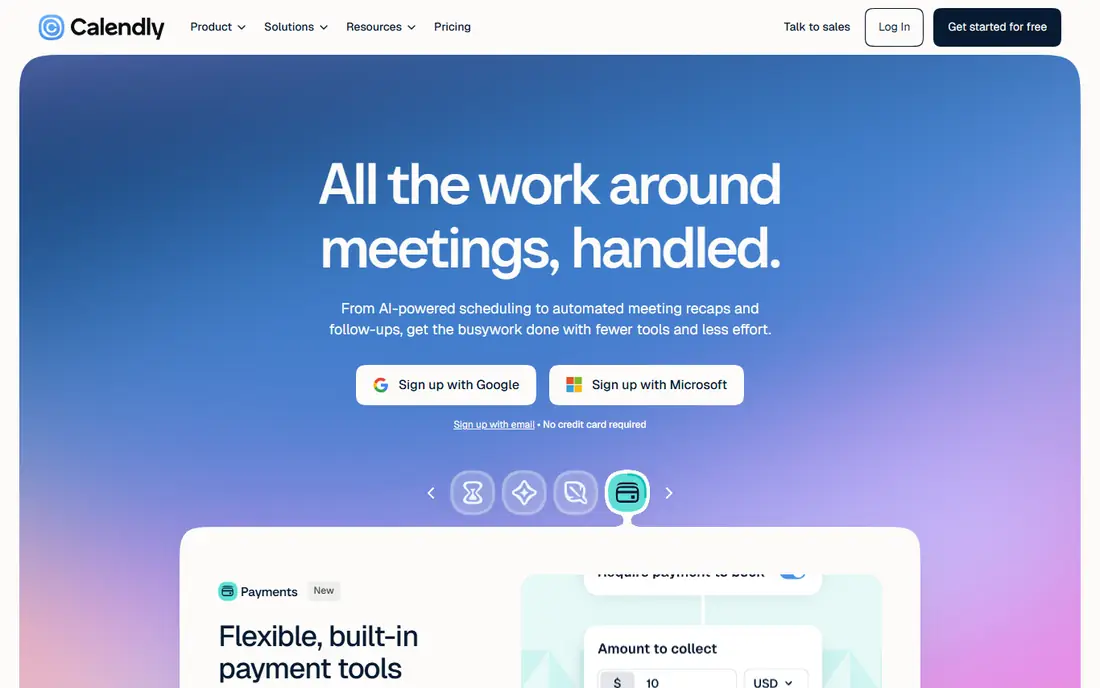
Calendly is the easiest pick for people who mainly book meetings. You set your hours, share a link, and invitees pick a time that fits both calendars. Time zone handling is automatic, and reminders help reduce missed calls. For sales calls, interviews, and consultations, that simple flow is often all you need.
The limit shows up when appointments are the product itself. If you need intake forms, packages, staff calendars, and payment rules for services, a service booking tool will fit better. Calendly can take payments on paid plans, but it is still at heart a meeting tool, not a full service booking system.
- Very easy booking links
- Clean calendar sync
- Useful team routing on paid plans
- Free plan limits event types
- Service features such as intake forms are thinner than specialist tools
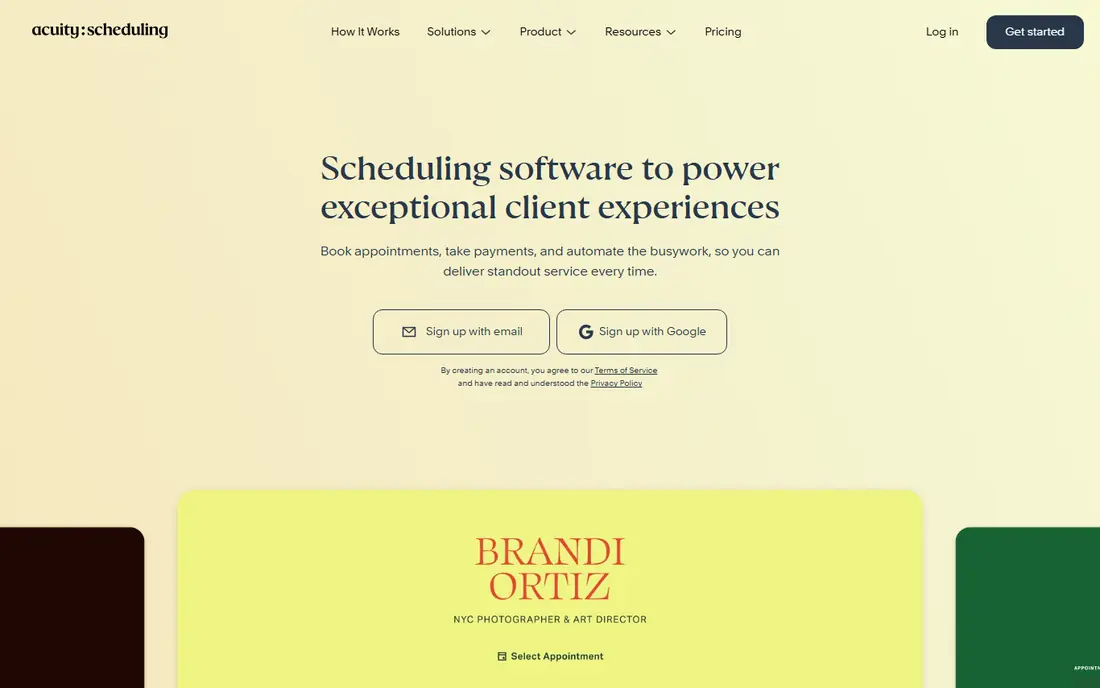
Acuity Scheduling suits service businesses that need more than a time slot. Clients can complete intake forms, buy packages, book classes, and pay at booking, while staff calendars stay separate and clear. That depth helps clinics, coaches, consultants, and studios where each appointment carries its own details.
The trade-off is price and setup. There is no free plan, only a trial, and building forms, services, and payment rules takes an afternoon of careful work. If your bookings are simple meetings, that work is wasted. If they are paid services, it pays off quickly.
- Strong intake forms and packages
- Client self-service
- Good payment options
- No free plan
- Setup takes longer than a simple meeting link
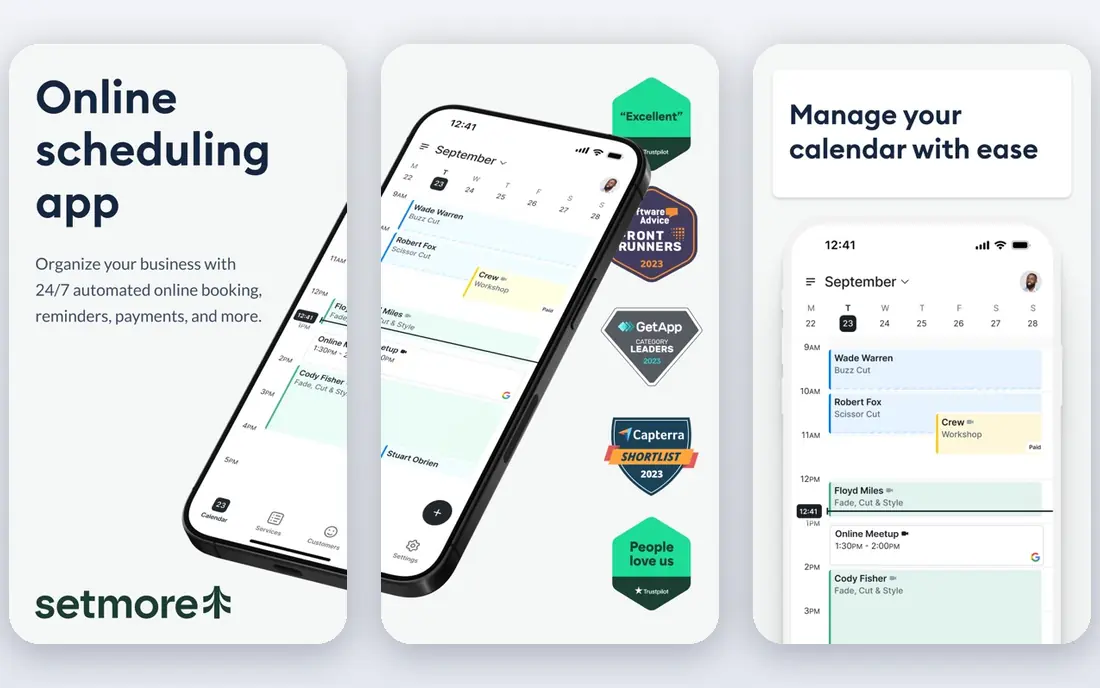
Setmore gives small service teams a lot for no cost. The free plan supports several staff calendars, and clients can book online, receive reminders, and join video meetings where that option is turned on. Paid plans add more features, but many small teams can run well on the free tier for a long time.
What you give up is polish in places. The booking page and admin screens are functional rather than fancy, and some integrations sit behind paid plans. If budget matters more than branding, Setmore is a strong first tool to try.
- Generous free plan for small teams
- Staff calendars
- Video meeting links
- Some advanced features need paid plans
- Design options are basic
SimplyBook.me works well when you want a booking website that looks like your business, not just a link. You can add services, staff, locations, and extra features such as payments, intake forms, and social booking buttons. That flexibility suits salons, clinics, and studios with varied services.
The catch is the free plan. It caps bookings and allows only a limited set of custom features, so growing businesses will need a paid plan. Add the cost of the add-ons you actually need before comparing it with a simpler tool, because the base price alone can mislead.
- Flexible booking website
- Many add-on features
- Good for varied services
- Free plan limits bookings and features
- Add-ons can raise the total cost
Square Appointments fits businesses that already take payments through Square. Booking, payment, client records, and point of sale can stay in one system, which cuts admin and avoids double entry. Staff can manage their own calendars, and clients can book, pay, and receive reminders without extra tools.
Outside Square, the advantage fades. If you use another payment provider, or you need booking only, a standalone tool may be cheaper or more flexible. Inside Square, though, the joined-up flow is a real benefit.
- Payments built in
- Staff and client records
- Useful point of sale connection
- Best value inside Square
- Paid tiers charge per location
Zoho Bookings is a clean choice for teams that already use Zoho apps. Booking pages are easy to share, staff availability stays in sync, and customer details can flow into Zoho CRM. For meetings and straightforward service appointments, it covers the core job without extra clutter.
It is less deep than specialist service tools when you need complex packages, memberships, or highly custom intake. Check the plan limits for staff, bookings, and integrations, and test the client booking flow before you commit a whole team to it.
- Clean booking pages
- Useful team scheduling
- Connects with Zoho CRM and mail
- Fewer specialist service features than Acuity or SimplyBook.me
- Free options are limited
Doodle solves a narrow problem well. When several people need to agree on a meeting time, you can send a poll, let each person mark the times that work, and pick the slot with the most agreement. Voters do not need an account, which keeps the process fast for external groups.
It is not a service booking system. There are no staff calendars for clients, no service menus, and no payment flow of the kind a salon or clinic needs. Use Doodle for group meetings, and pick a different tool when clients book services on their own.
- Very simple group time polls
- No account needed for voters
- Quick to share
- Not a full service booking tool
- Limited intake, payment, and staff features
Appointy suits service businesses with more than one location or a mix of services and classes. Clients can book by location and staff member, receive reminders, and pay where that option is set up. Admins can manage schedules across sites from one account, which helps as a business grows.
The interface is less modern than some rivals, and a few useful features sit on higher tiers. If you run one small service with simple bookings, a lighter tool may feel easier. If you run several sites, Appointy gives you structure that simple meeting tools lack.
- Multi-location support
- Class and service booking
- Automated reminders
- Interface can feel dated in places
- Some features need higher plans
Cal.com appeals to teams that want control over scheduling. The open source core can be self-hosted, and the hosted version offers event types, team scheduling, routing, and calendar connections without forcing a single workflow. That flexibility suits technical teams and businesses with unusual booking rules.
New users should read the plan and hosting details carefully. Self-hosting adds maintenance, and the hosted paid plans add features that the free tier lacks. If you want the simplest possible booking link, Calendly is easier. If you want flexibility and control, Cal.com earns a close look.
- Open source core
- Flexible event types
- Useful team and routing options
- Setup and hosting options can confuse new users
- Some features need paid plans
How we picked these
We checked official feature pages, pricing pages, and app store listings, and we compared booking types, staff support, payment options, reminders, and calendar sync. We also read public reviews for reports on setup time and free plan limits, and we kept only tools that are current, widely used, and clearly built for appointment booking. Where pricing was not clear on the vendor site, we wrote See website.
How to choose the right booking tool
Start by naming the booking job. A meeting link needs calendar sync and time zone handling. A service booking needs staff, services, durations, and buffers between clients. A class needs capacity limits and waitlists. Write down your job in one sentence, and shortlist only tools that handle that job well.
Then test the client side first. Book a test appointment on a phone, check the confirmation, change the time, and cancel it. If any step confuses you, it will confuse clients too. Check reminders next, because email and text reminders, and the timing of each, affect no-shows more than most other settings.
Finally, check payments and data. Confirm which payment providers the tool supports, what fees apply, and how refunds or rescheduled paid bookings are handled. Confirm that you can export client and booking data, because that export is your safety net if you later change tools.
Frequently asked questions
What is the best appointment scheduling app for a small business?
It depends on the booking type. Calendly suits meetings, Setmore and SimplyBook.me suit service teams on a budget, and Square Appointments suits businesses that already use Square for payments. Test the client booking flow before you choose.
What is the best app for scheduling clients?
A service booking tool such as Acuity Scheduling, SimplyBook.me, or Appointy fits client scheduling best, because it supports services, staff, intake forms, and payments. A meeting tool works when the client only needs to pick a time for a call.
What is the best appointment scheduling tool for a team?
Look for shared staff calendars, round-robin or routing rules, and clear permissions. Setmore, Zoho Bookings, and Cal.com all support team scheduling, while Calendly team plans suit meeting-heavy teams.
Are there good free appointment scheduling tools?
Yes. Calendly, Setmore, SimplyBook.me, Doodle, Appointy, and Cal.com all offer free plans, but each limits event types, staff, bookings, or features. Compare those limits against a normal month before you rely on a free plan.
Can scheduling software take payments and reduce no-shows?
Yes, many tools support payment or deposits at booking, and most send email or text reminders. A deposit tends to cut no-shows more than a reminder alone, so check payment support and refund rules for paid bookings that move.
How do I switch from manual booking to scheduling software?
List your services, durations, staff, and working hours, then build one service in the new tool and test it with a few clients. Keep your old booking method running for a short overlap, then move fully once clients book and cancel cleanly in the new system.
Sources we checked (9)

Online Jobs is an independent blog about careers, online work, learning new skills and the tools that help people earn. More about us.
Keep reading
All posts
ZoomInfo Alternatives
The best ZoomInfo alternatives in 2026, compared on price, free plans, data coverage, and which tool fits small teams or large sales teams best in detail.

Workday Alternatives
We compared the best workday alternatives for HR, payroll, and global hiring, from BambooHR and Gusto to Rippling, Deel, and HiBob for growing teams in 2026.

Which SaaS Tools Have the Best Customer Support
Which SaaS tools have the best customer support? Compare eight popular tools on help centres, live help, response options and overall support quality.