8 Best Apps to Summarize PDFs Fast for Study and Work

How we put this together: we compare official feature and pricing pages, app store listings, privacy policies and public user reviews. Prices change, so check the provider's site before you pay.
Key takeaways
- QuillBot is the best all-round summarizer for students and writers, with paragraph and key-point modes.
- Scholarcy suits researchers who read academic PDFs and want structured summary cards.
- NotebookLM suits people who need to ask questions across many PDFs at once.
- ChatGPT suits fast, flexible summaries when you paste or upload a document and ask follow-up questions.
- Free tiers cap words, pages, or summaries per day, so check limits before you rely on a tool for a deadline.
Quick comparison
| Name | Who it suits | Starting price | Free option | |
|---|---|---|---|---|
 QuillBot QuillBot | General summaries for study and writing | Free | Yes | Visit |
 Scholarcy Scholarcy | Academic PDFs and research papers | Free | Yes | Visit |
 NotebookLM NotebookLM | Questions across many documents | Free | Yes | Visit |
 ChatGPT ChatGPT | Fast flexible summaries and follow-ups | Free | Yes | Visit |
 SMMRY SMMRY | Simple fast extractive summaries | Free | Yes | Visit |
 TLDR This TLDR This | Quick summaries from links and files | Free | Yes | Visit |
 Notta Notta | Summaries from audio, video, and documents | Free | Yes | Visit |
 Wordtune Wordtune | Readable summaries to share | Free | Yes | Visit |
The best apps to summarize PDFs fast
A good PDF summarizer does more than shorten text. It should keep key facts, show where a claim came from, and let you adjust length or ask follow-up questions. The apps below cover different needs, from a quick one-page summary to research across a stack of papers.
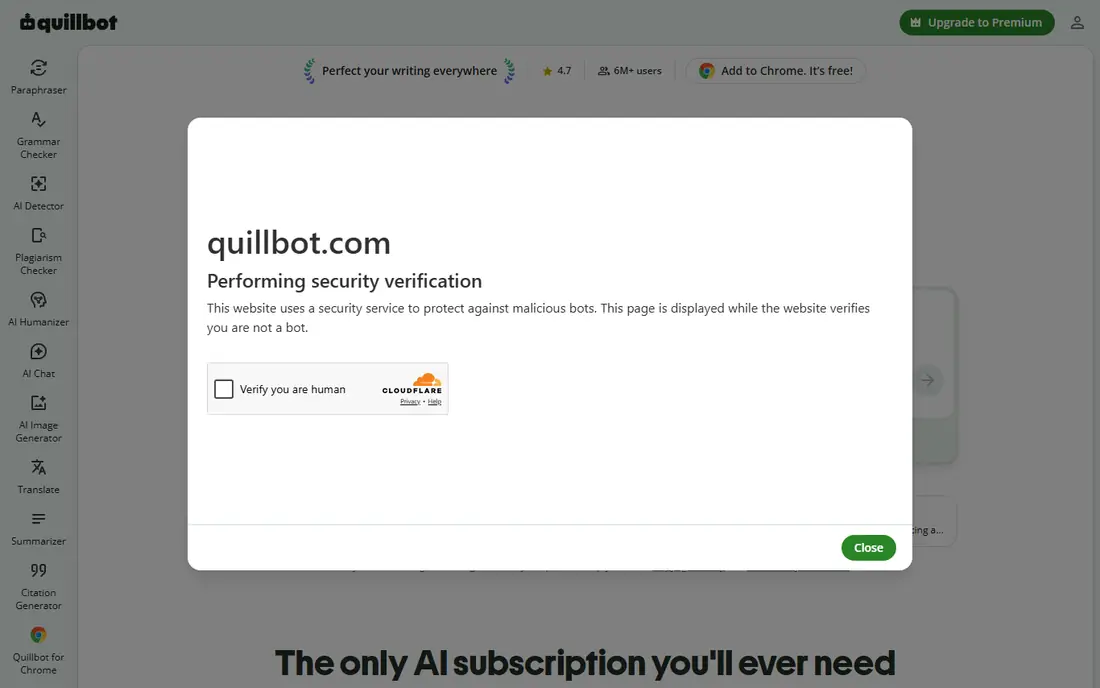
QuillBot is our first pick for most readers, because it handles the common case well: paste text or upload a PDF, pick paragraph or key-point mode, and get a readable summary fast. Length controls let you ask for a short overview or a fuller version, and the same account includes paraphrasing, grammar checks, and citation tools that help when you turn a summary into notes or a draft. The free tier limits words per summary, so a long report will need to be split or upgraded. Paid plans raise those limits and add faster processing. The summaries also need a quick check against the original for numbers and names, since any AI summary can miss a detail. For study notes, articles, and work reports, QuillBot is the most versatile summarizer here.
- Paragraph and key-point summary modes
- Adjustable length
- Paraphraser and grammar tools in the same account
- Free tier caps words per summary
- Large PDFs need a paid plan for full processing
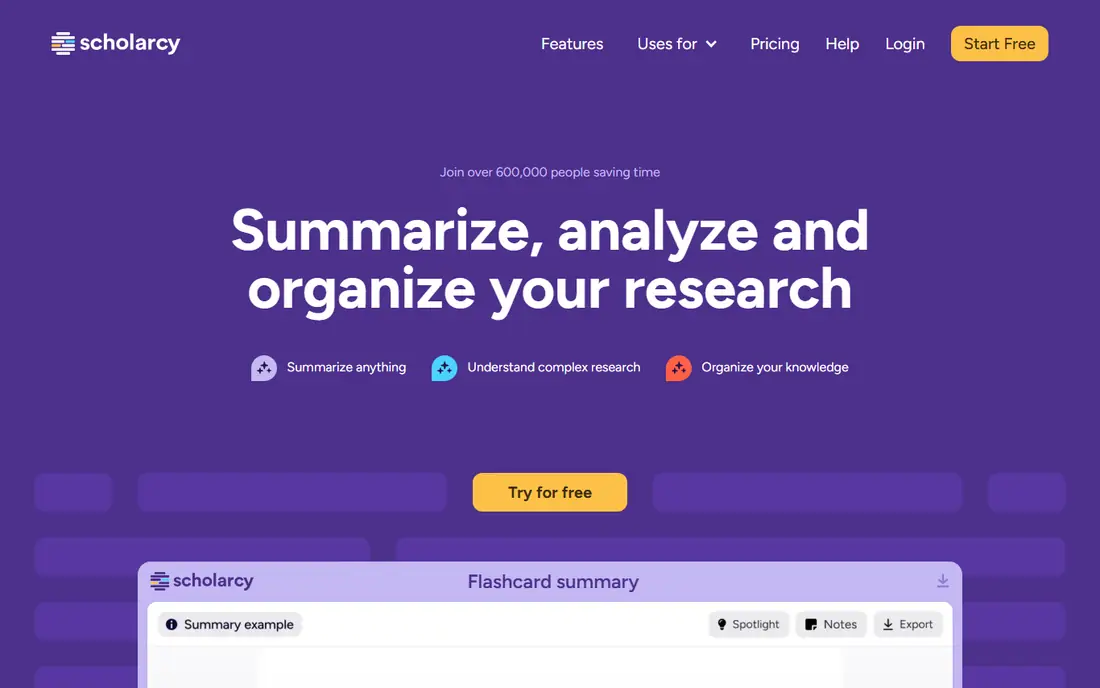
Scholarcy turns an academic paper into a structured card that shows the question, methods, key findings, and key references in a consistent layout. That structure is the point: when you screen twenty papers for a literature review, you can scan cards fast and decide which papers deserve a full read, without opening each PDF and hunting for the same sections. The tool also links summary points back to sections in the original text, which helps you verify a finding before you cite it. Free use covers a limited number of summaries, with paid plans adding unlimited use. Scholarcy is less useful for business reports or books, where the academic card layout does not fit. For students and researchers, it is the fastest way to triage a reading list.
- Structured summary cards for papers
- Extracts key findings and references
- Good for screening many papers fast
- Best for academic papers, less suited to general reports
- Paid plan needed for unlimited summaries
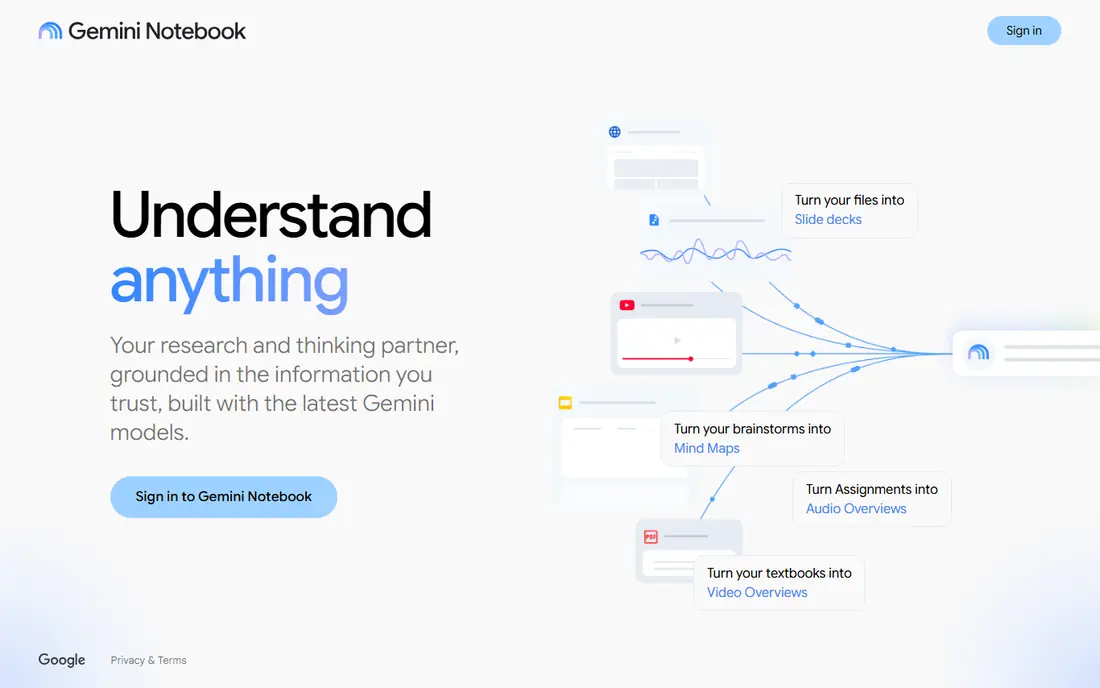
NotebookLM, from Google, takes a different approach: you build a notebook from PDFs, docs, and web sources, then ask questions and get answers grounded in those sources, with citations back to the original text. That makes it powerful for a project with many documents, such as a report, a thesis, or a case file, where a single summary is not enough. You can also ask for a summary of one document or of the whole notebook, and audio overviews turn sources into a listenable discussion. The free tier covers a generous number of sources per notebook, with a paid tier adding more. The setup takes longer than a one-click summarizer, since you build a notebook first. For research across many PDFs, that extra step pays off.
- Upload many PDFs and ask questions across them
- Answers cite sources in your documents
- Audio overviews for listening
- Works best as a research notebook, not a one-click summarizer
- Source limits apply per notebook
ChatGPT is the most flexible summarizer in this list, because you control the prompt. Upload a PDF and ask for a one-paragraph summary, a bullet list, a table of key points, or a plain-language version, then ask follow-up questions about any section. That conversation style suits readers who do not know what matters in a document until they see a first summary. The limits are practical: free accounts have caps on uploads and advanced model use, and long or scanned PDFs may need splitting or a paid plan. ChatGPT summaries can also smooth over uncertainty, so verify numbers, dates, and quotes against the original before you cite them. For fast, adaptable summaries with follow-up questions, ChatGPT is hard to beat.
- Upload a PDF and ask for any summary style
- Follow-up questions refine the result
- Handles many file types
- Free tier limits file uploads and model use
- Summaries need checking for numbers and quotes
SMMRY takes the simplest approach: it picks the most important sentences from a document and returns them as a summary. Because the sentences come straight from the original, the result stays close to the source wording, which suits readers who want a faithful extract rather than a rewritten version. It is also very fast, with no account needed for basic use. The trade is readability. A set of extracted sentences can feel disjointed, and SMMRY offers fewer length and style controls than QuillBot or ChatGPT. It also handles text and links better than large, complex PDFs. For a quick sense of a long article or report, SMMRY is the fastest no-fuss option in this list.
- Very fast
- Extracts key sentences from the original
- Simple interface with no signup for basic use
- Extractive style can read as disjointed
- Fewer controls than AI summarizers
TLDR This is built for speed on the web. Paste a link, upload a file, or use the browser extension, and you get a short summary with key points and keywords in seconds. That workflow suits news, blog posts, and reports you meet while browsing, where you want the gist before you decide to read fully. Free use covers basic summaries, with paid plans adding more features and higher limits. TLDR This is less suited to deep academic work, where Scholarcy structure or NotebookLM questioning will serve you better. For everyday reading speed, it is one of the quickest tools here.
- Fast summaries from URLs, text, and PDFs
- Browser extension for one-click summaries
- Key points and keywords shown
- Free tier limits use
- Less depth than research tools for academic papers
Notta earns its place for readers whose PDFs arrive alongside meetings, lectures, and recordings. It transcribes audio and video, then summarizes the transcript, with timestamps and speaker labels that help you find the moment a point was made. File uploads and document summaries sit alongside that transcription core. For PDF-only work, Notta is heavier than QuillBot or SMMRY, and the free tier limits transcription minutes per month. If your workflow mixes PDFs with recorded meetings or lectures, Notta unifies both kinds of summary in one place. If you only summarize PDFs, a dedicated text summarizer will be simpler.
- Transcribes and summarizes meetings and recordings
- Handles audio, video, and file uploads
- Timestamps and speaker labels
- Main strength is audio and video, not PDF-only work
- Free tier limits transcription minutes
Wordtune focuses on summaries you can read and share without heavy editing. Paste text or upload a document, get a concise summary, then use the same editor to rewrite sentences, adjust tone, or turn the summary into a note or message. That edit-and-share loop suits professionals who summarize a report and then need to send the gist to a team. The free tier limits summaries per day, so heavy daily use needs a paid plan. Wordtune also lacks the academic structure of Scholarcy or the multi-document questioning of NotebookLM. For clean, shareable summaries of everyday documents, it is a polished, easy option.
- Readable, shareable summaries
- Rewrite and paraphrase tools in the same editor
- Good for turning summaries into notes
- Free tier limits summaries per day
- PDF handling is simpler than dedicated research tools
How we picked these
We compared apps on summary speed, output quality, length controls, follow-up questioning, source citations, and free limits. We checked each vendor's own feature pages and pricing pages, app store listings, and public reviews for how each tool handles PDFs, long documents, and scanned files. Apps stayed on the list when they summarized PDFs fast for a distinct use, from academic screening to meeting transcripts. Prices shown are starting points, and free limits can change.
How to get a reliable PDF summary
Check numbers and quotes against the original
AI summaries can miss or soften a number, date, or quote. Before you cite a summary, find the same point in the original PDF and confirm the wording.
Ask for the length you need
A one-paragraph summary suits a quick decision. A longer bullet summary suits study notes. Pick the length for the job, rather than accepting a default that is too short or too long.
Use follow-up questions for long documents
For a long report, ask the tool about one section at a time. Section-by-section questions produce more accurate summaries than a single request to summarize a hundred pages at once.
Keep sensitive documents in mind
Check the privacy policy before uploading confidential work, legal, or medical documents. Some tools retain uploads for training or service improvement, while others offer stricter handling on paid or enterprise plans.
Frequently asked questions
What is the best app to summarize PDFs fast?
QuillBot is the best all-round pick for fast PDF summaries, with paragraph and key-point modes and length controls. Scholarcy is better for academic papers, NotebookLM is better for questions across many PDFs, and ChatGPT is better for flexible summaries with follow-ups.
Can I summarize a PDF for free?
Yes. QuillBot, Scholarcy, NotebookLM, ChatGPT, SMMRY, TLDR This, Notta, and Wordtune all offer free tiers. Free limits vary by words, pages, summaries per day, or transcription minutes, so check the limit that applies to your document size.
How do I summarize a long PDF quickly?
Upload the PDF to QuillBot, ChatGPT, or NotebookLM, ask for a bullet summary first, then ask follow-up questions about sections that matter. For very long PDFs, split the document by chapter or section for more accurate results.
Are AI PDF summaries accurate?
They are usually good for the main points, but they can miss details, numbers, or nuance. Treat a summary as a guide to the original, not a replacement for it, and verify any fact you plan to cite or act on.
Which PDF summarizer is best for students?
QuillBot suits general study notes, Scholarcy suits academic papers and literature reviews, and NotebookLM suits projects with many sources. Students on a budget should compare free word and summary limits, since those decide which tool lasts through a term.
Can a PDF summarizer handle scanned PDFs?
It depends on the tool and the scan quality. Text-based PDFs work best. Scanned image PDFs need optical character recognition first, and some tools handle that better than others. Test a sample scanned page before you rely on a tool for a full scanned book.
Sources we checked (8)

Online Jobs is an independent blog about careers, online work, learning new skills and the tools that help people earn. More about us.
Keep reading
All posts
Zoom Alternatives
Zoom alternatives compared for 2026: Google Meet, Microsoft Teams, Webex, Jitsi and more for free calls, large meetings and webinars for teams and classrooms.

Workday Alternatives
We compared the best workday alternatives for HR, payroll, and global hiring, from BambooHR and Gusto to Rippling, Deel, and HiBob for growing teams in 2026.

WordPress Alternatives
WordPress alternatives guide: we compare 8 platforms for builders, designers, stores, and publishers to leave WordPress without losing your full site content.