8 Best Apps to Make Flyers Free in 2026: 8 Apps Compared

How we put this together: we compare official feature and pricing pages, app store listings, privacy policies and public user reviews. Prices change, so check the provider's site before you pay.
Key takeaways
- Canva and Adobe Express offer the widest free template libraries for flyers.
- PosterMyWall and Desygner suit quick event flyers with ready-made layouts.
- VistaCreate and Microsoft Designer suit social-first flyers and posts.
- Free tiers may limit premium templates, fonts, or print quality, so check export options.
- The best app to make flyers depends on print or social use, since sizes and formats differ.
Quick comparison
| Name | Who it suits | Starting price | Free option | |
|---|---|---|---|---|
 Canva | Widest free flyer templates | Free | Yes | Visit |
 Adobe Express | Branded flyers and posts | Free | Yes | Visit |
 PosterMyWall | Quick event flyers | Free | Yes | Visit |
 Desygner | Simple flyer layouts | Free | Yes | Visit |
 VistaCreate | Social and event graphics | Free | Yes | Visit |
 Microsoft Designer | AI-assisted flyer drafts | Free | Yes | Visit |
 PicCollage | Photo-led flyers on mobile | Free | Yes | Visit |
 Photopea | Free photo editing for flyers | Free | Yes | Visit |
The best apps to make flyers free
A flyer app should make layout fast: pick a size, add a headline, add details, and export a file you can print or post. The tools below cover templates, photo editing, and social formats, with free tiers that suit events, sales, church notices, school events, and small business posts.
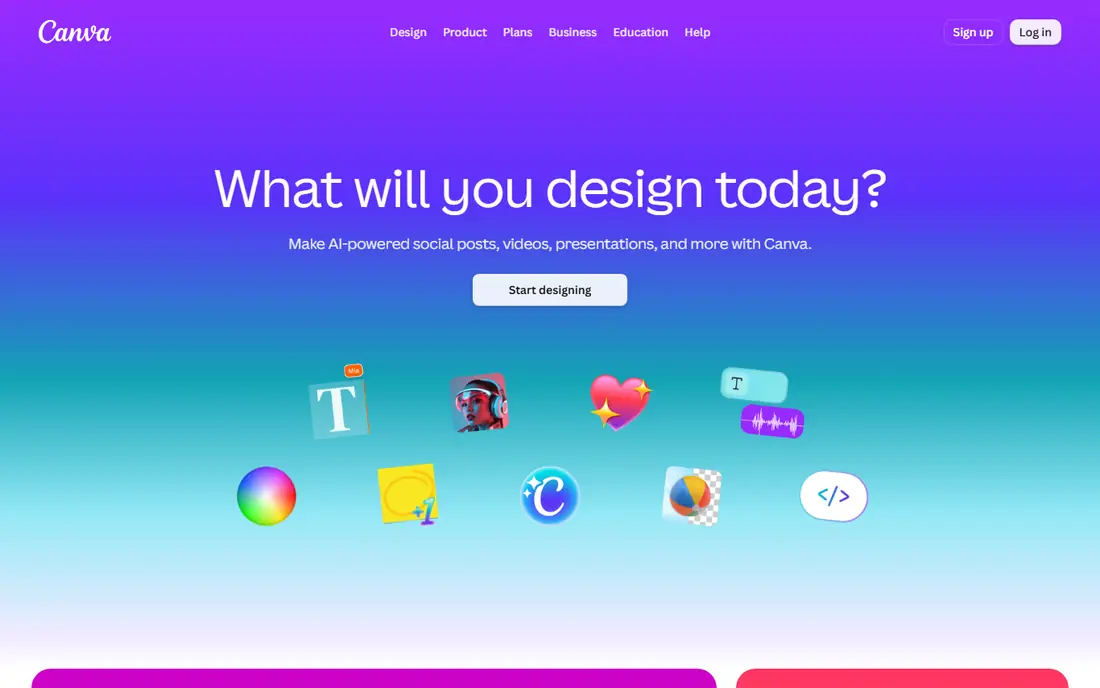
Canva is our pick for most people who want a free flyer app. Templates cover events, sales, classes, menus, and announcements, and sizes include print flyers and social posts. You can change text, colours, and images in a browser or on mobile, then export as PDF for print or as an image for social use.
Free users get a large set of templates, but premium assets carry a watermark or need a paid plan. Check the template licence and export settings before printing, and use PDF print settings for the best result.
- Very large template library
- Print and social sizes
- Easy text and image tools
- Some templates and assets need a paid plan
- Print files need care with bleed and margins
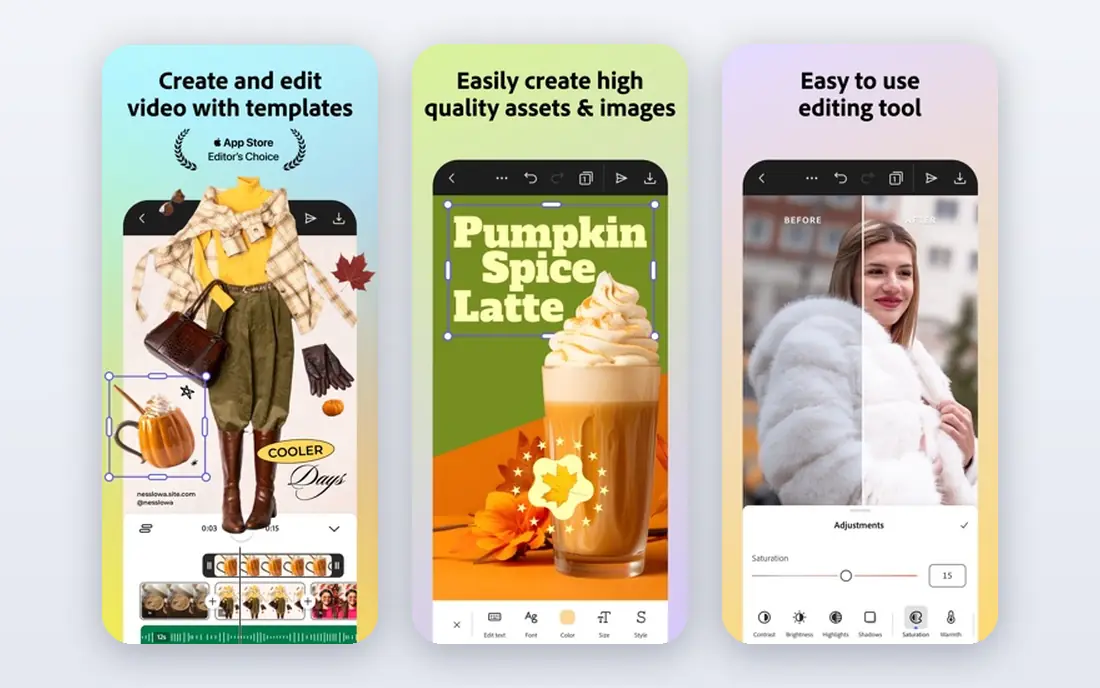
Adobe Express suits people who want flyers that match a brand. Brand colours, fonts, and logos can be reused across flyers, and quick resize adapts a design for different social sizes. Templates cover events, sales, and announcements, with a clean, modern look.
The free tier is solid, but premium templates and stock assets sit behind a paid plan. If you already use Adobe products, the shared assets help. If you only need one simple flyer, Canva may be faster.
- Templates, fonts, and brand tools
- Quick resize for social
- Stock photos included in plans
- Premium templates need a paid plan
- Best for users comfortable with Adobe tools
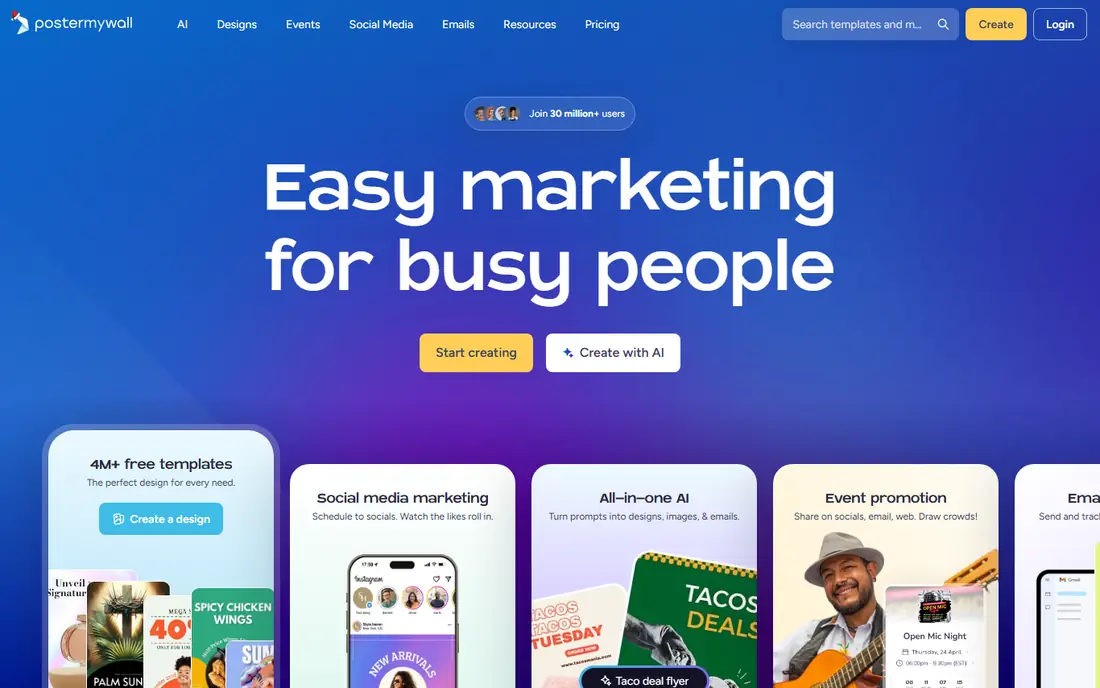
PosterMyWall is built for quick posters and flyers, especially for events, sales, and school notices. Templates are easy to customise, and video flyers suit social posts. The editor is simple, which helps users who do not design often.
Check download terms before you rely on the free tier for print. Free downloads may include limits or watermarks, while paid plans remove them. For a fast event flyer, PosterMyWall is a strong, focused choice.
- Many event and sale templates
- Video flyer options
- Simple editor
- Free downloads may carry a watermark or limits
- Some features need a paid plan
Desygner suits users who want a simple flyer without a large learning curve. Templates cover common flyer types, the editor handles text and images clearly, and mobile access helps when you design on a phone. It is a good middle option between a basic poster maker and a full design suite.
The template library is smaller than Canva or Adobe Express, so very specific themes may need more custom work. For standard event and sale flyers, Desygner is fast and approachable.
- Simple editor
- Templates for print and social
- Mobile app available
- Template range is smaller than Canva
- Some assets need a paid plan
VistaCreate, formerly Crello, suits social-first flyers and event graphics. Templates cover Instagram posts, stories, and print flyers, and animation options turn a static flyer into a short social video. The editor is clear and template-led.
Paid assets sit behind a subscription, so check each template before you finalise a design. For social flyers and event posts, VistaCreate offers a good free starting set.
- Templates for social and print
- Animation options for social posts
- Easy editor
- Some templates and assets need a paid plan
- Print options need checking before ordering
Microsoft Designer suits people who want a fast first draft. Describe an event or sale, and the tool suggests layouts, images, and text, which you then edit. That speeds up the hardest part: starting from a blank page.
AI drafts often need fixes, especially for dates, prices, and names, so proofread every detail before posting or printing. For users with a Microsoft account who want quick drafts, Designer is a useful free option.
- AI drafts from a short prompt
- Templates for social and print
- Ties into Microsoft accounts
- AI drafts need editing for accuracy
- Feature availability varies by account and region
PicCollage suits photo-led flyers on a phone, such as party invites, school events, and community notices. Photo grids, stickers, and text tools make a friendly flyer fast, and sharing to social apps is simple.
Formal print flyers with detailed text suit Canva or Adobe Express better, since PicCollage leans toward casual, photo-first designs. For a quick mobile flyer with photos, it is fun and fast.
- Easy photo grids and stickers
- Mobile-first design
- Quick social sharing
- Less suited to formal print flyers
- Some features need a paid plan
Photopea is different: it is a free browser photo editor, not a template app. It suits users who want full control over images, text layers, and print files, and who already have a flyer layout in mind. It opens PSD files and exports common formats.
Beginners may find Photopea complex, since it has no flyer templates to start from. Pair it with a template app for layout, or use it to edit photos and then place them in Canva. For free, capable editing, Photopea is a strong tool.
- Free browser photo editor
- Supports PSD and common formats
- Strong editing control
- No template library
- Learning curve is higher than template apps
How we picked these
We compared official feature pages, pricing pages, and template libraries for apps that make flyers, and we favoured tools still active and available in the United States with a usable free tier. We checked print sizes, social sizes, export formats, and whether premium assets limit free use. We did not claim hands-on testing, and we used vendor pages as the source for current plans.
How to make a flyer that works
Start with one message. A flyer should answer what, when, where, and how to join or buy, in that order, with the headline carrying the main point. If a reader cannot grasp the event in five seconds, cut text until they can.
Next, pick the right size. Print flyers often use letter or half-letter sizes, while social flyers use square or portrait formats. Design at the final size, not a random canvas, so text stays readable when printed or posted. Use high-resolution images for print, and check margins before ordering copies.
Finally, proofread twice. Dates, times, addresses, prices, and contact details cause the most flyer errors, and AI drafts are especially prone to them. Print one test copy or view the flyer on a phone at full size before you share it widely.
Also think about where the flyer will be seen. A flyer on a noticeboard competes with many other sheets, so a large headline and a clear date help it stand out. A flyer shared online competes with a fast feed, so the first image and the first line of text carry most of the work. Keep the design simple in both cases, and avoid filling every corner with text or images.
Frequently asked questions
What is the best app to make flyers?
Canva is our pick for most people because it offers the widest free template library and print and social sizes. Adobe Express suits branded flyers, PosterMyWall suits quick event flyers, and Microsoft Designer suits fast AI drafts. Pick based on print or social use.
What is the best app to create flyers for free on a phone?
Canva, Adobe Express, Desygner, and PicCollage all offer mobile apps for flyer design. PicCollage suits photo-led mobile flyers, while Canva suits a wider range of print and social flyers. Test the free templates on your phone before you commit to a design.
Is there a best flyer making app that is fully free?
Most flyer apps offer a free tier with limits, rather than a fully free premium library. Canva, Adobe Express, and Photopea offer strong free tools, but premium templates and assets may need a paid plan. Check export and watermark terms for the template you choose.
What is the best software to create flyers for print?
Canva and Adobe Express are strong for print because they offer print sizes and PDF export. Check bleed, margins, and image resolution before ordering prints, and print one test copy first. Photopea helps with photo editing for print files.
How do I make a flyer for an event?
Pick an event template in Canva, PosterMyWall, or VistaCreate, add the event name, date, time, place, and ticket or contact details, then export for print or social use. Keep text short, use one clear headline, and proofread dates and addresses twice before sharing.
Sources we checked (8)

Online Jobs is an independent blog about careers, online work, learning new skills and the tools that help people earn. More about us.
Keep reading
All posts
Top Rated Poster Maker Software
Top rated poster maker software compared for 2026: Canva, Adobe Express, VistaCreate, PosterMyWall and more for events, sales and classrooms for US users.
Best Tools for Print Design
Compare the best tools for print design, from professional layout and vector software to browser tools, free editors, team publishing platforms and press prep.
Best Tools for Motion Design
Compare the best tools for motion design in 2026. We review 8 apps for 2D animation, 3D motion, interactive graphics, pricing and free plans. Start here.