Best App to Make AI Videos in 2026: 8 Apps Compared

How we put this together: we compare official feature and pricing pages, app store listings, privacy policies and public user reviews. Prices change, so check the provider's site before you pay.
Key takeaways
- Runway is our pick for most creators because it pairs text and image to video generation with editing and camera controls.
- Google Veo, through Gemini and Flow, leads on realism and native audio, but costs rise fast at scale.
- Pika and Kling are the best value options for social clips, with free credits and lower paid plans.
- HeyGen and Synthesia suit avatar and training videos, not cinematic footage, so match the tool to the video type.
Quick comparison
| Name | Who it suits | Starting price | Free option | |
|---|---|---|---|---|
 Runway | Professional text and image to video | $12 per month | Yes | Visit |
 Google Veo | Realistic video with audio | See website | Yes | Visit |
 Pika | Social clips and effects | $8 per month | Yes | Visit |
 Kling | Value and human motion | See website | Yes | Visit |
 Luma Dream Machine | Smooth cinematic motion | See website | Yes | Visit |
 HeyGen | Avatar marketing videos | See website | Yes | Visit |
 Synthesia | Training and presentation videos | See website | Free trial | Visit |
 CapCut | Mobile editing with AI tools | See website | Yes | Visit |
The best apps to make AI videos
AI video tools are not all the same. Some generate original footage from a text prompt, some animate a photo, and some put a speaking avatar on screen. We compared official feature and pricing pages for the tools below, and we focused on output quality, control, credits, and export limits. Credits burn fast on every paid plan, so test a tool with its free credits before you commit to a subscription.
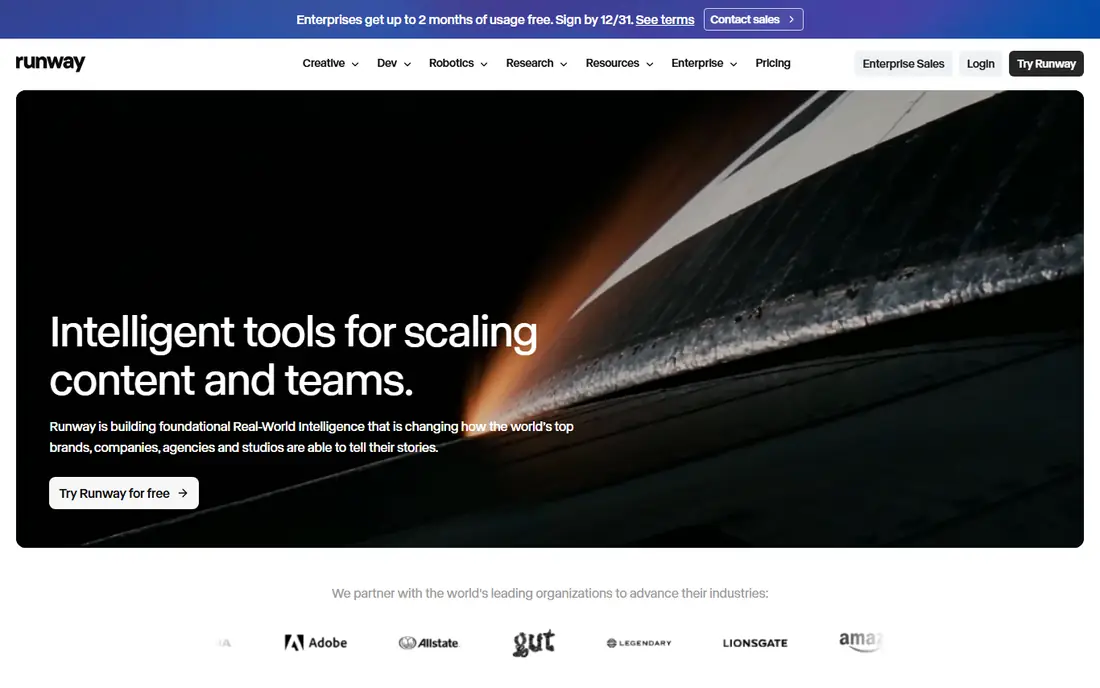
Runway is the most complete AI video tool for creators who want control, not just a single clip. You can start from text or from an image, set camera moves, paint motion onto parts of a frame, and edit clips on a timeline. That range matters when a project needs several shots that look like they belong together, rather than one lucky generation.
The free tier gives a small one time credit amount, and the Standard plan starts at 12 dollars per month for a monthly credit allowance. Heavy users will need a higher plan, because a few dozen short clips can use a month of credits. Our pick for most creators is Runway because it covers generation and editing in one place, and because its controls help you repeat a result instead of starting over each time.
- Text and image to video
- Camera and motion controls
- Built in editing tools
- Credits run out quickly on lower plans
- Higher plans needed for heavy use
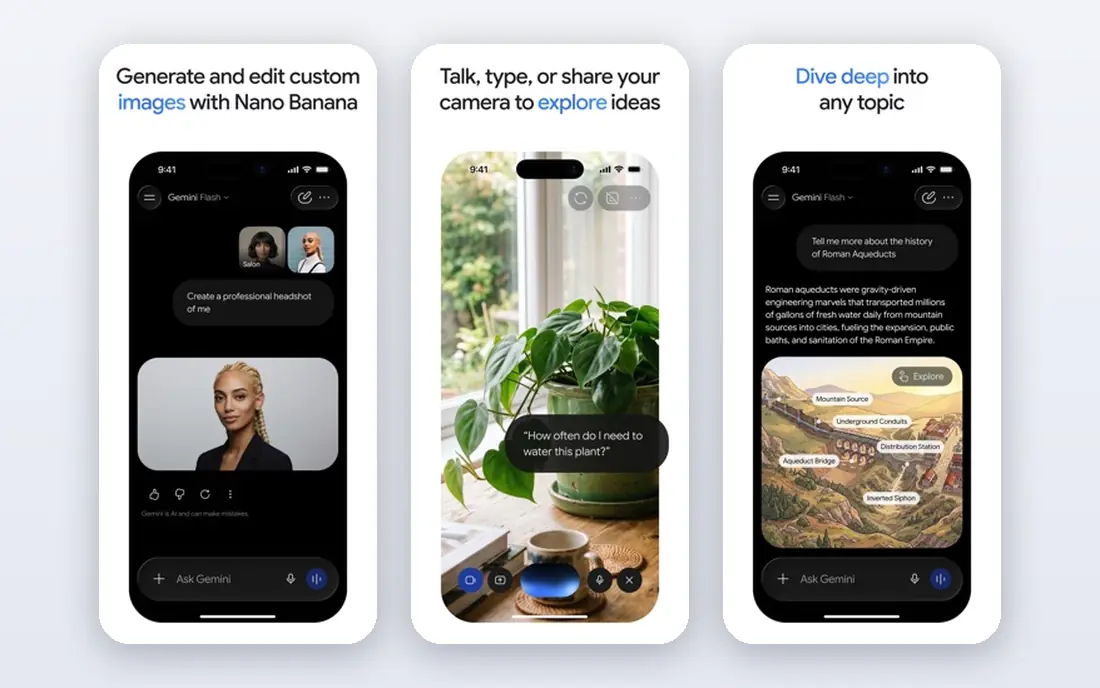
Google Veo, available through the Gemini app, Google Flow, and related Google tools, stands out for realism and for generating sound with the picture. Clips can include dialogue, sound effects, and ambience that match the scene, which saves a separate audio step. It also handles reference images well, so a character or product can stay more consistent across shots.
The catch is cost and access. Free access is limited, and paid access sits inside Google AI plans, with higher tiers needed for larger limits and higher resolution. Check the current Google pricing page for your region before you plan a series around Veo. For a single high quality shot, Veo is hard to beat. For dozens of clips a week, budget carefully.
- Strong realism and prompt accuracy
- Native dialogue and sound
- Image to video and reference consistency
- Costs rise fast at scale
- Access is through Google products, not a standalone app for all users
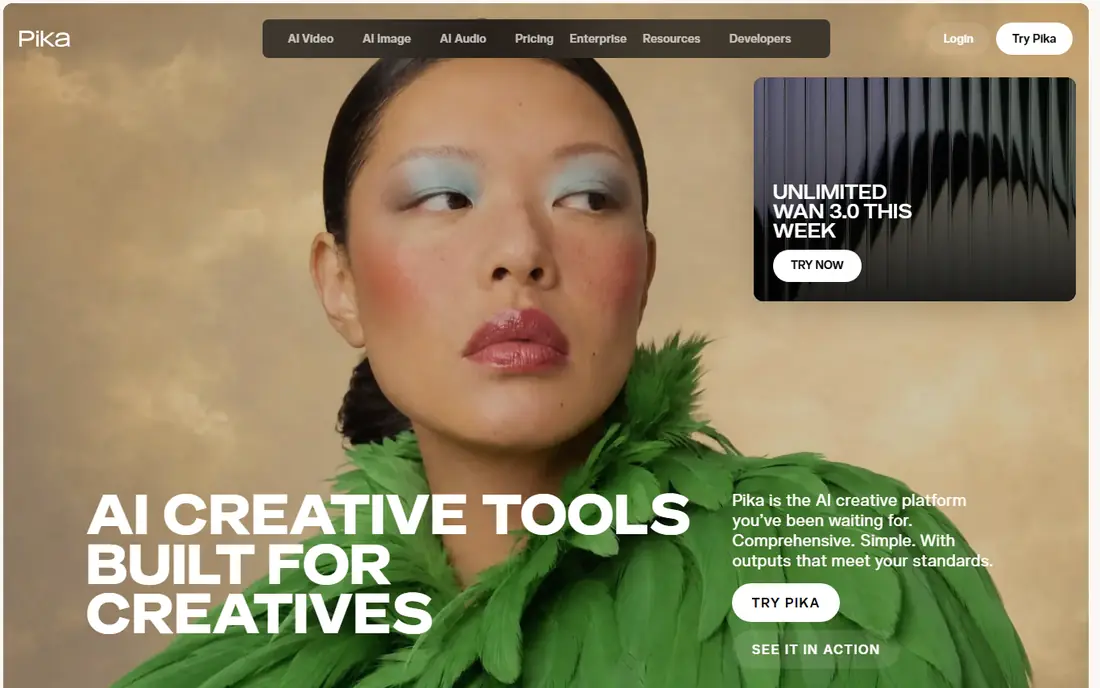
Pika is a good value choice for social media creators who want fast, fun clips without a large monthly bill. It offers free credits each month, a low paid starting price, and effects that suit short form video. If your main output is TikTok, Reels, or Shorts, Pika gives you enough to test ideas daily.
The limits are clip length and polish. Pika clips are short, and free exports carry a watermark, so client work usually needs a paid plan. Motion quality is good for social clips, but it is not as consistent as Runway or Veo for complex scenes. For budget social work, Pika is our value pick.
- Low starting price
- Free monthly credits
- Creative effects for social video
- Shorter clips than some rivals
- Watermark on free exports
Kling has gained attention for human motion that looks natural, especially for walking, dancing, and everyday actions that other models struggle with. It offers free credits and a low paid entry point, which makes it a good second tool to try alongside Runway or Pika. If your clips feature people moving, Kling is worth testing first.
Pricing varies by region and by whether you buy through the web app or a partner, so check the Kling pricing page for your location. The interface packs in many models and options, which can slow down a first session. Once you learn which model suits your clip, Kling is a strong value option for regular generation.
- Free credits
- Strong human motion
- Low paid entry in many regions
- Pricing and plan details vary by region
- Interface can feel busy
Luma Dream Machine, from Luma Labs, is known for smooth motion and camera moves that feel cinematic rather than jittery. It handles complex camera paths and image to video well, which helps when you want a shot that moves through a scene instead of sitting still. For product shots, scenery, and stylized scenes, Luma often produces a cleaner first result.
The trade off is price. Its paid entry point is higher than Pika or Kling, and free tier terms have changed, so confirm current limits on the Luma site before you rely on it. If motion quality matters more than low cost, Luma is a strong choice. If you need many clips on a tight budget, start with Pika or Kling.
- Smooth, physically coherent motion
- Camera path controls
- High quality image to video
- Higher entry price than Pika or Kling
- Free tier limits have changed over time
HeyGen is built for a different job: a presenter on screen who speaks your script. You can pick an avatar, type or upload a script, choose a voice and language, and export a talking head video for ads, product explainers, or social posts. Translation and lip sync help when you need the same message in several languages.
HeyGen will not generate a cinematic scene from a text prompt in the way Runway or Veo do, so do not buy it for that purpose. Avatar quality also depends on plan, voice, and script length. For marketing and outreach videos where a presenter matters more than a film look, HeyGen is fast and practical.
- Realistic avatars
- Lip sync and translation
- Fast turnaround for marketing clips
- Not a cinematic footage generator
- Avatar realism varies by plan and voice
Synthesia suits training, onboarding, and presentation videos where clarity matters more than style. You can build a video from a script, pick an avatar and voice, add slides and screen content, and update the script later without re-recording. That makes it useful for teams that update training material often.
Synthesia does not offer a permanent free plan, only a trial, and its style is corporate rather than cinematic. If you need fun social clips, Pika or CapCut will fit better. If you need reliable training videos in many languages without filming, Synthesia is a strong, if pricier, option.
- Large avatar and language range
- Good for training and internal videos
- No camera or studio needed
- No free plan, trial only
- Less suited to creative social clips
CapCut is the most practical choice for phone-first creators who edit as much as they generate. It combines AI tools, auto captions, templates, effects, and a full mobile timeline, so a clip can go from idea to posted video in one app. That speed matters for creators who publish daily.
CapCut's AI generation is not as strong as Runway, Veo, or Luma for original cinematic footage, and some of the best features sit behind a paid plan. Use CapCut to edit and finish AI clips made elsewhere, or to make quick AI assisted social videos on a phone. For a phone workflow, it is hard to beat on convenience.
- Mobile friendly
- AI editing, captions, and effects
- Easy sharing to social apps
- AI generation is part of a broader editor, not a specialist model
- Some features are paid
How we picked these
We compared official feature pages, pricing pages, and app listings for AI video tools that were available in October 2026, and we checked that each official homepage matches the product named. We favored tools with a clear use case, a working free tier or trial, and export options for video sites. We left out tools that had shut down or that required an API key with no consumer app, since most readers need a tool they can open and use directly.
How to choose the right AI video tool
Start with the video type. For cinematic footage, shortlist Runway, Veo, Luma, and Kling. For avatar videos, shortlist HeyGen and Synthesia. For phone editing and social posting, shortlist CapCut and Pika. That single choice will save more time than comparing every feature.
Next, test with free credits and count how many usable clips you get from one prompt. Many tools need three to ten generations for one good clip, so a plan that looks cheap can become costly if you need many tries. Check export resolution, watermark rules, and commercial use terms before you use a clip for a client or an ad. Also check content rules, since AI video tools block some prompts and require you to label AI generated content on some platforms.
Prompt tips that save credits
Write prompts with subject, action, camera move, lighting, and setting in one clear sentence, and change only one element at a time when a result is close. Use an image as a starting point when you need a product or character to stay consistent. Save prompts that work, and keep a short list of failed prompts so you do not pay to repeat them.
Frequently asked questions
What is the best AI app to make videos?
Runway is the best all round choice for most creators, because it covers text to video, image to video, and editing. Google Veo leads on realism and audio, while Pika and Kling offer better value for social clips.
What are the best AI tools to make videos for free?
Pika, Kling, Luma, Runway, and CapCut all offer free credits or a free tier, but free exports often have limits or watermarks. Test each tool with its free credits and check watermark and resolution rules before you plan a project around a free plan.
Can AI video tools make long videos?
Most AI video tools generate short clips, often a few seconds to under a minute, which you then edit together. HeyGen and Synthesia can make longer talking head videos from a script, while cinematic tools are best for short shots joined in an editor.
Do I own the AI videos I generate?
Ownership and commercial use terms vary by tool and plan, so check the terms on the vendor site for the plan you use. Paid plans usually allow broader commercial use than free plans, and some platforms require AI generated content to be labeled.
Which AI video app is best for social media?
Pika and CapCut are strong for social media because they are fast, mobile friendly, and built for short form video. Runway also works well when you want higher quality clips to edit for social feeds.
Is Sora still available?
Sora's consumer app and bundled access changed during 2026, and availability varies by product and region, so check OpenAI's current pages rather than older guides. For a tool you can use today, shortlist Runway, Veo, Pika, Kling, and Luma from this list.
Sources we checked (8)

Online Jobs is an independent blog about careers, online work, learning new skills and the tools that help people earn. More about us.
Keep reading
All posts
What's the Best AI App for Creating Images
Find what's the best AI app for creating images, from Midjourney and Adobe Firefly to Ideogram and Leonardo AI, with free plans and honest limits for beginners.
Best Stop Motion App
Compare the best stop motion app options for phones and computers, from simple frame capture tools to full studio software for longer projects in 2026.
Best Photo Editing Software for PC
Compare the best photo editing software for PC, from free editors to pro RAW workflows, with pricing, free plans, and honest trade offs for each in 2026.