Best App to Design a Room Free in 2026: 8 Apps Compared

How we put this together: we compare official feature and pricing pages, app store listings, privacy policies and public user reviews. Prices change, so check the provider's site before you pay.
Key takeaways
- The best free room design apps all let you draw walls, add furniture, and view the result in 3D, but free plans differ on catalog size, exports, and watermarks.
- Planner 5D is our pick for most people, because its free plan allows unlimited projects and works on phones, tablets, web, and desktop.
- Homestyler gives away the most rendering value free, with generous 1K previews and a large model library.
- RoomSketcher is the pick when measurements matter, since its scaled plans suit conversations with contractors.
- IKEA Kreativ is completely free but only uses IKEA products, so it works best for rooms you plan to furnish from IKEA.
Quick comparison
| Name | Who it suits | Starting price | Free option | |
|---|---|---|---|---|
 Planner 5D | All-round free room design | See website | Yes | Visit |
 Homestyler | Free realistic renders | See website | Yes | Visit |
 RoomSketcher | Measured plans for contractors | See website | Yes | Visit |
 Floorplanner | Fast browser-based layouts | See website | Yes | Visit |
 Sweet Home 3D | Free offline desktop design | Free | Yes | Visit |
 Home Design 3D | Mobile-first room planning | See website | Yes | Visit |
 IKEA Kreativ | Designing with IKEA furniture | Free | Yes | Visit |
 Roomstyler | Free browser design with a community gallery | Free | Yes | Visit |
The best app to design a room free
A good free room planner answers one question before you spend money: will this furniture fit, and will this layout feel right. The apps below all do that without a subscription, though each free plan draws the line somewhere, usually on catalog size, render quality, or exports.
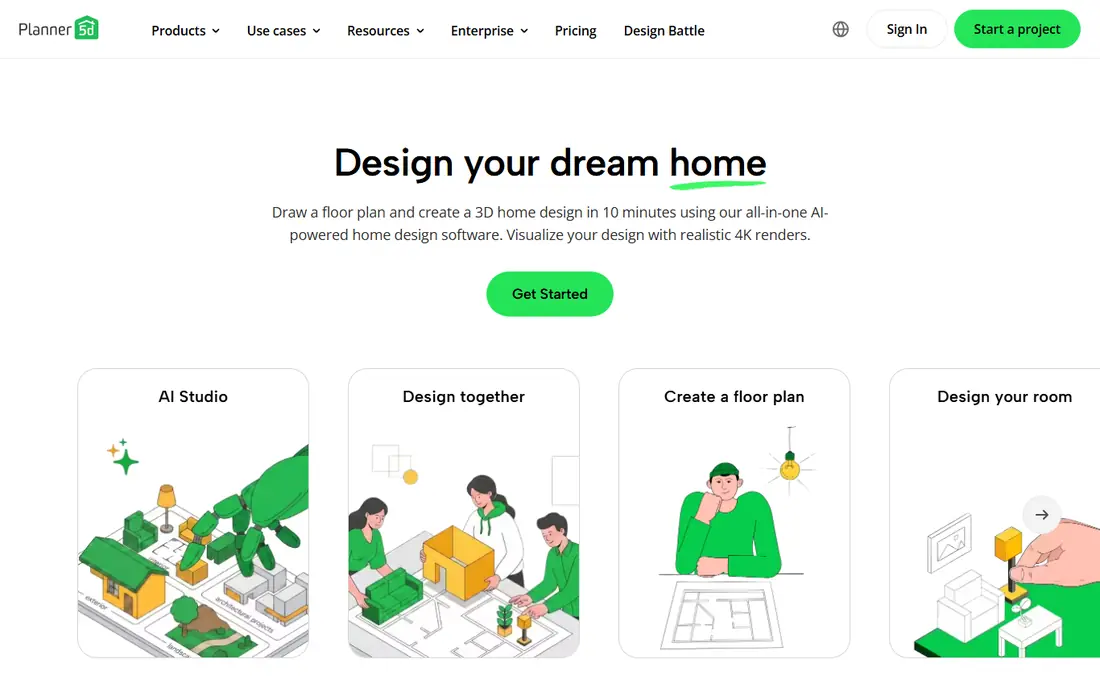
Planner 5D is the best all-round free room design app for most people. Its free plan allows unlimited projects, so you can test several layouts for the same room without counting. Drag-and-drop walls, doors, and furniture make a first plan fast, and you can switch between 2D and 3D views to check how the room will feel.
The free limits are the catalog and the renders. Only part of the furniture library is free, and polished renders sit behind the premium plan. For planning a layout and checking sizes, the free plan is plenty. For presentation-quality images, expect to pay or accept simpler screenshots.
- Unlimited free projects
- Works on phone, tablet, web, and desktop
- Large furniture catalog on paid tiers
- Free catalog is limited
- High-quality renders and full catalog need a paid plan
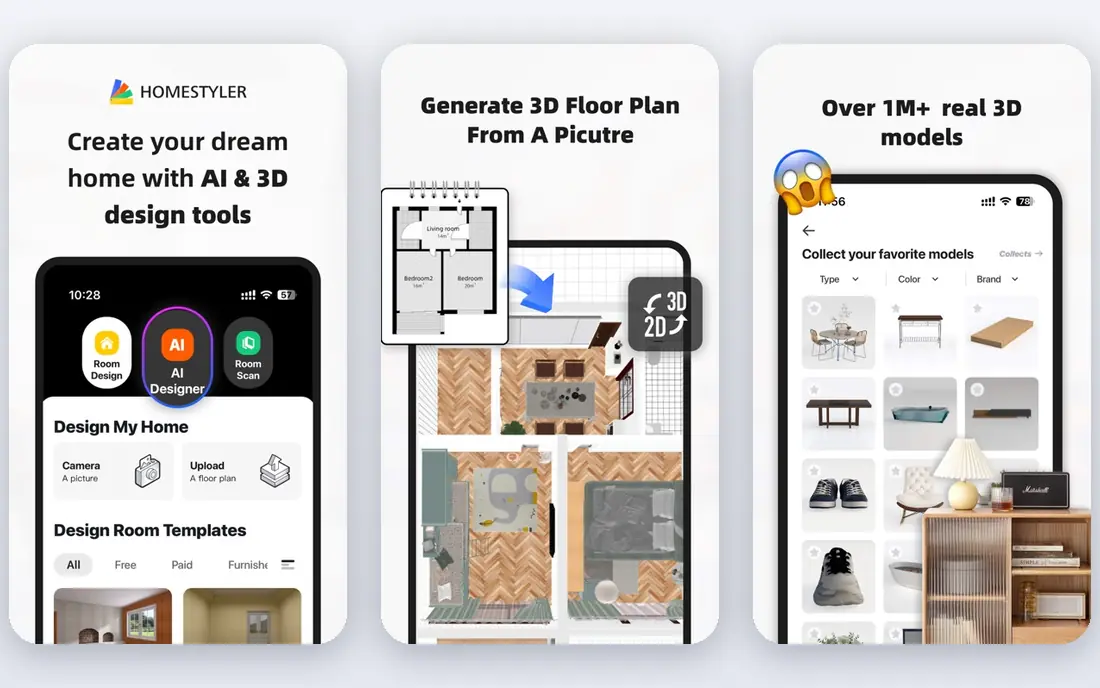
Homestyler gives away more rendering value than any rival here. The free plan includes a large library of 3D models and materials plus unlimited 1K renders, which is enough to see a lifelike picture of your living room without paying. It runs in the browser, so there is nothing to install, and the interface is friendly for first-time designers.
Sharper pictures cost extra, with 2K and 4K renders priced individually or bundled in a Pro plan. Free previews are watermarked, which matters if you plan to share them with a contractor or post them publicly. For private planning and visual checks, Homestyler's free tier is the most generous on this list.
- Large free 3D model library
- Unlimited 1K renders on the free plan
- Browser-based with no install
- Higher-resolution renders cost extra
- 1K previews carry a watermark
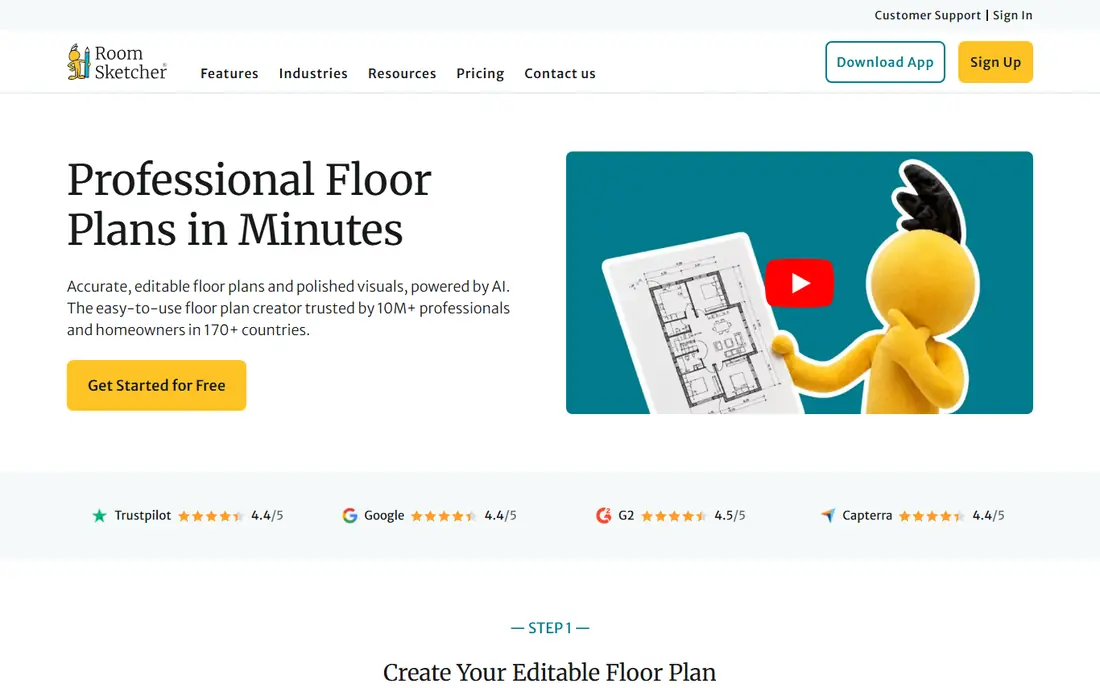
RoomSketcher is the one to use when the numbers matter. Its plans print to scale with measurements and total floor area, which helps when you talk to a contractor, order flooring, or list a property. The drawing tools are precise, and the 3D views are clean enough to share with a client.
The free plan is much more limited than Planner 5D or Homestyler, with no measurements and a small project allowance. It also runs on desktop and tablet rather than phones. If you only need a rough layout, start elsewhere. If you need a plan someone else will build from, RoomSketcher's paid tiers earn their price.
- Scaled plans with measurements on paid tiers
- Clear 2D and 3D views
- Good for property listings
- Free plan has no measurements and few projects
- No phone app, desktop and tablet only
Floorplanner is built for speed in the browser. You can draft a room or a whole floor in minutes, furnish it from a large catalog, and switch to 3D to check the result. Multi-floor support makes it useful for whole-house sketches, not just single rooms, and the learning curve is gentle.
Free exports are the catch. They are low resolution and watermarked, and higher-quality exports and some features require credits or a paid plan. For quick layout testing and sharing a draft with family, the free plan works well. For client-ready output, budget for credits.
- Fast browser drafting
- Large model catalog
- Multi-floor support
- Free exports are low resolution with a watermark
- Advanced features need credits
Sweet Home 3D is the free desktop classic. It is open-source, works offline, and shows your plan in 2D and 3D at the same time, which makes it easy to see the effect of moving a wall or a sofa. Imported furniture libraries extend the catalog, and there is no subscription or project limit to worry about.
The interface shows its age, and the built-in catalog is smaller than Planner 5D or Homestyler. It also lacks the cloud sharing and AI features of newer apps. For a free, private, offline tool that you own outright, though, nothing else on this list matches it.
- Free and open-source desktop app
- Works offline
- Simultaneous 2D and 3D views
- Dated interface
- Smaller asset library than commercial rivals
Home Design 3D is the pick if you plan to design on your phone or tablet. Its touch controls feel natural, you can draw a room while standing in it, and the app works on device without a constant connection. That on-the-spot workflow suits renters measuring a new flat or shoppers checking a sofa size in a store.
The free version covers basic design, but the full furniture catalog, high-quality renders, and some exports require in-app purchases. It is still a strong free starting point for mobile users, and the purchases are one-time rather than a subscription in many cases. Check the current in-app pricing before committing to a big project.
- Strong mobile apps for phone and tablet
- Intuitive touch controls
- Offline use on device
- Full catalog and exports need in-app purchases
- Smaller community than web-first rivals
IKEA Kreativ is completely free, and that alone earns it a place here. Its room designer uses real IKEA furniture with real dimensions and prices, and its mobile scan feature can build a 3D version of your actual room to furnish virtually. If your plan ends with an IKEA order, the path from design to shopping list is unusually short.
The limit is obvious: only IKEA products appear in the catalog. A room full of existing furniture from other brands cannot be modeled accurately, and style options follow IKEA's range. For IKEA shoppers, though, no other free tool matches the accuracy of its product data.
- Completely free
- Uses real IKEA products with prices
- Scan-your-room feature on mobile
- IKEA products only
- Less useful if you shop elsewhere
Roomstyler 3D Home Planner is a free browser tool with a large catalog of branded items and a public gallery where users share rooms. That gallery is genuinely useful for inspiration, since you can open a room you like, see how it was built, and adapt it. The core design tools cover walls, furniture, and 3D views without a subscription.
Exports are limited compared with paid rivals, and the platform has changed slowly over the years. For a free, no-install way to sketch a room and browse ideas, Roomstyler still holds up. For measured plans or polished renders, pair it with RoomSketcher or Homestyler.
- Free browser-based 3D design
- Large branded item catalog
- Public gallery for inspiration
- Limited export options
- Interface and features change slowly
How we picked these
We compared official product pages, pricing pages, and app store listings for room design apps with a genuine free plan, and checked each homepage to confirm it loads and belongs to that product. We favored apps that let you draw a real room to scale and furnish it, rather than AI restyling tools that only recolor a photo and cannot tell you whether a bed fits. Free limits are described as vendors state them.
Designing a room that actually works
Start with measurements, not furniture. Measure the room, the doorways, and the largest pieces you already own, then draw the shell before adding a single sofa. A plan built on guesses will fail the moment delivery day arrives.
Leave room to live in it
Keep walkways clear, leave space to open doors and drawers fully, and avoid pushing every piece against a wall. A room that looks full in 3D often feels cramped in real life, so leave more open floor than the render suggests you need.
Check light and outlets
Note window positions, natural light direction, and outlet locations before finalizing a layout. A desk under a window looks good in a render and glares badly at noon, and a sofa far from an outlet means extension cords across the floor.
Use the free plan honestly
Free plans are for planning, and their watermarks and limits are the price of free. If you need clean exports for a contractor, a client, or a listing, pay for one month or one export rather than screenshotting a watermarked preview and hoping nobody notices.
Frequently asked questions
What is the best free app to design a room?
Planner 5D is the best free app to design a room for most people, thanks to unlimited free projects and apps on every device. Homestyler is better for realistic renders, and RoomSketcher is better for measured plans.
What is the best free room planner app for beginners?
Planner 5D and Homestyler are the most beginner-friendly free room planners, with drag-and-drop tools and 2D plus 3D views. Sweet Home 3D is a good free desktop alternative if you prefer working offline.
Can I design a whole house with a free room design app?
Yes, technically, but free plans often limit project counts, catalog access, and export quality. Floorplanner and Planner 5D handle multi-room layouts free, while a whole-house project with detailed documentation usually needs a paid tier.
Do free room design apps work on phones?
Planner 5D, Homestyler, and Home Design 3D all offer mobile apps, while RoomSketcher works on tablets and desktops rather than phones. Floorplanner, Sweet Home 3D, and Roomstyler are mainly browser or desktop tools.
Are free room planner exports watermarked?
Many free plans watermark exports or limit them to low resolution, including Homestyler, Floorplanner, and Planner 5D. Paid plans or credits remove watermarks and raise resolution, so check export terms before sharing a plan.
What is the best free room design software for IKEA furniture?
IKEA Kreativ is the best free option for IKEA furniture, because it uses real IKEA products with accurate dimensions and prices. It is completely free, but it cannot model furniture from other brands.
Sources we checked (8)

Online Jobs is an independent blog about careers, online work, learning new skills and the tools that help people earn. More about us.
Keep reading
All posts
Zoom Alternatives
Zoom alternatives compared for 2026: Google Meet, Microsoft Teams, Webex, Jitsi and more for free calls, large meetings and webinars for teams and classrooms.

What Is the Best Free Tool to Rotate a PDF
What is the best free tool to rotate a PDF? We compare eight free rotation tools on per-page control, limits, privacy and saved output quality in detail.

What Is the Best AI Dubbing Tool
We compared the best AI dubbing tools in 2026, from ElevenLabs and HeyGen to Rask AI, Dubverse and Veed, for videos and creators in many languages worldwide.