Best App to Buy Crypto in 2026: 8 Apps Compared

How we put this together: we compare official feature and pricing pages, app store listings, privacy policies and public user reviews. Prices change, so check the provider's site before you pay.
Key takeaways
- Coinbase is the easiest first app for US beginners, while Kraken and Binance.US suit traders who want lower advanced-trading fees.
- Simple buy buttons cost more than advanced trading screens, so check both the spread and the stated fee before you confirm.
- Crypto trading carries risk, prices can fall sharply, and this guide is general information only, not financial advice.
- Availability, coin lists and fees vary by country and state, so confirm the app serves your location before you deposit funds.
- Security basics matter as much as fees, including two-factor authentication, withdrawal allowlists and cold storage practices.
Quick comparison
| Name | Who it suits | Starting price | Free option | |
|---|---|---|---|---|
 Coinbase Coinbase | Beginners in the US | Free | Yes | Visit |
 Kraken Kraken | Security-minded traders | Free | Yes | Visit |
 Binance.US Binance.US | Low-fee US trading | Free | Yes | Visit |
 Crypto.com Crypto.com | Mobile-first users | Free | Yes | Visit |
 Gemini Gemini | Regulated US trading | Free | Yes | Visit |
 Robinhood Crypto Robinhood Crypto | Stock and crypto in one app | Free | Yes | Visit |
 OKX OKX | Advanced traders | Free | Yes | Visit |
 Uphold Uphold | Multi-asset trading | Free | Yes | Visit |
The best app to buy crypto
Crypto trading carries risk, and prices can move sharply in either direction, so only use money you can afford to lose and never treat an app ranking as financial advice. We compared apps on ease of use, fee transparency, coin choice, security features and US availability, using vendor fee pages and recent comparisons. Fees are tiered and change often, so check the fee schedule in the app before you trade.
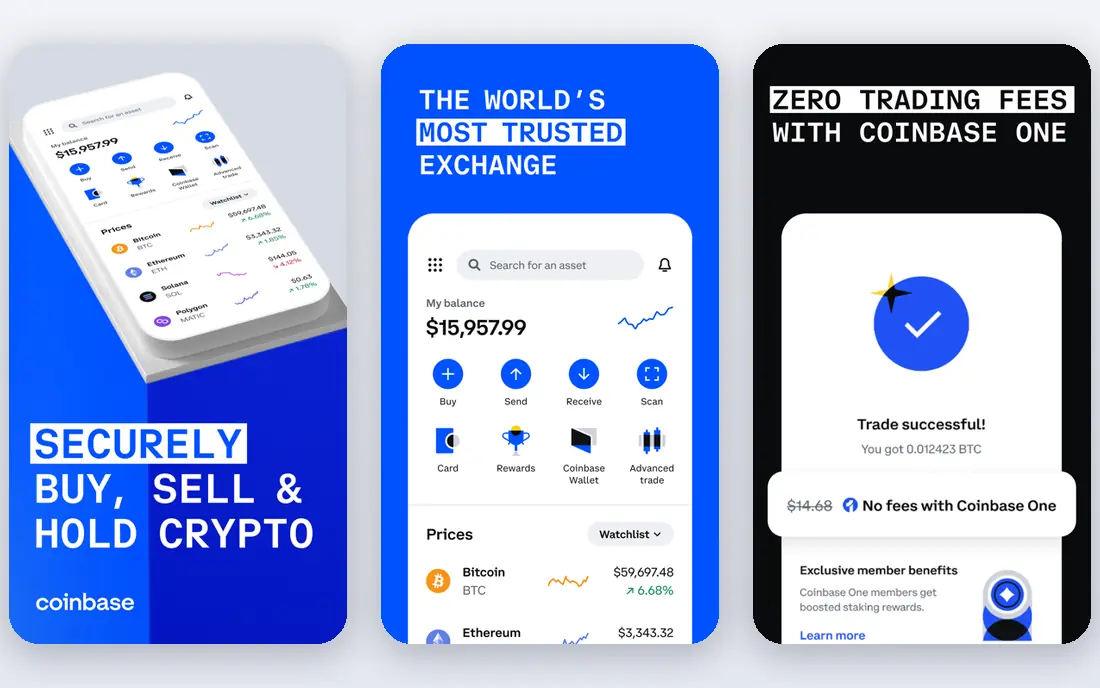
Coinbase is the app we recommend first to a beginner. Signing up, verifying identity, linking a bank account and buying Bitcoin or Ethereum takes a few steps, and the interface explains each stage in plain language. It is a Nasdaq-listed US company with a strong compliance focus, which reassures first-time buyers who worry about where their money sits. The catch is price on simple buys, which add a spread plus a fee and cost more than Advanced Trade. Once you are comfortable, switching to Advanced Trade for limit and market orders can cut costs sharply. Beginners should start simple, then graduate to the advanced screen before trading regularly.
- Very easy first buy
- Strong US regulation and custody reputation
- Advanced Trade for lower fees
- Simple trades cost more than advanced trades
- Fewer small coins than some rivals

Kraken appeals to traders who put security first. It has a long operating history, publishes proof-of-reserves reports and offers strong account controls, including withdrawal allowlists and API key permissions. Kraken Pro gives experienced traders a full order book, charting and lower tiered fees than instant buys, which makes it a natural second step after a beginner app. New users may find the main app and Pro interface confusing at first, and instant buys carry a higher fee than Pro orders. If you plan to trade more than occasionally, learn Pro early, set up two-factor authentication, and keep most holdings in your own wallet or in cold storage where possible.
- Long security track record
- Pro trading with competitive fees
- Proof-of-reserves reporting
- Instant buys in the main app cost more
- Interface can feel dense for beginners
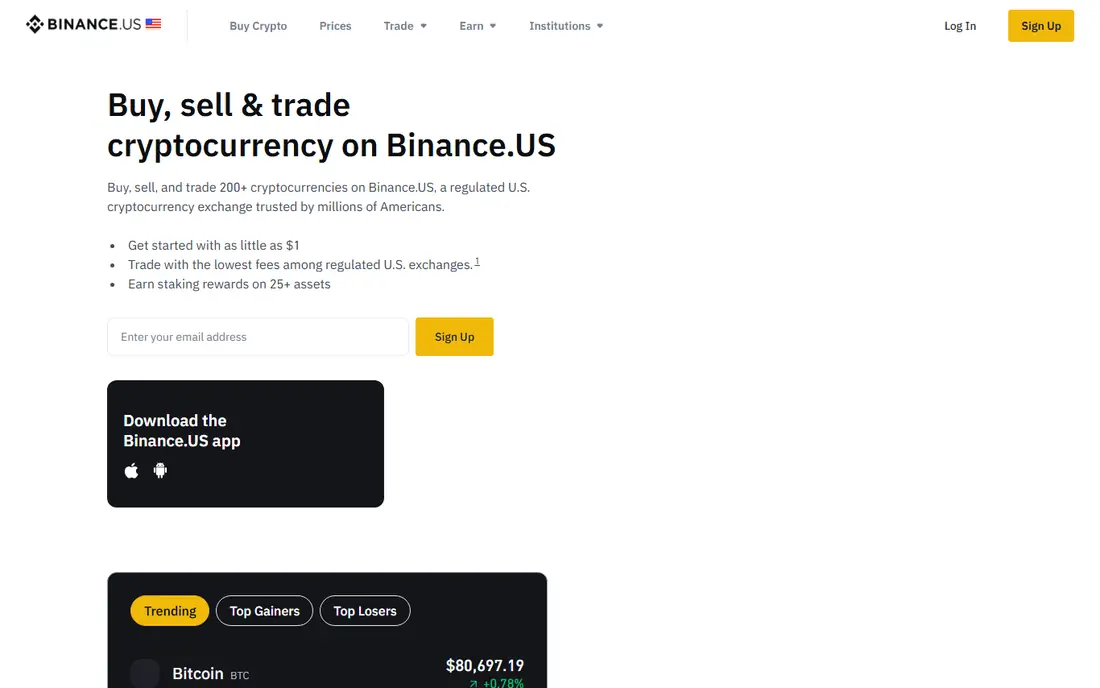
Binance.US is the US version of the global Binance platform, built for American users and regulations. Its spot fees are among the lowest for US traders, and liquidity on major pairs is strong, so large orders are less likely to move the price. The app covers a broad coin list for a regulated US exchange, which suits traders who want altcoins without using an offshore platform. It is not the global Binance app, and some states and coins are excluded, so check availability where you live. Customer support and regulatory history also draw more scrutiny than Coinbase or Kraken. For low-fee US spot trading, though, it is hard to beat on price alone.
- Very low spot fees for US users
- Deep liquidity on major pairs
- Wide coin list for a US app
- Separate from global Binance
- Availability and coin lists vary by state
Crypto.com is built around the phone, and it shows. The app combines buying, selling, staking, price alerts and a Visa card programme in one place, with a large coin list that covers most major assets and many smaller ones. Mobile-first buyers who want to check prices, set alerts and trade on the move will find the flow smooth and fast. Fees and rewards depend on trading volume and token staking, so the headline experience can cost more for casual users who do not stake. Read the fee and card terms carefully, and compare the exchange interface with the simple app buy, since the two can price the same trade differently.
- Polished mobile app
- Large coin list
- Card and rewards options for active users
- Fee tiers and rewards depend on staking and activity
- Desktop trading is less central
Gemini, founded by the Winklevoss twins, positions itself as a regulated, security-first US exchange. It offers insured custody for many assets, a clean app for buying and selling, and an ActiveTrader interface for lower fees. For buyers who value regulation, clear controls and a calm interface over the widest coin list, Gemini is a reassuring choice. Simple trades are priced higher than advanced trades, and the coin list is smaller than larger rivals. Gemini suits steady buyers of major coins who want a regulated US home for their holdings, rather than traders chasing every new listing.
- Strong US compliance focus
- Insured custody options
- Clean, simple interface
- Higher fees on simple trades
- Smaller coin list than Binance.US or Crypto.com
Robinhood Crypto fits investors who already hold stocks in Robinhood and want crypto beside them. There is no commission on crypto trades, the interface is simple, and buying takes a few taps. For a small, occasional allocation to Bitcoin or Ethereum alongside shares, that convenience is real. The cost sits in the spread, which is the gap between the buy and sell price, so a zero-commission trade is not a zero-cost trade. Coin choice is also narrower than a dedicated exchange. Use Robinhood for convenience and small positions, and a dedicated exchange if you want wider coins or full wallet control.
- Stocks and crypto in one account
- No commission on crypto trades
- Simple interface
- Spread is built into the price
- No separate wallet transfer on some assets in the past
- Fewer coins
OKX is a major global exchange with low spot fees, deep markets and a full set of advanced tools, including charting, order types and derivatives for eligible users. Traders who want a wide coin range, tight spreads and a professional trading screen will find it well equipped, and the mobile app mirrors much of the desktop power. It is not the best first app, because the interface assumes trading knowledge and availability varies by country and state. Beginners should start elsewhere and move to OKX only when they understand order types, margin risks and local rules. For experienced traders, the fee and tool combination is strong.
- Low spot fees
- Advanced charting and order types
- Large coin and derivatives range
- Availability varies by jurisdiction
- Interface can overwhelm beginners
Uphold stands out for multi-asset investors who want crypto, US stocks and precious metals in one place. You can move between asset types without leaving the app, which suits people building a mixed portfolio rather than trading crypto alone. The interface is simple, and account setup is quick. Trading costs come mainly through spreads, which can be higher than a dedicated exchange order book, and advanced traders will miss full charting and order types. Uphold is best for simple, diversified buying, not for active day trading or chasing the lowest possible fee on every order.
- Crypto, stocks and metals in one account
- Cross-asset trades
- Simple interface
- Spreads can be higher than exchange order books
- Fewer advanced trading tools
How we picked these
We checked vendor fee pages, app store listings, security pages and recent fee comparisons, and favoured apps that are currently available to US users, support major coins and offer a usable free download. We treated simple-buy fees and advanced-trading fees separately, since they differ sharply on most platforms. Prices, spreads and coin lists change often, so we advise checking the fee schedule and availability in your state before depositing funds. We did not test custody or withdrawals with real funds for this guide.
How to buy crypto without overpaying
Compare the full cost, not just the commission
A zero-commission label can hide a wide spread, while an exchange fee can look high until you add the tighter spread. Before confirming, note the price you pay, the market price at that moment and every fee shown, then compare the same trade on an advanced screen. That total cost is the only fair comparison.
Start with major coins and small amounts
Bitcoin and Ethereum have the deepest liquidity and the clearest fee data, so they are the sensible first buys. Start with a small amount while you learn deposits, withdrawals, fees and tax reporting, and only expand into smaller coins once you understand volatility and liquidity risks.
Secure the account from day one
Turn on app-based two-factor authentication, use a unique password, set a withdrawal allowlist where offered, and be wary of support messages asking for seed phrases or login codes. Consider moving larger holdings to a hardware wallet you control, since exchange accounts remain a target for phishing.
Keep records for tax and review
Save trade confirmations, fee statements and wallet transfer records, since crypto sales are taxable events in many jurisdictions. Review fees and holdings each quarter, and avoid frequent trading driven by short-term price moves, which usually raises costs without improving results.
Frequently asked questions
What is the best crypto app for beginners?
Coinbase is our pick for most beginners, thanks to its simple interface and strong US compliance record. Gemini is a close alternative for buyers who value regulation and a calm interface. Start with a small amount, learn the advanced trading screen, and only then trade regularly.
What is the best app for trading crypto with low fees?
Binance.US, Kraken Pro and OKX generally offer lower advanced-trading fees than simple buy screens. The cheapest option depends on your volume, coin pair and location, so compare the advanced fee schedule for your exact trade before choosing.
Is crypto trading safe?
Crypto trading carries risk, including sharp price falls, platform outages, phishing and regulatory change. Use a reputable exchange, enable strong security, keep only trading funds on the exchange, and never invest money you need for essential bills. This guide is not financial advice.
Can I buy crypto with a debit card?
Yes, on most apps, but card buys usually cost more than bank transfers. Check the card fee and spread in the app before confirming, and consider a bank transfer for larger purchases, since it is often cheaper even if it takes longer to clear.
Do I need a separate wallet?
Not for a small first purchase, but a separate wallet gives you control of your keys and reduces exchange risk for larger holdings. Hardware wallets suit long-term holders, while software wallets suit frequent use. Keep seed phrases offline and never share them with anyone.
Which app has the most cryptocurrencies?
Crypto.com, OKX and Binance.US offer broad coin lists among US-accessible apps, but the exact list varies by state and changes over time. Check the coin list for your location in the app, since a coin listed globally may not be available where you live.
Sources we checked (8)

Online Jobs is an independent blog about careers, online work, learning new skills and the tools that help people earn. More about us.
Keep reading
All posts
Best Trading Apps for Beginners
Compare the best trading app for beginners, with $0 stock commissions, fractional shares, education, paper trading and account types explained in 2026 now.
Best Trading App
We compared the best trading apps for beginners and active traders on fees, tools, accounts and ease of use, so you can pick a platform that fits your plan.
Best Tax Software
Compare the best tax software in 2026 for simple returns, investors, freelancers, and preparers, with free options, state fees, and honest limits for filing.