Best App Store Optimization in 2026: 8 Tools Compared

How we put this together: we compare official feature and pricing pages, app store listings, privacy policies and public user reviews. Prices change, so check the provider's site before you pay.
Key takeaways
- AppTweak leads for keyword research and market intelligence, starting at $79 per month billed annually.
- AppFollow leads for review management, with a free plan and an ASO plan from $19 per month.
- Appfigures suits indie developers, with a free plan and keyword tracking from $44.99 per month.
- Sensor Tower suits enterprises that need market sizing, but pricing is custom and costly.
- Start with the free first-party consoles, then pay only for the job your app actually needs.
Quick comparison
| Name | Who it suits | Starting price | Free option | |
|---|---|---|---|---|
 AppTweak | Keyword research for teams | $79 per month | Free trial | Visit |
 Sensor Tower | Market intelligence at scale | See website | Free trial | Visit |
 Appfigures | Analytics plus keyword tracking | Free | Yes | Visit |
 AppFollow | Review management at volume | Free | Yes | Visit |
 App Radar | Listing management and publishing | See website | Free trial | Visit |
 MobileAction | Apple Ads plus ASO data | $15 per month | Free trial | Visit |
 ASOdesk | Keyword tracking and reviews | $59 per month | Free trial | Visit |
 SplitMetrics | Store page A/B testing | See website | No | Visit |
The best app store optimization tools
App store optimization covers keyword research, ranking tracking, review management and creative testing, and no tool leads at all four. This list matches each tool to the job it does best, from indie apps to enterprise publishers.
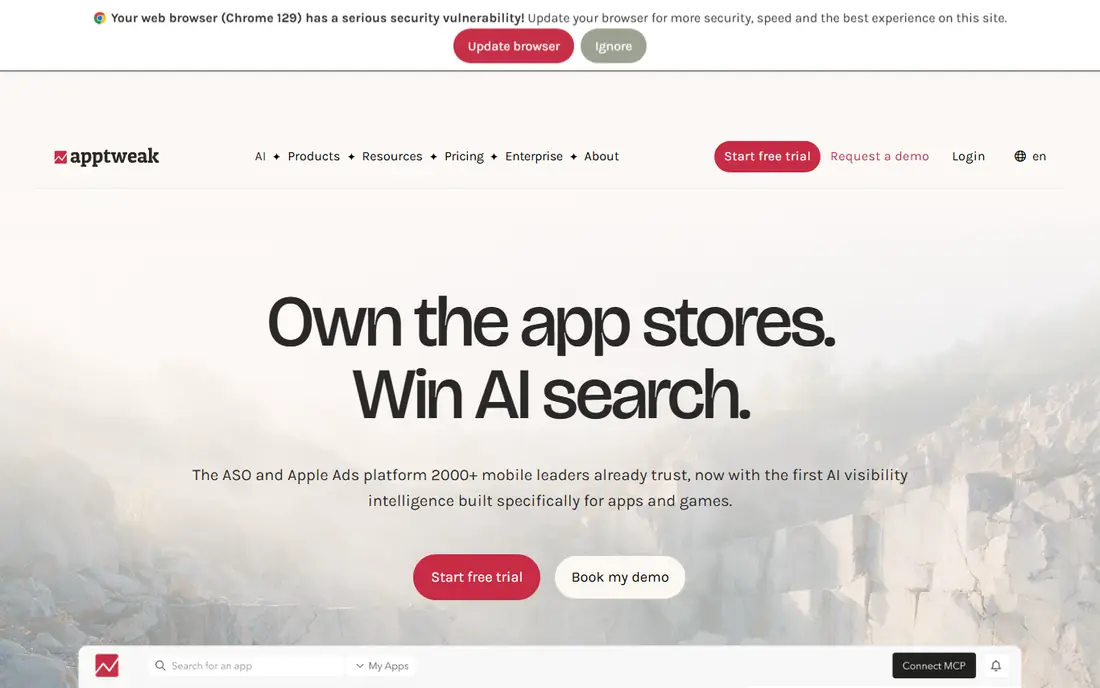
AppTweak is the default keyword tool for ASO teams and agencies. It covers Apple App Store and Google Play with keyword discovery, ranking tracking, competitor analysis and Apple Search Ads data in one workspace. The interface is clear, and reports suit teams that share findings across marketing and product.
Pricing starts at $79 per month billed annually for the Essential plan, with a 7-day trial. Treat keyword volume figures as directional, since stores do not publish exact search counts. For a team whose main job is keyword strategy, AppTweak is the strongest pick here.
- Deep keyword data for both stores
- Competitor intelligence
- Apple Ads workflows
- No free plan beyond a trial
- Keyword volumes are estimates, not exact counts
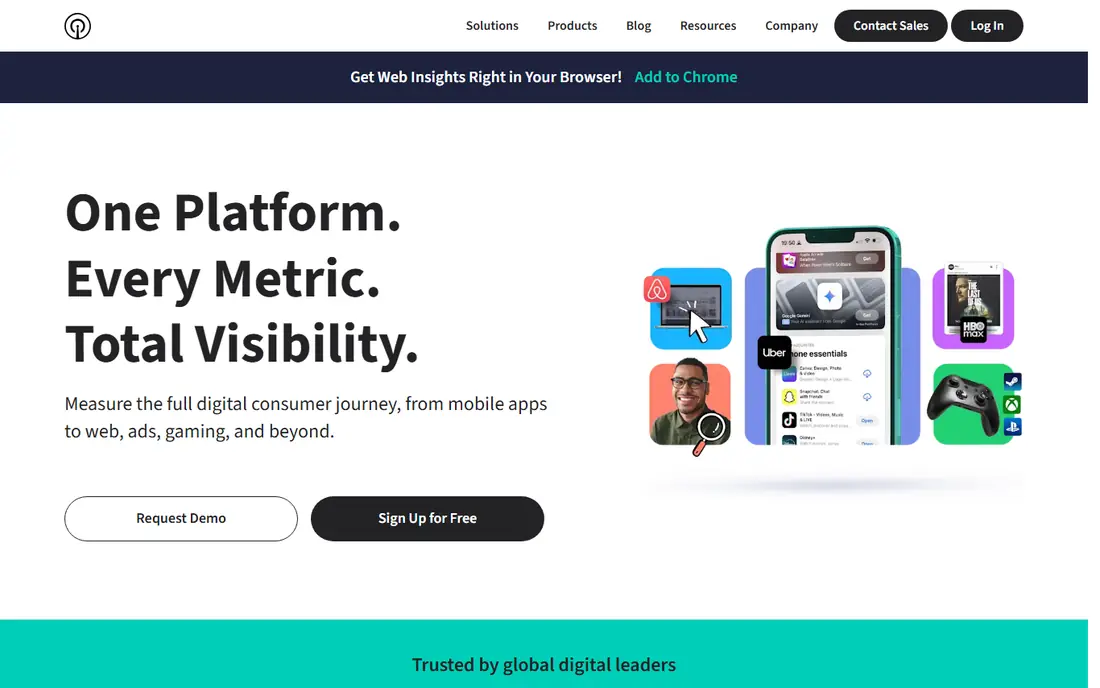
Sensor Tower serves publishers and investors who need market data, not just keyword ranks. It estimates downloads and revenue, tracks competitor performance, and covers advertising intelligence across stores. Since it absorbed data.ai, it holds one of the broadest app market datasets available.
Pricing is custom and enterprise-level, with a free sign-up that only scratches the surface. A single-app developer will find it costly and more than needed. For a publisher sizing a market or tracking many competitors, it is the reference tool.
- Market sizing and download estimates
- Competitor revenue data
- Broad store coverage
- Custom enterprise pricing
- Overkill for a single app
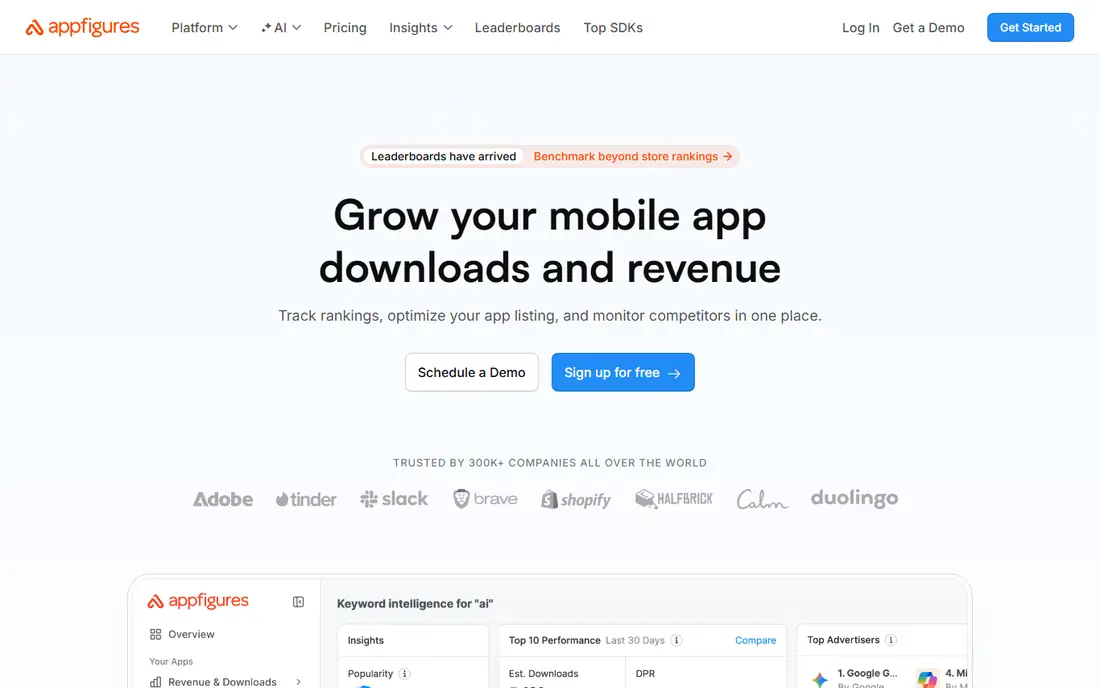
Appfigures appeals to developers who want sales, reviews and keyword data in one place. The free plan covers basic analytics, and paid plans start at $9.99 per month for Connect, with keyword tracking from $44.99 per month. Seeing your own downloads next to keyword ranks makes it easier to judge whether a ranking change mattered.
Keyword tracking is not in the cheapest paid tier, so budget for the keyword plan if ranks are your main need. For indie developers who already track sales, Appfigures adds ASO without a second dashboard.
- Free starter plan
- Own sales data beside ASO data
- Broad tracking
- Keyword features start at $44.99 per month
- Interface favors analysts
AppFollow leads when reviews are the bottleneck. It collects reviews across stores, supports replies at volume, tracks sentiment, and plugs into support tools such as Zendesk and Slack. The ASO plan starts at $19 per month billed annually, with a free plan for basic use.
Keyword research is solid but not as deep as AppTweak, and larger business plans cost more. Teams drowning in reviews, or apps where ratings drive installs, should start with AppFollow and add a keyword tool only if needed.
- Free plan available
- Strong review replies and sentiment
- ASO plan from $19 per month
- Business plans cost more
- Keyword depth below AppTweak
App Radar suits teams that manage listings across several apps. It drafts metadata, handles localization, edits listings in bulk and publishes changes, which saves hours for publishers with a portfolio. Review management is included, and Apple Ads insights sit beside organic data.
Pricing starts at 69 euros per month for Essentials, with a 7-day trial that needs a card, so the dollar cost moves with exchange rates. Keyword depth trails AppTweak. For execution across many listings, App Radar is the practical pick.
- Metadata drafting and bulk editing
- Localization
- Direct publishing features
- Billed in euros
- Trial needs a card
- Keyword data less deep than AppTweak
MobileAction combines ASO metrics with Apple Ads intelligence, which suits teams that run paid and organic together. The Lite plan starts at $15 per month, making it one of the cheapest paid entries here, with keyword tracking and competitor data for both stores.
Dataset depth sits below Sensor Tower and AppTweak, and advanced intelligence costs more. For a small team that spends on Apple Ads and wants one tool for both paid and organic, MobileAction is strong value.
- Low entry price
- Apple Ads intelligence
- Keyword tracking
- Smaller dataset than Sensor Tower
- Advanced features cost more
ASOdesk covers keyword tracking, ranking history and review replies in one workspace, with training material that helps new ASO staff learn the craft. Pricing starts at $59 per month, or $47 per month billed annually in published checks, with a 7-day trial.
There is no permanent free plan, so small developers should compare Appfigures or AppFollow first. For a team that wants keyword tracking plus review tools without enterprise pricing, ASOdesk is a balanced mid-range choice.
- Keyword analytics
- Review replies
- Training material included
- No free plan beyond a trial
- Smaller brand presence than rivals
SplitMetrics tests what keyword tools cannot: whether a screenshot, icon or video actually converts visitors into installs. Its Optimize product runs experiments on simulated store pages, while Acquire helps run Apple Ads campaigns. Since SplitMetrics owns App Radar, the two cover testing plus listing management.
Pricing is custom, and testing only earns its cost once an app has real traffic to test with. Small apps should fix keywords and ratings first. For conversion-led teams with ad traffic, SplitMetrics answers the question other tools can only guess at.
- Tests store visuals before release
- Concept testing
- Owns App Radar for listings
- Custom pricing
- Only pays off with real ad traffic
How we picked these
We compared official pricing pages, feature pages and recent published comparisons for ASO tools available now. We kept tools that cover keyword research, rankings, reviews, listing management or creative testing for Apple App Store, Google Play, or both. Prices shown come from vendor pages or recent published checks, and we wrote See website where pricing is custom, quoted or billed in another currency.
How to choose an ASO tool
Start with the free consoles every developer already has: App Store Connect and Google Play Console. They show impressions, installs, rankings and reviews at no extra cost. Pay for a tool only when a specific job, such as competitor keywords or review volume, outgrows the free consoles.
Match the tool to the bottleneck
If keywords are the problem, start with AppTweak or Appfigures. If reviews are the problem, start with AppFollow. If listing execution across many apps is the problem, start with App Radar. If conversion is the problem, test with SplitMetrics once traffic justifies it.
Treat volume numbers as estimates
No third-party tool sees exact App Store search volumes, so keyword numbers are modeled estimates. Use them to compare keywords against each other, not as promises of installs. Combine tool data with your own console data before changing a listing.
Trial with a real decision in mind
Use each trial to answer one question, such as which keywords to target for your next update. A trial spent browsing dashboards proves little. Pick the tool that answers your question most clearly, then commit to one tool rather than stacking several.
Keep ratings healthy alongside keywords
Keyword gains mean little if your rating slips below four stars, since many users filter out low-rated apps before reading a listing. Answer reviews promptly, fix the crashes users report most often, and ask happy users for a rating at a natural moment in the app. A tool that surfaces review trends early is worth keeping even when keyword work pauses.
Frequently asked questions
What is the best app store optimization tool?
AppTweak is the best all-round tool for keyword research and ASO teams, while AppFollow leads for review management and Appfigures suits indie developers. Sensor Tower leads for enterprise market intelligence. The best tool depends on whether keywords, reviews, listings or testing is your bottleneck.
What is the best free ASO tool?
App Store Connect and Google Play Console are free and cover the basics for every app. Appfigures and AppFollow also offer free plans, with keyword features on paid tiers. Start free, then pay only for the job that outgrows the free tools.
How much does ASO software cost?
Entry prices range from $15 per month for MobileAction and $19 per month for AppFollow ASO, to $79 per month for AppTweak and custom pricing for Sensor Tower and SplitMetrics. Keyword tracking often sits on a higher tier than basic analytics, so check tier details before budgeting.
Does ASO really increase downloads?
Better keywords, ratings and store visuals can raise visibility and conversion, which together raise installs. Results depend on the app, the category and competition, and no tool guarantees a ranking. Treat ASO as steady optimization, not a one-time fix.
What is the difference between ASO and Apple Search Ads?
ASO improves organic visibility in store search and browse, while Apple Search Ads buys paid placement at the top of search results. Tools such as AppTweak and MobileAction cover both, since keyword data serves organic and paid work together.
Sources we checked (8)

Online Jobs is an independent blog about careers, online work, learning new skills and the tools that help people earn. More about us.
Keep reading
All posts
n8n Alternatives
n8n alternatives compared for 2026, with Zapier, Make, Activepieces, and more, covering visual builders, code steps, self-hosting, and pricing models.

ZoomInfo Alternatives
The best ZoomInfo alternatives in 2026, compared on price, free plans, data coverage, and which tool fits small teams or large sales teams best in detail.

Zoom Alternatives for Webinars
Compare Zoom alternatives for webinars in 2026, from browser-based rooms to enterprise events, with prices, attendee limits, features and honest trade-offs.