Best App for Routine in 2026: 9 Compared

How we put this together: we compare official feature and pricing pages, app store listings, privacy policies and public user reviews. Prices change, so check the provider's site before you pay.
Key takeaways
- Routinery is the best app for timed, step-by-step routines, with voice guidance, timers and streak tools.
- Habitica suits users who need game motivation, turning daily tasks into a role-playing game with parties and rewards.
- Streaks and Loop Habit Tracker suit users who want simple daily checklists, with Streaks on Apple devices and Loop free on Android.
- TickTick and Todoist suit users who want routines inside a full task manager, with habits, calendars and reminders in one place.
- The best routine app is the one that matches how you work: timed guidance, game rewards, simple streaks or a full planner.
Quick comparison
| Name | Who it suits | Starting price | Free option | |
|---|---|---|---|---|
 Routinery | Timed step-by-step routines | $5.00 per month | Yes | Visit |
 Habitica | Gamified routines and habits | $4.99 per month | Yes | Visit |
 Fabulous | Guided morning and evening routines | See website | Yes | Visit |
 Streaks | Simple Apple daily routines | See website | No | Visit |
 Loop Habit Tracker | Free Android habit tracking | Free | Yes | Visit |
 TickTick | Routines plus tasks and calendar | See website | Yes | Visit |
 Todoist | Routines inside a task manager | See website | Yes | Visit |
 Structured | Visual daily timeline routines | See website | Yes | Visit |
 Habitify | Clean habit routines everywhere | See website | Yes | Visit |
The best apps for routine
We compared apps that help users build and run daily routines in 2026, not only single habit trackers. We weighted routine structure, timers, reminders, streak handling, platform support and price, because a routine app must fit real mornings and evenings, not just a checklist.

Routinery is built for routines, not just habits. You create a morning or evening routine as a sequence of steps, each with its own timer, and the app guides you through them with voice prompts, pause, skip and auto-next options. That structure helps on busy mornings, when deciding what to do next is itself a source of delay. Routines can be scheduled by day and time, with push and location alerts to start them.
The free plan covers two routines with ads, while Pro is listed at $5.00 per month or $36.00 per year in recent guides. Rest Mode keeps a streak through a break, and a Streak Recovery Pass can restore a broken streak, which reduces the all-or-nothing pressure of streak apps. Routinery suits users who want a guide that walks them through a routine, step by step, on time.
- Voice-guided step timers
- Routines by day and time
- Rest Mode and streak recovery
- Free plan limited to two routines
- Screen Time blocker is iOS only
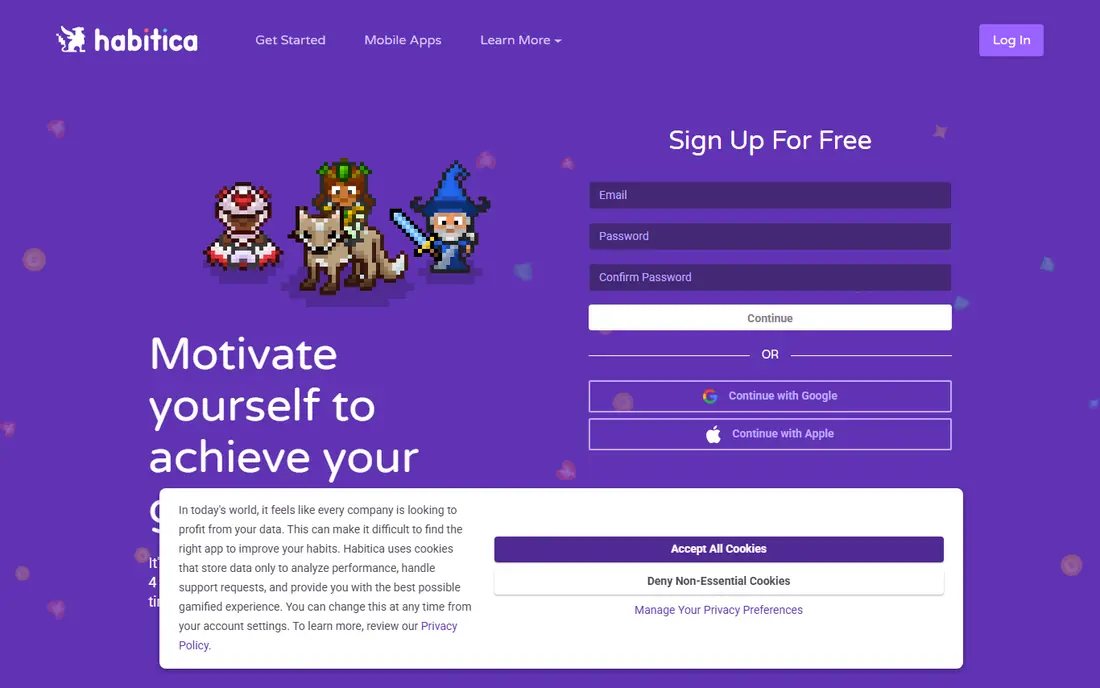
Habitica turns routines into a role-playing game, with an avatar, levels, gold, experience, pets and gear earned by completing dailies and habits. Parties of up to 30 players and challenges with gem prizes add social accountability, which helps users who find plain checklists dull. Dailies run on a set schedule, habits can be tapped any time, and a to-do list sits alongside them, so routines and tasks share one home.
The game is also the catch. A missed daily costs health points, and at zero health you lose a level, gold and a piece of gear, which can feel harsh on a bad week. A Pause Damage setting can stop that loss during breaks. Habitica suits users who enjoy games, who want social motivation, and who will use the game as a nudge rather than a source of stress.
- Full role-playing game layer
- Parties and challenges
- Dailies, habits and to-dos in one place
- Game layer can distract from simple routines
- Missed dailies cost health points
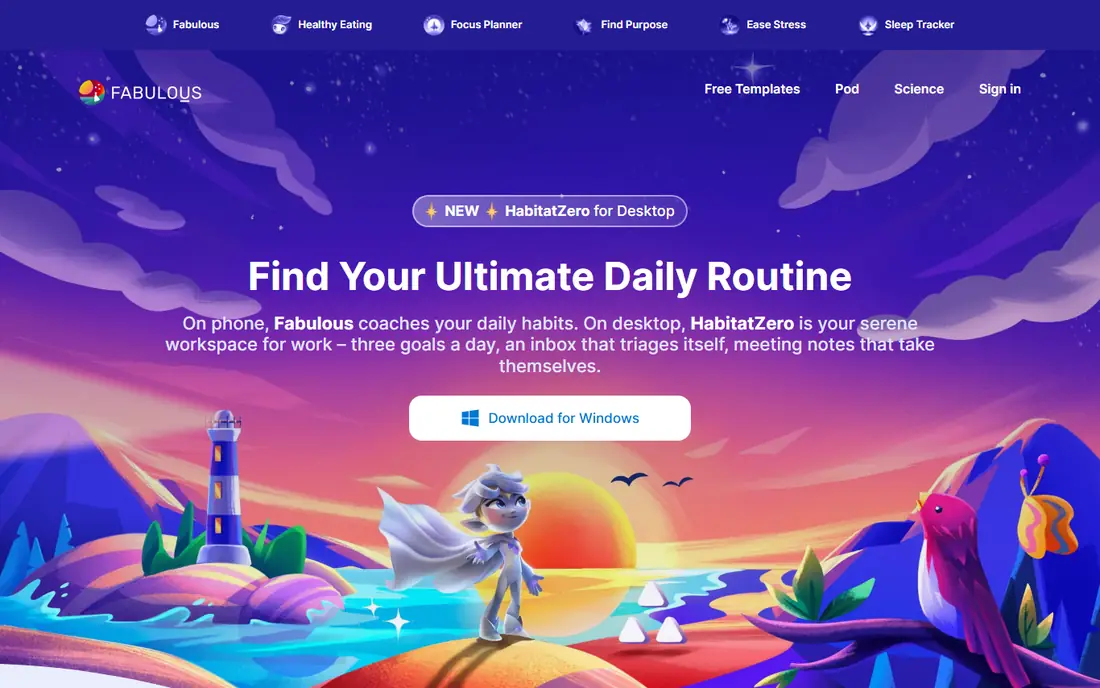
Fabulous guides users through morning, evening and focus routines with coaching journeys, habit stacking and daily lessons. Instead of a blank checklist, it offers a structured path: small habits build into a routine, with prompts and explanations for why each step matters. That guidance helps users who know they want a better morning but do not know where to start.
Full journeys and advanced features need a subscription, with pricing varying by platform and plan, so check the app store listing. Some users may find the coaching tone prescriptive, and the app is less flexible than Routinery for custom timed sequences. Fabulous suits beginners who want a guided, step-by-step path to a new routine, with encouragement built in.
- Science based coaching journeys
- Guided morning, evening and focus routines
- Habit stacking prompts
- Premium needed for full journeys
- Coaching style may feel prescriptive to some users
Streaks is an Apple only app for daily routines, with a clean design across iPhone, iPad, Mac and Apple Watch. Users can track up to 24 tasks a day, each with its own frequency, and tasks linked to Apple Health can complete automatically, such as a walk or workout. Reminders arrive when a task is due, and current and best streaks give a clear, motivating number to protect.
The purchase is listed at $5.99 one time in recent guides, with no free tier and no subscription, which many Apple users prefer. The hard streak rule is the catch: a missed day resets the streak to zero, with no recovery pass. Streaks suits Apple users who want a polished, simple, pay-once routine tracker and who accept a strict streak rule.
- Polished Apple design
- Up to 24 tasks a day
- Health app linked tasks
- One-time purchase
- Apple devices only
- No free tier
- Streak resets to zero after a missed day
Loop Habit Tracker is a free, open source Android app for habits and routines, with no ads, no subscription and no habit cap. Users can set any schedule, such as three times a week, and a habit strength score shows progress over time. Unlike strict streak apps, a missed day lowers the score rather than wiping progress, which helps users return after a break without feeling they have lost everything.
Loop has no timer, no guided routine steps and no iOS version, so it works best as a recorder, not as a guide that walks you through a morning. Reminders are simple, with one reminder per habit. Loop suits Android users who want a private, free, no-nonsense tracker and who do not need gamification or guided routines.
- Completely free and open source
- No ads
- Habit strength score that does not wipe progress on one miss
- Android only
- No timer or guided routine steps
- Interface is functional
TickTick combines tasks, habits, calendar and a Pomodoro timer in one app, which suits users who want routines inside a wider daily plan. Habits can be tracked alongside to-dos, deadlines and calendar events, so a morning routine, work tasks and evening habits share one view. Widgets, reminders and cross-platform sync across iOS, Android, web and desktop make it easy to check the day from any device.
Habit tracking is solid but less deep than Routinery or Habitica, with fewer game or guided routine features. Premium, listed at around $35.99 per year in recent guides, adds full calendar, habit and collaboration features. TickTick suits users who want one app for tasks and routines, and who prefer a planner view to a game or a timed guide.
- Tasks, habits, calendar and Pomodoro in one app
- Widgets and cross-platform sync
- Habit reminders
- Habit features are less deep than dedicated trackers
- Premium needed for full features
Todoist is a task manager that many users adapt for routines through recurring tasks, projects, labels and filters. A morning routine can be a project with recurring tasks, a daily review can be a repeating task, and Karma points across eight levels reward adding and finishing tasks, hitting goals and maintaining streaks. Broad platform support, including Linux, macOS, Windows, iOS, Android and browser extensions, makes it easy to use anywhere.
The catch is that Todoist is not a dedicated habit tracker, so habit strength, streak recovery and guided timers are not built in. Users who want those features should pair Todoist with Loop, Streaks or Routinery. Todoist suits users who already manage work in Todoist and want routines to live inside the same task system, without adding another app.
- Strong recurring tasks
- Karma points for motivation
- Broad platform and integration support
- Not a dedicated habit tracker
- Routine tracking needs recurring tasks and filters
Structured turns a day into a visual timeline, with tasks and routine steps placed in order and time, so users can see the shape of the day at a glance. That visual approach suits users who think in time blocks, who want to plan a morning routine, work blocks and evening wind-down in one timeline, and who like dragging tasks to rearrange the day. The interface is clean and modern, with a focus on clarity over clutter.
Timeline planning needs daily upkeep, which can feel like extra work for users who prefer a simple checklist. Advanced features, such as unlimited timelines and extra customisation, need a subscription, with pricing varying by platform. Structured suits visual planners who want to see routines in time order, and who enjoy planning the day as a timeline rather than a list.
- Visual timeline for the whole day
- Drag and drop planning
- Apple and Android support
- Timeline planning takes daily upkeep
- Advanced features need a subscription
Habitify offers a clean habit and routine tracker that syncs across iPhone, Android, Wear OS, desktop and web, with charts, streaks, progress calendars and milestones. Time and location reminders help start routines at the right moment, and Premium habit stacking prompts the next habit when one is done. Off mode for breaks, in Premium, lets users pause a habit without breaking the record in the same way as a missed day.
The free plan covers three habits, while Premium is listed at $2.49 per month billed annually or $59.99 lifetime in recent guides, so check current pricing. Habitify lacks the timed guidance of Routinery and the game layer of Habitica, but it offers a polished, cross-platform middle ground. It suits users who want a clean, synced routine tracker on every device they own.
- Clean design across iOS, Android, Wear OS, desktop and web
- Habit stacking prompts in Premium
- Off mode for breaks
- Free plan limited to three habits
- Premium needed for habit stacking and full features
How we picked these
We compared app store listings, vendor pages and recent habit tracker guides in October 2026, and we kept only apps that support daily routines, are actively maintained, and offer a free tier or a one-time purchase, except where noted. We weighted routine structure, timers, reminders, streak handling, platform support and price, because a routine app must survive real life: travel, illness, busy weeks and platform changes. We used See website for pricing where it varies by platform, and published guide prices where they were consistent.
We did not claim hands-on testing of every streak or timer, and we treated app store prices as platform dependent. Always test the free tier for a week with one real routine before paying, and check whether the app supports your devices, especially for Apple only or Android only tools.
How to build a routine that sticks
A routine app helps only if the routine itself is realistic, small enough to start, and easy to restart after a miss.
Start small and stack habits
Start with two or three steps, not ten, and attach the routine to an existing cue, such as after waking, after lunch or before bed. Habit stacking, where one finished step prompts the next, reduces decision fatigue. Routinery timers, Habitify stacking prompts and Fabulous journeys all support this pattern, but the principle matters more than the app: small, linked steps beat a long, ambitious list.
Plan for missed days in advance
Decide now what happens after a miss. Routinery Rest Mode, Habitify Off mode and Loop habit scores all soften a missed day, while Streaks and Habitica punish it more strictly. Choose a rule you can live with, and add a recovery step, such as a shorter version of the routine, for low energy days. A routine that survives a bad week is better than a perfect routine that collapses after one miss.
Review weekly, not daily
Review your routine once a week: which steps worked, which steps were skipped, and which steps should change. Remove steps that never happen, shorten steps that always run long, and move steps to a better time of day if needed. A weekly review in TickTick, Todoist or Habitify charts helps you adjust the routine to real life, rather than forcing real life to fit an ideal list.
Frequently asked questions
What is the best app for routine?
Routinery is the best app for timed, step-by-step routines, while Habitica suits game motivated users and Streaks suits Apple users who want simplicity. TickTick and Todoist suit users who want routines inside a task manager, and Loop suits Android users who want a free tracker. The best choice depends on whether you want guidance, games, streaks or a planner.
What is the best routine app for daily routine?
Routinery and Fabulous are the strongest daily routine apps, because they guide morning and evening routines as sequences, not just checklists. Routinery offers timed steps and voice guidance, while Fabulous offers coaching journeys. For a simple daily checklist, Streaks, Loop and Habitify cover the basics well.
What are the best daily routine apps for beginners?
Fabulous and Routinery suit beginners who want guidance, while Habitify and Loop suit beginners who want a clean, simple tracker. Start with one morning routine of two or three steps, test the free tier for a week, and only add steps when the first version feels easy.
What is the best app for routines on iPhone?
Streaks is the best Apple only routine app, with a polished design and a one-time purchase. Routinery, Habitica, Habitify, TickTick, Todoist and Structured also run well on iPhone, with cross-platform sync. Choose Streaks for simplicity, Routinery for timed guidance, and Habitify for cross-device sync.
Are routine apps free?
Many routine apps offer free tiers, including Routinery for two routines, Habitica for core features, Loop completely free, and TickTick, Todoist and Habitify with limited free plans. Streaks has no free tier and costs $5.99 one time in recent guides. Premium subscriptions add routines, habits, stacking and advanced features, so start free and pay only for features you use.
How do I keep a routine after missing a day?
Use a shorter version of the routine the next day, rather than trying to catch up on everything you missed. Apps with Rest Mode, Off mode or habit scores, such as Routinery, Habitify and Loop, make this easier than strict streak apps. Review the routine weekly, remove steps that never happen, and treat a miss as data, not failure.
Sources we checked (9)

Online Jobs is an independent blog about careers, online work, learning new skills and the tools that help people earn. More about us.
Keep reading
All posts
Zoom Alternatives
Zoom alternatives compared for 2026: Google Meet, Microsoft Teams, Webex, Jitsi and more for free calls, large meetings and webinars for teams and classrooms.

Which Software Is Best for Data Entry
Compare the best data entry software for forms, OCR scanning, and spreadsheets, with free plans, pricing, and honest limits for each tool before you commit.

What's the Best App to Read PDFs
Find what's the best app to read PDFs in 2026, from Adobe Acrobat Reader and Foxit to PDF Expert and Xodo, with free options and honest limits for every device.