Best App Builder in 2026: 9 Tools Compared

How we put this together: we compare official feature and pricing pages, app store listings, privacy policies and public user reviews. Prices change, so check the provider's site before you pay.
Key takeaways
- Glide and Softr are the fastest routes from a spreadsheet or Airtable base to a working internal tool, with paid plans from $19 per month on annual billing.
- Bubble suits complex web apps with custom logic, while FlutterFlow suits true native mobile apps with code you can export.
- AppSheet is the cheapest per-user option for data-driven business apps, from $5 per user per month, especially for teams already on Google Workspace.
- Free plans are for learning and prototypes in almost every case, and publishing to app stores usually needs a paid plan.
Quick comparison
| Name | Who it suits | Starting price | Free option | |
|---|---|---|---|---|
 Glide Glide | Spreadsheet-to-app internal tools | $19 per month | Yes | Visit |
 Softr Softr | Portals on existing data | $19 per month | Yes | Visit |
 Bubble Bubble | Complex full-stack web apps | $29 per month | Yes | Visit |
 FlutterFlow FlutterFlow | Native mobile apps with code export | $39 per month | Yes | Visit |
 Adalo Adalo | Simple native mobile apps | $36 per month | Yes | Visit |
 AppSheet AppSheet | Data-driven business apps | $5 per user per month | Free trial | Visit |
 Thunkable Thunkable | Beginner-friendly native apps | See website | Yes | Visit |
 GoodBarber GoodBarber | Polished native apps for content brands | $30 per month | No | Visit |
 BuildFire BuildFire | Template-led business apps | See website | No | Visit |
The best app builder
An app builder should match the app you actually need, not the demo that looks best. Some tools here make web apps, some make native mobile apps, and some turn a spreadsheet into an internal tool in an afternoon. We compared official pricing pages and published plan limits, and we grouped the list so you can shortlist by app type first and price second.
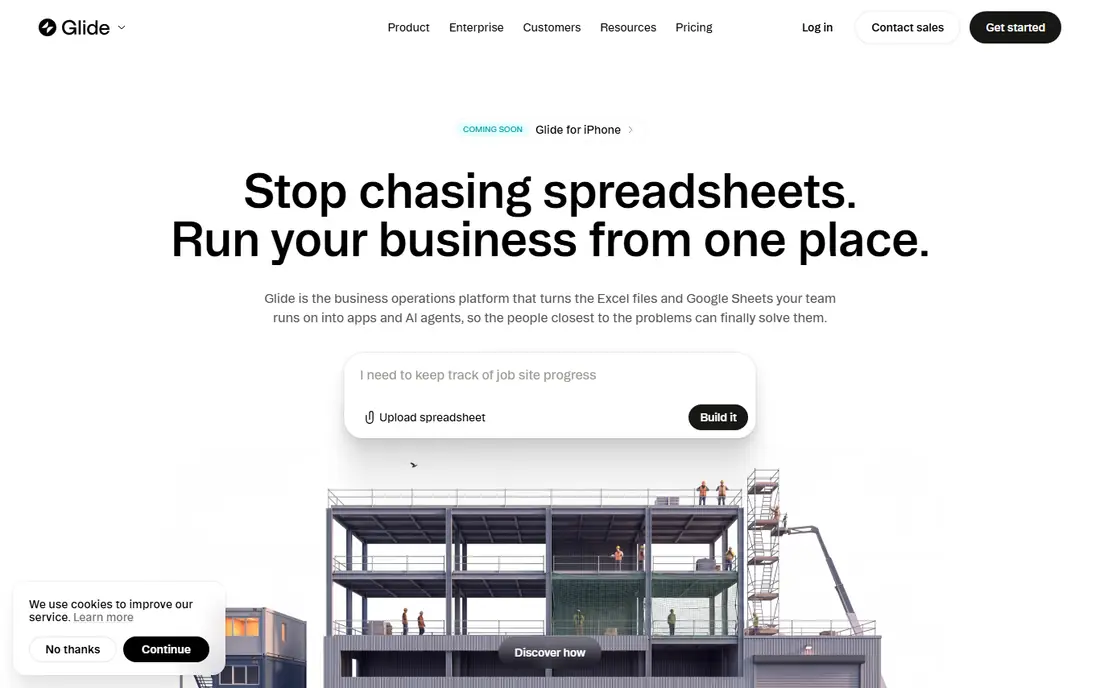
Glide is our pick for most people who need an internal tool quickly. You point it at Google Sheets, Excel, Airtable, or Glide Tables, pick a template, and you have a working app with lists, forms, and user sign-in. Paid plans from $19 per month on annual billing add more rows, users, and publishing options, and the free plan lets you build and test before paying.
The limit is the app type. Glide makes progressive web apps, so you will not publish a native app to the App Store from Glide alone. Large data sets can also slow it down. If your goal is a staff directory, a job tracker, or a customer portal used in a browser, Glide is the fastest route here.
- Very fast to build from Sheets or Excel
- Strong template library
- Real-time data sync
- Apps are web apps, not native store apps
- Design freedom is limited on large data sets
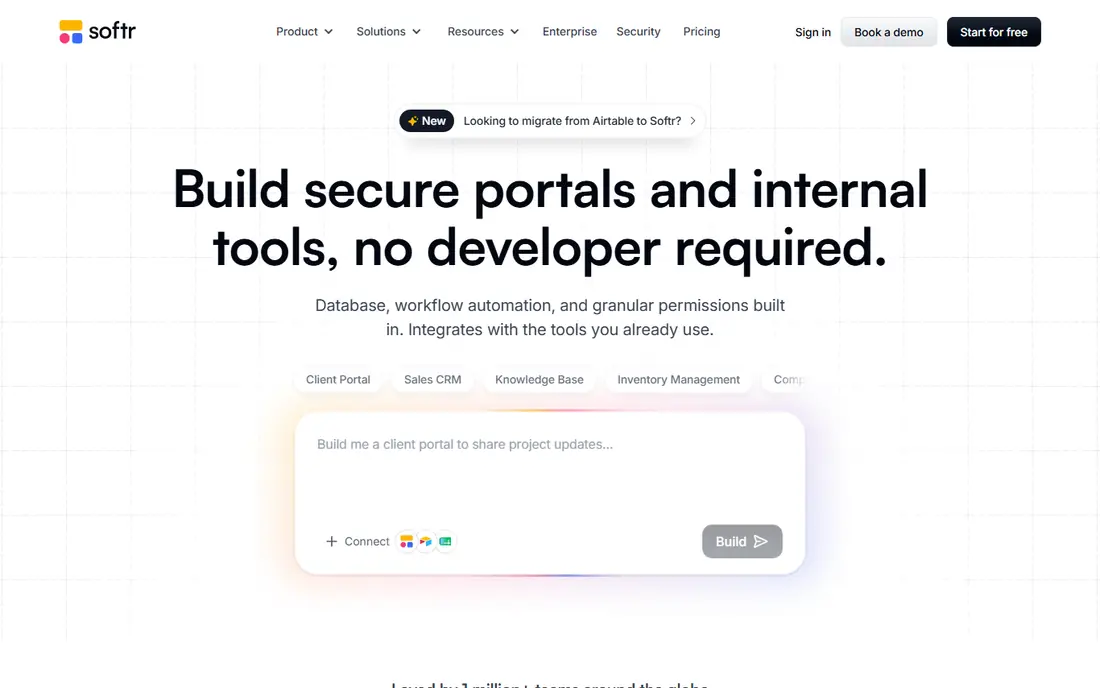
Softr turns data you already keep into a client portal, membership site, or internal dashboard with very little setup. Its Airtable and Google Sheets connections are a genuine strength, and permissions let different users see different records without custom code. Paid plans from $19 per month on annual billing suit small teams, and the free plan covers a first prototype.
Softr is not a native mobile builder, and its pricing scales with records and users, so a large customer base needs a higher tier. For a portal, directory, or gated resource library, though, Softr often ships in days where a custom build would take weeks.
- Fast Airtable, Sheets, and Notion connections
- Strong portal templates
- Simple permissions
- Web apps only
- Record limits bite on larger data sets
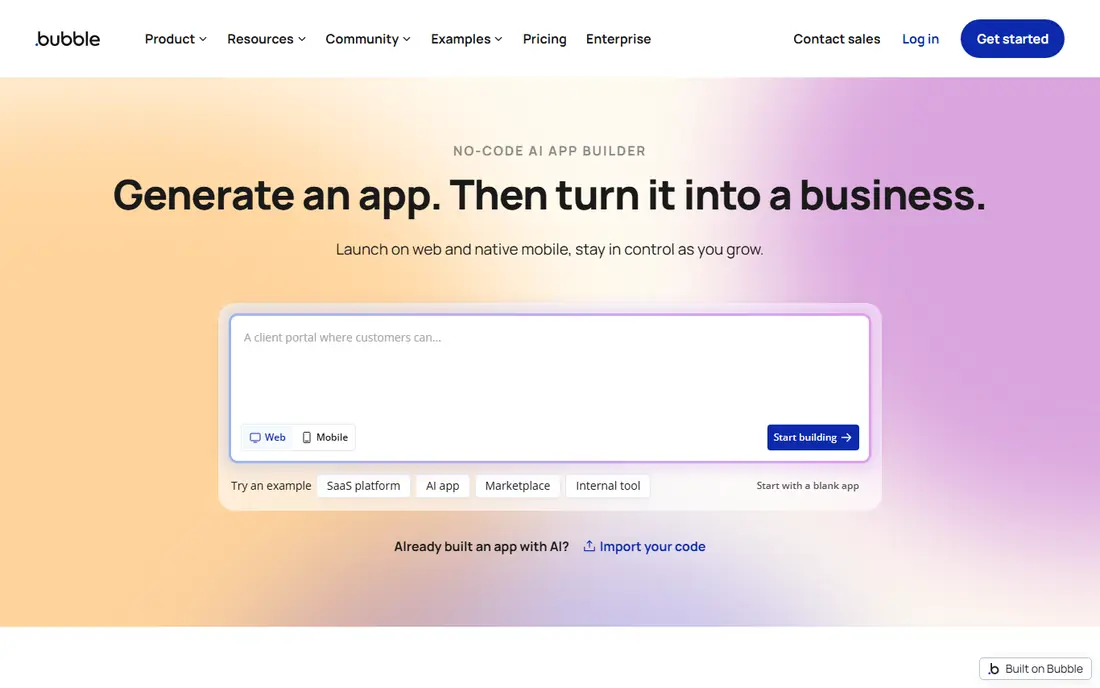
Bubble is the most capable no-code builder for web apps with real logic. You can build user accounts, payments, complex workflows, and a database in one visual editor, and the plugin marketplace covers most common needs. The free plan lets you learn the editor, and paid plans from $29 per month on annual billing allow a live deployment with a custom domain.
Two catches deserve attention. Bubble keeps your app on its platform, with no full code export, and its workload-unit pricing means a busy app can cost more than the headline plan suggests. Native mobile apps are also newer territory for Bubble than web apps. If you need a complex web product and accept platform lock-in, Bubble is the strongest pick here.
- Deep visual logic and database tools
- Large plugin marketplace
- Full-stack web apps in one place
- No code export
- Workload-based pricing can surprise heavy apps
- Learning curve is steep
FlutterFlow is the pick when you need a real app in the Apple App Store and Google Play, with code you can take with you. It builds with Flutter, exports code to GitHub, and connects to Firebase for logins and data. Basic from $39 per month suits a solo builder, and the free plan covers learning and small projects.
The trade-off is setup. Firebase configuration happens outside FlutterFlow, with its own console and vocabulary, and that step trips up many first-time builders. Design freedom is high, but so is the learning curve. If owning your code and shipping native apps matter most, FlutterFlow justifies the extra effort.
- True native iOS and Android apps
- Flutter code export
- Firebase integration
- Firebase setup sits outside the builder
- Steeper learning curve than Glide or Softr
Adalo suits a solo founder or small team that wants a native app without learning Firebase or code. Its drag-and-drop editor covers screens, lists, forms, and payments, and it publishes to iOS, Android, and the web from one project. Starter at $36 per month on annual billing includes flat pricing, which makes budgeting simpler than usage-metered rivals.
Adalo is less suited to very complex apps or huge data sets, where Bubble or FlutterFlow pull ahead. Its component and integration range is also narrower. For a straightforward customer app, booking app, or marketplace prototype, Adalo hits a sweet spot between ease and real store publishing.
- Native iOS, Android, and web from one canvas
- Flat pricing with no usage meters
- Simple editor
- Limited scaling for very complex apps
- Database size limits on lower plans
AppSheet, from Google, turns spreadsheets and databases into business apps for field staff, inspectors, and operations teams. At $5 per user per month for the Starter plan, it is the cheapest way to give a whole team a data-capture app, and its Google Workspace integration means Sheets, Drive, and Gmail work without extra plumbing. Prototypes can be tested free before deployment.
Design is functional rather than beautiful, and teams outside the Google ecosystem get less value from it. AppSheet is a work tool, not a consumer app builder. If your app exists to collect data, assign jobs, or track inventory, it is hard to beat on price and speed.
- Lowest per-user price here
- Strong Google Workspace integration
- Good for field teams
- Design flexibility is limited
- Google-centric setup suits Workspace teams best
Thunkable is a friendly entry point for beginners and educators who want a native app without code. Its block-based editor, live phone testing, and component marketplace make a first app feel achievable in a weekend. A free plan lets you learn the system, and paid plans add publishing and higher limits.
The limits show up as apps grow. Database options are narrower than AppSheet or Bubble, and advanced logic needs workarounds. Thunkable is best for learning, prototypes, and simple consumer apps, and a team with a complex product will outgrow it. As a first builder, though, its gentle learning curve is a real advantage.
- Drag-and-drop blocks
- Live testing on a phone
- Publishes to app stores
- Limited database options
- Fewer advanced features than FlutterFlow
GoodBarber suits content-led businesses such as shops, restaurants, media brands, and clubs that want a polished native app without building screens from scratch. Templates cover menus, news, stores, and loyalty features, and plans from $30 per month on annual billing include a native app and a web app. Design quality is higher out of the box than on most builders here.
Custom logic is the weak point. If your app needs unusual workflows or a custom database model, Bubble or FlutterFlow will serve you better. GoodBarber also has no free plan, so use its trial or demo before paying. For a brand app that must look good fast, it is a strong choice.
- Native app plus web app from one project
- Strong design templates
- Content features built in
- No free plan
- Less suited to complex custom logic
BuildFire targets businesses that want a professionally built app from templates plus plugins, with an agency-style service behind it. Industry templates for restaurants, fitness, retail, and services shorten the build, and white-label options suit agencies reselling apps to clients. Pricing is quote-led, so confirm the plan that fits your feature list.
The cost is the main drawback, since BuildFire sits above the self-serve builders here, and template-led design limits unusual layouts. For a business that wants a managed build rather than a do-it-yourself editor, that trade can be worth it. For a solo builder on a budget, Glide, Softr, or Adalo will be cheaper.
- Industry templates
- Large plugin marketplace
- White-label options for agencies
- Monthly cost is high
- Design freedom is limited by templates
How we picked these
We compared official pricing pages, app output type, and published plan limits, and we favored builders that are actively maintained and publish a usable free plan or trial. We kept web, native, and data-driven builders in one list because the search term covers all three, but we labeled each product by what it actually ships so you can filter fast. Prices were checked in October 2026 and change often, so confirm the current plan on the vendor site.
Choosing by app type
For an internal tool or portal
Start with Glide or Softr if your data already lives in Sheets, Excel, Airtable, or Notion. Both ship in days, and both cost far less than a custom build. Pick Glide for staff tools and Softr for customer-facing portals.
For a consumer mobile app
Pick FlutterFlow if you want native apps and code export, or Adalo if you want the simplest path to both stores. Thunkable suits a first learning project, while GoodBarber suits a content brand that values design over custom logic.
For a complex web product
Bubble is the strongest no-code option for custom logic, payments, and a full database in one place. Budget for workload units as usage grows, and accept that your app stays on Bubble if you build there.
Frequently asked questions
What is the best app builder for beginners?
Glide is the easiest start for a web or internal app, and Thunkable is the easiest start for a native mobile app. Both have free plans, templates, and editors that do not require code for a first working version.
Can I publish to the App Store without code?
Yes, with Adalo, FlutterFlow, Thunkable, GoodBarber, and BuildFire, all of which support native publishing. Glide and Softr make web apps that users open in a browser, which suits internal tools but not store distribution.
Do no-code apps scale?
They scale within limits. Bubble and FlutterFlow handle larger products better than template-led builders, but very high traffic, complex data, or unusual performance needs may eventually require custom code. Start with the builder, and migrate only when growth demands it.
Is there a free app builder?
Several have free plans, including Glide, Softr, Bubble, FlutterFlow, Adalo, and Thunkable. Free plans usually limit publishing, rows, or users, so expect to pay once the app goes live to real users.
What does code export mean, and why does it matter?
Code export lets you download the source code of your app and host or develop it elsewhere. FlutterFlow offers it, while Bubble and Glide do not. It matters if you want to leave a platform later without rebuilding from scratch.
How much does it cost to run an app each month?
Entry paid plans here run from $5 per user per month for AppSheet to around $39 per month for FlutterFlow, with higher tiers for more users, rows, or traffic. Add app store fees, payment processing, and any third-party services on top of the builder subscription.
Sources we checked (9)

Online Jobs is an independent blog about careers, online work, learning new skills and the tools that help people earn. More about us.
Keep reading
All posts
Workday Alternatives
We compared the best workday alternatives for HR, payroll, and global hiring, from BambooHR and Gusto to Rippling, Deel, and HiBob for growing teams in 2026.

Which SaaS Tools Have the Best Customer Support
Which SaaS tools have the best customer support? Compare eight popular tools on help centres, live help, response options and overall support quality.

Top AI Helpdesk Software
Searching for top AI helpdesk software in 2026? We compared 8 AI helpdesks on automation, pricing, channels and ease of setup for small and growing teams.