Best Animation Software in 2026: 10 Tools Compared

How we put this together: we compare official feature and pricing pages, app store listings, privacy policies and public user reviews. Prices change, so check the provider's site before you pay.
Key takeaways
- Blender is our pick for most people starting out, because it is free and covers 2D drawing, 3D animation, and video editing in one program.
- Toon Boom Harmony is the studio pick for professional 2D television and film work, with rigging and compositing built for a team pipeline.
- OpenToonz, Pencil2D, Synfig Studio, and Krita give beginners real skills for free, without a subscription.
- Moho Debut is the cheapest paid route into rigged character animation, while Animaker and Powtoon suit fast explainer videos.
- Match the tool to the output first, because a template video tool and a frame-by-frame drawing tool solve different problems.
Quick comparison
| Name | Who it suits | Starting price | Free option | |
|---|---|---|---|---|
 Blender Blender | Free 2D and 3D animation | Free | Yes | Visit |
 Toon Boom Harmony Toon Boom Harmony | Professional 2D studios | $30 per month | Free trial (21 days) | Visit |
 Moho Debut Moho Debut | Rigged characters on a budget | $59.99 one-time | Free trial | Visit |
 OpenToonz OpenToonz | Studio-style 2D, free | Free | Yes | Visit |
 Pencil2D Pencil2D | Simple frame-by-frame drawing | Free | Yes | Visit |
 Synfig Studio Synfig Studio | Vector tweening | Free | Yes | Visit |
 Krita Krita | Drawing and light animation | Free | Yes | Visit |
 Animaker Animaker | Template explainer videos | Free | Yes | Visit |
 Powtoon Powtoon | Animated presentations | Free | Yes | Visit |
 Rive Rive | Interactive web animation | $9 per month | Yes | Visit |
The best animation software
Animation software splits into drawing tools, rigging tools, 3D tools, and template video tools. A drawing tool gives you control over every frame, a rigging tool lets you move a character with bones, and a template tool gives you a finished video fast. The list below covers all four, so you can pick by the kind of work you want to make.
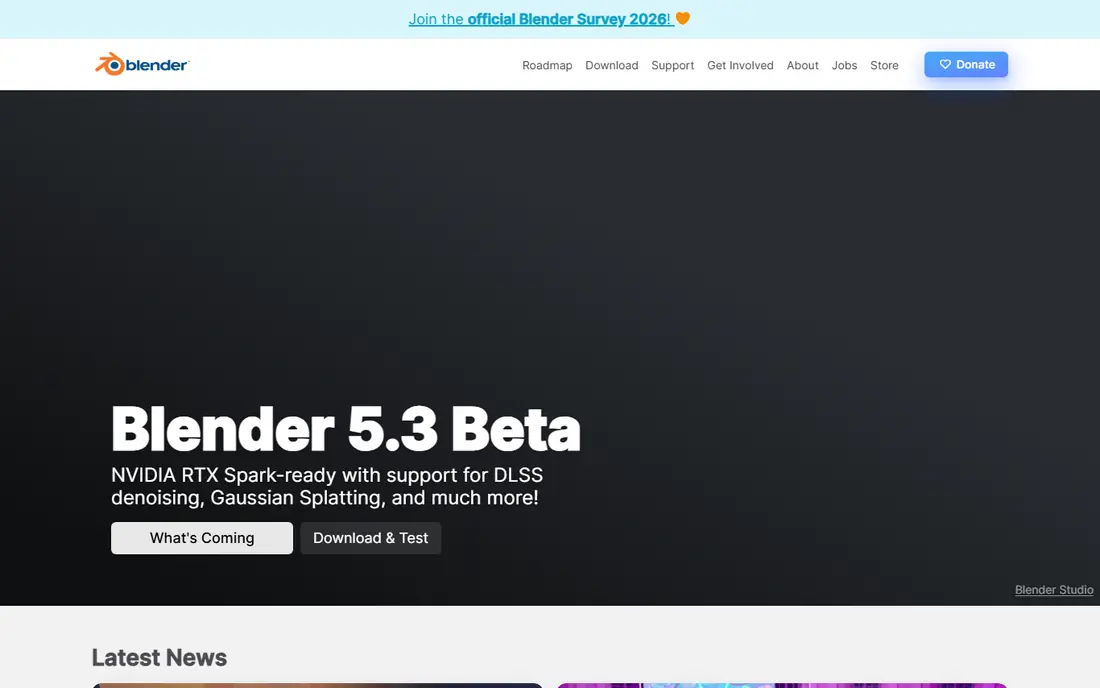
Blender is the strongest free starting point in animation, because it does not limit you to one style. You can draw 2D animation with Grease Pencil inside a 3D space, build and animate 3D characters, and edit the result into a finished video. That range means a beginner can try several styles before spending money on a specialist tool.
The cost is time. Blender packs modeling, sculpting, rigging, lighting, and editing into one program, and the interface shows that breadth. Start with one small project, such as a bouncing ball or a short character loop, and follow the official learning resources before you judge it. If you can get past the first week, Blender can carry you from hobby work to professional projects.
- Free and open source
- 2D Grease Pencil plus full 3D
- A huge community and learning library
- A steep learning curve
- The interface can overwhelm a first-time animator
Toon Boom Harmony is the tool behind much professional 2D television animation, and its design shows that history. It handles traditional frame-by-frame drawing, cut-out rigging, camera moves, and compositing in a pipeline built for episodes, not just short clips. For a studio, a school program, or a serious independent animator, that pipeline is the reason to pay.
For a hobbyist, Harmony can feel like a lot. The Essentials plan starts at $30 per month, and the 21-day trial is the right way to test whether you need its depth. If you make short social videos, a free tool or a template tool will finish faster. If you want to work in professional 2D production, Harmony teaches skills that transfer directly to studio jobs.
- Industry-standard 2D pipeline
- Strong rigging and compositing
- Tools for teams and large projects
- The highest learning curve for 2D beginners
- The full feature set needs a paid plan
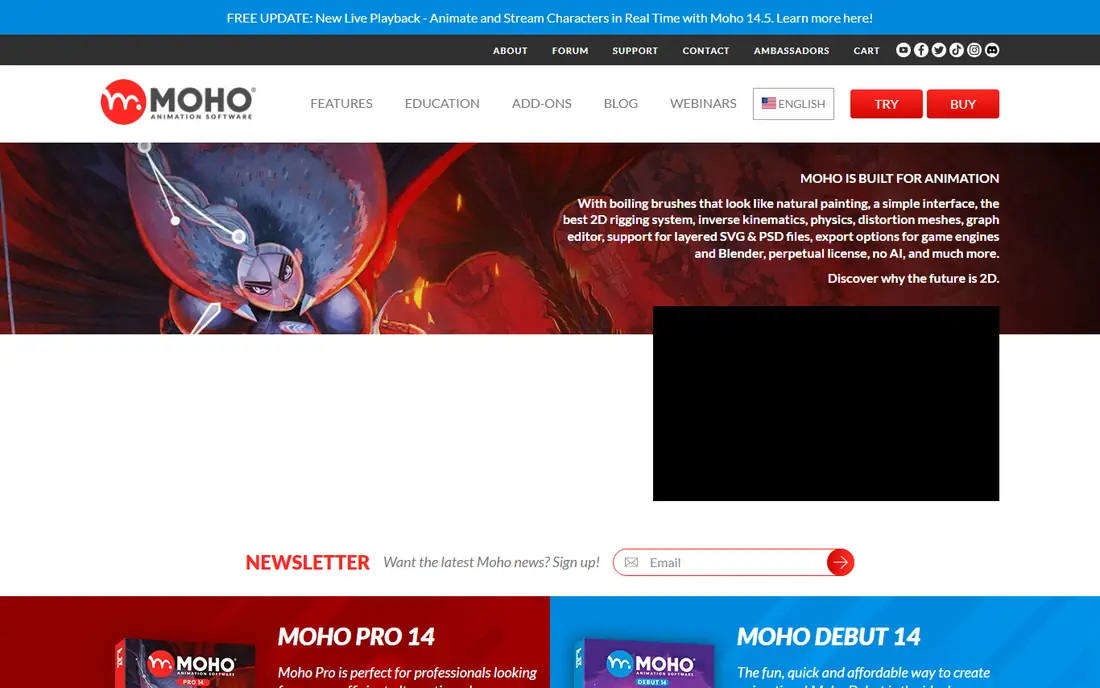
Moho Debut, formerly Anime Studio Debut, is built for rigged character animation. You draw a character once, add bones, and then move the character by posing the rig instead of redrawing every frame. Smart Bones help joints bend in a natural way, which makes walk cycles and talking heads faster than traditional drawing for many creators.
Debut is the entry version, so it lacks some Pro features for advanced rigging and effects, and pure hand-drawn animators may miss a traditional drawing workflow. At $59.99 one-time, though, it is the cheapest paid route into rigged animation without a monthly bill. Try the trial with a simple character, and upgrade only if you hit a Debut limit on a real project.
- Smart Bones for natural character movement
- A one-time price, not a subscription
- Fast rigged animation
- Less suited to pure frame-by-frame drawing
- The full Pro version costs much more
OpenToonz is open source software based on tools used in professional animation production, including work associated with Studio Ghibli. It supports traditional drawing, scanning paper drawings, coloring, effects, and camera work, which gives independent animators a studio-style workflow for free. If you want to learn traditional 2D production, OpenToonz teaches the real steps.
The interface is not beginner-friendly, and the first setup can confuse someone who expects a simple drawing app. Watch a guided tutorial for your first scene, and keep early projects short. OpenToonz rewards patience with a free tool that does not lock your work behind a subscription, and it pairs well with a drawing tablet.
- Free and open source
- Production features such as scanning and effects
- Used in professional studio work
- A complex interface for beginners
- Setup and learning take patience
Pencil2D is the simplest honest way to learn frame-by-frame animation. You draw on bitmap or vector layers, flip through frames with onion skinning, and play back a loop. There is little to configure, which means a student or hobbyist can focus on timing, spacing, and drawing rather than menus.
That simplicity is also the limit. Pencil2D lacks the rigging, effects, and compositing of larger tools, and it is not the right choice for a long or complex project. Use it to learn the basics, to test a character movement, or to make short hand-drawn clips. When a project outgrows it, your timing skills will transfer to OpenToonz, Krita, or Toon Boom Harmony.
- Very simple to learn
- Light on system resources
- Good for hand-drawn practice
- Few advanced features
- Not suited to large or complex productions
Synfig Studio lets you animate vector shapes by setting keyframes and letting the software fill in the movement between them, a process called tweening. That approach suits motion graphics, cut-out characters, and simple explainer animation, because you can reuse shapes and change timing without redrawing each frame. Bone rigging adds character movement without a full frame-by-frame workflow.
The interface takes time to learn, and it feels less polished than commercial tools. Synfig Studio is also less suited to detailed hand-drawn work than Krita or Pencil2D. For a creator who likes vector shapes and wants free software that can produce smooth movement with less drawing, Synfig Studio is a strong, if slightly old-fashioned, pick.
- Free vector animation with automatic tweening
- Bone rigging
- No need to draw every frame
- A steeper learning curve than Pencil2D
- The interface feels dated
Krita is first a digital painting program, and that strength makes it a good animation choice for illustrators. The brush engines, color tools, and drawing feel are strong, and the animation timeline supports frame-by-frame work with onion skinning for short clips and loops. If you already draw in Krita, adding animation is a small step.
Krita is not a full animation pipeline. It lacks the rigging depth of Moho, the studio pipeline of Toon Boom Harmony, and the 3D tools of Blender. Use Krita when drawing quality matters most, such as animated illustrations, storyboards with motion, or short social loops. For longer character animation, pair it with a rigging or compositing tool.
- Excellent free drawing and brush tools
- A simple animation timeline
- Good for illustrators
- Animation tools are lighter than dedicated animation software
- Large projects can strain a weaker computer
Animaker skips drawing entirely and starts from templates, characters, props, and scenes. A small business owner, teacher, or marketer can build an explainer video in hours, add voiceover and text, and export it for a website or social channel. That speed is the point, and it suits content where clarity matters more than original character design.
The trade-off is originality. Template characters appear in many videos, and the most useful assets and export options sit on paid plans starting at $15 per month. Animaker is a good fit for explainers, training clips, and social content, and a poor fit for someone who wants to build a unique animated character from scratch.
- Templates and characters for fast videos
- No drawing skill needed
- Browser-based
- Characters and styles can look familiar
- The best assets sit on paid plans
Powtoon focuses on animated presentations, training videos, and internal communications. Templates, characters, and simple scene tools let a team turn a slide deck idea into a short video without animation training. That focus helps in a workplace, where a clear message and a fast turnaround matter more than frame-level control.
Free plans carry limits, including branding and export restrictions, and paid plans start at $15 per month for the Lite tier. Powtoon will not replace a drawing or rigging tool for original animation, and its style is easy to recognize. For business and school presentations, though, it is one of the fastest routes to a watchable animated video.
- Templates for presentations and training
- Easy text and character animation
- Browser-based
- Free exports carry limits and branding
- Template style limits original work
Rive is built for animation that reacts, such as buttons, loading states, game characters, and app illustrations that respond to input. Its editor runs in real time, exports are lightweight, and developers can control animation states in code. For product teams and web designers, that interactive focus fills a gap that film tools do not cover well.
Rive is not the right pick for a traditional cartoon or a long film scene. Traditional drawing, rigging for television, and complex compositing belong in tools such as Toon Boom Harmony, Moho, or Blender. Paid plans start at $9 per seat per month, with a free plan for learning. If your animation must live inside an app or website and respond to users, start with Rive.
- Lightweight interactive animation for apps and websites
- A real-time editor
- Small file sizes
- Not a traditional film animation tool
- Interactive work needs some technical skill
How we picked these
We compared official feature pages, pricing pages, app store listings, and public reviews for animation software that works in the United States in 2026. We favored tools that cover a distinct workflow, from free 2D animation software to studio pipelines and template video tools, and we noted where a free plan limits exports, assets, or project size. We did not claim hands-on testing, and we did not rank a template tool against a drawing tool as if they did the same job.
Check the vendor pricing page before you buy, because animation pricing varies by plan, seat, and billing term, and free plans can change without much notice.
What to choose for your project
Start from the finished video you want, not the tool with the longest feature list. A short social loop, a television episode, an explainer for a product, and an interactive app animation each point to a different tool, and picking the wrong type costs more time than any price difference.
Drawing, rigging, or templates
Drawing tools such as Pencil2D, Krita, and OpenToonz give you original frames and the most control, but they need drawing skill and time. Rigging tools such as Moho and Toon Boom Harmony let you reuse a character and move faster on longer projects, once the rig is built. Template tools such as Animaker and Powtoon give you a finished video fast, at the cost of a familiar look.
Free tools that teach real skills
Blender, OpenToonz, Pencil2D, Synfig Studio, and Krita are free, and each teaches a skill that transfers to paid work. Spend a month with one free tool before paying, and judge it on a finished project, not on a feature tour. If you enjoy the workflow, you will know whether a paid tool adds speed, support, or a pipeline you actually need.
Hardware, exports, and licensing
Check system needs, export formats, and commercial rights before you commit to a project. 3D and large 2D projects need a capable computer, and template tools may limit commercial use or exports on cheaper plans. Export a test video early, check it on the platform where it will appear, and confirm that the plan you pay for covers client work if you sell the result.
Frequently asked questions
What is the best free animation software?
Blender is our free pick for most people, because it covers 2D and 3D animation plus editing. OpenToonz is a strong free pick for traditional 2D work, while Pencil2D is best for simple hand-drawn practice. The best free 2D animation software for you depends on whether you want to draw frames, rig characters, or make motion graphics.
What is the best animation app for beginners?
Pencil2D is the easiest place to learn frame-by-frame animation, and Krita is a good pick for beginners who already draw. Animaker and Powtoon are easier still, but they use templates rather than teaching drawing or rigging. Start with a free tool, finish a short project, and only then decide whether a paid tool will help.
What is the best software for animation on a budget?
Moho Debut at $59.99 one-time is a strong budget pick for rigged characters, while Blender, OpenToonz, and Krita cost nothing. Rive starts at $9 per month for interactive work, and Animaker and Powtoon start with free plans for template videos. Compare the total cost over a year, not just the first month, especially for subscription tools.
What is the best 2D animation software free of charge?
OpenToonz gives the most studio-style 2D features for free, while Pencil2D gives the simplest hand-drawn workflow. Synfig Studio is a good free pick for vector tweening, and Krita is a good free pick when drawing quality matters most. Try two free tools on the same short scene to feel the difference in workflow.
Can I make professional animation with free software?
Yes, with limits. Blender and OpenToonz are used in professional contexts, and Krita produces professional-quality drawing. The limit is usually pipeline, support, and team workflow, not the ability to make a good-looking scene. For studio television work, Toon Boom Harmony remains the common pipeline choice, even though free tools can produce strong independent work.
What animation software do studios use?
Studios use a mix, including Toon Boom Harmony for 2D television, Blender and other 3D tools for 3D work, and specialist tools for effects and compositing. The exact stack varies by studio, project, and country, so check job listings for the role you want. Learning one studio tool well, plus one free tool, is a practical path into professional work.
Sources we checked (10)

Online Jobs is an independent blog about careers, online work, learning new skills and the tools that help people earn. More about us.
Keep reading
All posts
Best Writing Software
Looking for the best writing software in 2026? We compared 9 writing apps for books, articles and screenplays on price, features and fit. All verified.

Best Weather Apps
Searching for the best weather app? We compared eight top weather apps for accurate forecasts, radar, severe alerts, and daily planning near you today.

Best Video Editing Software
We compared the best video editing software for beginners and pros, checking official pricing, free plans and honest limits before ranking all nine editors.