Best Analytics Software in 2026: 8 Tools Compared

How we put this together: we compare official feature and pricing pages, app store listings, privacy policies and public user reviews. Prices change, so check the provider's site before you pay.
Key takeaways
- Google Analytics 4 is our pick for most websites because it is free and covers traffic, conversions, and basic app reporting.
- Mixpanel and Amplitude are the best product analytics tools when you need funnels, retention, and user-level behaviour, not just page views.
- PostHog is the best all-in-one option for developer-led teams that also want session replay, feature flags, and experiments.
- Matomo is the best choice when data ownership and privacy controls matter more than Google integration.
- Event-based pricing means your bill depends on volume, so model your monthly events before you choose a paid plan.
Quick comparison
| Name | Who it suits | Starting price | Free option | |
|---|---|---|---|---|
 Google Analytics 4 Google Analytics 4 | Most websites | Free | Yes | Visit |
 Mixpanel Mixpanel | Product funnels and retention | Free | Yes | Visit |
 Amplitude Amplitude | Growth teams and experiments | Free | Yes | Visit |
 PostHog PostHog | All-in-one product stack | Free | Yes | Visit |
 Matomo Matomo | Privacy and data ownership | Free | Yes | Visit |
 Heap Heap | Automatic event capture | Free | Yes | Visit |
 Plausible Plausible | Simple privacy-friendly stats | $9 per month | Free trial | Visit |
 Microsoft Clarity Microsoft Clarity | Free heatmaps and replays | Free | Yes | Visit |
The best analytics software
We compared official feature pages and pricing pages for the best analytics tools, the best data analytics software, and the best analytics platform options for websites and apps. Website analytics and product analytics are different jobs, so this list includes both, with a clear note on which job each tool does best.
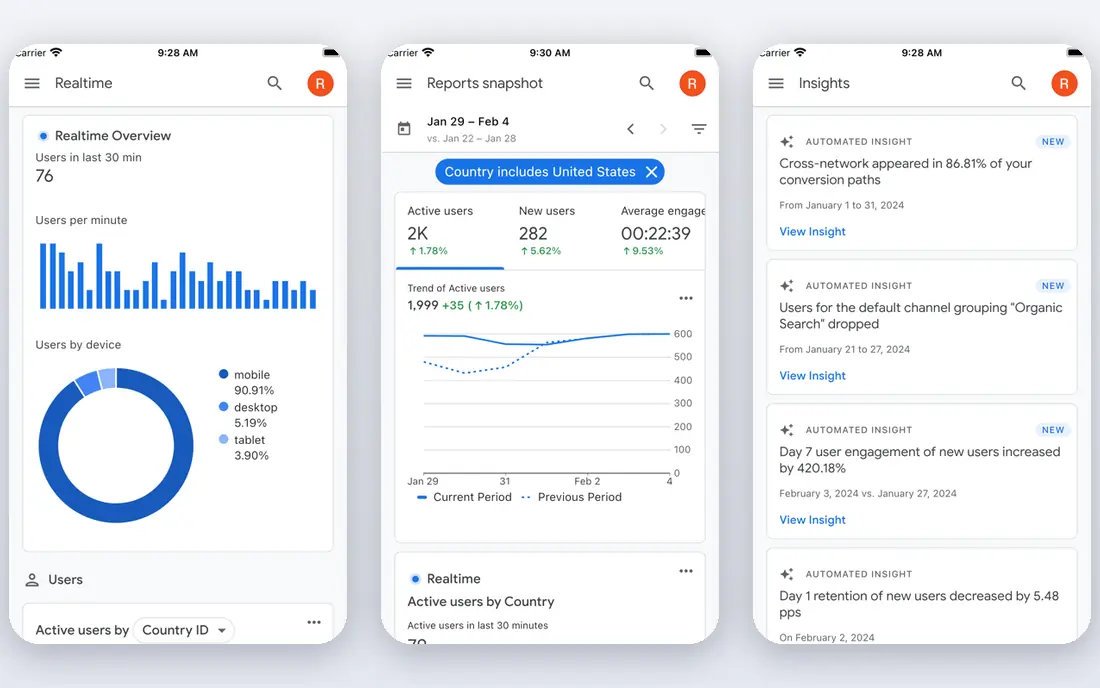
Google Analytics 4, usually called GA4, is the default web analytics tool for most sites because the standard version costs nothing and covers the core questions: where visitors come from, which pages they view, and which actions lead to a purchase or sign-up. It tracks websites and apps in one property, links to Google Ads and Search Console, and includes explorations for funnels and path analysis. For a blog, a small store, or a service site, that is usually enough.
The limits show up at scale. Free properties have retention limits, sampling in large explorations, and lower custom dimension limits than the enterprise version. Google Analytics 360, the paid tier, is sold by quote and reported from about $50,000 per year, so there is no middle tier to buy your way out of a single limit. Note also that the GA4 dashboard itself requires sign-in, so our homepage check returned a sign-in page rather than public marketing content. Start with GA4 free, and only consider 360 when its limits are actually blocking a decision.
- Free standard version
- Strong Google Ads and Search Console links
- Event-based reports and explorations
- Learning curve after Universal Analytics
- Data retention and sampling limits on free properties
- Enterprise 360 is quote-only
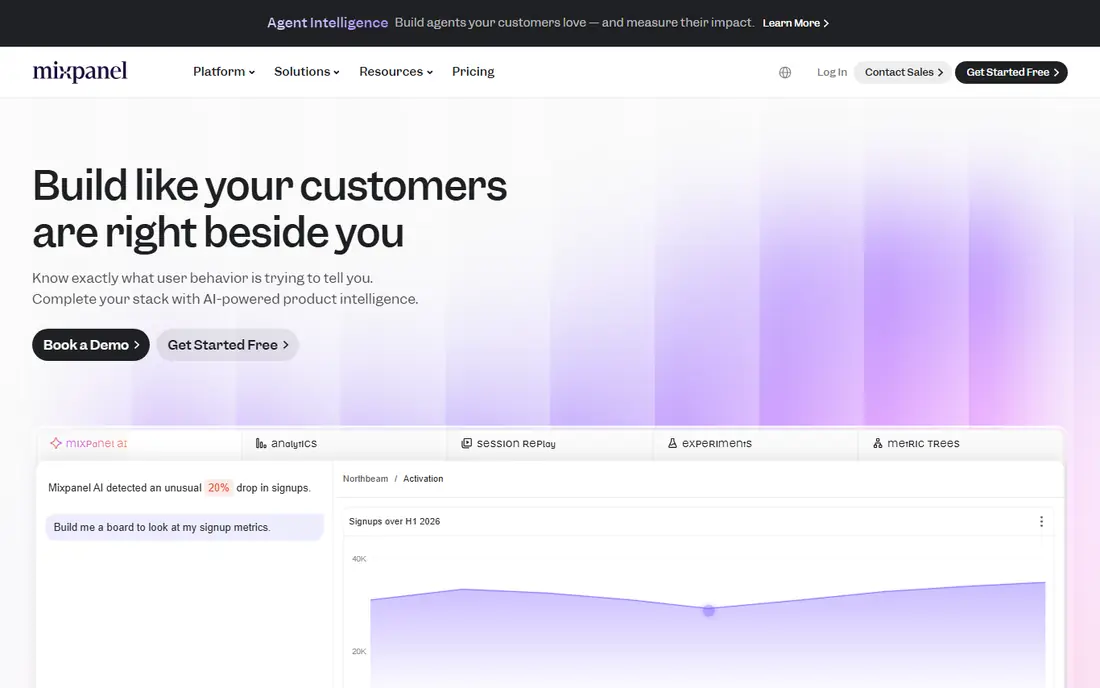
Mixpanel is built for product teams that ask how users behave inside an app, not just how they arrived. Its funnel, retention, and cohort reports show where users drop off, which features keep them coming back, and how a change affects behaviour over time. Queries are fast, and the interface is easier to learn than GA4 for many product managers, since events and user properties are the main building blocks.
The free plan covers 1 million events per month in current listings, with Growth pricing after that based on event volume, including a published rate of $0.28 per 1,000 events after the first million in some comparisons. That makes Mixpanel easy to model in a spreadsheet, but a high-traffic app can still reach a large monthly bill. Use Mixpanel alongside GA4, not instead of it, if marketing attribution also matters.
- Fast funnel and retention reports
- Clear event-based pricing after the free tier
- Session replay and experiments
- Paid costs rise with event volume
- Web marketing reports are thinner than GA4
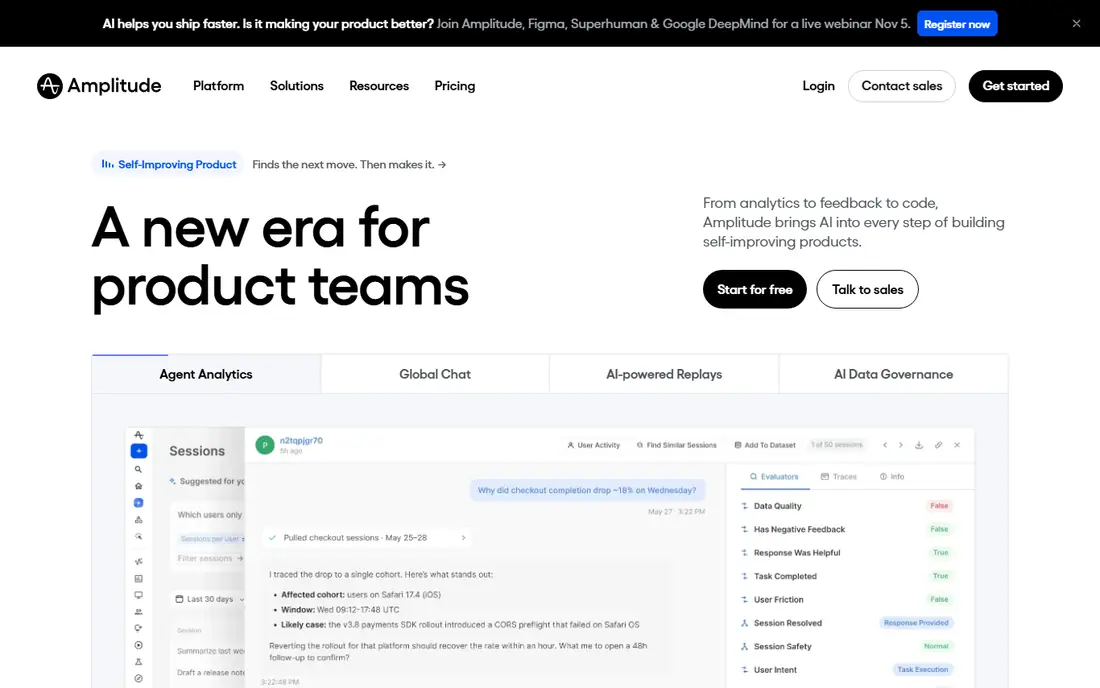
Amplitude suits growth and product teams that run experiments and need deeper cohort and retention analysis. Its free plan covers 2 million events per month in current listings, which is more generous than Mixpanel on raw events, and its platform now includes session replay, experimentation, feature management, guides, and surveys. That breadth lets a team test a change, watch replays of affected users, and measure retention without buying three separate tools.
The drawback is pricing history. Amplitude has moved between monthly active user pricing and event-based pricing, and legacy terms still circulate in older guides. Check the current pricing page for the plan you are quoted, and confirm what counts as an event before you sign. For a team that already uses Amplitude for analytics, its experiment tools are a genuine reason to stay. For a solo founder, it may be more platform than you need.
- Generous free event allowance
- Behavioural cohorts
- Experimentation and session replay in one platform
- Pricing model has changed often
- Enterprise features need a sales conversation
PostHog is the best analytics software for developer-led teams that want several product tools in one place. Its cloud free tier includes 1 million analytics events per month, plus separate free allowances for session replay, feature flags, and surveys, and it also offers self-hosting for teams that want full data control. Autocapture reduces the upfront tracking work, since common clicks and page views are recorded without naming every event in advance.
The bill is usage-based per product, so a team using analytics, replay, flags, and surveys together needs to model each product separately. That is cheaper at high volume for many teams, but harder to forecast than a flat monthly plan. PostHog also needs more technical setup than a simple GA4 install, especially for self-hosting. Choose it when your team can own that setup and wants one platform for analytics and product experiments.
- Product analytics plus replay, flags, surveys, and experiments
- Generous free allowances
- Self-hosting option
- Multi-product usage bill takes effort to predict
- Setup needs more technical comfort than GA4
Matomo is the strongest alternative for teams that want to own their analytics data. You can self-host it free, with no sampling and full access to raw data, or pay for cloud hosting with a trial. It includes funnels, segmentation, heatmaps, session recordings, and A/B testing, and it offers privacy features such as cookieless tracking, data anonymisation, and access controls that help with GDPR compliance work.
Self-hosting is not free in effort. You need to maintain the server, apply updates, and handle backups, which is a real cost for a small team. Cloud hosting removes that burden but adds a monthly bill based on traffic. Matomo also links less deeply to Google Ads than GA4, so marketing teams that live in Google Ads may still need GA4 alongside it. Choose Matomo when privacy and ownership are requirements, not just preferences.
- Self-hosting is free
- Full data ownership
- Unsampled reports
- Privacy controls including cookieless tracking
- Cloud hosting is paid
- Self-hosting needs server care
- Fewer native ad platform links than GA4
Heap suits teams that do not know in advance which events they will need to analyse. Its autocapture records user actions automatically, so you can define an event later and analyse past behaviour, rather than realising too late that you never tracked a key button. Journey analysis shows common paths through a product, and session replay helps explain a drop-off that a funnel alone cannot.
The free tier is limited, with 10,000 sessions per month in current listings, and paid Growth pricing is custom at higher volumes in some guides, with a reported starting figure around $3,600 per year. That makes Heap harder to price without a sales conversation than Mixpanel or PostHog. Use Heap when retroactive event definition is the main problem, and confirm the paid tier before you build reports your team will rely on.
- Autocapture records clicks and views without predefining events
- Journey analysis
- Session replay
- Paid pricing is custom at higher tiers
- Free tier limits are lower than some rivals
Plausible is the best analytics software for website owners who want simple, privacy-friendly stats without a complex setup. Its dashboard shows visitors, top pages, referrers, and goals in a clean view, its script is lightweight, and it does not use cookies by default. For a blog, portfolio, or small business site, that clarity is often more useful than a deep product analytics platform.
Plausible starts at $9 per month, with a free trial rather than an ongoing free plan, and pricing rises with page views. It does not match Mixpanel or Amplitude for funnel, cohort, and user-level analysis, and it is not a replacement for GA4 if you need Google Ads attribution. Choose Plausible when you want a fast, readable dashboard and privacy by default, and accept that deeper product questions will need another tool.
- Lightweight script
- Simple dashboard
- No cookies by default
- Easy to read at a glance
- No free plan, only a trial
- Product funnel depth is thinner than Mixpanel or Amplitude
Microsoft Clarity is free and best used alongside GA4 or Plausible, not instead of them. It records sessions and builds heatmaps that show where visitors click, scroll, and hesitate, which helps explain why a page with good traffic converts poorly. Setup is a simple script, and there is no traffic-based charge in the free offer, which makes it easy to add to a site you already track.
Clarity does not replace a full analytics platform. Its funnel, cohort, and attribution reporting are thinner than GA4, Mixpanel, or Amplitude, and it is not built for product event analysis at scale. Use it to answer why questions: watch replays for a page with a high exit rate, fix the friction you see, and measure the result in your main analytics tool. That pairing is free and often more useful than a paid heatmap tool alone.
- Free heatmaps and session recordings
- No traffic limits in the free offer
- Simple setup
- Not a full web analytics replacement
- Limited funnel and cohort depth
- Google Ads links are thinner
How we picked these
We compared official feature pages and pricing pages, and we checked that each vendor homepage loads and belongs to the product named, with the exception noted for GA4, whose dashboard requires sign-in. We separated website analytics from product analytics, because a tool that is excellent for page views can be weak for retention, and vice versa. We also checked free allowances in events, sessions, or page views, since those units decide the real cost.
We did not claim hands-on testing that did not happen, and we did not treat a reported enterprise price as a published list price. Where pricing is quote-only, we said so, and where third-party comparisons disagreed on a free allowance, we used the most recent vendor-aligned figure and advised checking the pricing page at signup.
How to choose analytics software
Start with the question you need to answer each week. If the question is which marketing channel brings buyers, start with GA4. If the question is which feature keeps users coming back, start with Mixpanel, Amplitude, or PostHog. If the question is why users leave a page, add Clarity or a heatmap tool. One tool rarely answers all three questions well.
Events, sessions, and page views are not the same unit
Paid pricing uses different units, so compare carefully. GA4 is free for most sites, Mixpanel and Amplitude bill by events, Heap bills by sessions, and Plausible bills by page views. A site with many page views but few events may be cheap on an event plan and costly on a page view plan, and the reverse is true for an app with many events per session. Estimate your monthly volume in each unit before you compare prices.
Privacy, consent, and data retention
Check consent and retention rules early, especially for visitors in Europe. GA4 free properties have retention limits, Matomo offers cookieless tracking and data ownership, and Plausible avoids cookies by default. Your consent banner, privacy policy, and data retention settings are part of the analytics choice, not an afterthought. If your legal team requires data residency or full raw data access, shortlist Matomo and PostHog self-hosting first.
Implementation and reporting habits
Analytics only helps if someone reads it weekly. Name the events that matter before you install a product tool, such as sign-up, purchase, and key feature use, and keep the event list short. Build one dashboard for traffic, one for product behaviour, and one for the page or feature you are currently improving. Review them on a fixed day, and retire reports no one opens for a month.
Frequently asked questions
What is the best analytics software for a small website?
Google Analytics 4 is the best starting point because it is free, covers traffic and conversions, and links to Google Ads and Search Console. Plausible is a good paid alternative if you want a simpler, privacy-friendly dashboard. Add Microsoft Clarity free for heatmaps and session replays when you need to understand why a page underperforms.
What is the best data analytics software for apps?
Mixpanel and Amplitude are the leading product analytics tools for apps, with funnel, retention, and cohort reports that GA4 does not match. PostHog is a strong all-in-one alternative that adds replay, feature flags, and experiments. Choose Mixpanel for fast, clear product reports, Amplitude for growth teams and experiments, and PostHog for a developer-led stack.
What is the best analytics platform for privacy?
Matomo is the strongest privacy-first platform in this list, with self-hosting, full data ownership, unsampled reports, and cookieless tracking options. Plausible is a simpler privacy-friendly option for websites, with no cookies by default and a lightweight script. GA4 can be configured with consent controls, but it does not offer the same data ownership as self-hosted Matomo.
Is Google Analytics free?
Yes, the standard GA4 version is free, with no traffic fee. The paid version, Google Analytics 360, is sold by quote and reported from about $50,000 per year. Free GA4 has limits on data retention, sampling in large explorations, and custom dimensions, so large sites may need 360 or a data warehouse export for deeper analysis.
What is the difference between Mixpanel and Amplitude?
Both are product analytics tools, but Mixpanel is often easier to learn for funnel and retention reporting, while Amplitude offers a broader platform with experimentation, guides, and surveys. Amplitude currently offers a larger free event allowance in listings, while Mixpanel pricing after the free tier is easier to model from a published event rate. Try both free tiers with the same events before committing.
Do I need both GA4 and a product analytics tool?
Often, yes. GA4 answers marketing questions about traffic sources and conversions, while Mixpanel, Amplitude, or PostHog answer product questions about retention and feature use. Many teams run GA4 for marketing, a product tool for behaviour, and Clarity for heatmaps. That stack is free or low-cost at small scale, and each tool earns its place by answering a different question.
Sources we checked (8)

Online Jobs is an independent blog about careers, online work, learning new skills and the tools that help people earn. More about us.
Keep reading
All posts
Best White Label SEO Companies
We compare the best white label SEO companies and tools in 2026 for agencies, from fulfilment services to branded reporting platforms, margins and prices.

Best Webinar Software
We compared the best webinar software for 2026 on price, attendee limits, automation and ease of use, to help you host better live sessions with confidence.

Best Web Scraping Tools
Compare the best web scraping tools in 2026, from no-code Octoparse and Browse AI to Apify, Firecrawl, Bright Data, Zyte, ScraperAPI and free Scrapy, with prices.