Best Alternatives to n8n for Workflow Automation in 2026: 8 Tools Compared

How we put this together: we compare official feature and pricing pages, app store listings, privacy policies and public user reviews. Prices change, so check the provider's site before you pay.
Key takeaways
- Make is the closest managed replacement for n8n, with a visual canvas and lower task costs than Zapier at volume.
- Zapier leads for app coverage and ease of use, but its per-task pricing adds up faster than Make or self-hosted tools.
- Activepieces and Windmill suit teams that want open-source control and self-hosting without n8n.
- Power Automate suits teams already paying for Microsoft 365, while IFTTT suits simple personal automations.
- Billing units differ across tools, so compare costs on your own workflow runs and steps, not on headline prices.
Quick comparison
| Name | Who it suits | Starting price | Free option | |
|---|---|---|---|---|
 Make | Visual managed workflows | Free | Yes | Visit |
 Zapier | Widest app coverage | Free | Yes | Visit |
 Activepieces | Open-source Zapier-style builder | Free | Yes | Visit |
 Power Automate | Microsoft 365 teams | See website | Free trial | Visit |
 Pipedream | Developer-first workflows | Free | Yes | Visit |
 Windmill | Code-first orchestration | Free | Yes | Visit |
 IFTTT | Simple personal automations | Free | Yes | Visit |
 Workato | Enterprise automation | See website | No | Visit |
The best alternatives to n8n for workflow automation
n8n is a fair-code workflow tool with a visual builder, code nodes and free self-hosting, which makes it popular with technical teams. The alternatives below split that appeal in different ways: managed ease, open-source control, code-first power or enterprise scale. Pick by how technical your team is and how you want to pay.
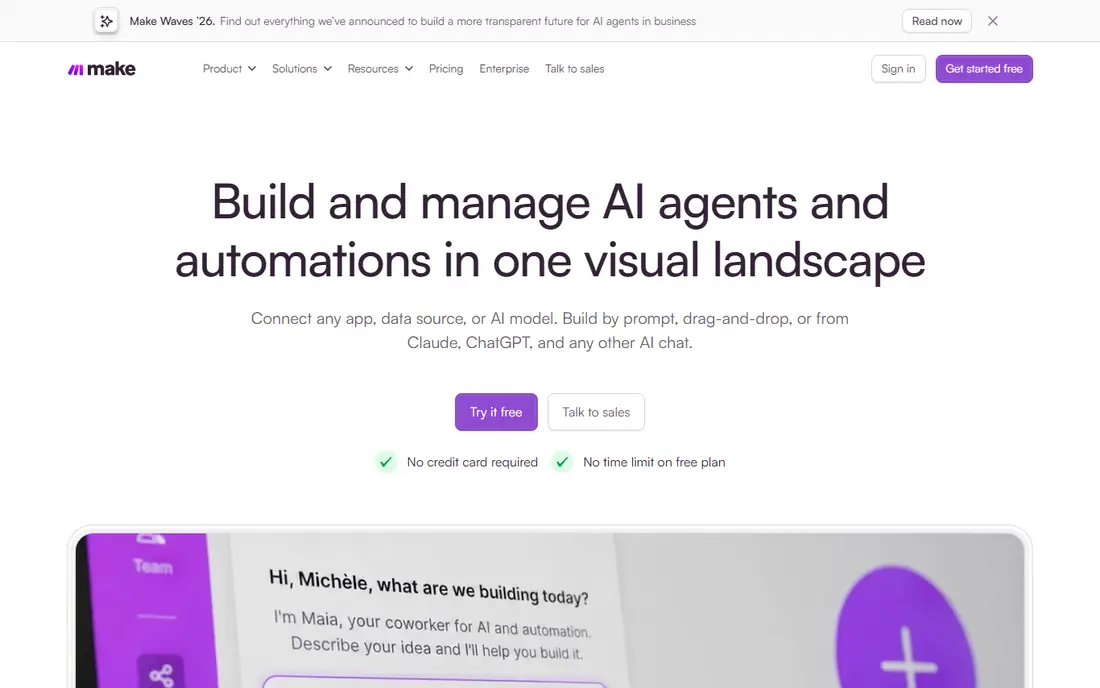
Make is the first tool most n8n users try when they want a managed service instead of self-hosting. Its visual canvas shows branches, routers and error paths at a glance, which makes debugging a multi-step workflow easier than scrolling a linear step list. The free plan covers small workloads, and paid plans start at a lower monthly cost than Zapier for similar volumes.
Make bills in credits, where each module action consumes credit, so comparing it with Zapier tasks or n8n executions is not exact. You also give up self-hosting and data control, which is the main reason many teams chose n8n in the first place. Make suits teams that want visual workflows without running servers, and that accept usage-based billing.
- Visual canvas with branching
- Free plan available
- Large app library
- Credit billing takes learning
- Costs rise with volume
- No self-hosting
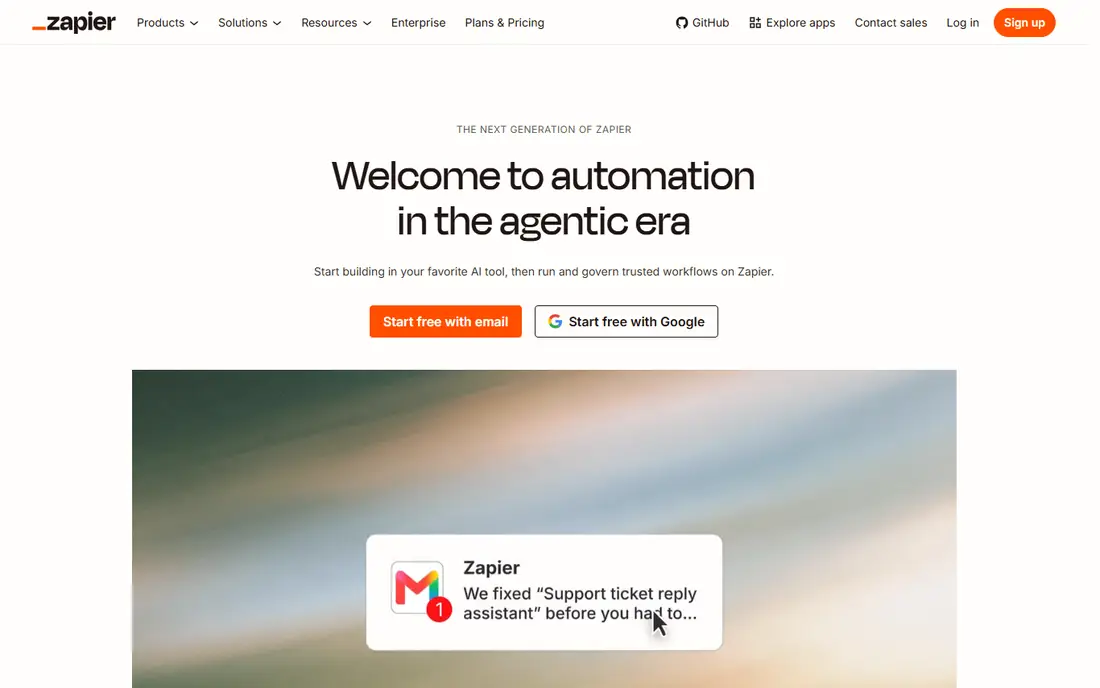
Zapier is the easiest workflow tool to start with, and its app library is still the widest on this list. Templates cover common jobs such as lead capture, notifications and spreadsheet updates, and most workflows can be built without code. For a business user who wants automation working today, Zapier is the fastest path.
The cost is the catch. Zapier bills per task, where each action step counts, so a multi-step workflow consumes tasks quickly, and paid plans start higher than Make for similar work. Free plans are limited to short two-step workflows. Zapier suits non-technical teams that value coverage and ease over cost control, while technical teams often prefer Make or Activepieces.
- Largest app library
- Easiest onboarding
- Strong templates and AI features
- Per-task pricing adds up at volume
- Free plan limited to two-step workflows
- Less control than n8n
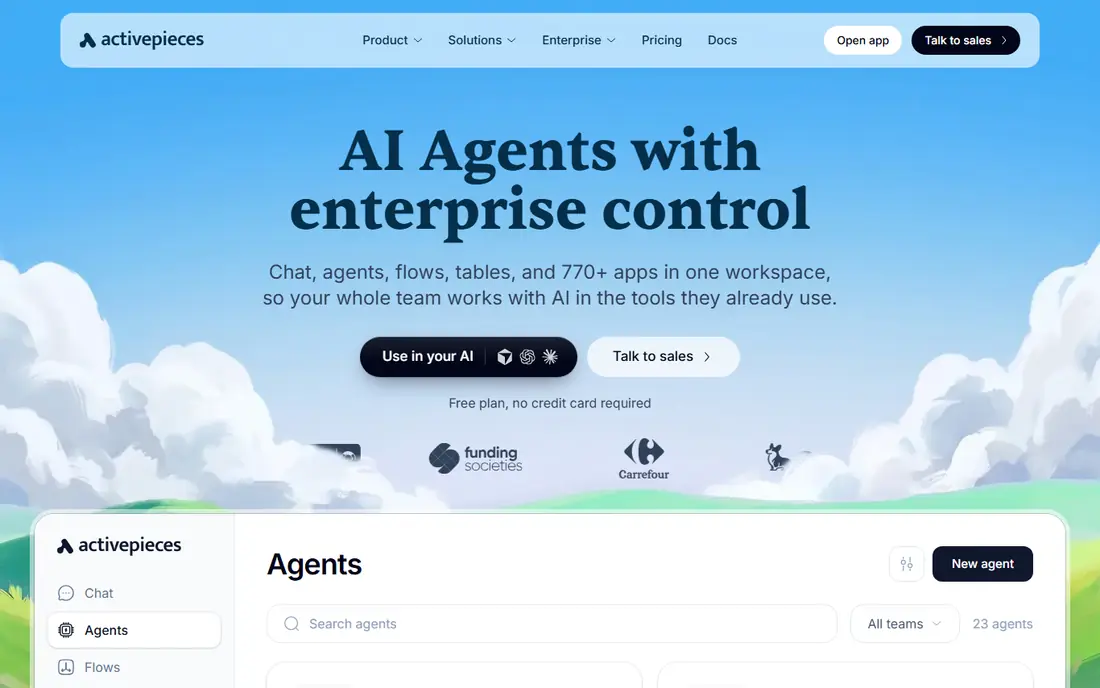
Activepieces is the closest open-source cousin to n8n, with a visual builder that feels more like Zapier than a code tool. The community edition can be self-hosted for free, and the cloud version offers a free plan for small workloads. Built-in AI steps help with tasks such as summarising text or drafting messages inside a workflow.
The app library is smaller than Zapier and n8n, so some niche integrations need HTTP steps or custom pieces. The ecosystem is also younger than n8n, which means fewer community templates for complex jobs. Activepieces suits no-code teams that want self-hosting and open-source control without the steeper learning curve of n8n.
- Open-source community edition
- Free self-hosting
- Visual builder with AI steps
- Smaller app library than Zapier
- Cloud pricing varies by plan
- Younger ecosystem than n8n
Power Automate is the natural choice for teams already paying for Microsoft 365. It connects Outlook, Teams, SharePoint, Excel and Dynamics, plus hundreds of other apps, and desktop flows can automate repetitive tasks on a Windows PC. If your work already lives in Microsoft apps, Power Automate removes the need for a separate automation vendor.
Outside that world, its advantage fades. Standalone per-user pricing applies if you do not already have a qualifying Microsoft plan, and the interface can feel heavy for simple workflows. Power Automate suits Microsoft-centred teams that want automation inside tools they already use, rather than a standalone platform for every app.
- Deep Microsoft 365 and Teams integration
- Desktop automation
- Per-user pricing option
- Best inside the Microsoft world
- Standalone pricing needs a paid plan
- Interface can feel heavy
Pipedream is built for developers who want to write code inside workflows rather than drag blocks alone. You can use Node.js or Python steps, connect to APIs directly, and build event-driven workflows with webhooks and schedules. The integration library is broad, and the free plan lets developers test real workflows before paying.
Business users may find Pipedream less approachable than Make or Zapier, since code is a first-class part of the product. Pricing and plan details have also changed over time, so check the current pricing page before committing. Pipedream suits engineering teams that want code control in a managed service without self-hosting n8n.
- Code steps in Node.js and Python
- Large integration library
- Free plan for developers
- Developer-focused, so less friendly for business users
- Pricing model has changed over time
- Check current plans
Windmill is an open-source platform for scripts, flows and apps, built for teams that think in code first. You write steps in Python, TypeScript, Go or other languages, chain them into flows, and run them with low latency. The open-source edition can be self-hosted for free, which appeals to engineering teams that want full control over execution and data.
Non-developers will need engineering help to build and maintain Windmill flows, since it is not a drag-and-drop business tool. Cloud pricing and enterprise pricing also differ from the free edition, so check the current plans for your team size. Windmill suits technical teams that want script-based orchestration rather than a visual business automation tool.
- Free open-source edition
- Scripts in Python, TypeScript and other languages
- Fast execution
- Code-first, so non-developers need help
- Cloud and enterprise pricing differ
- Smaller template library
IFTTT, short for If This Then That, is the simplest tool on this list. You create applets that link a trigger in one service to an action in another, such as saving email attachments to cloud storage or turning on lights at sunset. The free plan covers a small number of applets, and the Pro plan stays low cost for personal use.
IFTTT is not a business workflow platform. Multi-step logic, branching, error handling and data transformation are limited compared with n8n, Make or Zapier. It suits personal and smart-home automations, and simple one-step business notifications, but not the complex multi-app workflows that n8n users typically build.
- Very simple applets
- Good for smart home and personal tasks
- Low-cost Pro plan
- Limited to simple triggers and actions
- Free plan limited to a few applets
- Weak for business workflows
Workato is an enterprise automation platform that connects business apps, databases and APIs with governance, security and monitoring features that large organisations require. Its recipe model charges per recipe rather than per task, so a high-volume workflow does not necessarily cost more than a low-volume one on the same recipe. That model suits enterprises with heavy, predictable integrations.
Small teams should look elsewhere. Workato is quote-only, implementation takes time, and the price reflects enterprise support and governance. Workato suits large organisations that need automation across many systems with central control, and that have outgrown task-based pricing or self-hosted tooling.
- Enterprise-grade integrations
- Recipe-based pricing with unlimited runs per recipe
- Strong governance
- Quote-only enterprise pricing
- Overkill for small teams
- Implementation takes time
How we picked these
We compared official feature and pricing pages, plus public reviews, and kept only tools that are live and actively sold in October 2026. We covered managed, open-source, code-first and enterprise tools, since n8n buyers split across those needs. Where a price could not be verified on the vendor's own page, we wrote "See website" rather than guessing. We did not claim hands-on testing; our comparison rests on published features, pricing and integrations.
How to compare automation costs fairly
Count your own billing units before you compare prices. List your monthly workflow runs, the average steps per run, and any AI steps, then map those numbers to each vendor's unit: tasks for Zapier, credits for Make, executions for n8n cloud and recipes for Workato. A tool that looks cheapest on a headline price can cost more once steps are counted, and a self-hosted tool can cost more in maintenance time than in licence fees.
Start with one real workflow
Migrate a single workflow that runs daily and includes an error case, such as a failed API call or a missing field. Measure build time, run reliability and monthly cost on the new tool before migrating the rest. That one workflow tells you more than a feature table about whether the tool fits your team.
Frequently asked questions
What are the best alternatives to n8n for workflow automation?
Make is the best managed alternative, Zapier leads for app coverage, and Activepieces leads for open-source control. Windmill and Pipedream lead for code-first teams, while Power Automate leads for Microsoft 365 teams.
Is Make better than n8n?
Make is better if you want a managed service with no servers to maintain, while n8n is better if you want self-hosting, code nodes and control over data and execution. Make bills in credits, while n8n cloud bills in executions and self-hosted n8n has no licence cost beyond hosting.
Is Zapier a good n8n alternative?
Yes, for non-technical teams that want the widest app coverage and the fastest setup. Zapier costs more at volume than Make or self-hosted n8n, since it bills per task, so compare costs on your real workflow volume before you switch.
Can I self-host an n8n alternative for free?
Yes. Activepieces and Windmill both offer free open-source editions that can be self-hosted, and n8n itself offers a free self-hosted community edition. You still pay for hosting, maintenance and monitoring, so factor those costs into the comparison.
What is the cheapest n8n alternative?
For low volumes, Make and Activepieces both offer free plans that cover small workloads, while self-hosted tools cost only hosting. At higher volumes, Make is often cheaper than Zapier, and self-hosted Activepieces or Windmill can be cheapest if your team can maintain them.
Sources we checked (8)

Online Jobs is an independent blog about careers, online work, learning new skills and the tools that help people earn. More about us.
Keep reading
All posts
Zoom Alternatives
Zoom alternatives compared for 2026: Google Meet, Microsoft Teams, Webex, Jitsi and more for free calls, large meetings and webinars for teams and classrooms.

Which Software Is Best for PDF Page Removal
Which software is best for PDF page removal? We compare free and paid tools for deleting pages quickly, safely, and without harming your file in this guide.

Which Software Is Best for Data Entry
Compare the best data entry software for forms, OCR scanning, and spreadsheets, with free plans, pricing, and honest limits for each tool before you commit.