Best AI Workflow Automation Tools in 2026: 9 Tools Compared


Non-technical teams, widest coverage · Starting price: $19.99 per month
How we put this together: we compare official feature and pricing pages, app store listings, privacy policies and public user reviews. Prices change, so check the provider's site before you pay.
Key takeaways
- Zapier is our pick for non-technical teams, with the largest app library at 8,000 plus integrations.
- Make is the best value for visual workflows, with a Core plan at $9 per month for 10,000 credits.
- n8n is cheapest at volume, since self-hosting is free with unlimited executions.
- Gumloop is best for AI-native data work like scraping and enrichment, with a generous free credit allowance.
- Model your cost at real volume before committing: per-task, per-credit and per-execution pricing behave very differently at scale.
Quick comparison
| Name | Who it suits | Starting price | Free option | |
|---|---|---|---|---|
| Zapier | Non-technical teams, widest coverage | $19.99 per month | Yes | Visit |
 Make Make | Visual workflows on a budget | $9 per month | Yes | Visit |
 n8n n8n | Developers and high volume | Free | Yes | Visit |
 Gumloop Gumloop | AI-native data automation | $37 per month | Yes | Visit |
 Lindy Lindy | AI assistant-style agents | $39.99 per month | Free trial | Visit |
 Relay.app Relay.app | Human-in-the-loop workflows | $38 per month | Free trial | Visit |
 Pipedream Pipedream | Developers who prefer code | $29 per month | Yes | Visit |
 Power Automate Power Automate | Microsoft 365 environments | $15 per month | Free trial | Visit |
 UiPath UiPath | Enterprise RPA and agents | $25 per month | Free trial | Visit |
The best AI workflow automation tools
AI workflow automation differs from traditional automation in one important way. Traditional automation follows fixed if-then rules and breaks when input is unpredictable. AI automation reads context, makes judgments and handles unstructured input like emails, documents and free text without rewriting logic for every edge case. The best tool depends on how technical your team is, how much volume you run, and whether a human needs to approve steps. We compared nine tools on price, billing model and fit, using published pricing pages. Billing models matter here: Zapier bills per task, Make and Gumloop bill per credit, and n8n bills per execution, so the same workflow can cost very different amounts on different platforms.
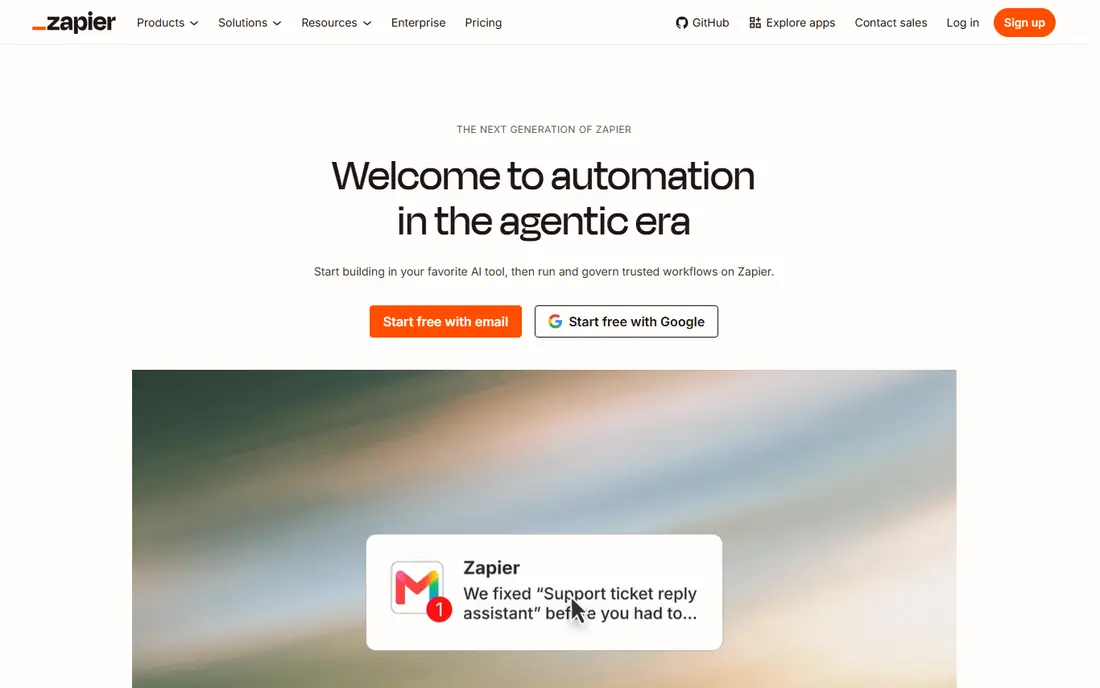
Zapier is the most accessible automation platform for non-technical teams. It connects more than 8,000 apps through event-based workflows called Zaps, and most users build a working Zap in minutes. Recent additions include AI Copilot for building workflows from a description, Zapier Agents for autonomous multi-step tasks, and an MCP server that exposes Zapier actions to external AI assistants.
The cost is the catch. Per-task pricing scales fast: paid plans start at $19.99 per month, and 50,000 tasks a month can cost several hundred dollars, far more than Make or n8n for the same volume. The free plan is a test drive, not a tier, at 100 tasks a month. For a non-technical team that values breadth and speed over volume cost, Zapier is the best starting point.
- Largest integration library at 8,000 plus apps
- Fastest onboarding for non-technical teams
- AI Copilot builds workflows from plain language
- Zapier Agents for autonomous tasks
- Per-task pricing gets expensive above 5,000 monthly runs
- Free plan caps at 100 tasks and two-step workflows
- No self-hosting option
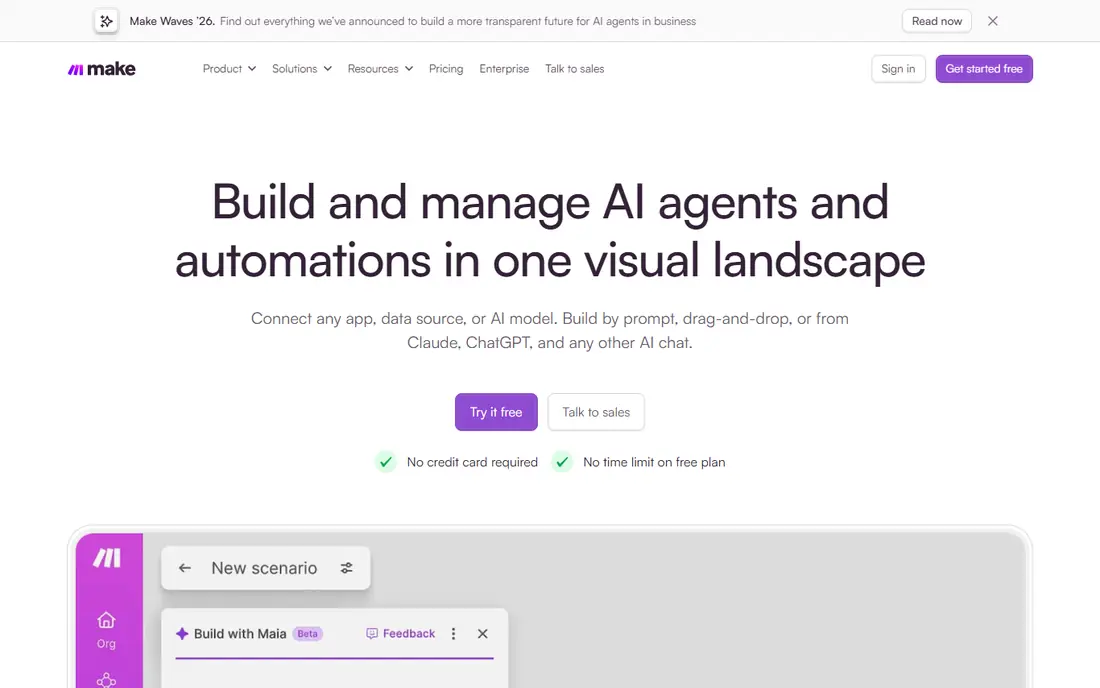
Make is the best value for semi-technical teams that build visual workflows. Its canvas shows exactly which data passes through each step, and it supports branches, loops, error paths and data transformations without code. It connects thousands of apps and can reach any API through HTTP modules. The free plan includes 1,000 credits a month with no time limit, and Core costs $9 per month billed annually for 10,000 credits.
Make runs only in the cloud, and credit use adds up on long or frequently polled workflows. For a team that wants visual logic at a fraction of Zapier's cost, Make is the strongest choice.
- Visual canvas with branching, loops and error paths
- Core at $9 per month for 10,000 credits
- Free plan with 1,000 credits and no time limit
- Cloud only, no self-hosting
- Each step usually costs a credit, so long workflows use credits fast
- Complex scenarios take time to learn
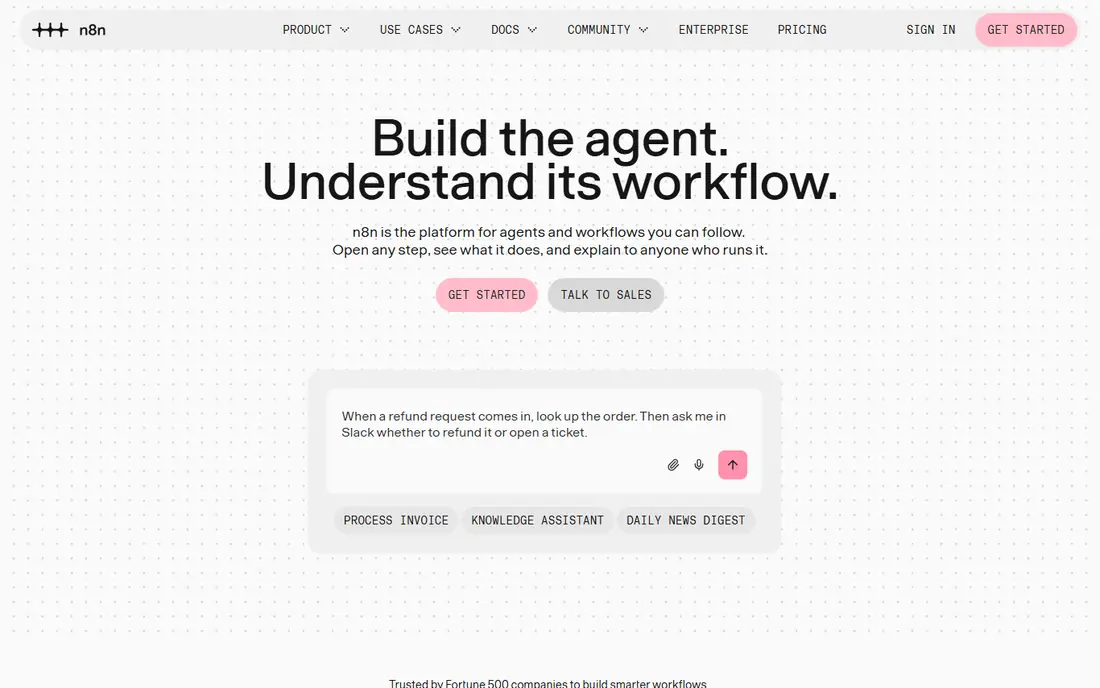
n8n is the best tool for developers and high-volume AI workflows. The self-hosted Community Edition is free with unlimited executions, which makes it by far the cheapest option at scale. It offers native AI nodes, LangChain support and hundreds of integrations, plus HTTP and code nodes for anything else. Cloud plans start around 20 euros per month billed annually for 2,500 executions.
Self-hosting trades money for maintenance: you need monitoring, or a failed workflow can drop data silently. For an engineering team building AI agents or high-volume workflows, n8n is the most flexible and cheapest platform available.
- Self-hosted Community Edition is free with unlimited executions
- Native AI nodes and LangChain support
- Connects to any API
- Per-execution billing on cloud
- Self-hosting needs monitoring, or failed workflows drop data silently
- Learning curve is steeper than Zapier
- Cloud plans start around 20 euros per month
Gumloop is built for AI-native data work. Each node can summarize a page, extract structured data or enrich a list, so a single node does work that takes many steps elsewhere. The free tier offers 5,000 credits a month, enough to run real scraping and enrichment jobs before paying, and Pro costs $37 per month for 20,000 credits with unlimited seats.
Credit math takes learning: compute costs 5 credits per session-minute, tool calls cost 1 credit plus the tool's own charge, and an orchestration fee stacks on top. For a team automating research, scraping or data enrichment, Gumloop is the best AI-native builder.
- AI-native nodes for scraping, extraction and enrichment
- Generous free tier with 5,000 credits a month
- Transparent credit model
- Unlimited seats on Pro
- Cloud-first and relatively new, with occasional interface quirks
- Credit math per task type takes learning
- Pro credits do not roll over
Lindy builds AI agents that act like assistants. Instead of designing a workflow node by node, you describe a job, like triaging your inbox or scheduling meetings, and Lindy builds an agent for it. Pre-built agents cover email, scheduling, research and customer support, and agents work inside Slack where teams already chat.
Pricing starts at $39.99 per month, with per-user plus credit billing on some plans, and there is no free plan beyond a trial. For a team that wants assistant-style agents without building workflows, Lindy is the most approachable AI-native option.
- Pre-built AI agents for email, scheduling and research
- Natural-language agent building
- Works inside Slack
- No free plan, only a trial
- Pricing is per user plus credits, so teams pay more
- Some users report output quality issues
Relay.app is built for workflows that need a human in the loop. Many AI automations should not run fully unsupervised: a draft email, a refund decision or a customer reply needs a person to approve it. Relay builds approval steps into the workflow, with predictable pricing and a clean interface for reviewers.
The integration library is smaller than Zapier's or Make's, and pricing starts at $38 per month. For a team automating work that needs judgment and oversight, Relay is the best fit.
- Built-in human approval steps for workflows that need judgment
- Predictable pricing
- Good for teams that need oversight
- Smaller integration library than Zapier or Make
- Starts at $38 per month
- Less suited to fully autonomous agents
Pipedream is the automation platform for developers who prefer code to a canvas. Every step can run full Node or Python code, which makes it ideal for API-heavy workflows, data transformations and custom logic that visual tools handle awkwardly. The free tier covers testing, and paid plans start at $29 per month.
Non-technical users will find it less friendly than Zapier or Make. For a developer-led team that wants code-level control with managed infrastructure, Pipedream is the best choice.
- Full code steps in Node and Python
- Fast to build for developers
- Free tier for testing
- Strong for API-heavy workflows
- Less friendly for non-technical users
- Visual canvas is thinner than Make
- Pricing is credit-based
Power Automate is the obvious automation tool for a company that runs on Microsoft 365. It integrates natively with Office, Teams, SharePoint and Dynamics, and it is included with many Microsoft 365 plans, with a standalone Premium plan at $15 per user per month. Desktop flows automate legacy Windows applications that lack APIs.
Outside the Microsoft ecosystem it is weaker, and licensing is complex enough to need a careful read. For a Microsoft shop, Power Automate is the natural choice, and it is often already paid for.
- Native depth across Office, Teams and Dynamics
- Included with many Microsoft 365 plans
- Desktop flows for legacy apps
- $15 per user per month standalone
- Weaker outside the Microsoft ecosystem
- Licensing is complex
UiPath is the enterprise choice for robotic process automation plus AI agents. It automates legacy applications and documents that lack APIs, using desktop robots alongside AI agents, and it offers the governance and compliance features large organizations need. The Basic plan starts at $25 per month, with enterprise pricing custom, and a free Community edition for learning.
For a small team, UiPath is overkill. For a large organization automating legacy systems at scale, it is the most capable platform on this list.
- Enterprise robotic process automation plus agentic AI
- Strong for documents and legacy applications
- Community edition for learning
- Basic plan at $25 per month, with enterprise pricing custom
- Complexity suits large organizations
- Consumption costs add up
How we picked these
We compared published pricing, billing models, integration depth, AI features and fit for teams of different sizes and skill levels. We included no-code platforms, developer tools, AI-native builders and enterprise RPA, and we noted where pricing is per task, per credit, per execution or per user. We left out tools that only add an AI node to an existing product without a real automation platform behind it.
Which tool fits your team
If your team is non-technical, start with Zapier or Make. If you run high volume or build AI agents, try n8n. If your work is data and research, try Gumloop. If a human must approve steps, try Relay. And before committing, model your cost at 1,000, 10,000 and 100,000 monthly runs: the cheapest tool at low volume is rarely the cheapest at scale.
Frequently asked questions
What is the best AI workflow automation tool?
Zapier is best for non-technical teams, thanks to its 8,000-app library. Make is best value for visual workflows. n8n is cheapest at volume, since self-hosting is free. Gumloop is best for AI-native data work.
How is AI workflow automation different from traditional automation?
Traditional automation follows fixed rules and breaks on unpredictable input. AI automation reads context, makes judgments and handles unstructured input like emails and documents without rewriting logic for every edge case.
Are there free AI workflow automation tools?
Yes. n8n is free if you self-host it. Make offers 1,000 credits a month free, Gumloop offers 5,000 credits a month, and Zapier offers 100 tasks a month. Free tiers suit testing and small personal automations.
How much does AI workflow automation cost?
Plan for $20 to $100 per month for small-team use, and $200 to $1,000 or more as volume scales. Enterprise platforms start around $10,000 per year. Always model costs at your real volume, since billing models differ.
Do I need to know how to code to automate workflows?
No. Zapier, Make, Lindy and Gumloop are built for non-technical users. n8n and Pipedream suit developers who want code-level control. Choose based on your team's skills, not on the tool's marketing.
What is the cheapest AI workflow automation tool at scale?
n8n self-hosted is cheapest at scale, since the Community Edition is free with unlimited executions. You trade money for maintenance, so budget time for monitoring and updates.
Sources we checked (9)

Online Jobs is an independent blog about careers, online work, learning new skills and the tools that help people earn. More about us.
Keep reading
All posts
Best White Label SEO Companies
We compare the best white label SEO companies and tools in 2026 for agencies, from fulfilment services to branded reporting platforms, margins and prices.

Best Webinar Software
We compared the best webinar software for 2026 on price, attendee limits, automation and ease of use, to help you host better live sessions with confidence.

Best Web Scraping Tools
Compare the best web scraping tools in 2026, from no-code Octoparse and Browse AI to Apify, Firecrawl, Bright Data, Zyte, ScraperAPI and free Scrapy, with prices.