Best AI Website Design Tools No Coding in 2026: 8 Tools Compared

How we put this together: we compare official feature and pricing pages, app store listings, privacy policies and public user reviews. Prices change, so check the provider's site before you pay.
Key takeaways
- Wix and Squarespace suit most small businesses, while Framer suits design led marketing sites.
- Hostinger offers the lowest entry price, but check the term length and renewal price before buying.
- Durable gets a service business live fastest, while 10Web is the pick if you want real WordPress underneath.
- Free plans help you test, but a custom domain, removal of branding and full features usually need a paid plan.
- Compare total cost over two years, not just the first month figure, since intro prices often rise on renewal.
Quick comparison
| Name | Who it suits | Starting price | Free option | |
|---|---|---|---|---|
 Wix | All round small business sites | $17 per month | Yes | Visit |
 Squarespace | Design led brands and portfolios | $19 per month | Free trial | Visit |
 Framer | Design forward marketing sites | $10 per month | Yes | Visit |
 Webflow | Designer grade sites with CMS depth | $15 per month | Yes | Visit |
 Hostinger Website Builder | Lowest cost with hosting | $2.99 per month | No | Visit |
 Durable | Fastest service business launch | $25 per month | Yes | Visit |
 10Web | AI built sites on WordPress | $10 per month | Free trial | Visit |
 Jimdo | Simple sites for solopreneurs | See website | Yes | Visit |
The best ai website design tools no coding
AI website builders turn a short business description into a full site draft, with pages, copy, images and navigation already in place. The best ones then let you edit everything visually, without code, and publish with hosting included. The builders below differ on design control, ecommerce, ownership and price, so the right choice depends on what your site must do after launch.
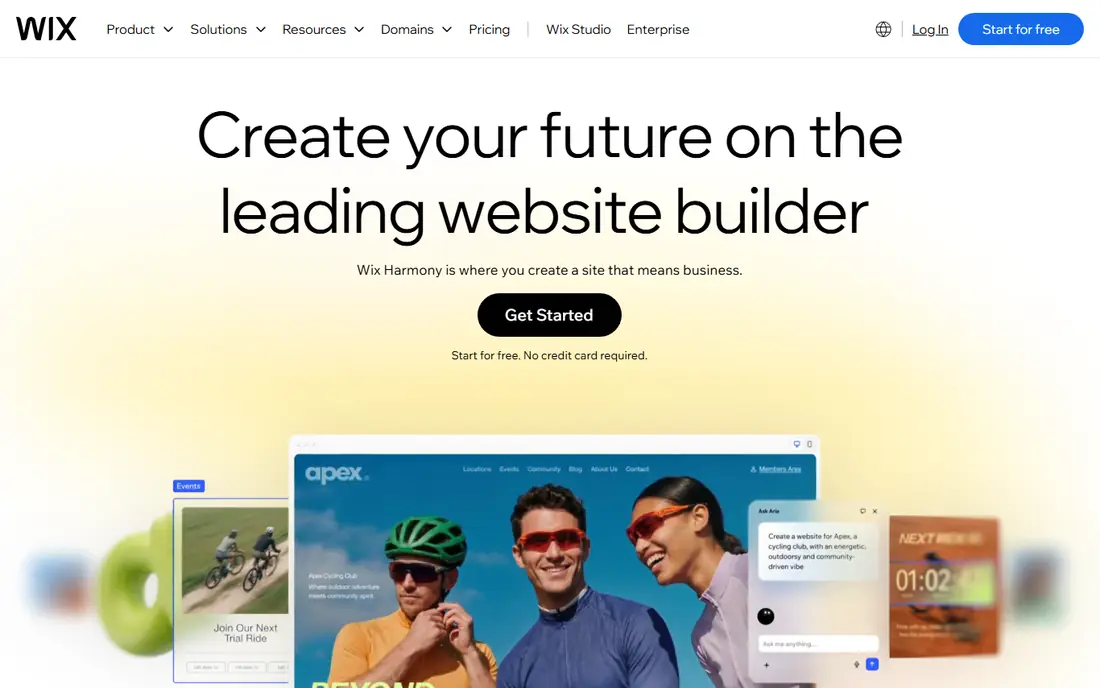
Wix remains the safest general pick for a no code site. Describe your business, let the AI builder draft pages and copy, then edit text, images and layout in a visual editor. Bookings, stores, blogs and member areas are available as you grow, and the app market covers many common business needs without extra tools. The breadth can feel busy, and the cheapest paid plan does not include every business feature, so check whether bookings or ecommerce need a higher tier. Template switching is also limited once you have built content, so pick a starting design you can live with. For most small businesses, Wix balances ease, features and design control well.
- Broadest feature set for small business
- Large app market
- AI builder plus full visual editor
- Entry plan limits some business features
- Switching templates later is not simple
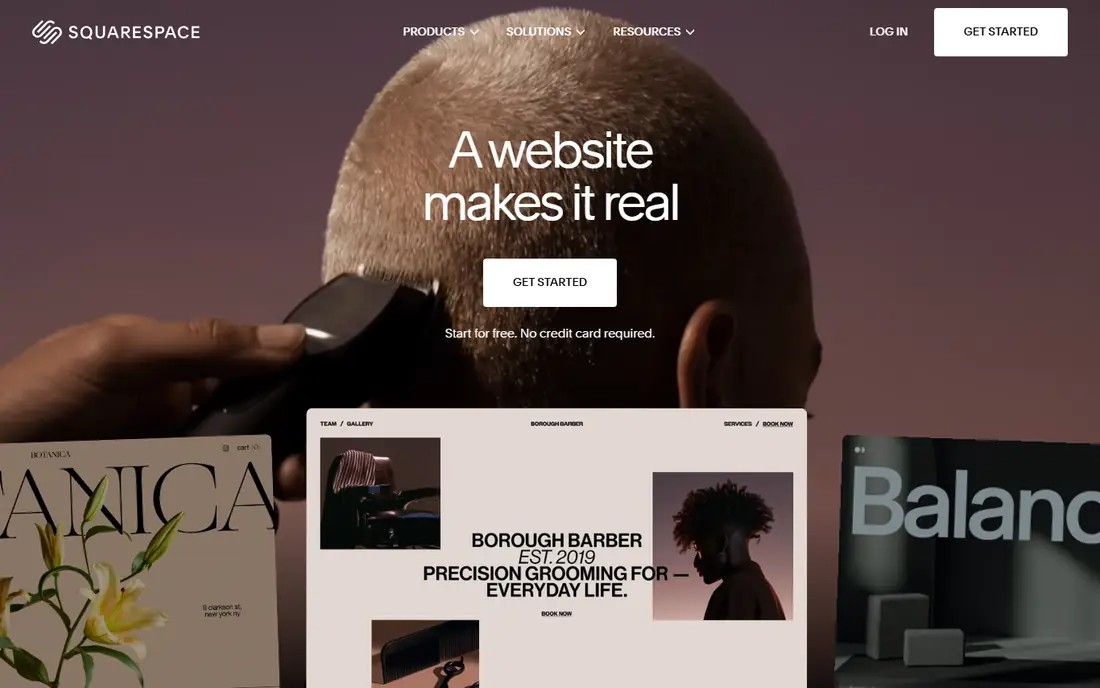
Squarespace suits brands where visual quality matters most. Blueprint AI builds a multi page site from your answers, and the templates keep typography, spacing and imagery consistent without design skill. Portfolio, photography and service sites look strong out of the box, and built-in commerce covers many small stores. There is no free plan, only a trial, so you need a paid plan to publish on a custom domain. The app ecosystem is smaller than Wix, which matters if you need a specialist booking or membership tool. If design polish and a calm editor matter more than endless apps, Squarespace is a strong choice.
- Polished templates and Blueprint AI
- Strong portfolio and store tools
- Clean editing experience
- No permanent free plan
- Less app variety than Wix
- Store transaction fees on lower plans
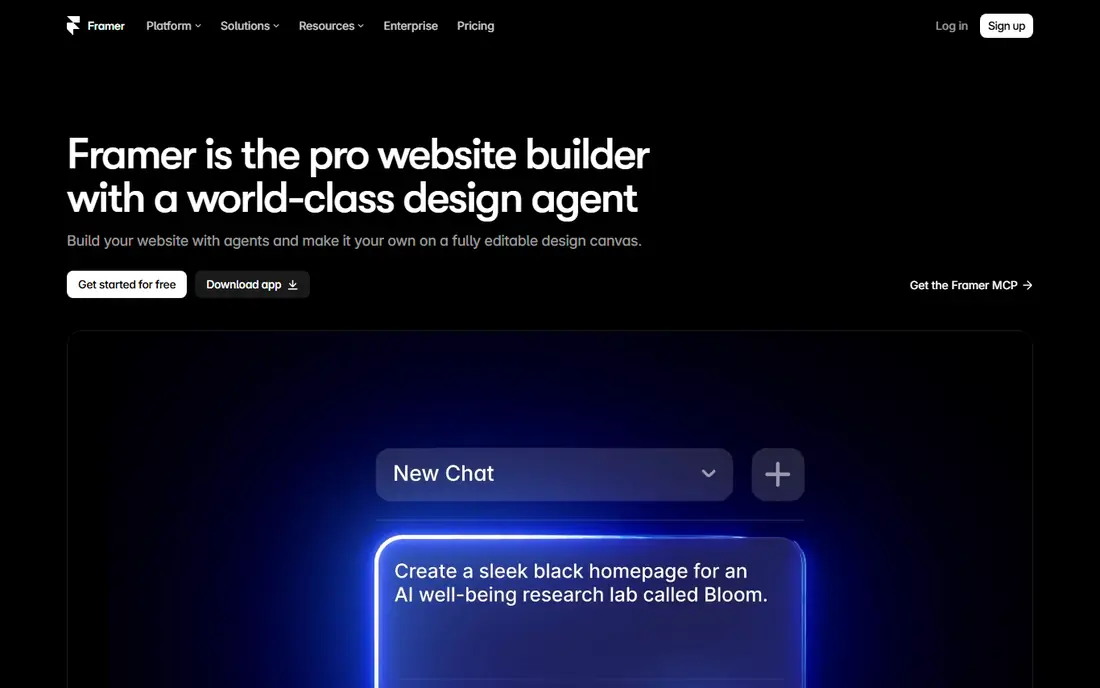
Framer appeals to startups and designers who want a marketing site that looks custom built. The AI agent can draft pages, sections and copy, and you can then refine layout, animation and interactions visually. Published sites feel fast and modern, which helps for product launches and portfolio work. Framer is not a full store platform, so product businesses should pair it with a commerce tool or choose Wix, Squarespace or Shopify instead. Plan limits for CMS items, bandwidth and AI credits also need checking before a large site. For a design led marketing site without code, Framer is hard to beat.
- High polish marketing pages
- AI agent builds editable pages and sections
- Good animation tools
- No native full ecommerce store
- CMS and bandwidth limits vary by plan
Webflow gives the most design control in this list without writing code, but it expects more learning. You can build custom layouts, CMS collections for blogs or listings, and interactions that simpler builders cannot match. Agencies and content heavy sites use it when templates feel too restrictive. Beginners should expect a few days of learning before the editor feels natural, and costs rise with extra seats, CMS items and ecommerce add-ons. A free plan lets you build and stage a site, while publishing on a custom domain needs a paid site plan. Choose Webflow when design depth and content structure matter more than the fastest launch.
- Deep design and CMS control without code
- Clean visual builder
- Strong for agencies and content sites
- Steeper learning curve than Wix or Squarespace
- Seat and hosting costs can add up
Hostinger Website Builder is the budget pick, with AI generation, hosting and a visual editor in one plan. For a first business site, brochure site or simple landing page, the low entry cost removes much of the risk. The builder is easy to learn, and longer terms include a domain. Read the term and renewal price before buying. The lowest monthly figure usually requires a multi year purchase, and renewal can be several times higher. Ecommerce is also more limited than on Wix or Squarespace, so product heavy stores should look elsewhere. For a low cost first site, Hostinger is a sensible start if you accept the renewal terms.
- Lowest entry price with hosting included
- AI builder plus drag and drop editor
- Free domain on longer terms
- Best price needs a long term
- Renewal price is higher
- Ecommerce features are limited
Durable is built for speed. Answer a few questions about your service business, and it generates a site with copy, images and contact sections in under a minute. Built-in tools for customer management, invoicing and reviews help trades, cleaners, coaches and local services run bookings without extra software. Design flexibility is lower than on canvas builders, so brands that want a highly custom look may feel constrained. The entry price is also higher than Hostinger, though the bundled business tools can offset that for a service business. If getting live today matters more than pixel perfect design, Durable is the fastest route here.
- Very fast site generation for local services
- Built-in CRM, invoicing and review tools
- Simple editing
- Less design flexibility than Framer or Webflow
- Higher entry price than Hostinger
10Web is the pick for owners who want AI speed plus WordPress ownership. It can build a site from a prompt, recreate a site from a URL you own, or import content, all on WordPress with managed hosting. That means you can later move hosts, add plugins and keep full control of your content, unlike a closed builder. WordPress brings a little more to learn, such as plugins and updates, even with managed hosting. Monthly billing also costs more than the annual figure, so compare both before committing. If long term ownership matters, and you are comfortable with WordPress basics, 10Web offers a useful balance of AI help and control.
- Builds on real WordPress with managed hosting
- You keep ownership and can move hosts
- AI recreation from a URL
- WordPress adds maintenance concepts
- Monthly billing costs more than annual
Jimdo suits solopreneurs who want a simple site without a long setup. The AI assisted builder creates pages from your business details, and small business tools cover bookings, contact forms and simple payments. A free plan lets you test the editor before paying for a custom domain. Jimdo will not match Wix for app variety or Framer for design polish, and pricing varies by region, so check the local pricing page. For a straightforward service site, portfolio or local business page, Jimdo keeps the work small and the launch fast. It is a good fit when simplicity matters more than advanced features.
- Simple AI assisted setup
- Bookings and payments for small businesses
- Free plan to start
- Design and feature depth is lower than Wix or Squarespace
- Pricing varies by region
How we picked these
We compared official feature pages, pricing pages and app documentation, and kept builders that generate a real hosted site from a prompt and allow visual editing without code in October 2026. We excluded code generators that output code for developers, since they do not fit a no coding brief. Where pricing depends on term, region or plan, we used the starting figure shown on the vendor site and warned about renewal pricing.
Launching a no code site that still looks professional
Write your content before you generate
AI copy is a draft, not a final message. Write your services, prices, location and contact details first, then let the builder shape them into pages. Accurate, specific copy beats generic AI text, and it reduces the editing time after generation.
Check mobile, speed and contact paths
Most visitors will arrive on a phone, so preview every page on mobile, test contact forms, and make your phone number or booking link easy to find. A beautiful desktop site that hides contact details on mobile will lose enquiries, no matter how good the AI design looks.
Plan for year two costs
Add domain renewal, plan renewal, email, booking tools and any paid apps into a two year total. A builder that looks cheap in month one can cost more than a slightly pricier builder with stable renewal pricing. Keep a note of renewal dates so a price rise does not surprise you.
Frequently asked questions
What is the best AI website builder with no coding experience?
Wix is our general pick, since it combines AI generation with a full visual editor and many business features. Squarespace is better for design led sites, and Durable is faster for local services. Try a free plan or trial on two builders with your real content before paying.
Can I use my own domain with a free plan?
Usually no. Free plans typically publish on a builder subdomain and show builder branding. A custom domain, branding removal and full features usually require a paid plan. Check the plan page for domain connection rules, since some builders charge extra for domain connection on lower tiers.
Do AI builders write good website copy?
AI copy gives a useful first draft, especially for service descriptions and page structure, but it often sounds generic. Edit for your location, prices, process and tone, and remove claims you cannot support. A short, specific page written in your own words will convert better than a long generic one.
Can I move my site to another builder later?
Moving is rarely clean, since templates, apps and design settings do not transfer directly. With 10Web on WordPress, you keep more portability, since WordPress sites can move hosts. With closed builders, plan to rebuild design while exporting text, images and customer data where the tool allows it.
Is AI website design good for ecommerce?
For small stores, yes, especially on Wix and Squarespace, which include product, payment and order tools. For large catalogs, complex shipping or custom checkout needs, a dedicated store platform may fit better. Check transaction fees, payment options and inventory limits before building a store on a general builder.
How long does it take to launch a site with AI?
A basic site can go live in a day, and Durable can generate a draft in minutes. Real launch time depends on your content, photos and review. Allow time to edit copy, test forms on mobile, connect a domain and set up basic search settings, rather than publishing the first AI draft unchanged.
Sources we checked (8)

Online Jobs is an independent blog about careers, online work, learning new skills and the tools that help people earn. More about us.
Keep reading
All posts
ZoomInfo Alternatives
The best ZoomInfo alternatives in 2026, compared on price, free plans, data coverage, and which tool fits small teams or large sales teams best in detail.

Workday Alternatives
We compared the best workday alternatives for HR, payroll, and global hiring, from BambooHR and Gusto to Rippling, Deel, and HiBob for growing teams in 2026.

Which SaaS Tools Have the Best Customer Support
Which SaaS tools have the best customer support? Compare eight popular tools on help centres, live help, response options and overall support quality.