Best AI Voice Generator App in 2026: 9 Apps Compared

How we put this together: we compare official feature and pricing pages, app store listings, privacy policies and public user reviews. Prices change, so check the provider's site before you pay.
Key takeaways
- ElevenLabs leads on voice realism and cloning, with a low-cost entry plan and a free tier for testing.
- Murf suits creators who want a full voiceover studio, with editing, dubbing, and video workflow in one place.
- Speechify Studio and Descript suit people who already work with text, audio, or video and want voice as part of that workflow.
- Free plans are useful for testing, but most do not allow commercial use, so check the licence before you publish paid or monetised work.
Quick comparison
| Name | Who it suits | Starting price | Free option | |
|---|---|---|---|---|
 ElevenLabs | Most realistic voices | $6 per month | Yes | Visit |
 Murf | Studio voiceover production | $19 per month | Yes | Visit |
 Speechify Studio | Voiceover plus dubbing | See website | Yes | Visit |
 PlayHT | Conversational voices and API use | See website | Yes | Visit |
 WellSaid Labs | Professional English narration | See website | Free trial | Visit |
 LOVO | Multilingual voice and video | See website | Free trial | Visit |
 Descript | Editing voice inside audio and video | $16 per month | Yes | Visit |
 NaturalReader | Clear commercial narration | See website | Yes | Visit |
 Resemble AI | Custom voices and real-time use | See website | Free trial | Visit |
The best AI voice generator app
AI voices have moved from robotic reading to narration that can carry a full video, course, or audiobook. The difference between tools now is workflow, licence terms, and how much control you get over tone and pacing. We compared official feature pages, pricing pages, and public reviews to find the fit for creators, teams, and developers.
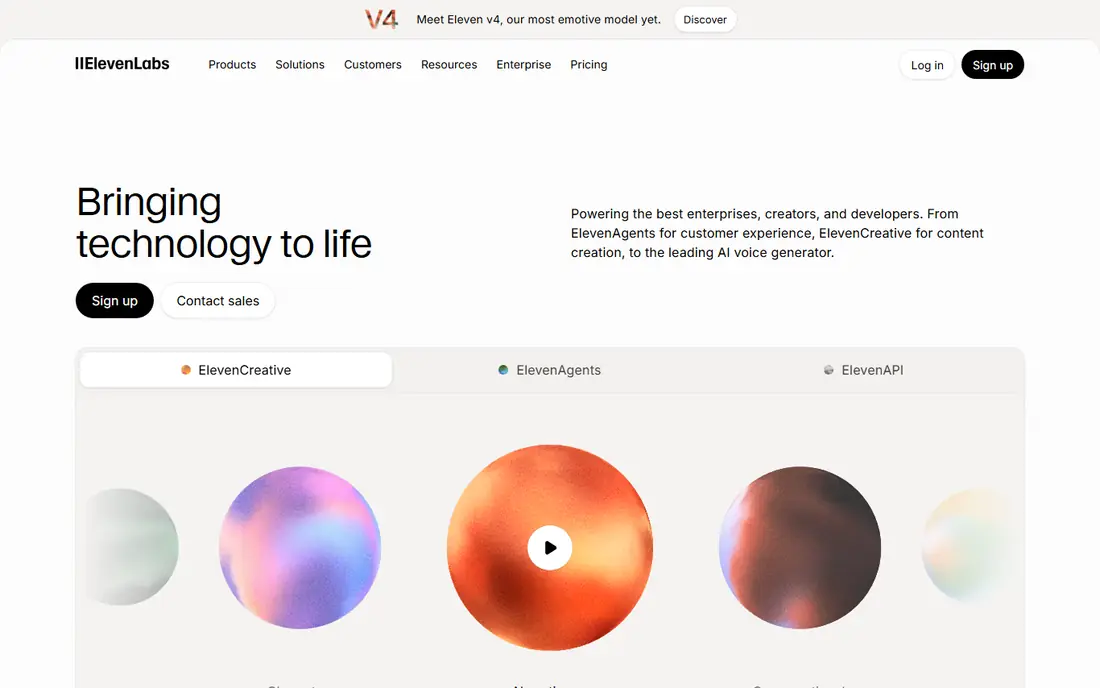
ElevenLabs is our first recommendation when voice quality is the main test. Its voices handle pauses, emphasis, and emotional shifts better than most rivals, which matters for narration that runs for minutes rather than seconds. Instant cloning from a short sample and a large voice library give creators a lot of choice, and dubbing tools help turn one recording into several languages. The catch is credits. Entry plans give a limited amount of generated audio each month, so a long audiobook or a high-volume channel will need a higher tier. The free plan is for testing, not for commercial publishing in most cases. If realism comes first and you are willing to watch credit use, ElevenLabs is the benchmark to compare everything else against.
- Natural pacing and emotion
- Instant voice cloning
- Wide language support
- Credits run out fast on entry plans
- Commercial terms need checking on free tier
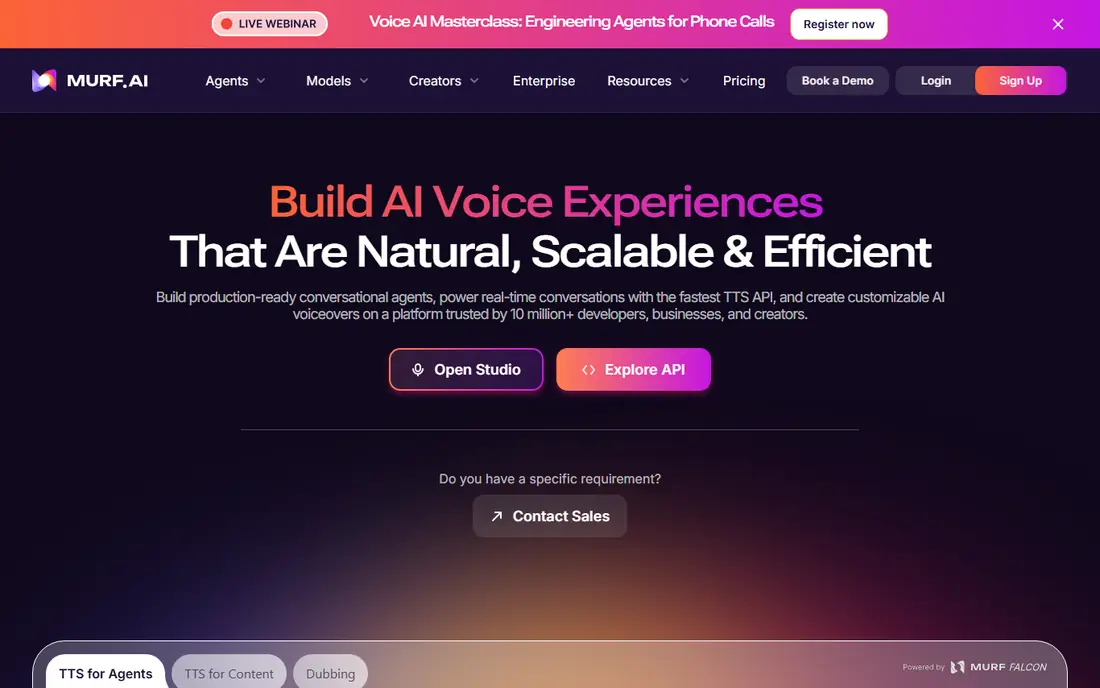
Murf suits creators who want to go from script to finished voiceover without switching tools. The studio editor lets you adjust pacing, pauses, and emphasis, add music or media, and export for video or training. Dubbing and translation features help teams reuse one script across markets, and the voice library is geared to business, training, and explainer work rather than character voices. Pricing starts higher than ElevenLabs, at around $19 per month when billed annually on the Creator plan, and free access is limited to a small trial amount. That makes Murf a production choice rather than a casual test tool. Pick it when you produce regular voiceovers and want editing, timing, and export in one place.
- Full studio editor
- Dubbing and translation
- Voice library for business use
- Entry price is higher than ElevenLabs
- Free access is limited
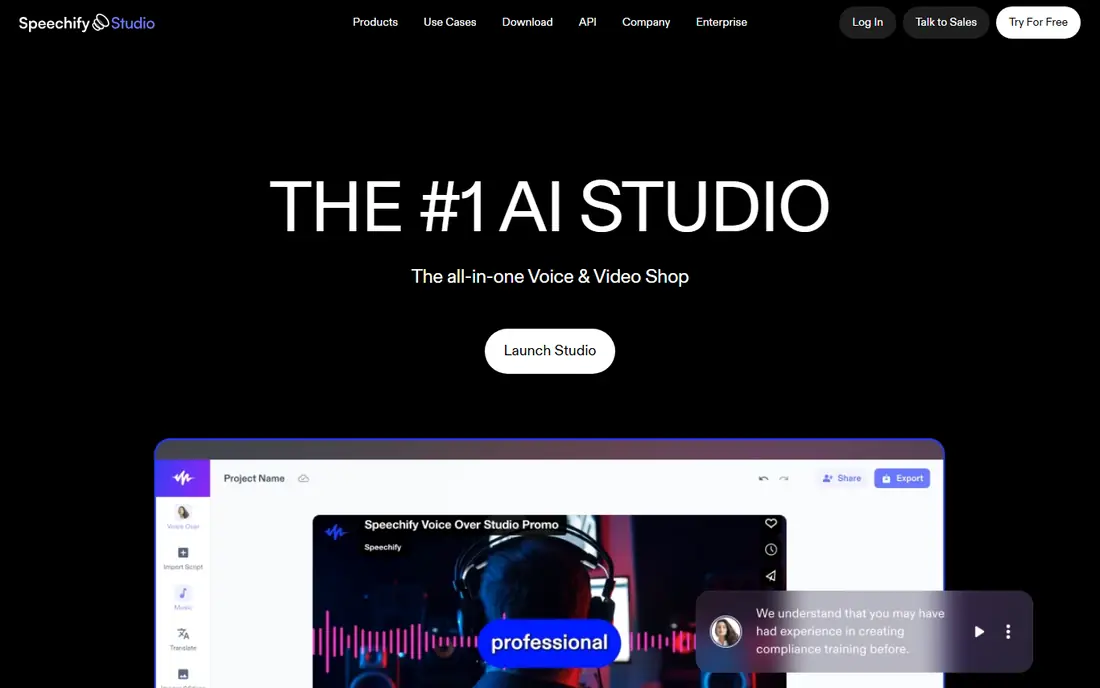
Speechify Studio builds on Speechify's reading roots and adds a creator studio for voiceovers and dubbing. You can generate narration, dub existing video into another language, and work with media in the same workspace. That combination suits creators who already use Speechify for reading and want a short path to publishing audio and video. Studio pricing and credit limits vary, so check the current pricing page and the commercial terms for your plan before you publish. The free tier gives a small credit amount for testing. Speechify Studio fits creators who want voiceover and dubbing together, rather than a single-purpose generator.
- Voiceover, dubbing, and media tools together
- Reading app heritage
- Easy sharing
- Pricing varies by plan and billing period
- Studio credits need monitoring
PlayHT is a strong pick for conversational audio, podcasts, and products that need voice built in. Its library covers many languages and accents, and the API lets developers add speech to apps, agents, and automated workflows. For teams building a voice feature rather than a one-off video, that developer path matters as much as the web studio. The trade-off is consistency. With a large library, some voices sound stronger than others, so you should test your exact script on several voices before you commit. Paid pricing also starts above the cheapest options. Choose PlayHT when conversational delivery and API access are central to the project.
- Large voice library
- Conversational tone
- API for apps and agents
- Paid entry is higher than some rivals
- Voice quality varies by voice
WellSaid Labs focuses on clean, professional English narration for training, product, and corporate content. Its voices are built for clarity and consistency, which helps when many modules or updates must sound like they come from the same narrator. Team controls and licensing terms are also clearer than on many creator tools, which matters for company publishing. The library is narrower than multilingual rivals, and pricing depends on plan and team size, so check the current page for a firm quote. A trial lets you test voices on your own script. WellSaid Labs fits teams that need dependable, brand-safe narration rather than the widest language range.
- Licensed studio voices
- Clear team controls
- Consistent corporate tone
- English-focused library
- Pricing varies by plan and seats
LOVO, sold through its Genny platform, pairs a large multilingual voice library with tools for video projects. That makes it useful for creators who publish in several languages and want voice and visuals handled together, rather than generating audio in one tool and editing video elsewhere. Custom voice options add a branded narrator option for repeat content. Higher-tier features, including some custom voice and API options, sit on paid plans, and pricing varies by plan. Use the trial to test your main languages, because quality can differ by language. LOVO fits multilingual creators who want voice and video in one workflow.
- Wide language coverage
- Voice plus basic video tools
- Custom voice options
- Some features need higher tiers
- Pricing is plan-dependent
Descript is not a pure voice generator, and that is its strength for many creators. You edit audio and video by editing a transcript, fix a spoken mistake by typing the correction, and use a cloned voice for small repairs rather than re-recording a whole session. Transcription, screen recording, and publishing tools sit in the same app. If you only need a standalone voiceover and never edit video, Descript adds weight you may not want. Pricing starts at around $16 per month when billed annually on the Hobbyist plan, with a free plan for basic use. Pick Descript when voice fixes and editing are part of a regular audio or video workflow.
- Edit audio and video like text
- Voice cloning for fixes
- Transcription included
- Voice generation is part of a larger editor
- Learning curve for new users
NaturalReader suits creators who want clear, readable narration without a complex studio. You paste text, choose a voice, adjust speed and pronunciation, and export audio for courses, presentations, or commercial projects where licensing terms are stated clearly. The free preview lets you hear voices before you pay. It does not match Murf or Descript for full production editing, and it is less suited to character or dramatic performance. Pricing varies by plan, so confirm the commercial terms for your use. NaturalReader fits straightforward narration where clarity and licensing matter more than advanced editing.
- Clear narration voices
- Commercial licensing options
- Simple web workflow
- Less studio editing than Murf
- Voice range is narrower for character work
Resemble AI is built for custom voices and real-time applications, such as voice agents, games, and interactive products. You can create a custom voice from a short sample, then use an API to generate speech on demand with low latency. That developer focus sets it apart from studio tools aimed at one-off videos. Usage-based pricing can be harder to predict than a flat monthly plan, so estimate your volume before you commit. The workflow also assumes more technical comfort than a simple web studio. Resemble AI fits developers and product teams that need a custom, real-time voice rather than a library of ready-made narrators.
- Fast custom voice creation
- Real-time API options
- Developer-friendly tools
- Pricing is usage-based on some plans
- Setup needs technical comfort
How we picked these
We compared official feature pages, pricing pages, app-store listings, and public reviews, and we kept only tools that are live and actively sold in October 2026. We weighted voice quality on real scripts, language coverage, cloning controls, commercial licence clarity, and whether the tool fits narration, studio production, or developer use. Where pricing varied by billing period or plan, we wrote "See website" rather than repeating a figure that could be out of date. We did not claim hands-on testing of every voice. Our notes reflect vendor documentation and reviewer reports on quality, credit limits, and workflow. Always listen to a full export of your own script before you publish, because pronunciation of names, numbers, and acronyms can still vary.
How to choose the right voice tool
Check the licence before you publish
Free plans often limit use to personal or non-commercial projects. If a video, course, or ad will earn money, confirm that your plan allows commercial use and covers the channels where you will publish. That check saves a costly re-record later.
Test your own script, not just the demo
Vendor demos use scripts chosen to sound good. Paste your actual script, including names, numbers, and technical terms, and listen to the full export. A voice that sounds great on a demo paragraph may struggle with your content.
Only clone with clear consent
Voice cloning raises real consent and safety questions. Clone only your own voice, or a voice where you have clear written permission, and check the platform's consent controls. Do not use a cloned voice to mislead listeners about who is speaking.
Frequently asked questions
What is the best free AI voice generator app?
ElevenLabs offers a useful free tier for testing realistic voices, while Murf and Speechify Studio offer limited free access for trial projects. Most free plans do not allow commercial use, so they suit testing and personal projects. For regular publishing, a paid plan with a clear commercial licence is safer.
What is the best AI voice generator software for videos?
Murf suits video voiceovers best, because it combines a studio editor, timing controls, and dubbing in one place. Descript suits creators who also edit video, since voice fixes happen inside the transcript editor. ElevenLabs suits videos where raw voice realism matters most and editing happens elsewhere.
What is the best AI voice generator for audiobooks?
ElevenLabs and PlayHT suit audiobook work, thanks to natural pacing and long-form projects, but credit limits matter at audiobook length. Check how many credits or minutes your plan includes and whether the licence covers audiobook distribution. Test a full chapter before you commit to a whole book.
Can I clone my own voice?
Yes, on several tools including ElevenLabs, Murf, LOVO, and Resemble AI, subject to consent checks and plan limits. You will usually need a clean recording sample and a consent step. Cloning someone else's voice without permission is not acceptable and can create legal and safety risks.
Which AI voice generator is best for developers?
PlayHT and Resemble AI suit developers best, because both offer APIs for apps and real-time use. ElevenLabs also offers a strong API for narration and agents. Compare latency, per-minute or per-credit cost, and language coverage for your exact product before you choose.
Sources we checked (9)

Online Jobs is an independent blog about careers, online work, learning new skills and the tools that help people earn. More about us.
Keep reading
All posts
Zoom Alternatives
Zoom alternatives compared for 2026: Google Meet, Microsoft Teams, Webex, Jitsi and more for free calls, large meetings and webinars for teams and classrooms.

Which Software Is Best for Data Entry
Compare the best data entry software for forms, OCR scanning, and spreadsheets, with free plans, pricing, and honest limits for each tool before you commit.
What's the Best App to Read PDFs
Find what's the best app to read PDFs in 2026, from Adobe Acrobat Reader and Foxit to PDF Expert and Xodo, with free options and honest limits for every device.