Best AI Voice Apps in 2026: 9 Tools Compared


Natural narration and voice cloning · Starting price: $6 per month
How we put this together: we compare official feature and pricing pages, app store listings, privacy policies and public user reviews. Prices change, so check the provider's site before you pay.
Key takeaways
- ElevenLabs leads on natural narration and cloning, while Murf suits structured video voiceover work.
- Speechify is best when the main job is listening to text rather than publishing finished audio.
- Descript fits podcast and video makers who want voice work inside an editor, not as a separate step.
- Cartesia and Resemble AI fit developers who need an API, while Fliki and NaturalReader suit simpler, lower-cost jobs.
- Free plans are useful for short tests, but commercial use, downloads and cloning usually sit behind paid plans.
Quick comparison
| Name | Who it suits | Starting price | Free option | |
|---|---|---|---|---|
| ElevenLabs | Natural narration and voice cloning | $6 per month | Yes | Visit |
 Murf AI | Structured video and training voiceover | $29 per month | Yes | Visit |
 Speechify | Listening to documents and books aloud | See website | Yes | Visit |
 Descript | Podcast and video editing with voice tools | $24 per month | Yes | Visit |
 Resemble AI | Developer voice cloning by API | See website | Free trial | Visit |
 WellSaid Labs | Consistent English brand narration | $19 per month | Free trial | Visit |
 Cartesia | Fast real-time voice for apps | $5 per month | Yes | Visit |
 Fliki | Text to video with voiceover | See website | Yes | Visit |
 NaturalReader | Simple read-aloud for study and work | See website | Yes | Visit |
The best AI voice apps
AI voice apps now cover very different jobs, from a single narration track to a live voice agent inside an app. The list below groups them by the job they do best, so you can skip tools built for a different workflow.
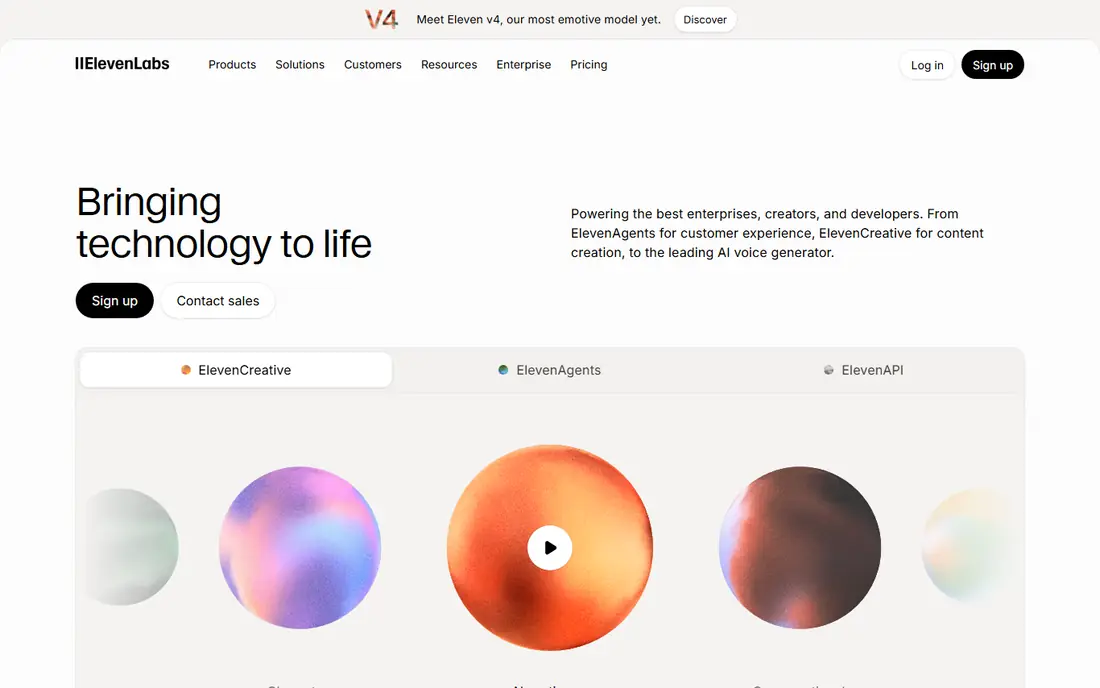
ElevenLabs is our pick when voice quality matters most. Its text to speech voices handle long narration with steady pacing, and the library covers a wide range of tones and accents. For creators who publish audiobooks, explainers or dubbed video, that range saves time that would otherwise go to re-recording or heavy editing. The catch is cost control. Credits are shared across products, so a project that mixes narration, dubbing and cloning can use an allowance faster than expected. Start on the free plan, test one full script, and check how many credits a typical episode or chapter uses before you commit to a paid tier.
- Natural-sounding voices in many languages
- Instant and professional cloning options
- Dubbing and API tools for larger projects
- Credit limits can run out fast on long projects
- Professional cloning needs more audio and checks
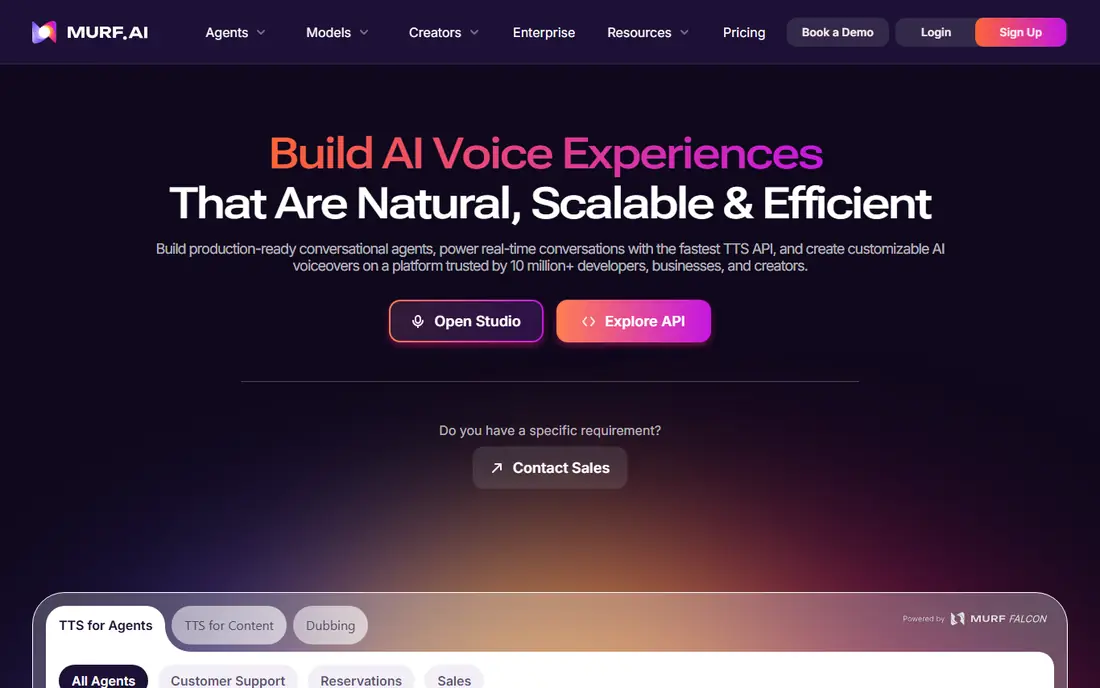
Murf works best as a small studio rather than a simple voice generator. You paste a script, split it into blocks, adjust pitch and pauses, and line each block up with slides or video. That structure suits training courses, product demos and corporate videos where timing matters as much as tone. Teams that need a consistent voice across many lessons will like the organised workspace. Solo creators with one short video a month may find the entry price high, so test the free plan first and confirm that the voices you like are included at the tier you plan to buy.
- Timeline studio for video and slides
- Clear pronunciation controls
- Integrations for common presentation tools
- Full voice cloning is limited to higher tiers
- The free plan does not include downloads for commercial use
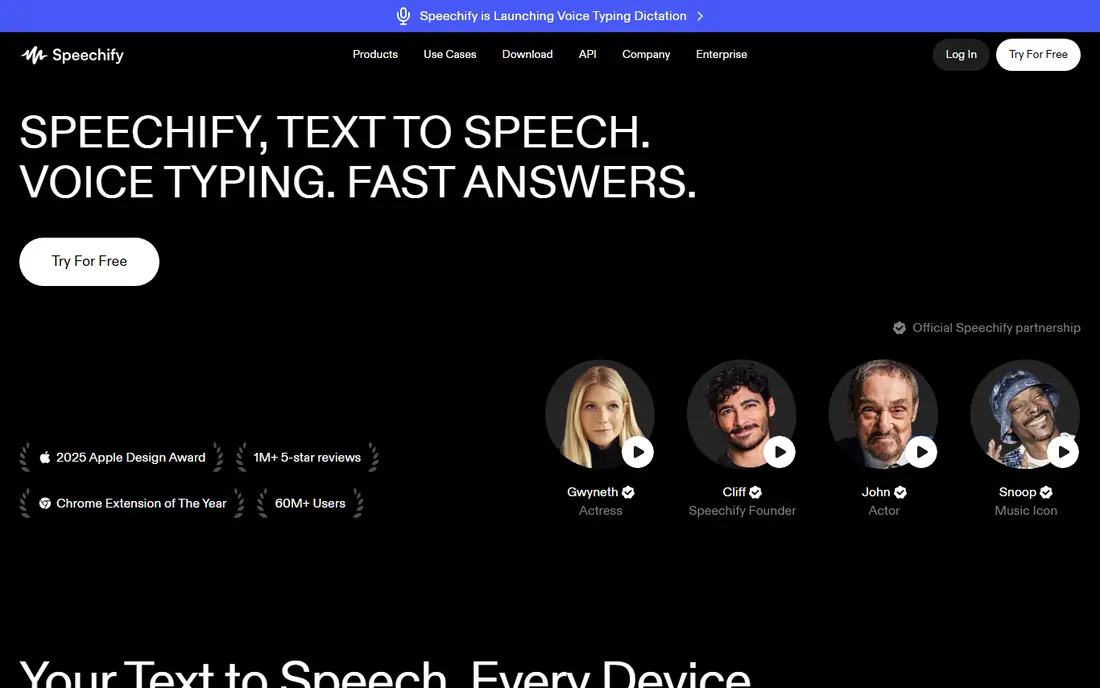
Speechify starts from a different question than most tools here. Instead of asking how to publish audio, it asks how to get through reading faster. Students, researchers and busy professionals can listen to articles, reports and books while commuting or doing other tasks, and playback controls help with speed and skipping. If your goal is to create voiceover for sale or publication, check the studio pricing page separately before you buy. The reader subscription and the studio product are not the same purchase, and mixing them up is the most common source of disappointment with this brand.
- Reads PDFs, articles and books on phone and desktop
- Many voices and languages
- Useful for study and accessibility
- The reader app and the studio voiceover product are easy to confuse
- Commercial voiceover features sit on separate plans
For podcasters, Descript changes the editing job itself. You record or import audio, get a transcript, and cut filler words or reorder sections by deleting text. Overdub then lets you type a correction instead of re-recording a whole segment, which is handy for a missed name or date. That strength also sets its limit. If you only need a voice file for a video, a dedicated voice app may be simpler and cheaper. Descript earns its place when editing, transcription and publishing already sit in the same weekly routine.
- Edit audio and video by editing a transcript
- Overdub can fill small gaps in a recording
- Strong podcast workflow
- Voice tools are part of a larger editor, so pure narration buyers pay for features they may not use
- Overdub needs a clear voice sample
Resemble AI suits builders who want a voice inside a product, not just a file to download. Its API supports cloning, localisation and real-time use, and its detection tools help teams check whether audio was made with its system. That focus makes it a practical choice for games, apps and support tools. Creators who want a polished studio will find the interface less inviting than Murf or ElevenLabs. Check the pricing page for the exact per-second rate and any clone fees, then test with a short script before you build a feature around it.
- Pay-as-you-go option for API use
- Cloning and detection tools for safer voice work
- Voices can be used inside apps and games
- The dashboard feels more technical than creator tools
- Cloning seats and extras can add to the bill
WellSaid Labs keeps its focus narrow, and that is its appeal. The voices are steady and professional rather than dramatic, which suits training modules, product tours and internal updates where clarity beats character. Download minutes give teams a simple way to plan how much audio they can ship each month. If you need many languages or highly expressive character voices, look elsewhere first. For an English-first team that publishes regular narration, the narrower range is a fair trade for predictable output and a simpler studio.
- Clean, steady English voices for training and marketing
- Download-minute metering is easy to follow
- Custom brand voices on higher tiers
- Language range is narrower than global rivals
- Download limits matter for high-volume teams
Cartesia is built for speed. When a voice agent must answer in conversation, a delay of a second feels long, and Cartesia targets that live use case with fast streaming voices. Developers can test with a free credit allowance, then move to a paid plan as usage grows. The trade is breadth. You will not find the same deep catalogue of character voices as on ElevenLabs, and the product assumes some comfort with APIs. For a chatbot, phone agent or in-app assistant, that trade is often worth it.
- Low-latency voices for live agents and apps
- Cloning from paid tiers
- Low entry price for developers
- Smaller voice library than the big narration brands
- Documentation and setup suit technical users
Fliki answers a common creator problem: a script is ready, but video editing is slow. You paste text, pick a voice, add visuals, and export a finished clip for social channels or a short explainer. That combined workflow suits faceless channels, course previews and quick marketing videos. Serious video editors will still want a dedicated editor for fine cuts and branding. Fliki is best when speed and volume matter more than a fully custom look, and when the voice is part of a video rather than the whole product.
- Turns scripts into video with voice, images and captions
- Large voice range
- Good for social and explainer content
- Video templates can look similar across creators
- Higher-quality voices and longer videos need paid plans
NaturalReader is the quiet, practical option in this list. Upload a document, choose a voice, and listen. Students and professionals who want to review papers, reports or study notes without staring at a screen will find the setup fast and the controls clear. It is not a voiceover studio, and it does not try to be one. Buy it for listening and accessibility, not for publishing polished commercial narration, and the price and feature set will make sense.
- Simple upload and listen workflow
- Dyslexia-friendly reading support
- Works in a browser and on mobile
- Fewer studio and cloning features than narration rivals
- Premium voices need a paid plan
How we picked these
We compared official feature pages, pricing pages, app store listings, privacy policies and public reviews for voice tools that were live in October 2026. We gave weight to voice quality for the stated job, language range, free plan limits, commercial-use terms and cloning safeguards. We also removed tools that had shut down or stopped serving new users, even when older lists still recommended them. We did not run a scored listening panel or claim hands-on testing for every product. Prices change often, so check the vendor pricing page before you buy, and test a full script on a free plan or trial when one is offered.
What to check before you pay
Match the tool to the output
Start with the finished file you need. A narration track, a dubbed video, a live agent voice and a reading app are different products, and buying the wrong type wastes both money and time. Write down the length, language and licence you need, then match that list to one tool.
Check commercial rights and cloning consent
Free plans often allow personal listening or testing only. If you plan to publish, sell or use audio in client work, confirm commercial rights on the plan you will buy. Only clone your own voice or a voice you have clear permission to use, and keep that permission on file.
Test one real script end to end
A short demo can hide pacing problems, mispronounced names and credit use. Run one complete script through the free plan or trial, export it, and listen on headphones and a phone speaker. That single test tells you more than a feature list.
Watch credit and minute limits
Some tools bill by credit, some by minute and some by character. Convert the headline price to your normal monthly output before you compare two tools. A cheaper monthly plan can cost more if it runs out halfway through a series.
Frequently asked questions
What is the best AI voice app for narration?
ElevenLabs is our pick for narration because its voices stay natural over long scripts and its cloning options suit repeatable series work. Murf is a close second for training and corporate narration where slide timing matters. Test both with the same script before you decide.
Can I use AI voices for commercial videos?
Yes, on most paid plans, but the terms differ by vendor and plan. Free plans often exclude commercial downloads, so check the licence for the exact tier you buy. Keep records of the plan and the audio you publish, in case a platform asks for proof later.
Is voice cloning legal?
Cloning your own voice with your own consent is generally allowed, and cloning another person needs their clear permission. Rules differ by country and by platform, and some vendors add voice checks to confirm identity. Do not clone a public figure or a colleague without written permission.
Which AI voice app has the best free plan?
ElevenLabs and Cartesia offer useful free credit allowances for short tests, while Descript and NaturalReader give free access to core listening and editing features. No free plan covers unlimited commercial narration, so treat free tiers as a trial for fit, not as a production plan.
Do AI voices work in many languages?
Yes, most tools here support many languages, but depth differs. ElevenLabs, Murf and Cartesia cover a broad set, while WellSaid Labs focuses on English. Check that your exact language and accent are listed, and test names and place names in that language before you publish.
How much should I budget each month?
A solo creator can often start at $5 to $29 per month, while teams with high volume, cloning or API use should budget more. Work out your monthly minutes or characters first, then compare plans on that unit. Annual billing can lower the monthly rate, but only if you will use the tool all year.
Sources we checked (9)

Online Jobs is an independent blog about careers, online work, learning new skills and the tools that help people earn. More about us.
Keep reading
All posts
Zoom Alternatives
Zoom alternatives compared for 2026: Google Meet, Microsoft Teams, Webex, Jitsi and more for free calls, large meetings and webinars for teams and classrooms.

What Is the Best Free Tool to Rotate a PDF
What is the best free tool to rotate a PDF? We compare eight free rotation tools on per-page control, limits, privacy and saved output quality in detail.

What Is the Best AI Dubbing Tool
We compared the best AI dubbing tools in 2026, from ElevenLabs and HeyGen to Rask AI, Dubverse and Veed, for videos and creators in many languages worldwide.