Best AI Video Translation Tools in 2026: 9 Tools Compared

How we put this together: we compare official feature and pricing pages, app store listings, privacy policies and public user reviews. Prices change, so check the provider's site before you pay.
Key takeaways
- HeyGen leads for lip-synced video translation, while ElevenLabs leads for voice quality in audio-first dubbing.
- Per-minute cost matters more than the monthly price, since credit and minute allowances differ sharply between tools.
- Rask AI suits multi-speaker and longer content, but lip sync sits on a higher tier.
- Always have a native speaker review a dubbed video before publication, since fluent audio can still carry a wrong translation.
Quick comparison
| Name | Who it suits | Starting price | Free option | |
|---|---|---|---|---|
 HeyGen | Lip-synced video translation | $24 per month | Yes | Visit |
 Rask AI | Multi-speaker and long videos | $60 per month | Free trial | Visit |
 ElevenLabs | Voice quality and dubbing audio | $6 per month | Yes | Visit |
 VEED | Browser editing plus translation | $49 per month | Yes | Visit |
 Synthesia | Avatar and training videos | $29 per month | No | Visit |
 Dubverse | Budget dubbing | $18 per month | Yes | Visit |
 Perso | Low-cost dubbing at scale | $6.99 per month | No | Visit |
 Kapwing | Social creators and subtitles | See website | Yes | Visit |
 Maestra | Transcription plus translation | See website | Free trial | Visit |
The best ai video translation tools
AI video translation tools translate speech, generate a new voice track, and in some cases match lip movement to the new language. We compared official pricing pages, language coverage, lip sync, voice cloning, and minute allowances.
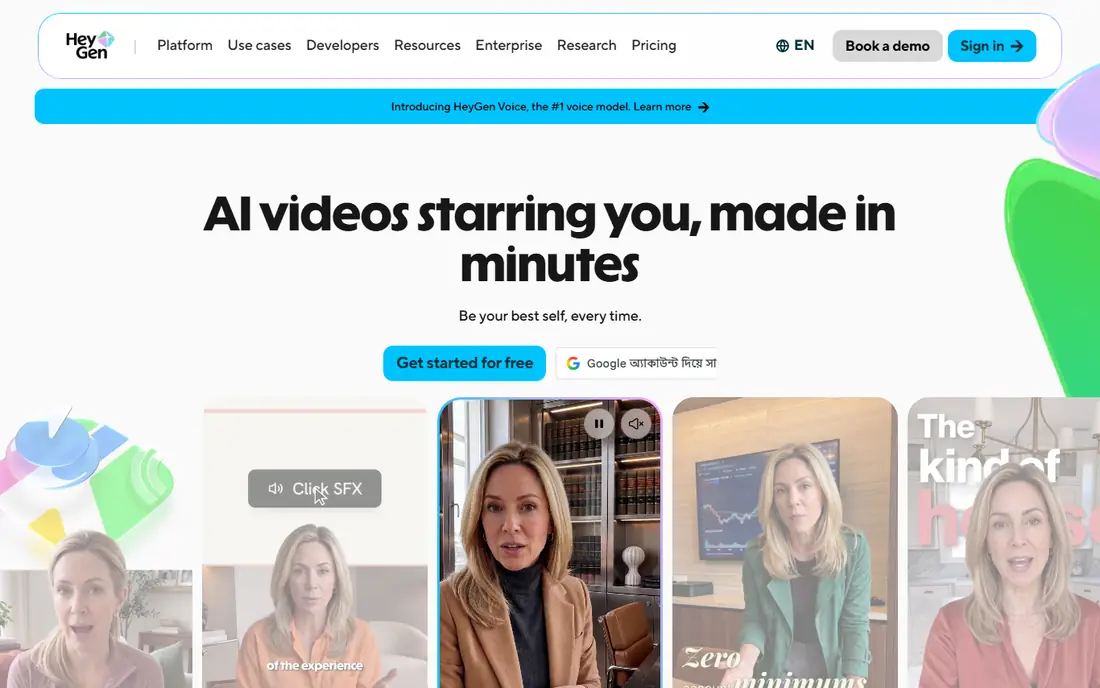
HeyGen is the strongest all-round pick when the dubbed video must look natural on camera. Its video translation matches lip movement to the new language, supports a wide range of languages, and lets you create avatar videos in the same account. The Creator plan starts at $24 per month on annual billing, with a free tier for short tests.
Credits are the limit to watch. Dubbing and avatar generation draw from the same credit pool, so a team that uses both can burn through allowances faster than expected. For talking-head videos where lip sync matters, HeyGen still sets the standard in this list.
- Lip-synced dubbing
- Wide language coverage
- Avatar creation in the same platform
- Credits are shared with avatar video
- Higher tiers needed for larger volumes
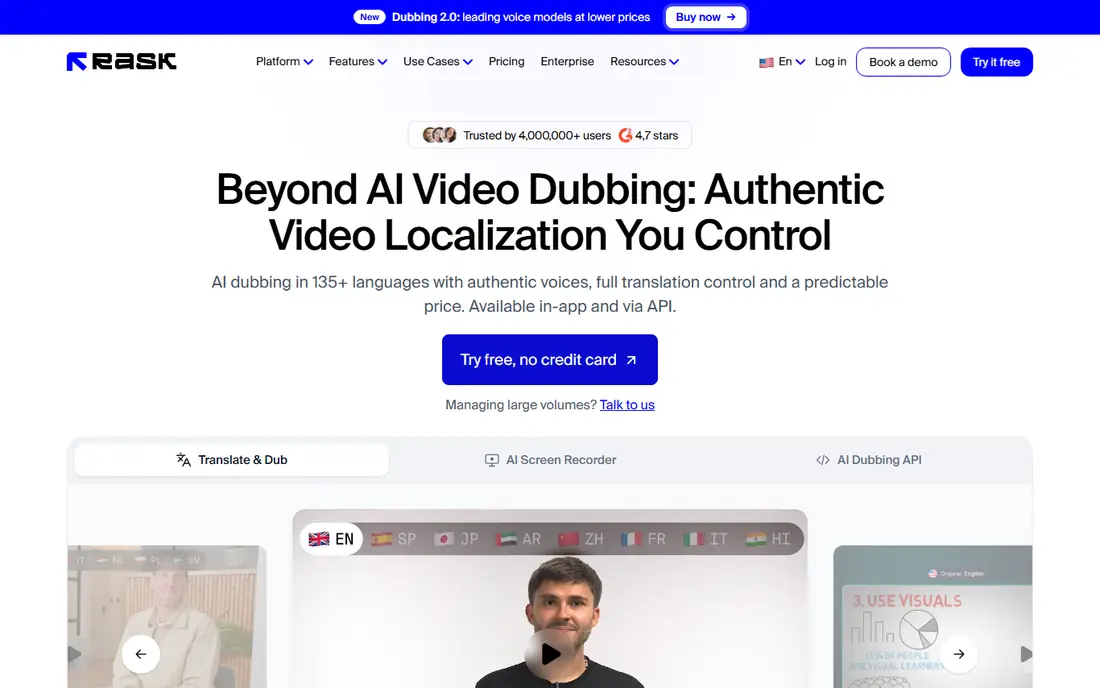
Rask AI suits creators and teams with longer videos, interviews, and multi-speaker content. It detects speakers, translates transcripts, and generates dubbed audio, with editing tools to fix timing and wording. The Creator plan starts at $60 per month with about 25 minutes included, which frames it as a tool for regular publishers rather than occasional users.
Lip sync is the main gap at entry level, since it requires the Creator Pro tier. If your videos are mostly screen recordings, podcasts, or voiceover-led content, that gap matters less. For on-camera work, compare Rask with HeyGen before you commit.
- Strong multi-speaker handling
- Wide language coverage
- Transcript editing
- Lip sync needs a higher tier
- Per-minute cost is high at entry level
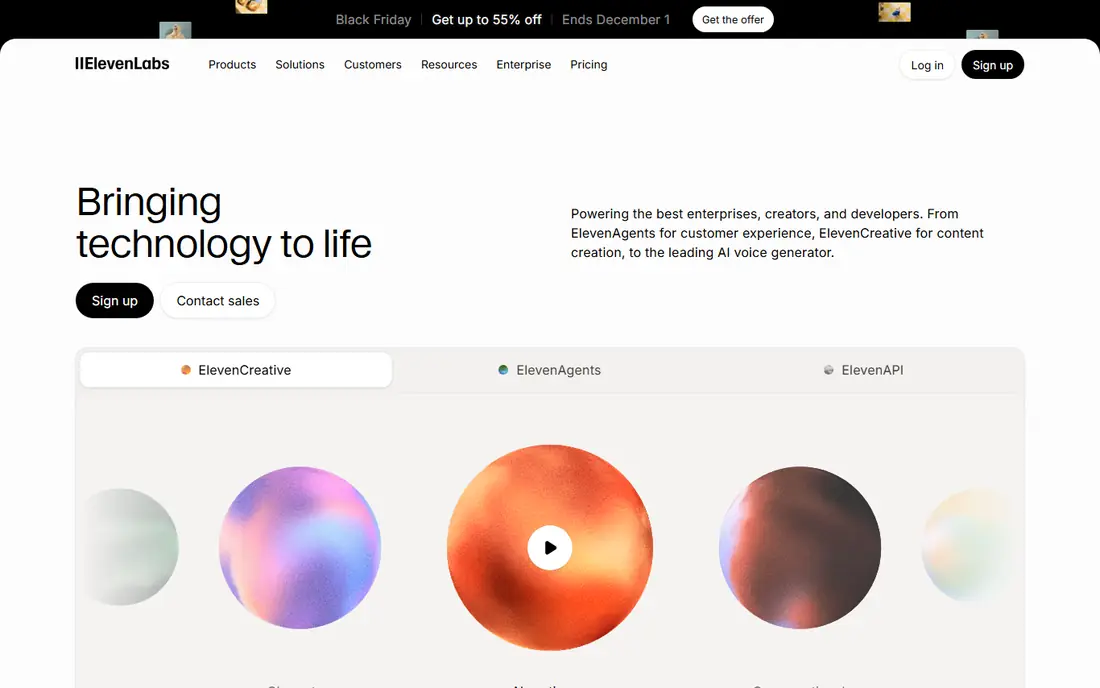
ElevenLabs is best known for voice quality, and its dubbing tool carries that strength into translated audio. Voices sound natural, cloning can preserve a speaker's character, and the Starter plan starts at $6 per month with a free tier for testing. That low entry price makes it easy to try on a real project.
The limit is video. ElevenLabs dubs audio well, but it does not offer the same lip-sync video workflow as HeyGen. If you publish audio, podcasts, or videos where the voice track matters more than lip movement, it is an excellent pick. For talking-head video, pair it with a video tool or choose a lip-sync platform instead.
- Very natural voices
- Strong voice cloning
- Low entry price
- Dubbing is audio focused
- Video lip sync is limited compared with HeyGen
VEED suits creators who edit and translate in the same place. You can cut a video, add subtitles, translate the audio, and export from the browser without moving files between apps. That workflow saves time for social and marketing teams that publish often.
Dubbing is not VEED's cheapest feature. The Pro plan starts at $49 per month, and dubbing minutes are metered, so heavy translators may pay more than they would with a dedicated dubbing tool. If editing is half the job, the combined workflow can still be worth it.
- Full browser video editor
- Subtitles and translation in one workflow
- Easy sharing
- Dubbing minutes are limited on lower tiers
- Pro pricing is higher than dubbing-only tools
Synthesia is built for avatar-led video, which makes it strong for training, onboarding, and internal updates. You can generate a presenter video in many languages from a script, keeping the same presenter and style across regions. The Starter plan starts at $29 per month.
It is less suited to dubbing real footage of a person speaking to camera, since that workflow sits on higher enterprise tiers. Choose Synthesia when you create avatar content from scratch, and choose HeyGen or Rask when you need to translate footage you already shot.
- Avatar videos in many languages
- Good for training and internal comms
- Consistent presenters
- One-click translation of existing footage sits on higher tiers
- Less suited to real-footage dubbing
Dubverse is the budget pick for creators who need dubbed videos without a large monthly bill. The Pro plan starts at $18 per month, and the workflow is simple enough for a first dubbing project. It covers a wide range of languages, which helps small channels reaching new audiences.
Credits are the constraint. At entry level, the included credits cover only a limited number of dubbed minutes, so longer videos need a higher plan or extra credits. It is best for short videos and for testing whether dubbing grows your audience before you invest more.
- Low entry price
- Simple dubbing workflow
- Wide language coverage
- Credits limit dubbed minutes
- Lip sync quality is limited at entry level
Perso, formerly Perso Dubbing, stands out on cost at volume. The Starter plan starts at $6.99 per month, and its Pro plan can reach a low effective per-minute rate when the full minute allowance is used. A custom glossary helps keep product names and brand terms consistent across languages.
Lip sync is optional and separate, so check that cost if your videos need it. The platform is also more functional than flashy, which suits teams that care about output and cost more than a polished editor. For high-volume dubbing on a budget, Perso deserves a close look.
- Low entry price
- Low effective per-minute rate on higher plans
- Custom glossary for brand terms
- Lip sync is a separate option
- Interface is more functional than polished
Kapwing suits social creators who already edit short videos in the browser. Its dubbing and subtitle tools sit alongside trimming, captions, and templates, so a translated clip can go from edit to publish in one tab. A free tier covers basic use, with paid plans for higher exports and credits.
Because dubbing is part of a wider editor, it does not match the depth of a dedicated dubbing platform for long or multi-speaker videos. For short-form content and quick translations, that breadth is a practical advantage.
- Browser editor with subtitles and dubbing
- Good for short social videos
- Team collaboration
- Dubbing is one feature among many
- Pricing varies by plan and credits
Maestra is a good fit when transcription comes first. It transcribes video and audio, translates subtitles, and offers voiceover tools, which helps teams that publish captioned content in several languages. The workflow suits educators, podcasters, and media teams that need accurate text alongside video.
Dubbing quality and lip sync are less central here than in HeyGen or Rask, so it fits best when subtitles and transcripts matter most. Check current pricing for your expected minutes, since usage-based costs vary with volume and features.
- Strong transcription and subtitle workflow
- Translation across many languages
- Voiceover tools
- Dubbing is less polished than dedicated dubbing tools
- Pricing is usage based
How we picked these
We compared official pricing pages, language coverage, lip sync, and minute allowances for tools that actively offer AI video translation in October 2026. We favored tools with a real dubbing or translation workflow, not just subtitle translation, and we noted where lip sync or multi-speaker support sits on a higher tier. We did not claim hands-on testing, and where pricing varied by credits, we wrote See website instead of a single misleading rate.
Choosing the right video translation tool
Start with the video type. Talking-head footage needs lip sync, screen recordings need accurate voiceover, and training content may need avatars instead of dubbing at all. The wrong match wastes both money and editing time.
Compare cost per finished minute
Monthly prices hide the real cost. Divide the plan price by the included dubbed minutes, then add the cost of extra minutes, lip sync, and re-renders. A cheap plan with few minutes can cost more per video than a higher plan with a generous allowance.
Check voice and translation quality
Run the same short clip through two tools and have a native speaker review both the translation and the voice. Listen for tone, pacing, and names, since automated translation can sound fluent while missing a key term. A glossary feature helps if brand or product names must stay unchanged.
Plan for review time
Budget time for transcript edits, timing fixes, and a final watch-through. AI dubbing saves recording time, but it does not remove the need for a human check, especially for training, legal, or medical content.
Frequently asked questions
What is the best ai video translation tool?
HeyGen is our top pick for lip-synced video translation, while ElevenLabs leads for voice quality in audio dubbing. Rask AI suits longer, multi-speaker videos, and Perso suits high-volume dubbing on a budget.
What is the best ai video translator tool for YouTube creators?
HeyGen and Dubverse suit YouTube creators well, since both handle short to medium videos with lip sync or budget dubbing. Test one video in a new language first, and check audience retention before dubbing a full back catalog.
How much does AI video translation cost?
Entry prices range from $6 to $60 per month, but the real cost is per finished minute. Credit allowances, lip sync, and extra minutes change the total sharply, so compare cost per minute at your actual video length.
Does AI dubbing include lip sync?
Some tools include it, and some charge extra or reserve it for higher tiers. HeyGen includes lip sync at entry level, while Rask AI requires a higher tier and Perso offers it as a separate option. Always confirm lip sync is included on the plan you will buy.
Can AI video translation clone my voice?
Yes, several tools offer voice cloning, including ElevenLabs and HeyGen, with consent and verification steps. Cloning helps dubbed videos sound like the original speaker, but it raises consent issues, so only clone voices you have clear permission to use.
Sources we checked (9)

Online Jobs is an independent blog about careers, online work, learning new skills and the tools that help people earn. More about us.
Keep reading
All posts
Zoom Alternatives
Zoom alternatives compared for 2026: Google Meet, Microsoft Teams, Webex, Jitsi and more for free calls, large meetings and webinars for teams and classrooms.

Which Software Is Best for Data Entry
Compare the best data entry software for forms, OCR scanning, and spreadsheets, with free plans, pricing, and honest limits for each tool before you commit.

What's the Best App to Read PDFs
Find what's the best app to read PDFs in 2026, from Adobe Acrobat Reader and Foxit to PDF Expert and Xodo, with free options and honest limits for every device.