Best AI Video Tool in 2026: 8 Tools Compared

How we put this together: we compare official feature and pricing pages, app store listings, privacy policies and public user reviews. Prices change, so check the provider's site before you pay.
Key takeaways
- Runway is the best AI video tool for cinematic text-to-video clips, while Synthesia and HeyGen lead for avatar presenters and training videos.
- Pictory and InVideo suit marketers who turn scripts and blog posts into finished videos quickly, without filming.
- Descript is best for editing your own footage by editing text, and CapCut is the best free AI video app for short-form social clips.
- Check clip length, commercial-use terms, watermark rules and credit limits before paying, because monthly price alone does not show true cost per video.
Quick comparison
| Name | Who it suits | Starting price | Free option | |
|---|---|---|---|---|
 Runway Runway | Cinematic AI video generation | $12 per month | Free trial | Visit |
 Synthesia Synthesia | AI avatar training videos | $18 per month | Free trial | Visit |
 HeyGen HeyGen | Avatar presenters and translation | See website | Yes | Visit |
 Pictory Pictory | Script to video for marketers | $25 per month | Free trial | Visit |
 Descript Descript | Text-based video editing | $16 per month | Yes | Visit |
 CapCut CapCut | Free short-form social editing | Free | Yes | Visit |
 InVideo AI InVideo AI | Fast script to social video | See website | Yes | Visit |
 Luma Dream Machine Luma Dream Machine | Fast, high-quality AI clips | See website | Yes | Visit |
The best ai video tool
We compared official feature pages, pricing pages and sample output guidance for AI video tools that are still available in October 2026. The list covers three different jobs: generating clips from a prompt, presenting with an avatar, and editing existing footage with AI help. Pick by job first, because a great generator can still be a poor editor.
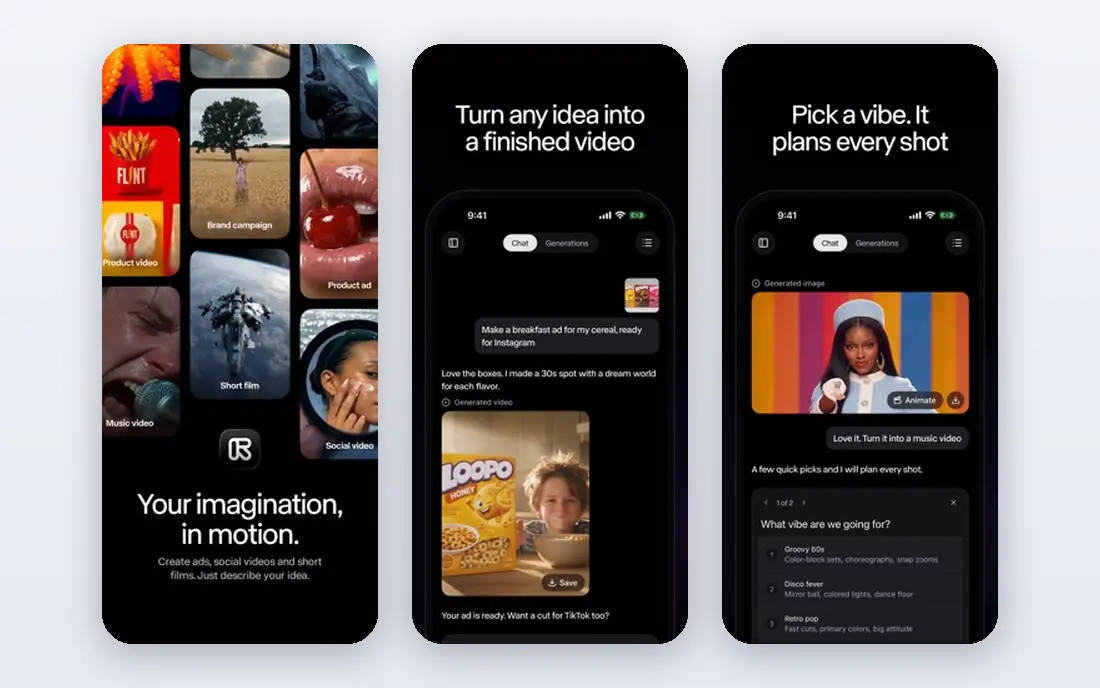
Runway is the best video AI software for creators who want cinematic clips from a text or image prompt. Its models produce detailed motion, camera movement and style control, which suits ads, title sequences, storyboards and social clips that need a polished look. The workspace also includes editing and effects tools, so generated clips can be refined without moving to another app straight away.
The limit is length and cost structure. Generations are short, typically seconds rather than minutes, and longer pieces require multiple generations and careful editing. Credits also mean a low monthly price can still become expensive for high-volume work. Try the free credits first, test prompts in your style, and check commercial-use terms on the paid plan before building a client workflow around it.
- Strong text-to-video and image-to-video quality
- Fine motion and camera controls
- Widely used for commercial-style clips
- Clips are short, so longer videos need stitching
- Credit use makes true cost depend on output volume
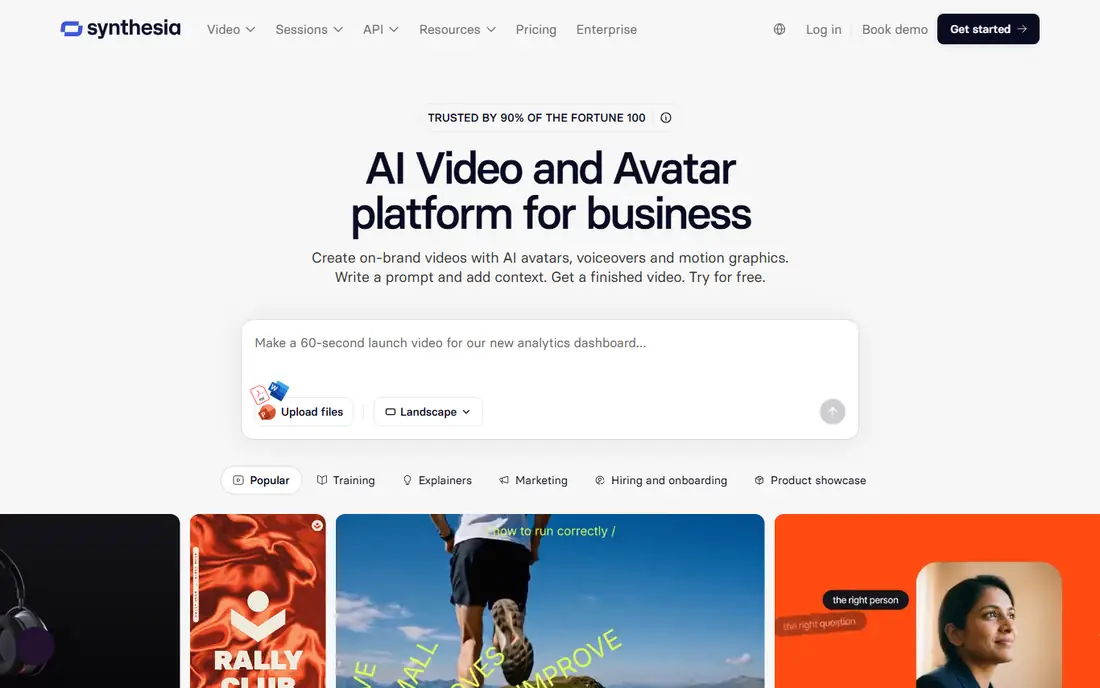
Synthesia is the best AI video app for teams that need a presenter without filming one. Type a script, choose an avatar and language, and the tool produces a talking-head video that can be updated by editing text rather than re-shooting. That workflow suits training libraries, product explainers, onboarding and internal updates, where consistency and speed matter more than a casual on-camera feel.
The trade-off is tone. Avatar delivery is clear and professional, but it can feel less personal than a real presenter for marketing or community content. Minute limits and plan tiers also matter, so count how many training minutes you will actually publish each month. For course libraries and corporate learning, Synthesia is hard to beat. For short-form social, a generator or editor on this list will usually fit better.
- Realistic avatar presenters in many languages
- No camera or studio needed
- Good for training, onboarding and explainers
- Avatar videos can feel formal for casual social content
- Advanced features and minutes cost extra
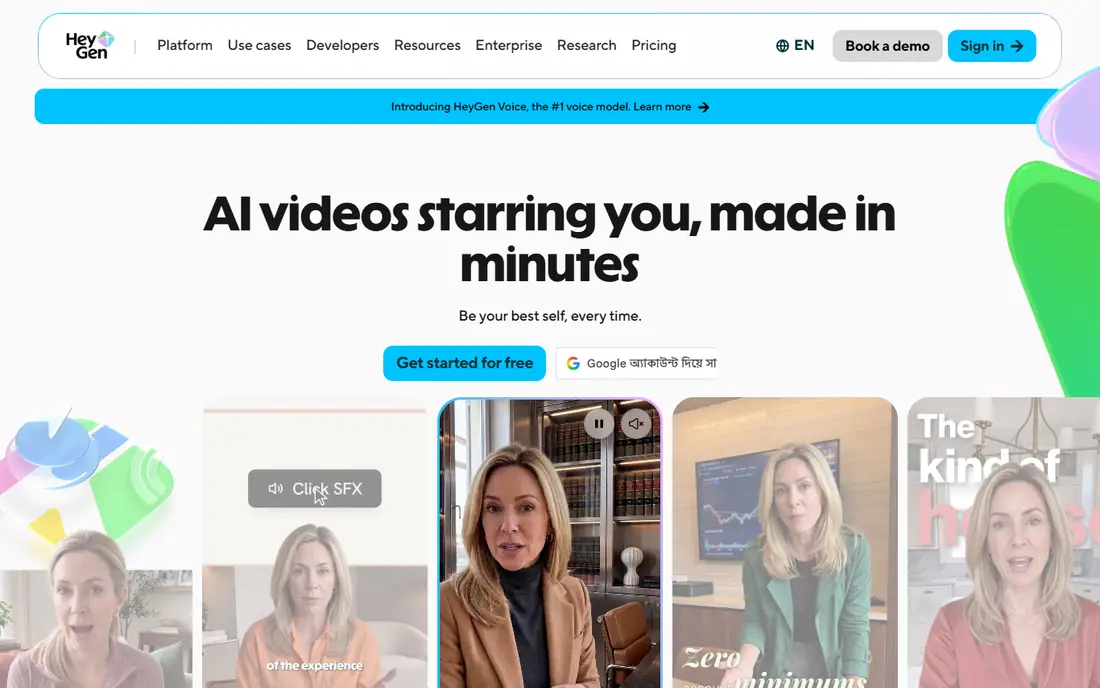
HeyGen is the best app for AI videos when you need a spokesperson who can speak in many languages. Its avatar library is large, its translation and voice tools help teams localise a video without re-filming, and its templates suit marketing, sales and social presenters. For global teams and creators who publish in more than one language, that combination is a clear advantage.
As with Synthesia, the best results come from clear scripts and realistic expectations. Avatar movement and lip sync vary, and the most polished voices and avatars often sit on higher tiers. Check the current pricing page, because HeyGen pricing and credit structures change, and test a free video in your own language before committing. Used for presenters and translation, it is one of the most practical AI video platforms on this list.
- Large avatar library
- Voice cloning and translation tools
- Strong for spokesperson and marketing videos
- Best features sit on higher plans
- Avatar realism varies by model and script
Pictory is built for people who write more than they film. Paste a script or blog post, pick a style, and Pictory builds a captioned draft with stock footage, voiceover and music in minutes. It also turns long videos into short clips, which makes it useful for repurposing webinars, podcasts and YouTube videos into social posts.
The honest limit is originality. Stock-led videos can look similar across brands unless you customise scenes, captions and branding carefully. Paid plans remove watermarks and add minutes, so check the trial output against your brand standards before subscribing. If you publish often and need fast, clean faceless videos, Pictory is one of the best AI video tools for that job.
- Turns scripts and blog posts into captioned video fast
- Stock footage and voiceover included
- Good for repurposing long content
- Output is template-led, so creative control is lower than Runway
- Best value needs regular publishing volume
Descript takes a different route to AI video. Instead of generating clips from a prompt, it transcribes your footage and lets you edit video by deleting or moving words in the transcript. That approach is fast for podcasts, interviews, tutorials and talking-head videos, where most editing is cutting pauses, mistakes and filler words rather than creating new visuals.
It also includes AI voice, captions and studio sound tools, which help polish a recording without a full editing suite. The limit is scope: if you have no footage and want a cinematic clip from text alone, Descript is not the tool. For creators who film themselves and want the fastest edit, it is often the best AI video tool in this list, and its free plan is enough to test the transcript workflow.
- Edit video by editing a transcript
- Strong transcription and filler-word removal
- Good for podcasts and talking-head videos
- Not a text-to-video generator
- AI generation features are limited compared with Runway or Luma
CapCut is the best AI video app for short-form creators who want speed at no cost. Auto-captions, background removal, templates and effects cover most TikTok, Reels and Shorts workflows, and the mobile app makes it easy to edit on the phone where the content will be published. For creators who post daily, that low friction matters more than advanced generation.
Paid plans add more AI features, higher-quality exports and extra effects, so check what the free plan includes for your format before relying on it for client work. CapCut is also less suited to long-form editing, avatar training or cinematic generation. Use it as the fast social editor, and pair it with a generator or Descript when a project needs more than a short clip.
- Free core editor with auto-captions and effects
- Strong mobile and short-form templates
- Fast for TikTok and Reels
- Some AI features and exports sit behind paid plans
- Desktop depth is lower than a full editor
InVideo AI suits creators who need a rough-cut video from a script in minutes. Enter a prompt or script, choose a style, and the tool assembles scenes, voiceover, captions and music. That speed helps marketers, small teams and faceless channels publish regularly without a camera crew or a long editing session.
The draft is a starting point, not a finished video. Pacing, scene choice and factual details still need a human pass, especially for product claims or tutorials. Check the current free plan limits and paid pricing on the vendor site, since export quality and watermark rules affect whether the output is publishable. For volume publishing with a quick edit pass, InVideo AI is a practical best AI video tool pick.
- Script-to-video workflow with voiceover and stock media
- Templates for social and marketing
- Quick first drafts
- Drafts often need human editing for pacing and accuracy
- Paid plans needed for watermark-free exports
Luma Dream Machine, from Luma Labs, is a strong choice for creators who want high-quality AI clips quickly. It handles text-to-video and image-to-video prompts, produces smooth motion for social and creative projects, and offers a free tier for testing. For storyboards, product spots, social clips and creative experiments, its speed and output quality stand out.
Like Runway, it is not a long-form video maker. Clips are short, and building a longer piece means generating, selecting and editing multiple clips. Credit limits and commercial-use terms also vary by plan, so read the pricing page before using output in paid campaigns. If you want a fast generator alongside Runway for comparison, Luma is a good second tool to test with the same prompt.
- Fast generation with strong visual quality
- Image-to-video and text-to-video support
- Useful for social and creative clips
- Clip length is limited
- Commercial terms and credit limits need checking on each plan
How we picked these
We compared official feature pages, pricing pages and tool documentation for AI video tools that are still available in October 2026. We looked at the core job each tool does, output length, language and avatar options, editing depth, free plan or trial, and starting price. We did not test every tool hands-on for this guide, and credit systems and plan limits change often, so check the vendor pricing page and terms before buying for commercial work.
Choosing the best AI video tool for your job
Start with the job, not the model name
Generators such as Runway and Luma make clips. Avatar tools such as Synthesia and HeyGen present scripts. Editors such as Descript and CapCut polish footage. Script-to-video tools such as Pictory and InVideo assemble stock-led videos. Naming the job first prevents paying for a generator when you needed an editor.
Test the same prompt or script in two tools
Run the same script or prompt through two shortlisted tools and compare pacing, voice, captions and visual quality. A tool that looks good in a demo reel may not suit your script, language or brand style. Free trials and free credits are made for this test.
Count cost per finished video, not per month
Credits, minutes, clip limits and watermark rules change the real price. Estimate how many finished videos you will publish each month, then compare plans on that output. A cheaper monthly plan with tight limits can cost more than a higher plan with room to publish.
Frequently asked questions
What is the best AI video tool overall?
There is no single winner, because the best AI video tool depends on the job. Runway leads for cinematic generation, Synthesia and HeyGen lead for avatars, Descript leads for editing your own footage, and Pictory leads for fast script-to-video marketing content.
What are the best AI video tools for YouTube?
Pictory and InVideo AI suit faceless YouTube videos from scripts, Descript suits talking-head and podcast-style channels, and Runway or Luma suit cinematic clips and intros. Choose by format, then test output quality and commercial terms.
Which is the best video AI app for short-form social content?
CapCut is the best free AI video app for short-form social editing, thanks to auto-captions, templates and mobile speed. Pika-style generators and Luma also suit short clips, but CapCut is fastest for editing footage you already have.
Can I use AI-generated video commercially?
Many paid plans allow commercial use, but terms vary by tool, plan and free tier. Free outputs may carry watermarks or restricted rights, so read the vendor terms for your exact plan before using video in ads or client work.
How long can AI-generated video clips be?
Most generator clips are seconds long, often around 5 to 10 seconds per generation, though some tools support longer outputs. Longer videos are usually built by stitching clips, adding voiceover and editing in a separate editor.
What is the best AI video platform for training videos?
Synthesia is the best AI video platform for training libraries, thanks to consistent avatars, many languages and text-based updates. HeyGen is a strong alternative when translation and spokesperson marketing matter more than a formal training library.
Sources we checked (8)

Online Jobs is an independent blog about careers, online work, learning new skills and the tools that help people earn. More about us.
Keep reading
All posts
Zoom Alternatives
Zoom alternatives compared for 2026: Google Meet, Microsoft Teams, Webex, Jitsi and more for free calls, large meetings and webinars for teams and classrooms.

PowerPoint Alternatives
Compare the best PowerPoint alternatives, from free Google Slides and Canva to Prezi and Gamma, with prices, collaboration and export options covered.
Gmail Alternatives
Gmail alternatives compared for 2026: Proton Mail, Outlook, Tuta, Fastmail, Zoho Mail and more for privacy, business and cross-platform use for US readers.