Best AI Video Making App in 2026: 9 Apps Compared


Corporate training avatars · Starting price: $18 per user per month
How we put this together: we compare official feature and pricing pages, app store listings, privacy policies and public user reviews. Prices change, so check the provider's site before you pay.
Key takeaways
- Synthesia and HeyGen lead for avatar videos, with Synthesia stronger for corporate training and HeyGen stronger for lifelike marketing presenters.
- InVideo and Pictory are the best all-rounders for turning scripts and articles into finished marketing videos without filming anything.
- Runway suits creative and experimental video, while Descript suits creators who edit video by editing text from a real recording.
- Watch credit limits closely. Most tools charge by minutes or generations, so a plan that looks cheap can run out fast on longer videos.
Quick comparison
| Name | Who it suits | Starting price | Free option | |
|---|---|---|---|---|
| Synthesia | Corporate training avatars | $18 per user per month | Yes | Visit |
 HeyGen | Lifelike marketing avatars | $24 per month | Yes | Visit |
 InVideo | All-round marketing videos | $20 per month | Yes | Visit |
 Pictory | Turning articles into video | $25 per month | Free trial | Visit |
 Runway | Creative generative video | $15 per month | Yes | Visit |
 Descript | Text-based video editing | $24 per month | Yes | Visit |
 VEED | Text-to-video plus editing | $12 per user per month | Yes | Visit |
 Lumen5 | Fast blog-to-video | $19 per month | Yes | Visit |
 Fliki | Budget text-to-video voices | $21 per month | Yes | Visit |
The best AI video making apps
AI video tools split into three kinds: avatar presenters that speak your script, text-to-video tools that build a video from words, and editors that use AI to speed up cutting real footage. The nine tools below cover all three, so start from the kind of video you actually need, not from the flashiest demo.
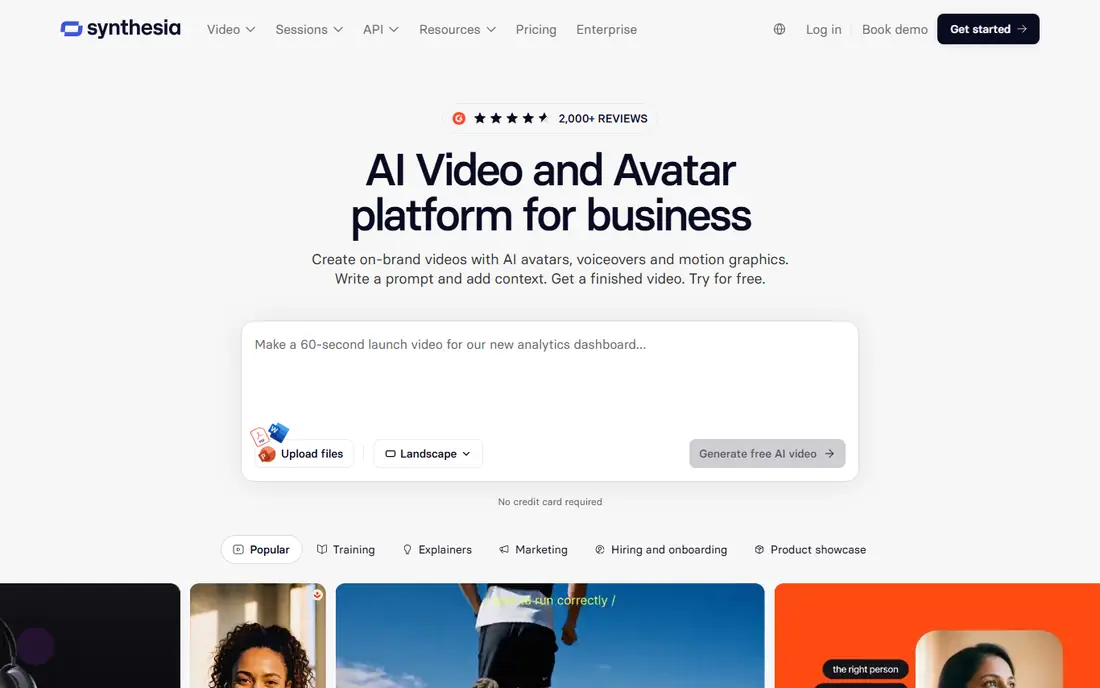
Synthesia is the safest pick for training, onboarding and internal updates. You type a script, pick an avatar, and get a clean presenter video in many languages, without a camera, studio or presenter schedule. That consistency matters for companies that need the same training delivered in ten languages or updated every quarter.
The trade-off is tone. Synthesia avatars are professional and clear, but they can feel formal for social or storytelling content, where a real presenter or a more expressive tool works better. For corporate, education and compliance videos, Synthesia is the most dependable avatar tool here, with a free Basic plan for testing.
- Wide language support
- Consistent avatar presenters
- Good for training at scale
- Avatar style can feel formal
- Creative control is narrower than Runway

HeyGen has the most lifelike avatars in this list, which makes it the better pick for marketing, sales and social videos where a presenter needs to feel warm rather than corporate. The free tier covers a few videos a month, enough to test whether avatar video suits your audience, and the Creator plan at $24 per month on annual billing adds the credits most small teams need.
Credits are the watch point. Longer videos, multiple languages and voice cloning consume credits quickly, so check how many minutes your typical video needs before choosing a tier. For short, polished presenter videos, HeyGen is our pick for most people. For long training libraries, Synthesia's structure may work out cheaper.
- Very lifelike avatars
- Voice cloning options
- Usable free tier
- Credit limits bite on longer videos
- Best features need higher tiers
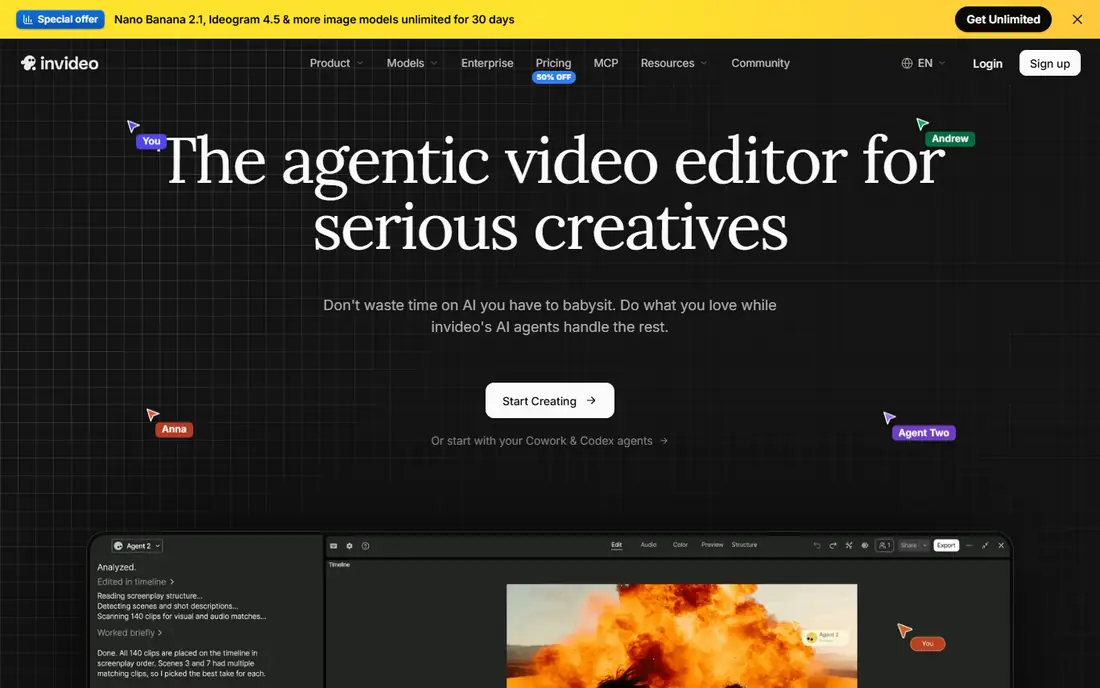
InVideo is the all-rounder for marketing teams. You can start from a prompt, a script or a template, and the tool builds a video from stock footage, text and voiceover, with generative models available on higher plans. The Plus plan at $20 per month on annual billing suits regular social and ad production, and the free plan with watermarked exports is enough to learn the workflow.
AI output still needs a human pass. Pacing, clip choice and voice emphasis often need tweaks, and credit consumption varies by model and quality, so a long or high-resolution video costs more than a short one. For teams that publish marketing video weekly, InVideo covers the most ground in one subscription.
- Prompt-to-video plus templates
- Large stock library
- Generative models on higher plans
- Credit use varies by model
- Results need manual polish
Pictory is purpose-built for repurposing written content. Paste a blog post or script, and Pictory builds a storyboard with stock visuals, captions and voiceover, ready for social or YouTube. That workflow saves real time for content teams that already publish articles and want video versions without a separate production process.
The limit is the trial model. Pictory dropped a permanent free plan in favour of a 14-day trial, so you need to test quickly and decide. Creative control is also narrower than Runway or Descript: Pictory is for fast, clean repurposing, not for experimental film-making. For a blog-heavy team, it is the most efficient tool here.
- Built for blog-to-video
- Automatic captions
- Brand templates
- No permanent free plan, only a trial
- Less creative than Runway
Runway is the creative tool in this list. Its generative models turn text and images into short video clips, and its editing tools let you refine, extend and composite the results. Agencies, filmmakers and designers use it for concepts, storyboards, ads and experimental work that other tools cannot produce at all.
Generations are short, usually seconds per clip, and credits disappear quickly on ambitious projects, so Runway suits planned creative work rather than bulk marketing output. The learning curve is also real: good prompts and good editing matter more here than in template tools. For creative video, Runway is unmatched in this list. For routine marketing video, InVideo is faster.
- Strong generative models
- Advanced editing controls
- Good for creative professionals
- Short generations
- Credits run out fast
- Learning curve for best results
Descript takes a different route: instead of generating video from nothing, it makes editing real footage fast. Transcribe a recording, delete words from the transcript, and the video cuts itself. Filler word removal, studio sound and overdub-style fixes turn a rough recording into a publishable video with far less timeline work.
That focus is also the limit. Descript is not an avatar tool or a bulk text-to-video generator, so teams that need presenter videos from a script alone should pick Synthesia or HeyGen. For podcasters, course creators and marketers who record themselves and hate editing, Descript is the biggest time saver here, with a free plan for testing.
- Edit video by editing text
- Strong transcription
- Studio sound and filler removal
- AI generation is not the focus
- Best for recorded footage, not avatar video
VEED combines text-to-video with a full browser editor, which suits social teams that need captions, cuts and formatting in one place. The entry price at $12 per user per month on annual billing is the lowest paid plan here, and the free plan covers watermarked exports for testing. Subtitle accuracy and social formats are particular strengths.
AI generation is lighter than InVideo or Runway, so VEED works best when you start from real footage or a simple script rather than expecting a fully generated film. For short social videos, reels and captioned clips, VEED is the best value tool in this list. For long-form generated video, look at InVideo or Pictory.
- Low entry price
- Subtitles and editing in one browser tool
- Good for social clips
- Free exports are watermarked
- AI generation is lighter than InVideo
Lumen5 is the simplest blog-to-video tool here. Paste a link or text, and it builds a storyboard with matching visuals that you can rearrange, brand and publish. The free Community plan covers a few videos a month, and the paid plan at $19 per month on annual billing suits small teams that need steady social output.
The compromises are voice quality and editing depth. AI voices sound less natural than HeyGen or Fliki, and advanced editing is limited compared with VEED or Descript. Lumen5 wins on speed and simplicity for straightforward article-to-video work. Teams that need polished voiceover or detailed edits should pair it with another tool or pick Pictory.
- Simple blog-to-video workflow
- Brand templates
- Free Community plan
- AI voices are less natural than rivals
- Editing options are limited
Fliki suits creators who need voice-led video on a budget, especially faceless YouTube channels, explainers and social clips. The voice library is large, covering many languages and styles, and the text-to-video flow turns a script into a finished video with stock visuals quickly. The free plan covers a few minutes a month for testing.
Visuals are the limit. Fliki leans on stock footage, so videos can feel generic unless you customise scenes and pacing. Voice quality also varies by language and voice choice, so test your exact voice before committing to a series. For voice-first video at a fair price, Fliki is the best budget pick here.
- Huge voice library
- Good for faceless channels
- Simple text-to-video flow
- Visuals lean on stock
- Quality varies by voice and language
How we picked these
We compared official feature and pricing pages, free plan terms and app store listings for AI video tools that generate, present or edit video, and we kept only tools actively sold in 2026. We covered avatar presenters, text-to-video builders and text-based editors, because they solve different jobs, and we noted credit and minute limits where they change the real cost. Where pricing varies by billing term, we use the annual figure and say so, and readers should check the vendor page before buying, since credit systems change often.
Getting good results from AI video
Start from a real script, not a vague prompt
Avatar and text-to-video tools follow your script closely, so a tight script with short sentences produces a better video than a long, vague prompt. Write the script as it will be spoken, read it aloud once, and cut anything that sounds awkward. Good writing does more for the result than a higher tier.
Check minutes and credits before a series
A tool that covers one test video may not cover a weekly series. Count your minutes per video, multiply by your publishing schedule, and compare that with the plan's monthly allowance. A cheaper plan that runs out mid-month costs more in upgrades and delays than the next tier up.
Always review the final video at full size
AI tools can mispronounce names, misplace captions or generate odd visuals that look fine in a small preview. Watch the finished video once at full size, with sound, before publishing. That single review catches most errors, and it matters more for client or training videos than for a casual social post.
Frequently asked questions
What is the best AI video making app?
Synthesia is the best avatar tool for training, HeyGen leads for lifelike marketing avatars, and InVideo is the best all-rounder for marketing video. Runway suits creative work, Descript suits editing real recordings, and Pictory suits turning articles into video. The best app depends on whether you need a presenter, a generated video or an edited recording.
What is the best AI app for making videos from text?
InVideo and Pictory are the strongest text-to-video options for marketing and repurposing, while Fliki is the best budget voice-led option. Synthesia and HeyGen turn text into presenter videos with avatars, which suits training and sales better than stock-footage video. Test each tool's free plan or trial on your own script before choosing.
Can I make AI videos for free?
Yes, within limits. Synthesia, HeyGen, InVideo, Runway, Descript, VEED, Lumen5 and Fliki all offer free plans or free tiers with watermarks, minute caps or credit limits. Pictory offers a trial rather than a permanent free plan. Free tiers suit testing and occasional short videos, but regular publishing usually needs a paid plan.
How much does AI video software cost?
Paid plans in this list run from $12 per user per month for VEED to $25 per month for Pictory, with most tools between $15 and $24 per month on annual billing. Credit and minute limits mean the real cost depends on how much video you make, so check allowances against your publishing schedule before buying.
What is the best AI video making software for YouTube?
For faceless YouTube channels, Fliki and InVideo are strong picks, thanks to voice libraries and stock-based production. For presenter-led channels, HeyGen gives the most lifelike result, while Descript suits creators who record themselves and want fast editing. Runway suits channels built around creative or experimental visuals.
Sources we checked (9)

Online Jobs is an independent blog about careers, online work, learning new skills and the tools that help people earn. More about us.
Keep reading
All posts
Zoom Alternatives
Zoom alternatives compared for 2026: Google Meet, Microsoft Teams, Webex, Jitsi and more for free calls, large meetings and webinars for teams and classrooms.

What Is the Best Free Tool to Rotate a PDF
What is the best free tool to rotate a PDF? We compare eight free rotation tools on per-page control, limits, privacy and saved output quality in detail.

What Is the Best AI Dubbing Tool
We compared the best AI dubbing tools in 2026, from ElevenLabs and HeyGen to Rask AI, Dubverse and Veed, for videos and creators in many languages worldwide.