Best AI Video Generation Tools in 2026: 9 Tools Compared

How we put this together: we compare official feature and pricing pages, app store listings, privacy policies and public user reviews. Prices change, so check the provider's site before you pay.
Key takeaways
- Google Veo leads for cinematic realism and native audio, while Runway leads for camera control and editing.
- Kling offers the lowest entry price among dedicated video tools in this list, which makes it a strong value pick for regular short clips.
- Synthesia and HeyGen are not general video generators, but they are the best picks for avatar-led training and marketing videos.
- Sora is not in this list, because OpenAI ended consumer access to Sora in April 2026, so buyers should not plan around it.
- Most tools cap single clips at seconds, not minutes, so longer videos still need editing from multiple clips.
Quick comparison
| Name | Who it suits | Starting price | Free option | |
|---|---|---|---|---|
 Google Veo | Cinematic clips with audio | $19.99 per month | Yes | Visit |
 Runway | Camera control and editing | $12 per month | Yes | Visit |
 Kling | Value and realistic motion | $6.99 per month | Yes | Visit |
 Pika | Fast social clips | $8 per month | Yes | Visit |
 Luma Dream Machine | Photorealistic short clips | See website | Yes | Visit |
 Synthesia | Avatar training videos | See website | Free trial | Visit |
 HeyGen | Avatar marketing videos | See website | Yes | Visit |
 InVideo AI | Full video assembly | See website | Yes | Visit |
 Adobe Firefly Video | Brand-safe video | $10 per month | Yes | Visit |
The best AI video generation tools
We compared official pricing pages and model pages for AI video tools still available in October 2026. Our pick for most creators is Google Veo for quality, with Kling as the value pick and Runway as the pick for creators who want control and editing in one workspace. Avatar tools serve a different job, so we judged them on training and marketing use, not cinematic clips.
Google Veo, from Google DeepMind, is the quality leader in this list. Veo 3.1 generates video with native audio, including dialogue, sound effects, and ambience from the same prompt, which removes a separate voice and sound step for many short clips. It also handles cinematic camera moves and prompt details well, which matters for ads and brand content where a vague result is not good enough.
The catch is cost at scale. Access through Google AI Pro starts at $19.99 per month in published comparisons, with higher limits on Ultra plans, and API pricing adds up quickly for heavy use. Every Veo clip also carries an invisible SynthID watermark that survives cropping and re-encoding. If you want the best-looking short clips and you can live with credit limits, Veo is the default pick.
- Strong realism and prompt accuracy
- Native dialogue, music, and sound effects
- Available through Gemini and Flow
- Credits burn fast at scale
- Higher tiers needed for 4K and higher limits
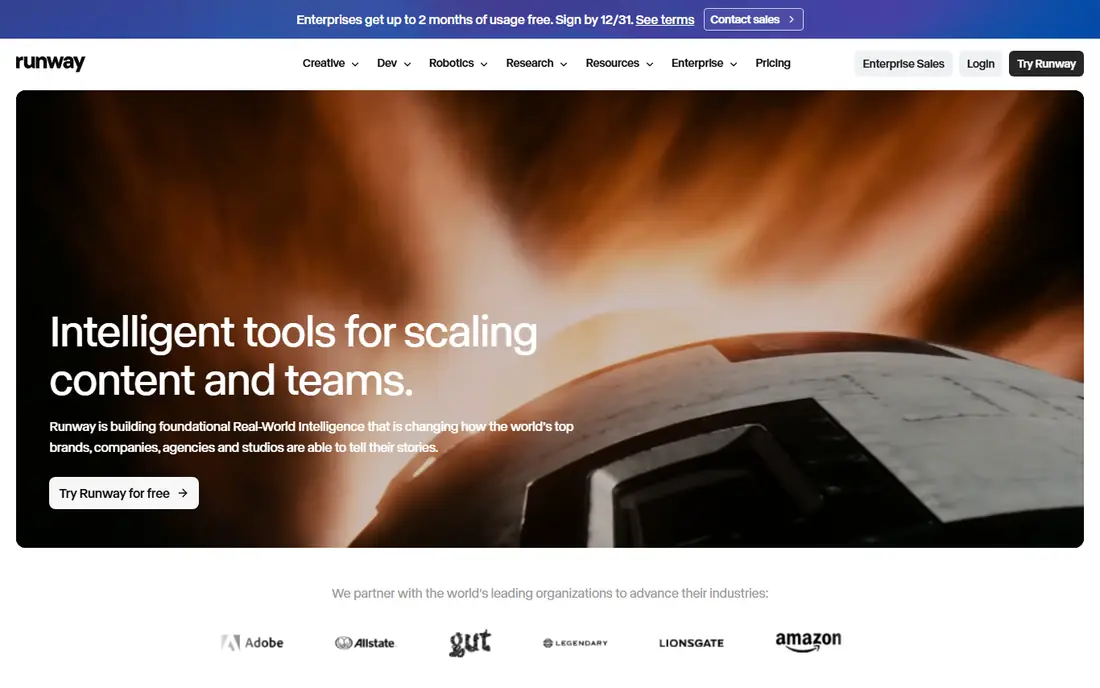
Runway suits creators who want to direct a clip, not just prompt it. Gen-4.5 offers character consistency across shots, camera controls, and a full editing workspace, so you can generate, cut, and refine in one place. That control matters for brand work, where a character or product must look the same from shot to shot.
The limit is the free tier. Runway offers limited one-time credits on the free plan, so regular use needs a paid plan, starting at $12 per month billed annually in published comparisons. Generation can also be slower and more credit-hungry than simpler tools. For creators who value control over speed, Runway is worth the price. For quick social clips, Pika or Kling may be cheaper.
- Strong character consistency
- Full editing workspace
- Camera and frame controls
- Free plan offers only one-time credits
- Paid plans needed for regular use
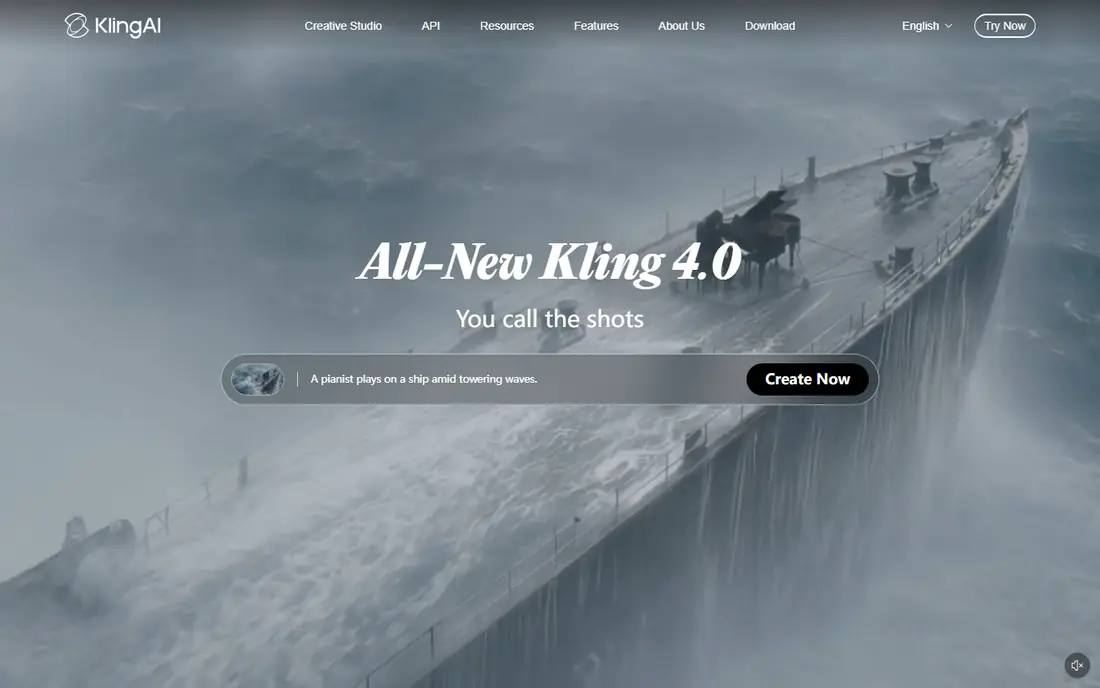
Kling, from Kuaishou, is the value pick in this list. It offers realistic human motion and lip sync at a low entry price, starting at $6.99 per month in published comparisons, with daily free credits on the free tier. For creators who make short clips every day, that combination is hard to beat, especially for social content and product demos.
The catch is credit math. Different models, resolutions, and lengths consume credits at different rates, so the monthly cost for heavy use is harder to predict than a simple per-month price suggests. Longer clips also need chaining or extensions, since single generations are short. If you plan your clips and watch credit use, Kling gives strong quality per dollar.
- Low entry price
- Realistic human motion
- Daily free credits
- Credit math can be confusing
- Longer clips need chaining or extensions
Pika suits creators who want quick, stylized clips for social media. The interface is simple, generations are fast, and paid plans start at $8 per month in published comparisons. That speed helps when you are testing many ideas, since you can iterate without waiting long for each version.
The limit is depth. Pika clips are short, and native audio is limited compared with Veo, so dialogue-led scenes may need separate audio work. It is not the best pick for cinematic brand films, but it is an excellent pick for short social clips, effects, and quick ideas. If speed and low cost matter more than realism, Pika is a strong choice.
- Fast generations
- Simple interface
- Good for stylized social content
- Shorter clips than some rivals
- Limited native audio
Luma Dream Machine, from Luma Labs, is known for photorealistic short clips and artistic camera work. It suits creators who want a cinematic look without the higher cost of some enterprise tools, and it offers a free tier for trying the model. The multi-model approach also helps when one model suits a scene better than another.
The catch is pricing clarity. Published comparisons differ on entry price, so check the current Luma pricing page before committing. Clips are also short, so longer stories need editing from multiple generations. For creators who want a strong visual style and are willing to check current pricing, Luma Dream Machine is a worthy alternative to Veo and Runway.
- Strong photorealism
- Multi-model options
- Good for artistic and cinematic clips
- Pricing varies by plan and needs checking
- Clips are short
Synthesia is a different kind of video tool. Instead of generating cinematic scenes from a prompt, it creates presenter-led videos with AI avatars that speak your script in many languages. That makes it ideal for training, onboarding, internal updates, and product explainers, where a clear presenter matters more than a film look.
The limit is scope. Synthesia will not replace Veo or Runway for ads or creative scenes, and avatar videos can feel formal for casual social content. Pricing also varies by plan, so check the current page for the tier that includes the avatars, languages, and minutes you need. For teams that make training videos often, Synthesia saves the cost and time of filming a presenter for every update.
- Realistic avatars
- Multilingual voiceover and dubbing
- Good for training and onboarding
- Not built for cinematic text-to-video
- Avatar videos can feel formal for social content
HeyGen also focuses on avatar video, with an emphasis on marketing, sales, and social content. You can create an avatar presenter, dub a video into another language, and produce short marketing clips without a studio. That speed helps small teams that need video often but cannot film every time.
The trade-off is similar to Synthesia. HeyGen is not a general cinematic generator, and avatar realism depends on the plan and the avatar you choose. Pricing varies, so check the current page before buying. For marketing teams that want presenter-led video at scale, HeyGen is a strong pick. For creative scene generation, use Veo, Runway, or Kling instead.
- AI avatars and dubbing
- Fast marketing video creation
- Translation options
- Avatar quality varies by plan
- Not a general cinematic generator
InVideo AI suits creators who want a finished video, not just a clip. Give it a topic or script, and it assembles scenes, voiceover, and text into a longer video, which helps for explainers, YouTube content, and social videos. That assembly step saves editing time, especially for creators who publish often.
The catch is control. InVideo AI is less precise for a single cinematic shot than Veo or Runway, and free exports carry limits. Paid plans remove watermarks and raise limits, so check the current pricing page for the tier you need. If your goal is a complete video from a prompt, InVideo AI is a practical pick. If your goal is a single beautiful shot, start with a dedicated generator.
- Turns a prompt into a fuller video with script, clips, and voiceover
- Good for explainers
- Less control over single cinematic shots
- Paid plans needed for watermark-free exports
Adobe Firefly Video is the brand-safe pick in this list. Adobe designed Firefly models for commercial use, which matters for businesses worried about training data and rights. It also integrates with Adobe tools, so creators already using Premiere or Express can move generated clips into editing without switching ecosystems.
The limit is realism. Firefly Video is strong for brand and marketing clips, but published comparisons place Veo ahead for pure cinematic realism. Entry pricing starts at $10 per month in published comparisons, with free credits on the free tier. For businesses that need commercially safe video and Adobe integration, Firefly Video is a sensible choice.
- Designed for commercial use
- Integrates with Adobe tools
- Free credits on free tier
- More limited than Veo for cinematic realism
- Credits needed for regular use
How we picked these
We compared official model and pricing pages for AI video tools available in October 2026. We excluded Sora because OpenAI ended consumer access in April 2026, and we excluded tools that only offer a demo or waitlist with no usable product. We judged general generators on clip quality, audio, control, and credit cost, and avatar tools on presenter quality, languages, and training use, since those jobs are different.
How to choose an AI video generation tool
Start with the job, not the model. For a cinematic ad or brand clip, choose Veo or Runway. For daily social clips on a budget, choose Kling or Pika. For training or onboarding, choose Synthesia. For marketing avatars and translation, choose HeyGen. For a complete explainer from a prompt, choose InVideo AI. For brand-safe work inside Adobe tools, choose Firefly Video.
Next, check clip length and credit cost. Most tools generate seconds per clip, so a 60-second video needs many generations and edits. Test the free tier with your real prompts, and count how many credits a usable clip actually costs, not just the headline credit count. Finally, check rights and watermark rules before publishing, since commercial use, visible logos, and invisible watermarks vary by tool and plan.
Frequently asked questions
What is the best AI video generation tool?
Google Veo is the best all-round pick for cinematic quality and native audio, while Runway is best for control and editing. Kling is the best value pick for regular short clips. The right tool depends on whether you need cinematic scenes, avatar presenters, or a complete assembled video.
Is Sora still available?
No. OpenAI ended consumer access to Sora in April 2026, so it should not be part of a buying plan in October 2026. Veo, Runway, and Kling cover the same cinematic use cases, while Synthesia and HeyGen cover presenter-led video.
How long can AI video tools generate?
Most single clips are short, often 5 to 16 seconds, with some tools supporting longer clips through extensions or chaining. Longer videos are built by combining multiple clips in an editor. InVideo AI and Synthesia are exceptions, since they assemble longer presenter or explainer videos natively.
Can I use AI-generated video commercially?
Commercial rights vary by tool, plan, input material, and jurisdiction. Adobe Firefly Video is designed for commercial use, while other tools have plan-specific terms. Always check the terms for the plan you buy, especially for ads, client work, and broadcast use, before publishing.
Do AI video tools include audio?
Some do, some do not. Veo generates native dialogue, music, and sound effects, while Synthesia and HeyGen offer voiceover and dubbing. Runway, Pika, and Luma have limited or no native audio in many plans, so you may need to add voiceover, music, or sound effects in an editor.
Sources we checked (9)

Online Jobs is an independent blog about careers, online work, learning new skills and the tools that help people earn. More about us.
Keep reading
All posts
Sora Alternatives
Compare the best sora alternatives now that Sora is discontinued, from Google Veo to Runway and Kling, with strengths and limits for video makers today.
OpenClaw Alternatives
Looking for openclaw alternatives? We compare 9 self-hosted and hosted AI agent tools, from Open WebUI and LibreChat to Manus, on setup, control, and price.

Best Text to Video AI Tools
Compare the best text to video AI tools in 2026 for cinematic clips, avatar videos, and script-to-video workflows, with pricing and free plans explained.