Best AI Video Generation Tools Cinematic in 2026: 9 Tools Compared


Photorealism and native audio · Starting price: $19.99 per month
How we put this together: we compare official feature and pricing pages, app store listings, privacy policies and public user reviews. Prices change, so check the provider's site before you pay.
Key takeaways
- Cinematic AI video means controlled shots, consistent characters, and usable motion, not just a pretty first frame.
- Google Veo 3.1 leads on photorealism and native audio, while Runway Gen-4.5 leads on camera control and editing tools.
- Kling offers the best value for human motion, and Hailuo is a strong budget option for expressive character work.
- Credit math decides the real cost, so test a representative prompt on each tool before buying a monthly plan.
- OpenAI's Sora consumer app shut down in April 2026, so buyers should favor tools with stable, published roadmaps.
Quick comparison
| Name | Who it suits | Starting price | Free option | |
|---|---|---|---|---|
| Google Veo | Photorealism and native audio | $19.99 per month | Yes | Visit |
 Runway Runway | Camera control and editing | $12 per month | Yes | Visit |
 Kling Kling | Value and human motion | $10 per month | Yes | Visit |
 Pika Pika | Fast stylized social clips | $8 per month | Yes | Visit |
 Luma Dream Machine Luma Dream Machine | Multi-model bundle | $30 per month | No | Visit |
 Hailuo Hailuo | Budget character motion | $10 per month | Yes | Visit |
 LTX Studio LTX Studio | Storyboard-first filmmaking | $15 per month | Yes | Visit |
 Moonvalley Moonvalley | Filmmaker-focused generation | See website | Free trial | Visit |
 Adobe Firefly Video Adobe Firefly Video | Commercially safe brand work | $9.99 per month | Yes | Visit |
The best AI video generation tools cinematic
Cinematic AI video generation turns a text prompt or reference image into moving footage with camera work, lighting, and performance that feels film-like. The tools below differ sharply on clip length, audio, character consistency, and cost per second, so the best pick depends on whether you need one hero shot or a full sequence. We compared official pricing pages and published October 2026 comparisons, and we excluded tools that have shut down.
Google Veo 3.1 is the tool to beat for realism. It generates footage with native audio, including dialogue, sound effects, and ambient sound that matches the scene, which saves a separate audio pass for many projects. Consumer access runs through Google AI Pro at $19.99 per month, which includes Flow credits, while higher Ultra tiers add far more credits for heavy users.
The catch is credit math. High-quality generations consume many credits, and API pricing runs from about $0.05 to $0.60 per second depending on model and resolution. For a single cinematic shot, Veo is our pick for most people. For long sequences, budget carefully and test the credit cost of your exact settings before committing.
- Strong photorealism
- Native audio and dialogue
- Available through Google Flow and Gemini plans
- Credit costs add up fast
- Best quality tiers are expensive
- Output still needs editing
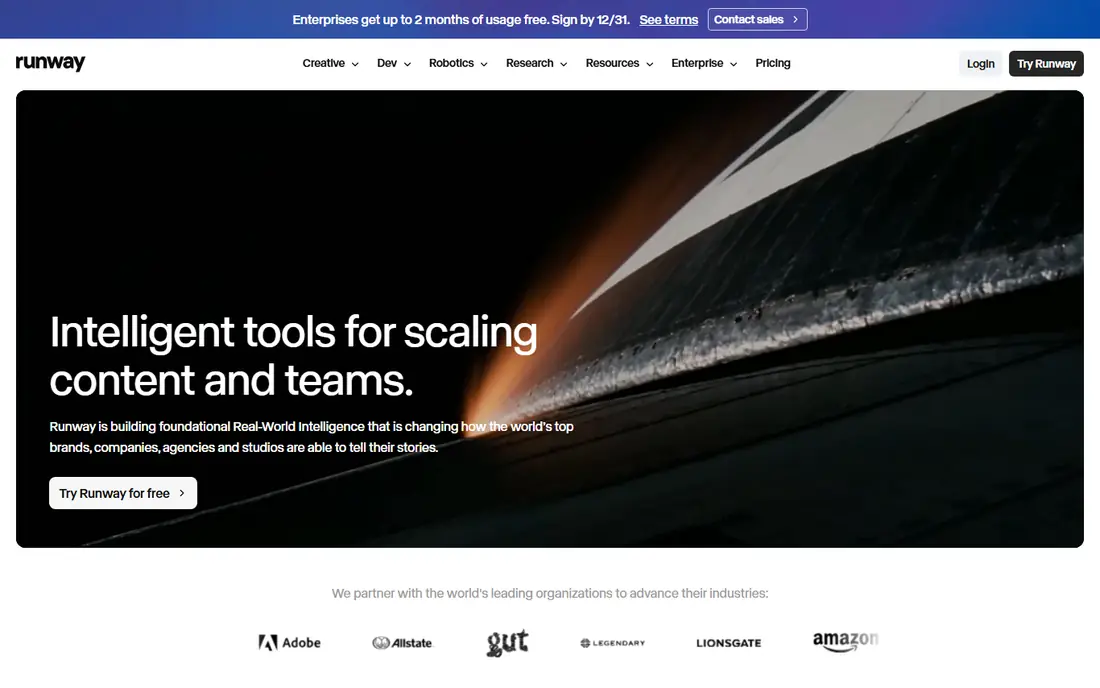
Runway pairs its Gen-4.5 video model with an editing workspace, so a generated shot can be extended, restyled, or cleaned up without leaving the app. Camera controls, motion brushes, and reference-based consistency help directors shape a shot rather than accept whatever the first generation returns. The Standard plan costs about $12 per month billed annually, with 125 free credits to start.
Credit math is the honest warning. Published conversions of credits into seconds disagree across sources, so spend the free credits on a representative prompt before paying. For filmmakers who think in shots and sequences, Runway remains the most director-friendly platform in this list.
- Gen-4.5 model
- Strong camera and motion controls
- Full editing workspace around generation
- Credit conversions vary
- Top tiers cost much more
- Audio is limited beside Veo
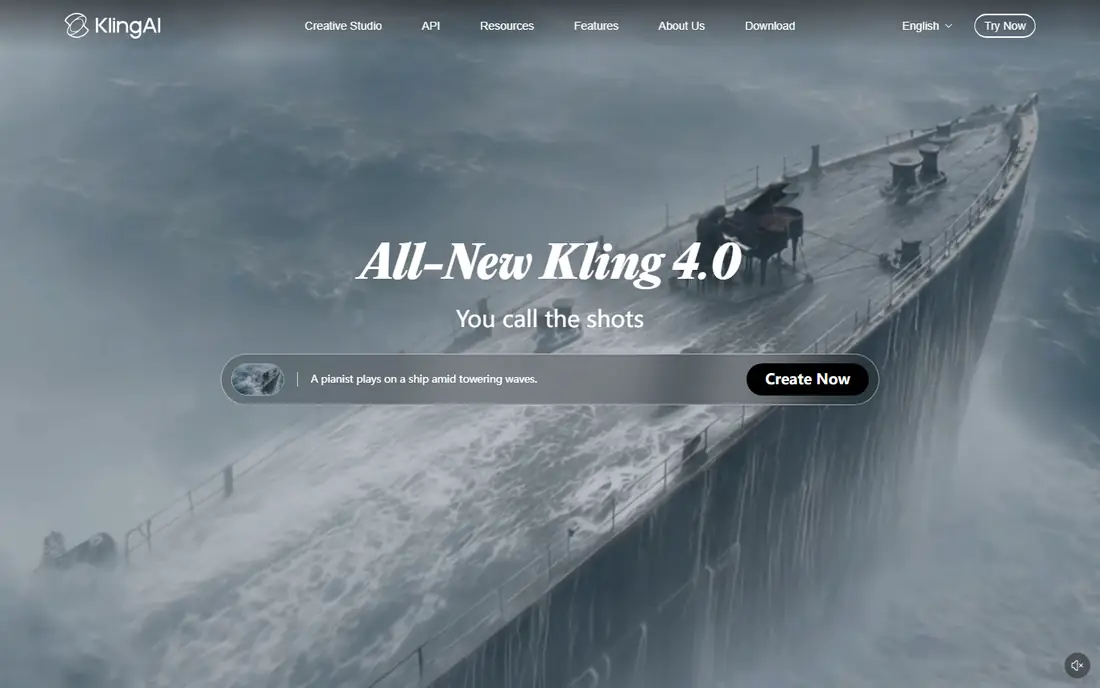
Kling, from Kuaishou, offers the best value for cinematic motion, especially human movement, dance, and action that other models render stiffly. Paid plans start near $10 per month, with daily free credits on the free tier, and multilingual lip-sync helps creators working across languages. Longer clips and higher resolutions sit on higher tiers.
Free and lower tiers can mean queue times, and results vary more with prompt quality than on Veo or Runway. For creators who iterate often and need many takes, Kling gives the most footage per dollar, and that volume matters when only a fraction of generations make the final cut.
- Strong human motion
- Good value per clip
- Multilingual lip-sync options
- Queue times on lower tiers
- Quality varies by prompt
- Interface is busy
Pika is built for speed and style. It generates short, effect-driven clips quickly, with camera presets and creative effects that suit social content, music visuals, and stylized sequences. Paid plans start near $8 per month on annual billing, and a free plan covers testing with watermarked output.
Pika is not the first pick for photorealistic feature-style footage. Clips run shorter, and control over camera and character consistency trails Runway and Veo. For fast iteration, mood pieces, and stylized work, though, Pika is a useful, low-cost tool in a cinematic toolkit.
- Fast generation
- Strong stylized effects
- Low entry price
- Shorter clips
- Less photorealistic than Veo
- Cinematic control is limited
Luma Dream Machine, built around its Ray models, is known for smooth, cinematic motion and fast iteration. Its pricing page lists Plus at $30 per month with 10,000 credits, Pro at $90, and Ultra at $300, with yearly billing saving about 20 percent. Paid plans also offer access to outside models, including Veo and Kling, which makes Luma a useful hub for comparing models.
The current catch is the lack of a free individual plan, so testing requires paying, and a five-second 1080p clip can consume several hundred credits. Buyers should check the current credit table before subscribing, since the number of usable clips per month is lower than the headline credit count suggests.
- Ray models with smooth motion
- Access to outside models on paid plans
- Fast iteration
- No free individual plan currently
- Plus tier credits run out fast
- Higher tiers are pricey
Hailuo, from MiniMax, is the budget pick for expressive character work. It handles faces, gestures, and emotional performance better than its price suggests, and daily free credits let creators test prompts without paying. Paid plans start near $10 per month, with higher tiers for more volume and resolution.
Clips run shorter than Kling or Veo at comparable settings, and output quality varies by prompt and scene type. Commercial licensing terms also deserve a check before client work. For creators on a tight budget who need character-driven shots, Hailuo delivers strong value.
- Expressive character motion
- Low cost
- Daily free credits
- Shorter clips
- Quality varies
- Commercial terms need checking per plan
LTX Studio, from Lightricks, treats AI video as filmmaking rather than clip generation. Users write a script, build storyboards, cast characters, and direct scenes with camera and style controls, then generate a sequence that holds together better than disconnected clips. The Lite plan costs about $15 per month, Standard about $35 with commercial rights, and Pro about $125.
The free tier is personal use only, with a fixed computing-seconds budget that depletes fast at high resolution. The workflow also takes time to learn. For short films, ads, and branded sequences where consistency matters more than single-clip novelty, LTX Studio is the most complete filmmaking tool here.
- Full script-to-storyboard workflow
- Strong character consistency
- Includes Veo on higher tiers
- Steep learning curve
- Free tier is personal use only
- Commercial rights start at $35 per month
Moonvalley positions itself as a filmmaker-first video model, with controls for camera movement, style, and shot structure that suit directors more than casual creators. Its public positioning stresses clean licensing and professional workflows, which matters for commercial projects that need clear rights.
Pricing is not published as a simple monthly figure, so buyers should request current terms and test output before committing. The community and tutorial base is also smaller than Runway or Veo. For teams that want a director-oriented alternative with a professional focus, Moonvalley deserves a trial beside the larger names.
- Built with filmmakers in mind
- Strong camera and style controls
- Clean commercial positioning
- Pricing is not published simply
- Smaller community than Runway or Veo
Adobe Firefly Video suits brands and agencies that care about licensing and provenance. Adobe trains Firefly on licensed content, and content credentials help track how assets were made, which reduces legal risk for commercial campaigns. Paid plans start near $9.99 per month, with free daily generations on the free tier, and integration with Premiere Pro and other Adobe apps smooths the edit.
The trade-off is realism. Firefly trails Veo and Runway on photorealistic cinematic footage, and generation allowances vary by plan. For brand work where rights and client approval matter as much as visual wow, Firefly is the safest pick, and it pairs well with a more cinematic model for hero shots.
- Commercially safe training approach
- Integrates with Adobe apps
- Clear content credentials
- Less cinematic realism than Veo
- Generation limits vary by plan
- Best inside Adobe ecosystem
How we picked these
We compared official pricing pages, model documentation, and published October 2026 comparisons, favoring tools that are actively available and genuinely aimed at cinematic output rather than avatar or slideshow video. Where pricing is credit-based, we reported the entry monthly price and flagged credit math as the real cost driver. We excluded Sora because its consumer app shut down in April 2026. We did not claim hands-on testing we did not do.
How to choose the right cinematic tool
Start with the shot list. Single photorealistic hero shots point to Veo, directed sequences point to Runway or LTX Studio, and high-volume iteration points to Kling or Hailuo. Check clip length, audio needs, and character consistency for your exact scenes, since headline quality claims hide those limits.
Then test with your own prompts. Generate the same scene on two or three finalists, count the usable takes, and divide the monthly price by usable seconds, not by total credits. Confirm commercial rights, output resolution, and watermark rules before client work, and budget editing time, since even the best AI footage needs cutting, sound, and color work to feel cinematic.
Frequently asked questions
What is the best AI video generation tool for cinematic video?
Google Veo 3.1 leads on photorealism and native audio, while Runway Gen-4.5 leads on camera control and editing. LTX Studio leads for full sequences with consistent characters, so the best pick depends on whether you need one shot or a whole scene.
How much does cinematic AI video cost?
Entry plans run from about $8 to $30 per month, but the real cost is credits per usable second. High-quality clips consume credits fast, so test a representative prompt and count usable takes before judging any plan as cheap or expensive.
Can AI video replace a film crew?
No. AI video works best for pre-visualization, short sequences, ads, and shots that are costly or impossible to film. Full productions still need human direction, editing, sound design, and quality control to hold together as a finished film.
Do AI video tools include audio?
Some do. Veo generates native dialogue and sound, Kling and Hailuo offer audio options, while Runway and several others have limited native audio. Check the current audio support for your chosen model before planning a project around it.
What happened to Sora?
OpenAI shut down the Sora consumer app in April 2026, and its API followed later that year, according to published reports. Creators who relied on Sora should migrate to Veo, Runway, or Kling and re-test their prompts, since no model reproduces another exactly.
Can I use AI video commercially?
It depends on the tool and plan. Some free tiers allow personal use only, while paid tiers grant commercial rights, so read the license for your exact plan before client work. Brand projects should also confirm training-data and content-credential policies.
Sources we checked (9)

Online Jobs is an independent blog about careers, online work, learning new skills and the tools that help people earn. More about us.
Keep reading
All posts
Top Rated Poster Maker Software
Top rated poster maker software compared for 2026: Canva, Adobe Express, VistaCreate, PosterMyWall and more for events, sales and classrooms for US users.

Best Tools for Print Design
Compare the best tools for print design, from professional layout and vector software to browser tools, free editors, team publishing platforms and press prep.

Best Tools for Motion Design
Compare the best tools for motion design in 2026. We review 8 apps for 2D animation, 3D motion, interactive graphics, pricing and free plans. Start here.