Best AI Video Face Swap Tools in 2026: 8 Tools Compared

How we put this together: we compare official feature and pricing pages, app store listings, privacy policies and public user reviews. Prices change, so check the provider's site before you pay.
Key takeaways
- Only swap your own face or a face you have clear permission to use: non consensual face swaps, especially sexualized ones, can be illegal and are banned by major platforms.
- Video quality depends on clip length, lighting, movement and resolution, so a tool that looks good on a short clip may struggle on a long, fast moving video.
- Cloud tools are easier to start with, while open source tools such as FaceFusion give more privacy and control at the cost of setup time.
- Free tiers are useful for short tests, but watermark free, high resolution video usually needs a paid plan or credits.
- Check output labeling, commercial rights and the tool's abuse policy before using a swap in client work or public content.
Quick comparison
| Name | Who it suits | Starting price | Free option | |
|---|---|---|---|---|
 Magic Hour Magic Hour | All round video face swaps | See website | Yes | Visit |
 DeepSwap DeepSwap | Long videos and multi face swaps | See website | Free trial | Visit |
 Akool Akool | Marketing teams and scale | See website | Free trial | Visit |
 Reface Reface | Quick mobile template swaps | See website | Yes | Visit |
 Vidnoz Vidnoz | Free daily video swaps | See website | Yes | Visit |
 FaceFusion FaceFusion | Private offline swaps | Free | Yes | Visit |
 Remaker AI Remaker AI | Batch and multi face work | See website | Yes | Visit |
 Swapface Swapface | Real time live swaps | See website | Yes | Visit |
The best ai video face swap tools
Face swap tools replace a face in a video with another face, for uses such as putting yourself into a scene, creating a consistent character for a brand video, or testing a creative idea. We compared official feature pages, pricing pages and safety policies, and we excluded tools marketed for non consensual deepfakes. Use only faces you own or have permission to use.
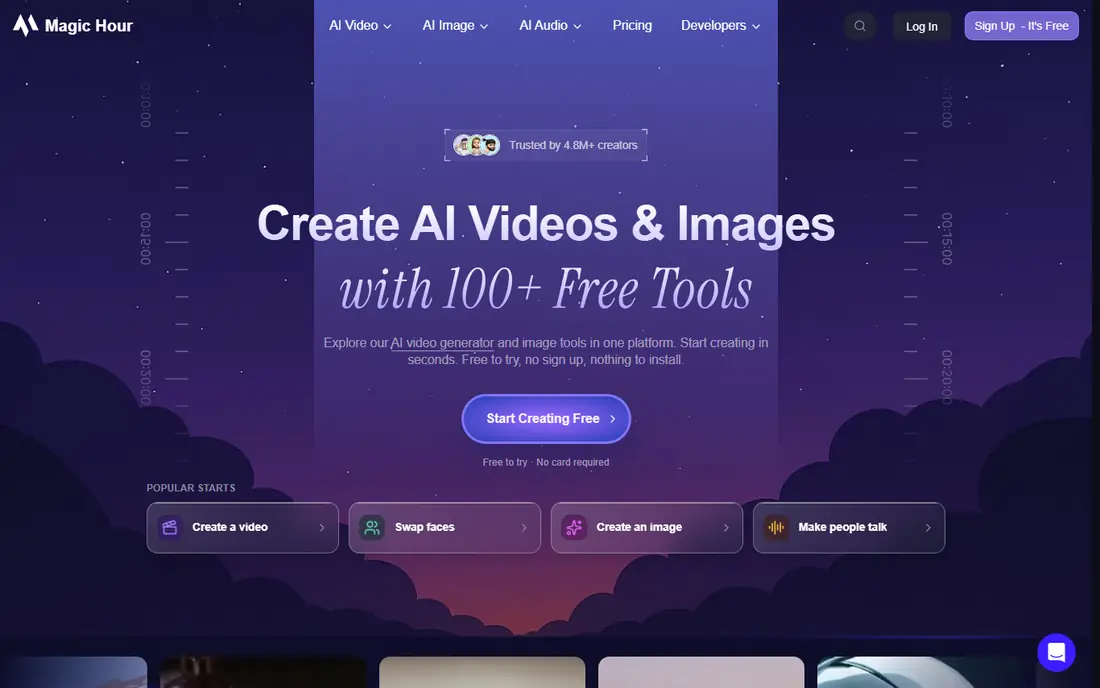
Magic Hour is our pick for most creators because it combines video face swapping with other video tools in one web app. You upload a video and a face photo, run the swap, and review the result without installing software or training a model. For social clips, ads and short brand videos, that simple flow is a major advantage.
The limit is cost at scale. Free credits cover short tests, but longer videos, higher resolutions and multi face swaps use more credits or need a paid plan. Check the current credit pricing for your typical clip length before you plan a series, and always test a short clip first to judge lighting and movement handling.
- Video face swap plus a wider AI video suite
- Free credits to test
- Multi face support on paid plans in past listings
- Paid plans needed for higher volume and resolution
- Cloud processing means upload time
- Credit costs vary by clip length
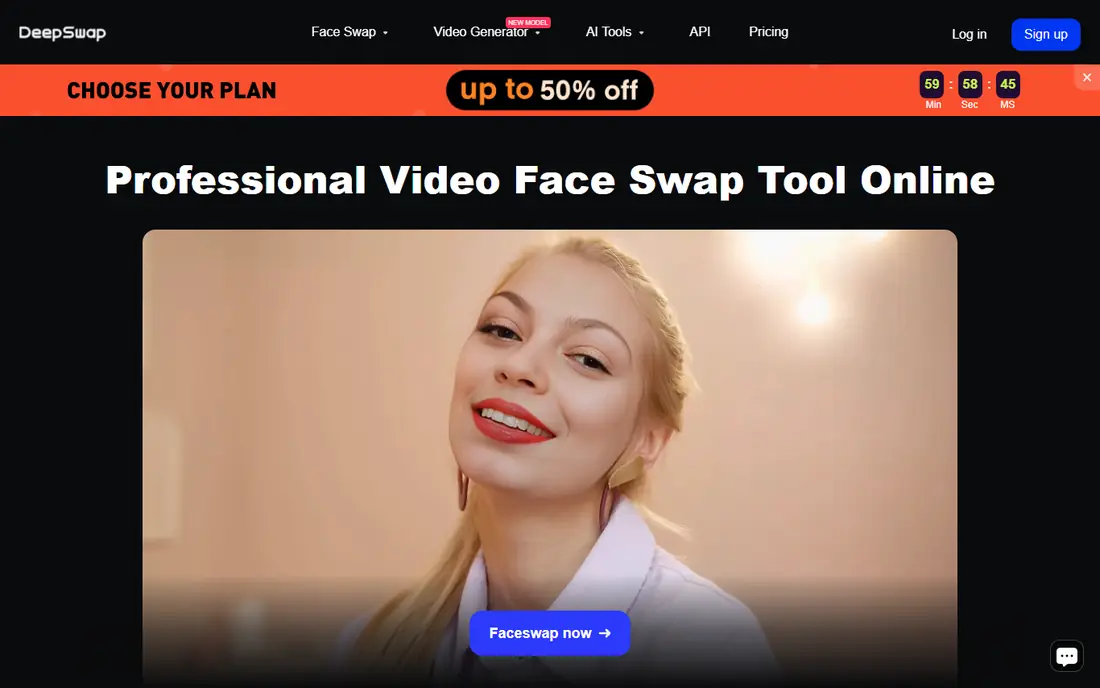
DeepSwap suits creators who need longer or group swaps that simpler apps handle poorly. It can process videos up to thirty minutes in past listings, swap multiple faces in one clip, and output at higher resolutions on paid plans. For a scene with several people, or for a longer clip that needs consistent identity, DeepSwap is a practical choice.
Pricing is credit based and tied to video length, so a long video costs far more than a short social clip. Trial credits let you test quality, but there is no lasting free tier to rely on. Test with your hardest clip, including movement and changing light, before buying credits for a full project.
- Supports longer videos and up to six faces in past listings
- Up to 4K output on higher plans
- Browser based, no install
- No permanent free tier in past listings
- Credit use depends on video length
- Results vary with fast movement and side profiles
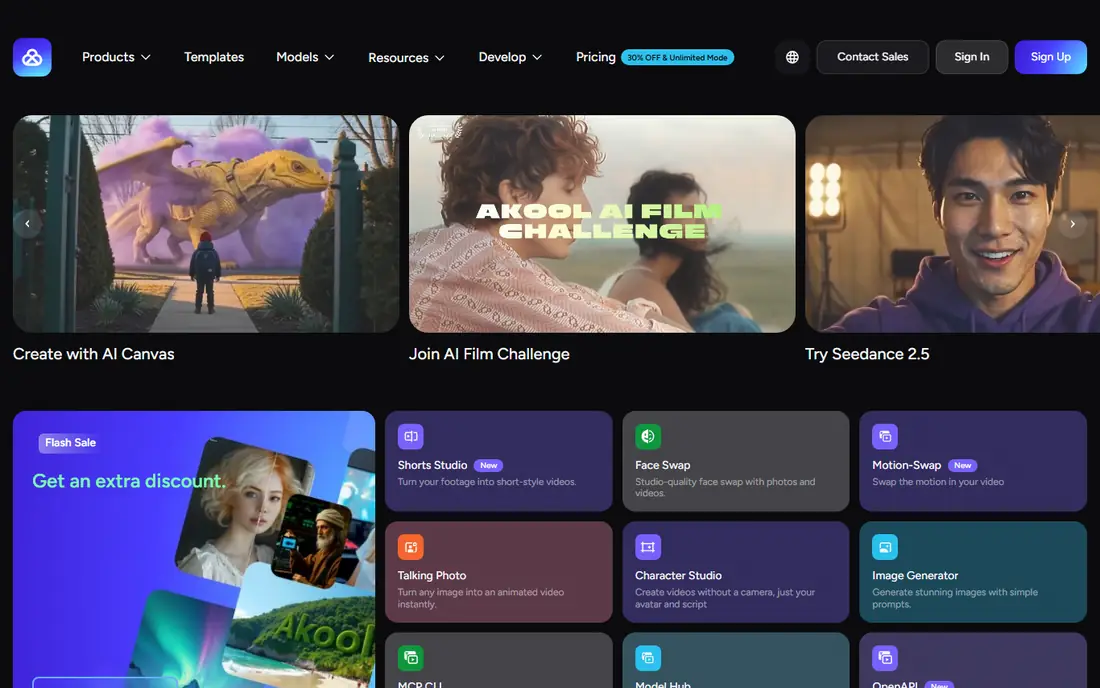
Akool is built for marketing teams that need face swaps at scale, alongside personalized video, avatar and translation features. Its API lets teams generate many variants for campaigns, and its multi face support helps for group scenes. For a brand that needs consistent faces across many videos, Akool's platform approach makes sense.
Casual users will find Akool expensive and complex compared with Magic Hour or Reface. Commercial pricing is higher, and trial output has been watermarked and limited to lower resolution in past listings. Use Akool if you have a team workflow and a budget for scale. For a single fun clip, a simpler tool is better value.
- Face swap plus personalized video and translation tools
- API for scale
- Multi face support and higher resolutions on paid plans
- Higher pricing for commercial use
- Trial output is watermarked in past listings
- Setup is heavier for casual users
Reface is the easiest mobile option for short, fun swaps. You pick a template video, add your own face, and get a short clip in seconds, which is ideal for social posts and messages. The app is designed for casual use, and its free tier lets you try swaps without a subscription, though output carries a watermark.
Custom work is the limit. Reface templates suit short clips, not long custom videos or complex scenes, and serious creators will outgrow it quickly. It is still a good starting point for testing face swap ideas on your phone, as long as you use only your own face or a face you have permission to use.
- Fast mobile swaps using templates
- Simple app flow for short clips
- Free tier with watermark
- Template based, so custom long videos are limited
- Free output is watermarked
- Paid plans needed for full features
Vidnoz is a good free first test for video face swaps, because it has offered daily free credits in past listings. That lets you try several short swaps without paying, and its web app handles video and multi face work without installation. For a creator on a tight budget, Vidnoz gives a real chance to judge quality before spending.
Free limits are real. Daily credits, resolution and length caps mean longer or higher quality work will need a paid plan, and paid pricing varies by plan and region. Check the current credit allowance and paid tiers on the Vidnoz site, and test a clip that matches your real project, not just an easy well lit example.
- Free daily credits in past listings
- Video and multi face support
- Web based with no install
- Free output limits apply
- Paid pricing varies by plan
- Quality varies by clip complexity
FaceFusion is the pick for privacy and control. It is open source and runs on your own computer, so your video and face photos do not need to be uploaded to a cloud service. That matters for sensitive client work, unreleased footage or anyone who prefers to keep source material local. It also costs nothing in license fees.
The cost is time and hardware. Installing FaceFusion, setting up dependencies and tuning settings needs technical skill, and rendering speed depends on your graphics hardware. There is no support team to call if a setting fails. If you have the skills and a capable machine, FaceFusion offers the most control here. If you do not, a cloud tool will be faster to use.
- Free and open source
- Runs locally, so video stays on your machine
- High control over settings and output
- Setup needs technical skill and a capable computer
- No vendor support
- Processing speed depends on your hardware
Remaker AI suits creators who need to swap faces across many clips or images without a complex video suite. Its batch workflow helps for a series of short videos, product demos or social clips that share a face, and its multi face support covers group shots. The free tier lets you test the workflow before paying.
It is not a full video editor, so creators who need editing, effects and face swapping in one place may prefer Magic Hour. Video length, resolution and credit limits also vary by plan, so check the current Remaker pricing page for your batch size. For straightforward batch swaps, Remaker is a practical, low friction option.
- Batch swaps for photos and video
- Multi face support
- Free tier for short tests
- Free tier limits apply
- Video length and resolution limits vary by plan
- Interface is simpler than full video suites
Swapface does a different job from the rest of this list: it swaps faces live, for streaming, calls and live video, rather than editing a recorded clip afterward. For a streamer who wants to appear as a character, or for a live demo with a swapped face, that real time ability is unique here. Basic access has been free in past listings.
Live quality depends heavily on your camera, lighting and computer, and setting it up with streaming software takes care. For a polished edited video, a cloud or offline editor will give better results. For live use, with your own face and with clear disclosure to your audience where required, Swapface is the tool built for the job.
- Real time face swapping for live video and streaming
- Works on Windows and Mac in past listings
- Free access for basic use
- Real time quality depends on camera and hardware
- Setup needs care for streaming software
- Less suited to polished edited videos
How we picked these
We compared official feature pages, pricing pages and safety policies, and we favored tools that are still operating, that support video (not photos only), and that state consent or abuse policies. We did not claim hands on testing, and we did not include tools marketed for non consensual deepfakes, regardless of their features or price.
We also weighted practical video factors: clip length limits, multi face support, resolution, credit model and whether processing is cloud based or local. A tool that only handles short clips is a poor pick for a creator who needs longer videos, even if its short clip quality is good.
What to check before you use a face swap tool
Get permission and disclose where required
Use only your own face or a face you have explicit permission to use, and check platform rules about labeling AI altered video. Some platforms require disclosure for realistic face swaps, and client work may need written consent and a clear record of who approved the swap. When in doubt, do not use a real person's face.
Test with your hardest clip first
Run a short test with movement, side profiles, changing light and glasses or hats if your project includes them. Those conditions reveal flicker, identity drift and edge problems that a well lit front facing test hides. A tool that passes your hardest clip is worth paying for. One that only passes easy clips is not.
Check commercial rights and output labeling
Read the license for your plan, especially for client, advertising or monetized use, because free and trial plans often limit commercial rights. Check whether output is watermarked, whether the tool labels AI content, and whether you must add your own disclosure. Those details matter for public and commercial work.
Protect source video and faces
Cloud tools upload your video and face photos to their servers, so read the privacy policy and avoid uploading sensitive, unreleased or third party footage without permission. Local tools such as FaceFusion keep files on your machine, which is safer for sensitive projects, but you must still secure the output files yourself.
Frequently asked questions
What is the best ai video face swap tool overall?
Magic Hour is the best all round pick for most creators, because it combines video face swapping with a wider video suite and a usable free tier. DeepSwap suits longer and multi face videos, Akool suits marketing teams at scale, and FaceFusion suits users who want private offline processing.
Is it legal to face swap a video?
It depends on permission, purpose and location. Swapping your own face, or a face you have permission to use, for creative or marketing work is generally allowed, while non consensual swaps, especially sexualized or deceptive ones, can be illegal and are banned by major platforms. Get written permission and follow platform labeling rules.
Can I face swap a video for free?
Yes, for short tests. Magic Hour, Vidnoz, Reface, Remaker AI and FaceFusion offer free tiers or free use, though free output may be watermarked, limited in length or resolution, or credit capped. For longer, high resolution or commercial work, expect to pay for credits or a plan.
What is the difference between a photo face swap and a video face swap?
A photo swap changes one still image, while a video swap must keep identity consistent across many frames, with movement, lighting changes and expressions. Video swaps are harder, need more processing, and are more likely to show flicker or drift, which is why clip length and movement matter when choosing a tool.
Do face swap tools work on long videos?
Some do, but cost and quality vary. DeepSwap has supported longer videos and multi face swaps in past listings, while many mobile and free tools are limited to short clips. Check the maximum length, credit cost per minute and resolution for your plan before starting a long project.
Should I tell viewers that a video uses a face swap?
Yes, where the swap could mislead viewers, and always follow platform rules for AI altered content. Disclosure protects you and your audience, especially for realistic swaps of real people. For your own face in a clearly creative or comedic clip, a simple note in the description is often enough, but check the platform policy first.
Sources we checked (8)

Online Jobs is an independent blog about careers, online work, learning new skills and the tools that help people earn. More about us.
Keep reading
All posts
Zoom Alternatives
Zoom alternatives compared for 2026: Google Meet, Microsoft Teams, Webex, Jitsi and more for free calls, large meetings and webinars for teams and classrooms.

What Is the Best Free Tool to Rotate a PDF
What is the best free tool to rotate a PDF? We compare eight free rotation tools on per-page control, limits, privacy and saved output quality in detail.

What Is the Best AI Dubbing Tool
We compared the best AI dubbing tools in 2026, from ElevenLabs and HeyGen to Rask AI, Dubverse and Veed, for videos and creators in many languages worldwide.