Best AI Video Dubbing Tools in 2026: 9 Tools Compared

How we put this together: we compare official feature and pricing pages, app store listings, privacy policies and public user reviews. Prices change, so check the provider's site before you pay.
Key takeaways
- HeyGen is our pick for creators who want translation, voice cloning, and lip sync in one video workflow.
- Rask AI suits teams localising longer videos and courses, with support for many languages and speaker handling.
- ElevenLabs Dubbing suits creators who already use ElevenLabs voices and want high quality dubbed audio with careful control.
- Dubverse, Murf AI, and VEED suit smaller teams and creators who need dubbing beside editing, captions, or voiceover work.
- AI dubbing works best with a human review pass, especially for names, tone, and cultural references that a machine can miss.
Quick comparison
| Name | Who it suits | Starting price | Free option | |
|---|---|---|---|---|
 HeyGen | Lip sync video translation | See website | Free trial | Visit |
 Rask AI | Long video localisation | See website | Free trial | Visit |
 ElevenLabs | High quality dubbed voices | See website | Yes | Visit |
 Dubverse | Fast multilingual dubbing | See website | Free trial | Visit |
 Murf AI | Voiceover plus dubbing | See website | Free trial | Visit |
 VEED | Dubbing inside video editing | See website | Yes | Visit |
 Kapwing | Dubbing for social video | See website | Yes | Visit |
 Maestra | Dubbing plus transcription | See website | Free trial | Visit |
 Camb.ai | Dubbing for media and sports | See website | Free trial | Visit |
The best ai video dubbing tools
AI video dubbing translates speech, generates a new voice track, and in some tools adjusts lip movement to match the new language. That workflow helps creators reach audiences in other languages without re recording every video. We compared nine tools that are still active in October 2026, looking at languages, voice quality, lip sync, editing, and pricing model.
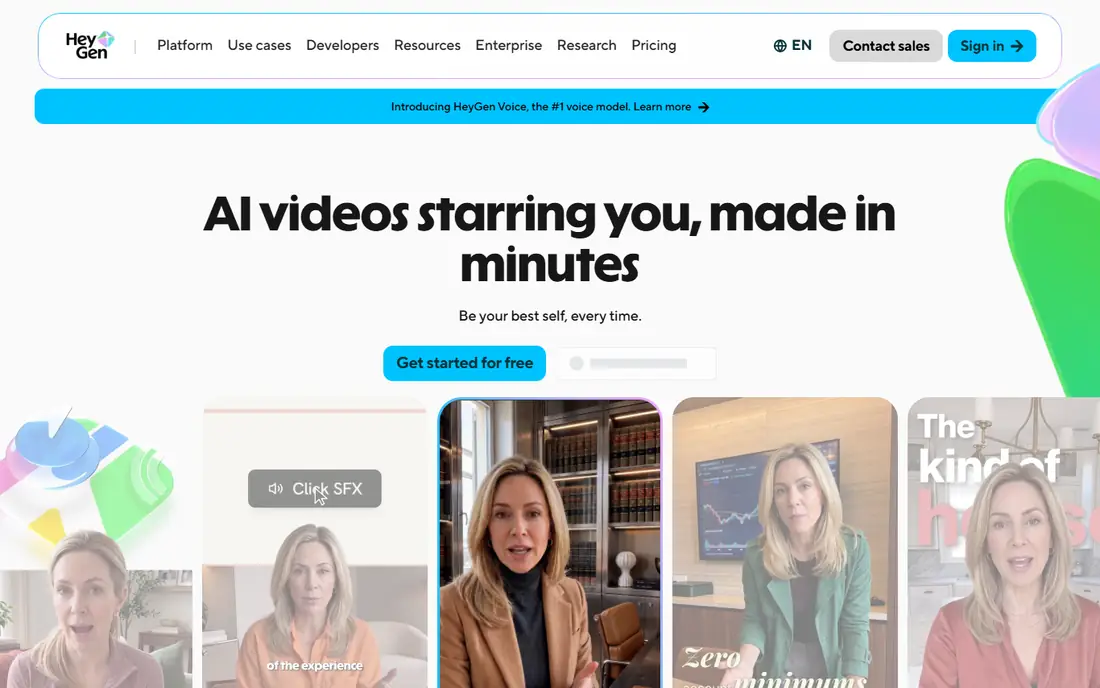
HeyGen is the most complete creator tool on this list for video translation. Upload a video, pick a target language, and HeyGen translates the speech, clones the voice where enabled, and adjusts lip movement to match the new audio. That lip sync step is what separates a dubbed video that feels natural from one that feels like a voiceover laid over mismatched lips.
Credits are the main cost to watch. Longer videos and more languages consume credits faster than a short social clip, so check the credit cost for a typical video before committing. For creators who publish talking head videos and want a polished translated version, HeyGen is a strong first choice.
- Video translation with lip sync
- Voice cloning for consistent speaker voice
- Avatar and editing tools in the same platform
- Pricing is credit based and long videos use credits quickly
- Lip sync quality varies by footage and language
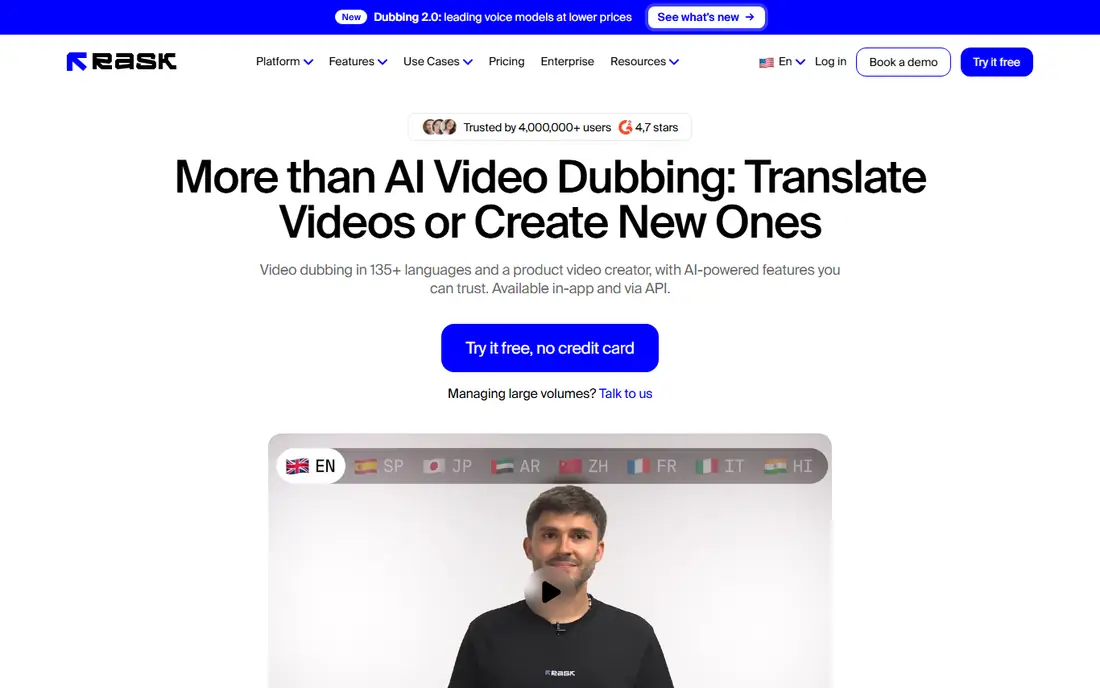
Rask AI suits teams that localise courses, webinars, and long interviews rather than short clips. It transcribes the original, translates it, and generates dubbed audio, with speaker handling for multi speaker videos. A transcript editor lets a human fix names, terms, and translation errors before the final dub is rendered, which matters for training content.
Minute based pricing means a long course library can become expensive, so estimate total minutes before signing. For education and corporate training teams, Rask AI offers a workflow built for length and accuracy, with human editing built into the process rather than added after.
- Handles long videos and courses
- Many languages and speaker detection
- Transcript editing for corrections
- Pricing is subscription and minute based
- Lip sync and voice cloning need a check on higher plans
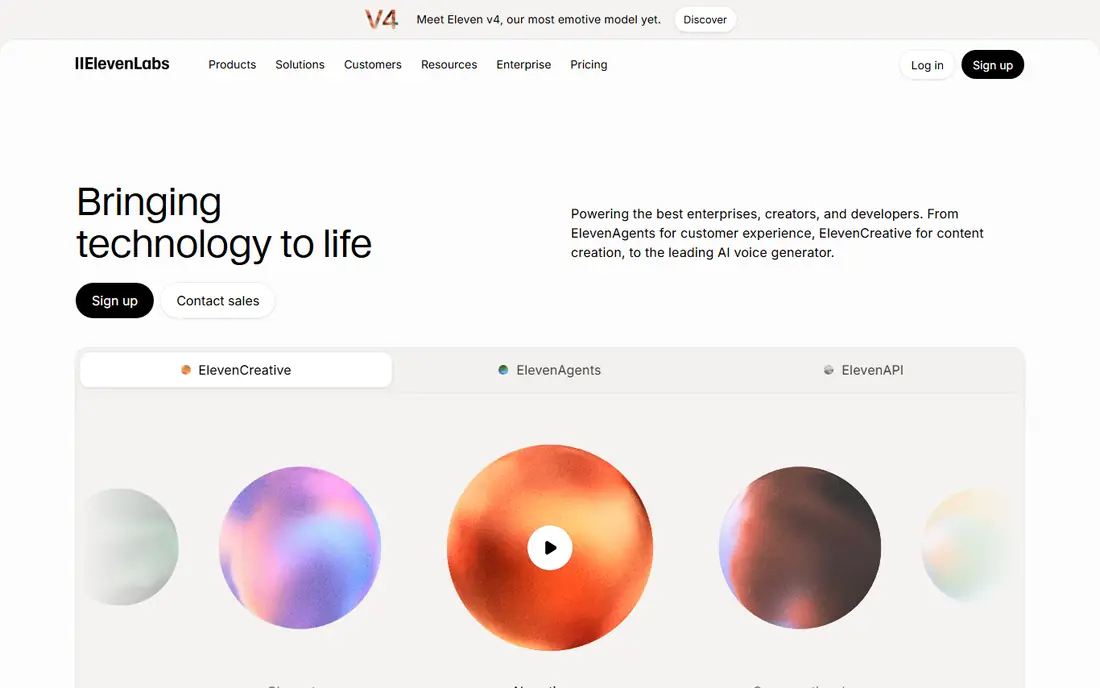
ElevenLabs is known for voice quality, and its dubbing tools bring that strength to video. Creators can dub a video into another language, keep the speaker's voice character where cloning is enabled, and adjust timing in the dubbing studio. That control helps when a translation runs longer than the original and needs pacing changes.
ElevenLabs is less of a full video editor than HeyGen or VEED, so teams may export dubbed audio and finish in an editor. The free tier allows testing with limited credits, while larger projects need a paid plan. For voice quality first, ElevenLabs is a top pick.
- High quality voices and voice cloning
- Dubbing studio for timing and control
- Wide language support
- Credit based pricing
- Video editing and lip sync are lighter than HeyGen
Dubverse focuses on speed. Creators upload a video, choose a language and voice, and receive a dubbed version without a long editing process. That simplicity suits YouTubers, educators, and marketing teams who need many videos translated quickly and who will review the result before publishing.
Lower plans limit minutes, so a team with a large back catalogue should check total cost early. Dubverse is best for volume dubbing where a human review pass catches errors, rather than for a single high end production that needs detailed lip sync work.
- Fast dubbing for creators and teams
- Many languages
- Speaker and tone options for dubbed audio
- Credit and minute limits on lower plans
- Lip sync features vary by plan
Murf AI is a voice studio first, with dubbing as part of a wider voiceover workflow. Users can pick from many voices, adjust pauses and pronunciation, and generate narration for videos, courses, and presentations. That control suits teams that need consistent narration across many videos, not just a one off translation.
Lip sync is not Murf's main strength, so a team that needs matched lips should pair Murf audio with a lip sync tool or choose HeyGen. For voiceover heavy work where tone and clarity matter, Murf offers a polished studio and a broad voice choice.
- Large voice library for narration and dubbing
- Studio for timing, pauses, and pronunciation
- Team collaboration tools
- Video dubbing is part of a broader voice platform, not a lip sync specialist
- Pricing is subscription based
VEED suits creators who want dubbing inside the editor they already use. A video can be translated, captioned, subtitled, and edited in one browser workspace, without exporting audio between tools. That single workflow saves time for social and marketing teams that publish often.
The free plan covers basic use, while higher quality voices and exports sit on paid plans. VEED is not the deepest dubbing specialist on this list, but for a creator who edits and dubs in the same session, it removes friction and keeps the project in one place.
- Dubbing beside full video editing, captions, and subtitles
- Browser based workflow
- Free plan for basic use
- Advanced dubbing and export options need a paid plan
- Voice quality varies by language
Kapwing is a browser video editor popular with social teams, and its dubbing tools fit short form content. Creators can dub a clip, add captions, resize for social formats, and share for review without desktop software. That speed suits teams that publish many short videos a week.
Specialist dubbing tools offer deeper language support and voice control, so Kapwing is best for social clips rather than long courses or films. For a quick translated version of a short video, Kapwing is easy to test on the free plan.
- Browser editor with dubbing, captions, and social formats
- Easy sharing and collaboration
- Free plan for testing
- Dubbing quality and language depth are lighter than specialist tools
- Exports carry limits on free plan
Maestra combines transcription, subtitles, and voice dubbing, which suits teams that need all three from one source file. A video can be transcribed, translated, subtitled, and dubbed, with an editor for fixing transcript errors before final output. That pipeline helps news, education, and corporate teams that publish accessible versions beside dubbed versions.
The interface is more functional than polished, and the best dubbing features sit on paid plans. For a team that values transcript accuracy and combined outputs, Maestra offers a practical workflow without buying three separate tools.
- Transcription, subtitling, and dubbing in one platform
- Editor for transcript corrections
- Many languages
- Interface is utilitarian
- Advanced dubbing features need a paid plan
Camb.ai targets media, sports, and entertainment teams that need dubbing at scale, including live and near live content. Its platform handles many languages and is built for broadcast workflows, where timing and delivery matter as much as translation quality. That focus makes it a strong choice for publishers and rights holders.
Smaller creators may find HeyGen, Rask AI, or VEED simpler and cheaper for occasional videos. For a media team with regular multilingual output, Camb.ai offers a workflow built for volume and delivery deadlines.
- Dubbing for live and recorded media
- Many languages
- Tools for broadcast and sports content
- Pricing is custom for larger media use
- Smaller creators may find simpler tools easier
How we picked these
We looked for tools that are still active in October 2026, that offer AI video dubbing rather than text to speech alone, and that publish a clear product page and pricing model. For each tool, we checked the vendor site for language support, voice cloning, lip sync, and editing features, and we kept only tools with a working official homepage. We favoured tools that let a human review and correct a transcript before final rendering.
We did not rank tools on voice quality scores, because quality varies by language, speaker, and source audio. Where pricing is credit or minute based, we say so. Always test with a real video in your target language, check names and tone, and get consent before cloning any person's voice.
Using AI dubbing well
Get consent for voice cloning
Only clone a voice with clear permission from the speaker, and keep a record of that consent. Cloning without permission can breach trust and, in some places, the law.
Review the transcript first
Fix names, product terms, and cultural references in the transcript before generating audio. A corrected transcript prevents errors from spreading into every language version.
Check lip sync on real footage
Lip sync works best on clear front facing footage. Test a short clip with your typical camera angle and lighting before dubbing a full series.
Publish with language labels
Label each version by language and keep the original available. Viewers should know they are watching a dubbed version, and they should be able to find the original easily.
Frequently asked questions
What is the best AI tool for video dubbing?
HeyGen is our pick for creators who want translation, voice cloning, and lip sync in one tool. Rask AI suits long videos and courses, while ElevenLabs suits creators who prioritise voice quality and control.
What is the best AI video dubbing software for YouTube?
HeyGen, Dubverse, and VEED are strong YouTube choices, with HeyGen leading on lip sync and VEED leading on editing in the same workspace. Test a real video in your target language before dubbing a full channel.
Can AI dubbing clone my voice?
Yes, several tools offer voice cloning, including HeyGen and ElevenLabs, but cloning should only be done with the speaker's clear consent. Check the vendor policy on consent and on how cloned voices can be used.
How many languages do AI dubbing tools support?
Language counts vary by tool and change often, with leading tools supporting dozens of languages. Check the vendor language list for your exact target language and dialect before buying, because support for a major language does not guarantee support for a regional variant.
Is AI dubbing good enough for professional use?
It is good enough for many creator, education, and marketing uses, especially with a human review pass. For film, broadcast, and high stakes training, a human dubbing review or a professional studio may still be needed for tone and cultural accuracy.
Do AI dubbing tools include subtitles?
Many do, including VEED, Kapwing, and Maestra, which generate subtitles beside dubbed audio. Check whether subtitles are included in the plan or charged separately, and review subtitle timing before publishing.
Sources we checked (9)

Online Jobs is an independent blog about careers, online work, learning new skills and the tools that help people earn. More about us.
Keep reading
All posts
Zoom Alternatives
Zoom alternatives compared for 2026: Google Meet, Microsoft Teams, Webex, Jitsi and more for free calls, large meetings and webinars for teams and classrooms.

Which Software Is Best for Data Entry
Compare the best data entry software for forms, OCR scanning, and spreadsheets, with free plans, pricing, and honest limits for each tool before you commit.

What Is the Best Free Tool to Rotate a PDF
What is the best free tool to rotate a PDF? We compare eight free rotation tools on per-page control, limits, privacy and saved output quality in detail.