Best AI UI Design Tools in 2026: 8 Tools Compared

How we put this together: we compare official feature and pricing pages, app store listings, privacy policies and public user reviews. Prices change, so check the provider's site before you pay.
Key takeaways
- The best ai tool for ui design depends on whether you need quick wireframes, polished mockups, or code you can hand to a developer.
- AI output still needs a designer to check layout, accessibility, spacing, and whether the flow makes sense for real users.
- The best ai tools for ui design work best as a starting point, not as a finished product you ship without review.
- Check export options, Figma compatibility, and pricing limits before you build a whole project in one tool.
Quick comparison
| Name | Who it suits | Starting price | Free option | |
|---|---|---|---|---|
 Figma AI | AI features inside Figma | See website | Yes | Visit |
 Uizard | Fast wireframes from text | See website | Yes | Visit |
 Galileo AI | Text-to-interface mockups | See website | No | Visit |
 Framer AI | AI landing pages | See website | Yes | Visit |
 v0 by Vercel | Text-to-code interfaces | See website | Yes | Visit |
 Visily | Wireframes and mockups | See website | Yes | Visit |
 Relume | Website wireframes and copy | See website | Yes | Visit |
 Mockplus | Prototyping and wireframes | See website | Yes | Visit |
The best ai ui design tools
AI UI tools promise a faster path from an idea to a screen. You describe a page, upload a sketch, or start from a prompt, and the tool produces a layout you can edit. The best ai ui design tool for your work depends on your skill level, whether you code, and whether you need a prototype, a design file, or production code.
We compared official feature pages and documentation for the tools below. We did not claim hands-on testing. Treat AI output as a draft: check contrast, touch targets, navigation, and content hierarchy before you share it with users or developers.
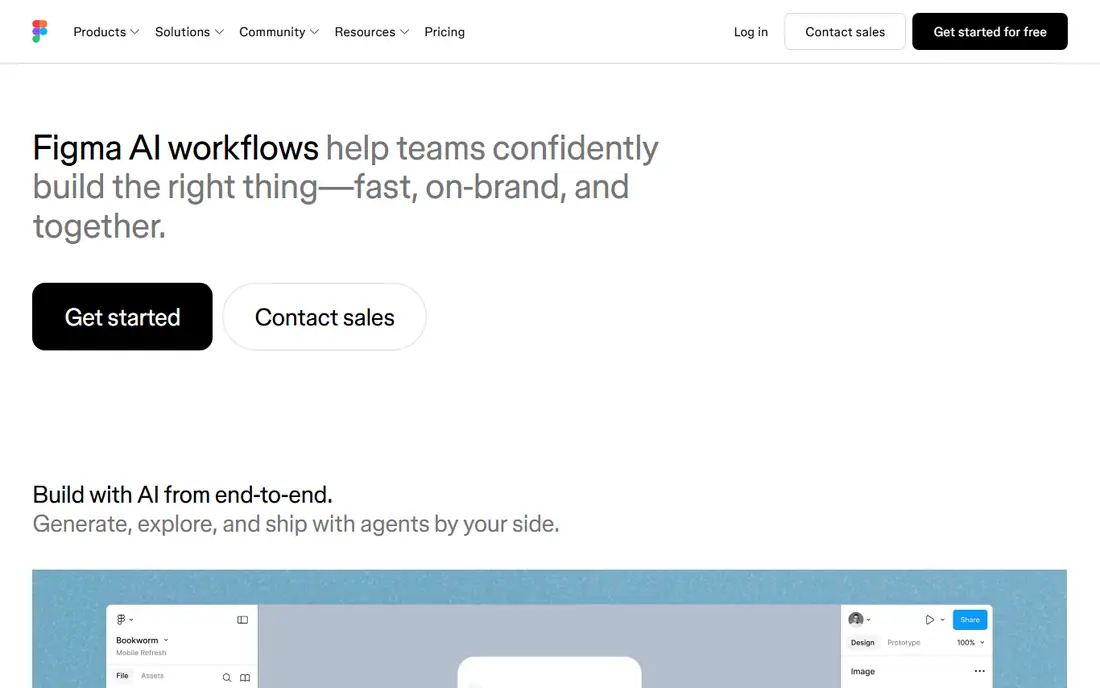
Figma AI brings AI help into a tool many design teams already use. It can help generate first drafts, rename layers, search for assets, and speed up routine tasks inside a familiar canvas. That integration matters, because designers do not need to learn a separate tool to get AI help.
The output is a starting point, not a finished design system. Check spacing, component use, and accessibility before you present a draft. For teams already in Figma, Figma AI is the least disruptive way to add AI to the workflow.
- AI features inside a widely used design tool
- Useful for renaming, searching, and generating first drafts
- Strong collaboration
- AI output still needs design review
- Some features depend on plan and availability
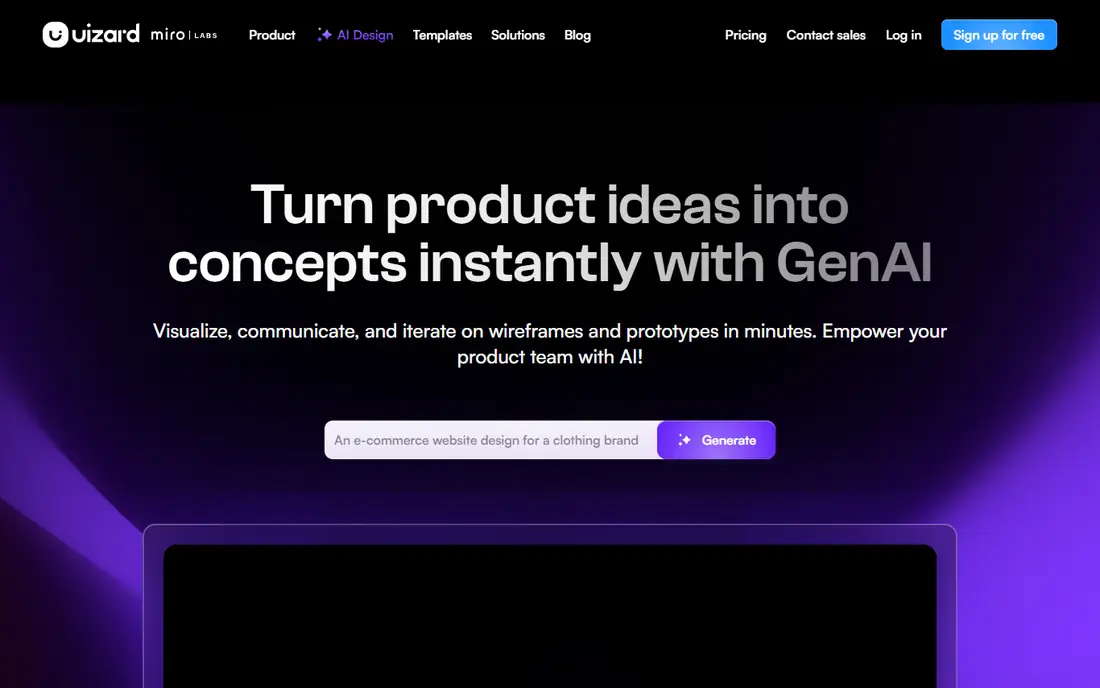
Uizard suits non-designers and product teams that need a wireframe fast. You can describe a screen, upload a sketch, or start from a template, and Uizard produces an editable layout. That speed helps in early product discussions and stakeholder reviews.
Generic output is the main risk. A first draft may use common patterns that do not fit your brand or user flow. Treat Uizard as a way to start a conversation, then refine layout, copy, and branding in Uizard or in a fuller design tool.
- Quick wireframes from prompts and sketches
- Friendly for non-designers
- Useful theme and template options
- Designs can look generic without editing
- Code export and detail control are limited
Galileo AI turns a text description into an editable interface mockup. Product teams can explore several layout ideas quickly, without drawing each screen by hand. That exploration phase is where text-to-UI tools add the most value.
Check current availability and plan details on the official site before you plan a project around it, as AI tool offerings change often. Also review each mockup for real content length, navigation clarity, and accessibility. A mockup that looks good with short placeholder text may fail with real content.
- Fast mockups from text prompts
- Useful for exploring layout ideas
- Editable designs for further work
- Availability and pricing have changed over time
- Output needs careful design review
Framer AI suits landing pages and marketing sites. It can generate a page from a prompt, then let you edit text, images, and layout visually and publish the result. Small teams that need a presentable site quickly often find that workflow appealing.
Complex app screens, with many states and interactions, are harder to handle in a landing-page tool. Use Framer AI for marketing pages and simple sites, and use Figma or a code tool for detailed app flows. Check publishing and hosting terms on the plan you choose.
- AI-generated pages you can publish
- Visual editing without code
- Useful for landing pages and marketing sites
- Less suited to complex app flows
- Design control needs learning for detailed work
v0 by Vercel is aimed at people who want code, not just a picture of a screen. Describe an interface, and v0 produces React and Tailwind code you can edit and deploy. Developers can use it to prototype a component or page quickly.
The code still needs review. Check accessibility, responsive behavior, and whether the component fits your existing codebase. For non-coders, v0 is less useful than Uizard or Figma AI. For developers, it can shorten the first draft phase considerably.
- Generates React and Tailwind code from prompts
- Useful for developers
- Fast UI prototypes
- Generated code needs review for quality and accessibility
- Best for users who can read code
Visily helps product teams turn ideas and screenshots into wireframes and mockups. It offers templates and AI generation that suit early design work, user flow sketches, and stakeholder reviews. Teams without a dedicated designer often find it approachable.
Polished, brand-ready designs still need work. Use Visily to agree on structure and flow, then refine visual details in a fuller tool if the project needs a high-fidelity finish. Check export formats before you start, so the wireframe can move to your next tool.
- AI wireframes from text and screenshots
- Useful templates
- Friendly for product teams
- Output can need refinement for polished designs
- Export options vary by plan
Relume suits website projects. It can build a sitemap, generate wireframes, and suggest copy, then export to Figma for detailed design. That flow helps agencies and marketing teams plan a site structure before visual design begins.
Mobile app flows are not its main focus. If you need app screens, compare Uizard, Figma AI, or v0 instead. For websites, Relume offers a clear path from structure to wireframe to Figma file.
- Sitemaps and wireframes for websites
- AI copy suggestions
- Figma export for further design
- Focused on websites rather than mobile apps
- Detailed design still needs a designer
Mockplus offers wireframing, prototyping, and design tools for teams that want to test flows with interactions. You can link screens, add interactions, and share a prototype for feedback. That testing step helps teams catch flow problems before development.
AI features vary across Mockplus products, so check which product and plan includes the AI help you want. New users may need time to learn the full toolset. For teams that value interactive prototypes, Mockplus is a practical option.
- Prototyping with interactions
- Wireframe and design tools in one place
- Useful for team reviews
- AI features vary by product and plan
- Interface takes time to learn for new users
How we picked these
We looked for tools that are actively offered, clearly describe AI UI features on official pages, and serve a distinct need: design inside Figma, wireframes, landing pages, or code generation. We included free starting options and paid tools so solo makers and teams could compare.
We left out generic image generators, tools whose AI UI features were not clearly described, and products whose official site did not clearly match the tool. AI design tools change quickly, so confirm current features and pricing on the official site before you commit to a project.
What to check before you choose
Start with your deliverable. If you need a wireframe for a meeting, a fast tool such as Uizard or Visily is enough. If you need a design file for a design team, Figma AI or Relume export may matter more. If you need code for a developer, v0 is the more direct path. Matching the tool to the deliverable saves rework.
Check accessibility and real content. Test layouts with long headlines, error messages, and small screens. Check color contrast, font sizes, and touch target sizes. AI tools often produce tidy layouts with short placeholder text, so replace placeholders with real copy early.
Check ownership and export. Confirm whether you can export to Figma, download code, or publish a site, and whether your designs remain available if you cancel. Also check how the tool handles your prompts and uploads, especially for unreleased product ideas. Keep sensitive product details out of a tool until you understand its data policy.
A workflow that keeps quality high
Use AI for the first draft, then apply your own design judgment. Define the user goal for each screen, sketch the flow, and check the AI draft against that flow. Refine hierarchy, spacing, and copy, then test the prototype with a few real users before development. That review step is where AI speed becomes real value.
Frequently asked questions
What is the best ai tool for ui design for beginners?
Uizard and Visily are friendly for beginners because they turn prompts and sketches into wireframes quickly. Figma AI also helps if you already use Figma. Start with a simple screen, then refine it, rather than expecting a finished design from one prompt.
What are the best ai tools for ui design for developers?
v0 by Vercel suits developers who want React and Tailwind code from a prompt. Figma AI suits developers who work with design teams in Figma. Review generated code for accessibility, responsive layout, and fit with your codebase.
What is the best ai ui design tool for landing pages?
Framer AI suits landing pages because it can generate, edit, and publish a page visually. Relume also helps with website structure and wireframes. For complex app flows, use a wireframe or Figma-based tool instead.
Can AI UI tools replace a designer?
No. AI tools speed up first drafts, but they do not understand user research, brand strategy, or accessibility in full. A designer should still shape flows, check details, and test with real users before a design ships.
How do I get better results from an AI UI tool?
Write a clear prompt with the screen goal, user type, main actions, and content length. Mention the platform, such as mobile or desktop, and any brand colors or constraints. Then edit the draft, replace placeholder text with real copy, and test the flow.
What should I check before exporting an AI design?
Check export format, Figma compatibility, code quality, and whether assets and fonts transfer cleanly. Confirm pricing limits for projects and generations, and confirm that you can keep working on the file if you change plans.
Sources we checked (8)

Online Jobs is an independent blog about careers, online work, learning new skills and the tools that help people earn. More about us.
Keep reading
All posts
n8n Alternatives
n8n alternatives compared for 2026, with Zapier, Make, Activepieces, and more, covering visual builders, code steps, self-hosting, and pricing models.

ZoomInfo Alternatives
The best ZoomInfo alternatives in 2026, compared on price, free plans, data coverage, and which tool fits small teams or large sales teams best in detail.

Zoom Alternatives for Webinars
Compare Zoom alternatives for webinars in 2026, from browser-based rooms to enterprise events, with prices, attendee limits, features and honest trade-offs.