Best AI Tools to Generate Images in 2026: 8 Tools Compared

How we put this together: we compare official feature and pricing pages, app store listings, privacy policies and public user reviews. Prices change, so check the provider's site before you pay.
Key takeaways
- Midjourney still leads for artistic, cinematic images, while ChatGPT image generation leads for easy prompt editing in conversation.
- Adobe Firefly is the safest commercial pick for brand work, thanks to its licensed training approach and Photoshop links.
- Ideogram leads for readable text inside images, which matters for posters, logos, and social graphics.
- Leonardo AI and Canva suit creators who want useful free tiers and fast results without deep technical setup.
- Stable Diffusion suits technical users who want full local control, but it needs capable hardware or a hosted service.
Quick comparison
| Name | Who it suits | Starting price | Free option | |
|---|---|---|---|---|
 Midjourney | Artistic and cinematic images | $10 per month | No | Visit |
 ChatGPT GPT Image | Easy conversational editing | $20 per month | Yes | Visit |
 Adobe Firefly | Commercial-safe brand work | $9.99 per month | Yes | Visit |
 Google Gemini | Photorealistic images in Google apps | See website | Yes | Visit |
 Leonardo AI | Game and design assets | See website | Yes | Visit |
 Ideogram | Text and typography in images | $8 per month | Yes | Visit |
 Canva Magic Media | Non-designers and social content | $15 per month | Yes | Visit |
 Stable Diffusion | Free local control | Free | Yes | Visit |
The best AI tools to generate images
AI image tools differ more than their homepages suggest. Some excel at art, others at photorealism, readable text, or commercial safety. The eight below cover those strengths, and we note where free tiers, usage caps, or licensing limits change the value. Always check the current commercial-use terms for a tool before using its images in client or advertising work.
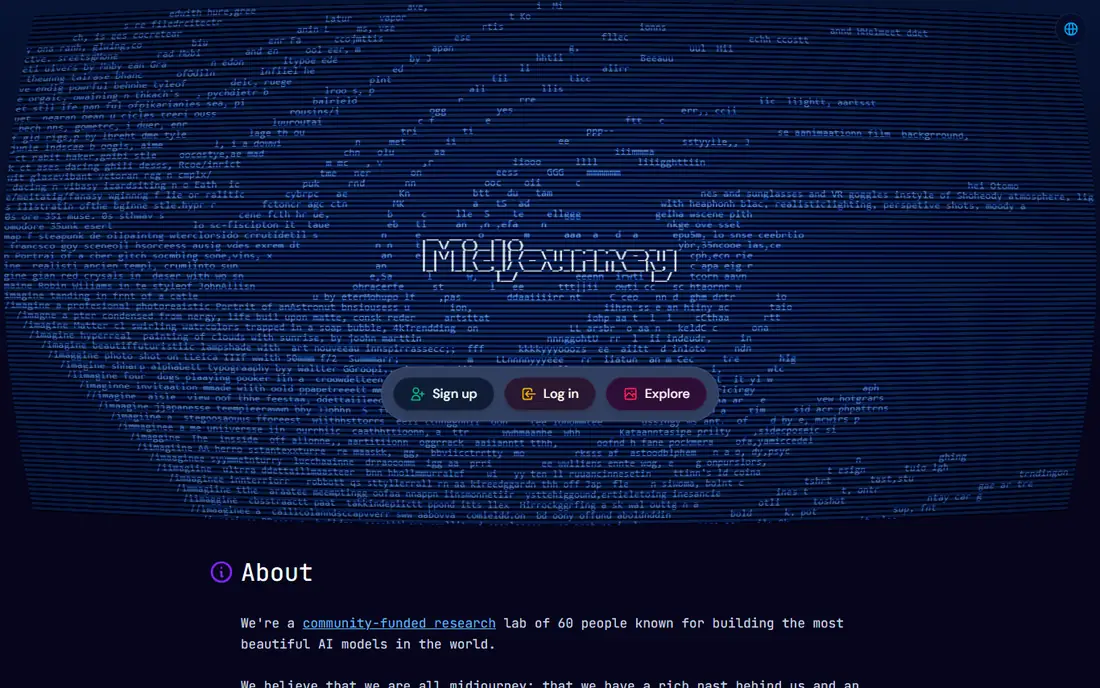
Midjourney remains the benchmark for images that look like art rather than stock photos. Composition, lighting, and style handling are consistently strong, which makes it a good pick for blog heroes, book covers, mood boards, and concept art. The web app has made it easier to use than in its earlier Discord-only days.
The limits are real. There is no free tier, text inside images can still misspell words, and results are less literal than tools built for prompt precision. If you need exact product details or clean typography, pair Midjourney with a text-focused tool below rather than forcing it to do both jobs.
- Distinctive artistic quality
- Strong style control
- Active community and styles
- No free tier
- Weaker at readable text
- Prompt style takes practice
ChatGPT image generation, which replaced the standalone DALL-E product for most users, suits people who think in conversation. You can ask for an image, then refine it in plain language, change a detail, or restyle it without starting over. Prompt accuracy and text rendering are strong, which helps with illustrations that include short labels or signs.
The free tier is limited, and the full experience sits behind ChatGPT Plus at 20 dollars per month. Heavy users may hit usage limits during busy periods, and keeping an identical character or brand style across many images still takes careful prompting. For everyday creative work inside one app, though, it is the easiest tool here.
- Edit images by chatting
- Strong prompt following
- Good text rendering
- Paid plan needed for full use
- Heavy use hits caps
- Style consistency across a series can drift
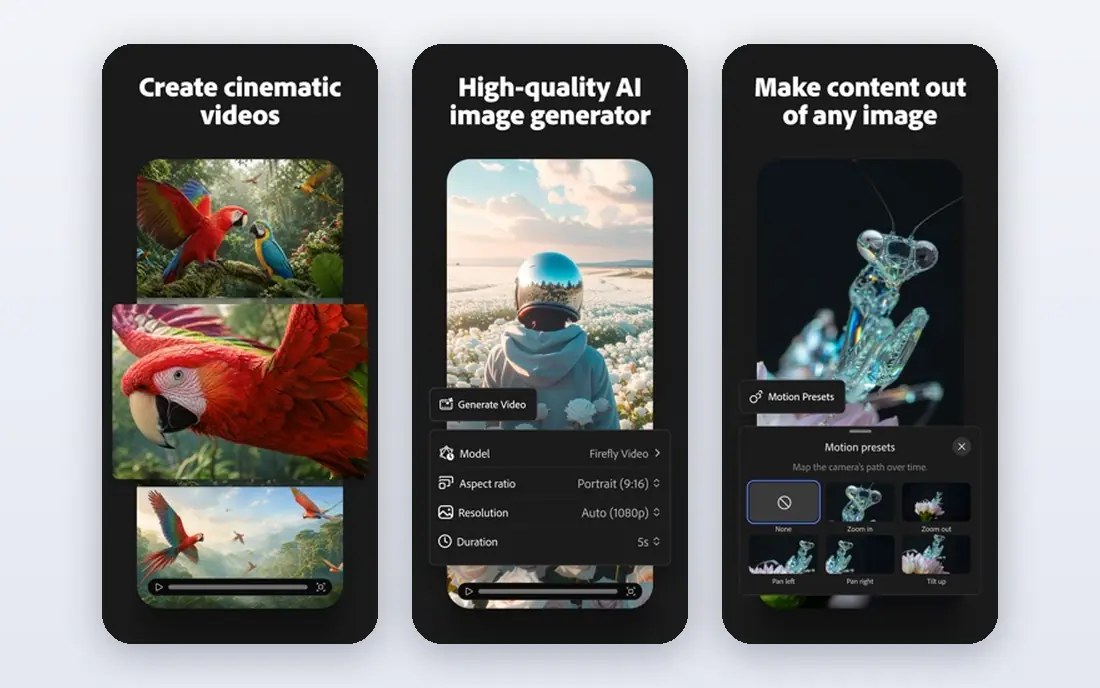
Adobe Firefly is built for commercial use. Its models are trained on licensed Adobe Stock and public domain content, which lowers the legal worry that comes with using AI images in marketing, packaging, or client work. Integration with Photoshop and Adobe Express also means generated images can be edited, extended, and placed into layouts without leaving the Adobe workflow.
Pure artistic quality trails Midjourney for some styles, and generative credits cap how much you can create on lower plans. Teams already using Adobe tools will get the most value, since Firefly fits their existing workflow rather than adding a separate app to manage.
- Trained on licensed and public domain content
- Photoshop integration
- Useful free tier
- Less striking for pure art
- Generative credits limit heavy use
- Best inside Adobe apps
Google Gemini, with its Imagen image models, suits users who want realistic images with minimal setup. It handles everyday scenes, product-style shots, and photo-like portraits well, and it sits inside a Google account many people already use. That low friction makes it a good first tool for bloggers, teachers, and small business owners.
It offers fewer fine art controls than Midjourney or Leonardo AI, and paid plan names and prices vary, so we list See website for the paid tier. Check the current plan details and commercial-use terms before using Gemini images in paid advertising or client deliverables.
- Strong photorealism
- Easy access through Google apps
- Useful free tier
- Fewer pro art controls
- Paid AI plans vary by region
- Commercial terms need checking
Leonardo AI appeals to creators who want control without self-hosting. Custom models, style presets, and image-to-image tools help game artists, product designers, and illustrators keep a consistent look across a set of assets. The free tier gives daily credits that are genuinely useful for testing styles and small projects.
Paid pricing has changed several times, so confirm the current plan before budgeting. The interface also packs in many options, which can slow down first-time users. Once you settle on a model and style, though, Leonardo AI becomes a fast, repeatable asset tool.
- Useful free daily credits
- Custom models and styles
- Good for game art and product design
- Paid pricing changes often
- Interface has many options
- Commercial terms vary by plan
Ideogram solves the problem that frustrates many AI image users: spelling. Where other tools garble words on posters, book covers, and social graphics, Ideogram renders short text far more reliably. That strength makes it the first pick for typography-led work, including event posters, logo concepts, and quote graphics.
For general photorealism or cinematic art, larger tools may edge it out. Ideogram works best as a specialist in your toolkit, used when text accuracy matters most, alongside a broader generator for scenes and illustrations without words.
- Best readable text in images
- Good for posters and logos
- Simple interface
- Narrower general range than larger tools
- Paid plans needed for heavy use
Canva Magic Media suits people who need a finished design, not just an image file. Generate an image, then drop it into a social post, presentation, flyer, or video template in the same app. That end-to-end flow is why it works so well for small business owners, teachers, and social media managers who do not want to learn a separate design tool.
Artistic depth trails specialist generators, and the most useful features sit behind Canva Pro. If you already pay for Canva, Magic Media is a natural add-on. If you need gallery-quality art, a specialist tool will serve you better, with Canva handling layout afterwards.
- Images inside a full design app
- Templates for social and print
- Easy for beginners
- Less artistic depth than Midjourney
- Paid plan needed for full features
- Credits limit use
Stable Diffusion, from Stability AI, gives technical users the most control. You can run models locally, fine-tune styles, and avoid subscription fees for the software itself, though capable hardware or a hosted service still costs money. The community around it offers many specialised models for anime, realism, product shots, and illustration.
That freedom comes with setup work. Installing models, managing prompts, and tuning results takes time and technical confidence, and image quality varies sharply by model. For developers, researchers, and hobbyists who enjoy that control, it is unmatched. For beginners, start with a hosted tool above and move to Stable Diffusion later if you need its flexibility.
- Open weights and local control
- No subscription for self-hosting
- Huge community models
- Needs capable hardware or a hosted service
- Setup is technical
- Quality depends on model choice
How we picked these
We compared official feature pages, pricing pages, and app listings for tools that generate images from text prompts in 2026. We favoured tools that are actively maintained, that cover distinct needs from art to text to commercial safety, and that offer a usable free tier or a clear paid plan. Where pricing varies by plan or region, we wrote See website instead of fixing a figure that could mislead readers.
How to choose the right image generator
Start with the job, not the hype. For art and mood imagery, test Midjourney and Leonardo AI. For images with words, test Ideogram first. For client or brand work, check Firefly licensing and terms before anything else. For everyday social content, Canva may already cover your needs without a new subscription.
Next, run the same three prompts through your shortlist: a scene, a product-style shot, and a poster with short text. Compare how each tool handles realism, style consistency, and spelling, and note how many tries each result takes. Also check usage caps, credit systems, and commercial-use rules, since a cheap plan that runs out mid-project costs more in time than a slightly dearer plan with room to work.
Commercial use and honesty
Read the commercial-use terms for the plan you actually buy, since free tiers often differ from paid tiers. Keep records of prompts and tools used for client work, and disclose AI use where a client, publisher, or platform requires it. AI images can also reflect biases in training data, so review results for stereotypes or errors before publishing, especially for images of people.
Cost and credits
Compare monthly price with credit or generation limits, not price alone. A low monthly fee with tight credits can cost more than a higher fee with generous limits if you generate in bulk. Start on a free tier, track how many images you actually use in a week, then choose a paid plan that covers that volume with headroom.
Frequently asked questions
What is the best AI tool to generate images?
Midjourney leads for artistic quality, ChatGPT image generation leads for easy conversational editing, and Adobe Firefly leads for commercial-safe brand work. The best tool depends on whether you need art, photorealism, readable text, or licensed training data.
What is the best AI art generator app?
Midjourney is the most popular pick for AI art, thanks to its distinctive style and composition. Leonardo AI is a strong alternative with a free tier and custom models, while Stable Diffusion suits technical users who want local control and community models.
What is the best free AI image generator?
Leonardo AI, Adobe Firefly, Google Gemini, Ideogram, and Canva all offer free tiers with real generation credits. Free tiers usually cap daily or monthly generations and may limit commercial use, so check terms before using free images in paid work.
Can I use AI generated images commercially?
It depends on the tool and plan. Adobe Firefly is designed for commercial use with licensed training data, while other tools vary by plan and region. Always read the current terms for your plan, keep prompt records, and get legal advice for high-value advertising or trademark-sensitive work.
Which AI image generator is best for text in images?
Ideogram renders short text inside images more reliably than most rivals, which makes it the best pick for posters, logos, and social graphics with words. ChatGPT image generation also handles text well, but Ideogram remains the specialist choice for typography-led work.
Sources we checked (8)

Online Jobs is an independent blog about careers, online work, learning new skills and the tools that help people earn. More about us.
Keep reading
All posts
Zoom Alternatives
Zoom alternatives compared for 2026: Google Meet, Microsoft Teams, Webex, Jitsi and more for free calls, large meetings and webinars for teams and classrooms.

Which Software Is Best for Data Entry
Compare the best data entry software for forms, OCR scanning, and spreadsheets, with free plans, pricing, and honest limits for each tool before you commit.
What's the Best App to Read PDFs
Find what's the best app to read PDFs in 2026, from Adobe Acrobat Reader and Foxit to PDF Expert and Xodo, with free options and honest limits for every device.