Best AI Tools to Build a Website in 2026: 8 Tools Compared

How we put this together: we compare official feature and pricing pages, app store listings, privacy policies and public user reviews. Prices change, so check the provider's site before you pay.
Key takeaways
- The best AI tool to build a website for most small businesses is Wix, because it combines AI site generation with drag-and-drop editing, apps, and commerce in one platform.
- The best AI platform to build a website on a tight budget is Hostinger, because it bundles hosting, a domain, and AI generation at a low entry price.
- Design-led users should compare Framer and Squarespace first, while WordPress users should look at 10Web for a site they fully own.
- Free plans are common, but a custom domain, ecommerce, and removal of platform branding usually require a paid plan.
- AI generation saves time on a first draft, but you still need to edit copy, check images, and test the site on a phone before you publish.
Quick comparison
| Name | Who it suits | Starting price | Free option | |
|---|---|---|---|---|
 Wix | All-round AI builder | Free | Yes | Visit |
 Hostinger | Budget sites with hosting | $2.99 per month | No | Visit |
 Squarespace | Design-led brands | $19 per month | No | Visit |
 Framer | Designer marketing sites | Free | Yes | Visit |
 Durable | Fastest business site | Free | Yes | Visit |
 10Web | AI-built WordPress sites | $10 per month | No | Visit |
 Webflow | Designer-grade sites | $15 per month | Yes | Visit |
 Jimdo | Simple sites with bookings | Free | Yes | Visit |
The best AI tools to build a website
We compared AI website tools by generation quality, editing control, templates, commerce, SEO tools, hosting, and published pricing, and we gave extra weight to tools that produce a usable site you can edit without code.
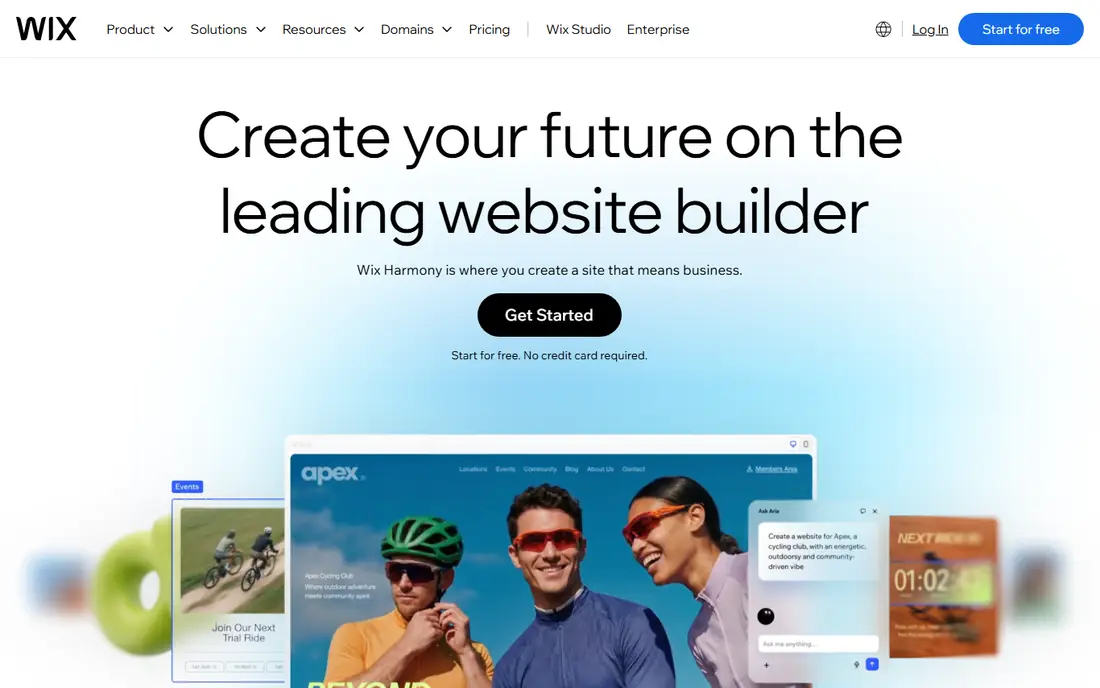
Wix offers the most complete AI building experience on this list. You describe your business, the AI drafts pages, copy, and structure, and you then edit the result with a drag-and-drop editor. The free plan includes the AI editor, with Wix branding, while paid plans start at $17 per month for Light in published comparisons, with Core, Business, and higher tiers adding commerce and advanced features.
The main limit is lock-in. A Wix site cannot be exported to another host, so leaving Wix means rebuilding. Template switching after publishing is also limited. If you want one platform for a business site, store, bookings, and marketing, and you are comfortable staying on Wix, it is the strongest all-round choice. If portability matters more, choose 10Web or Webflow.
- AI site generation plus drag-and-drop editing
- Huge template and app range
- Commerce and marketing tools included
- Site cannot be moved to another host
- Free plan carries Wix branding
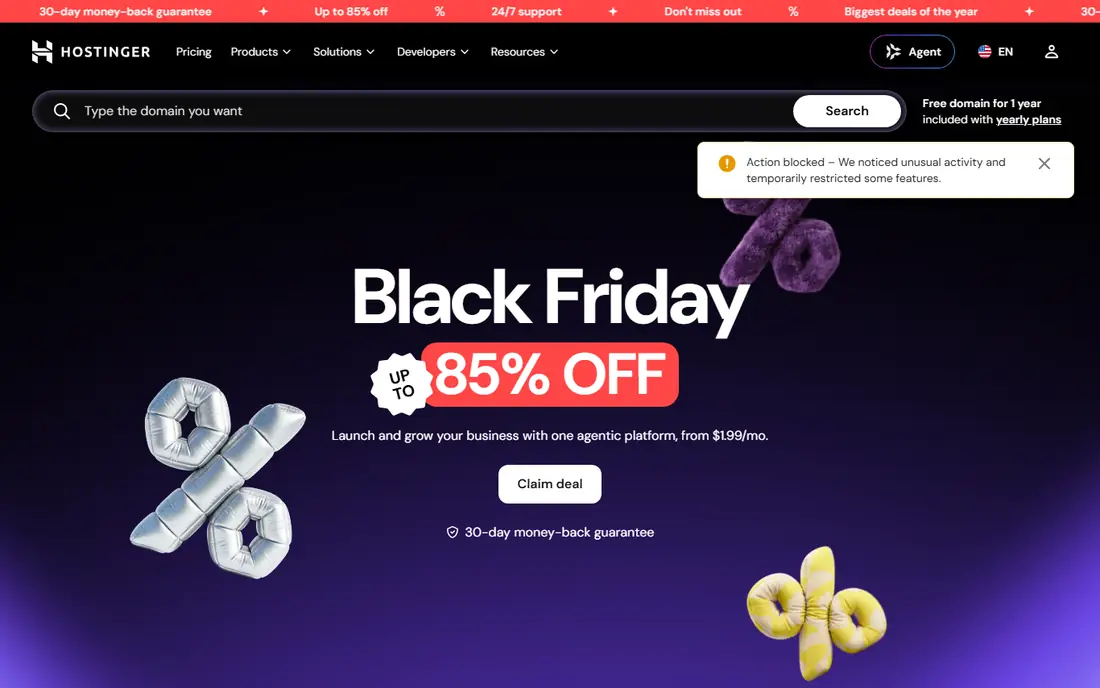
Hostinger is the best AI tool to build a website when budget decides the choice. The AI builder generates copy, images, and navigation from a short business description, and the plan bundles hosting, SSL, and a free domain on longer terms. Entry pricing starts at $2.99 per month in published comparisons, with renewal prices higher, often around $10.99 per month.
Design output is clean and functional, but less polished than Squarespace or Framer, so expect to spend time refining layout and images. Long prepay terms also lock in the lowest rate, which suits a stable business site but not a short test. For a small business that needs a live site with hosting for the lowest total cost, Hostinger is hard to beat.
- Lowest entry price with hosting included
- AI generation from a business description
- Free domain on longer terms
- Best prices need long prepay terms
- Design polish trails Squarespace and Framer
- Renewal price is higher
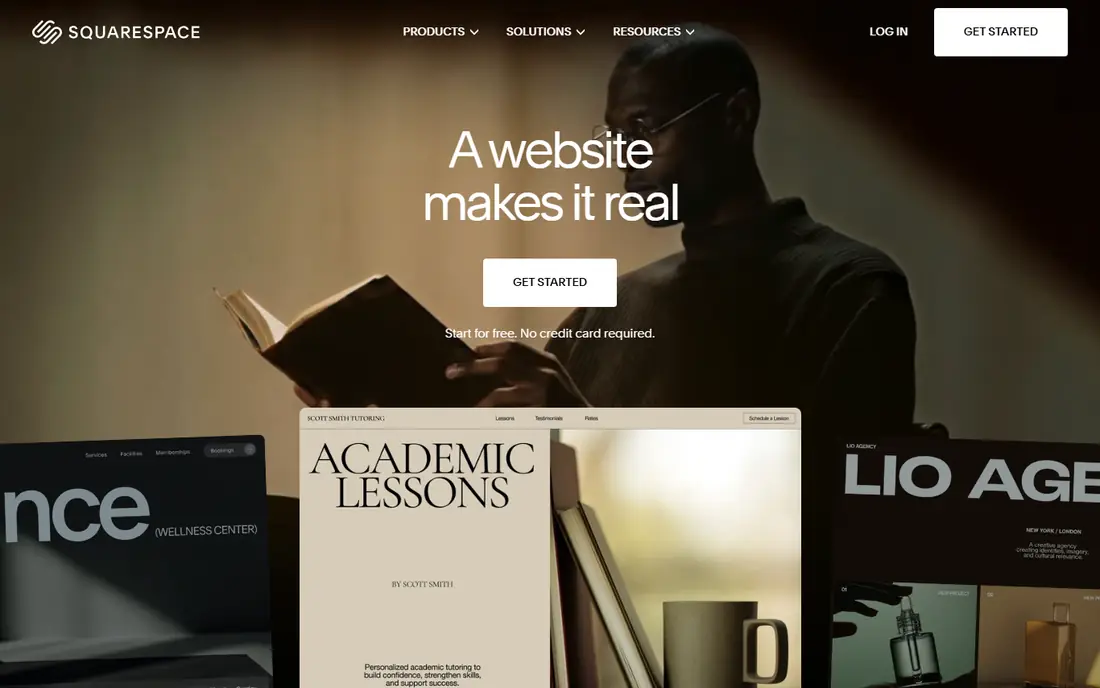
Squarespace remains the design-led pick for brands, portfolios, restaurants, and creative businesses. Blueprint AI generates a multi-page site from your answers, and the templates handle images, typography, and spacing with a consistency that cheaper builders often miss. AI copy help, commerce, scheduling, and blogging sit in the same system, so a small brand can run a full site without extra tools.
There is no free plan, only a 14-day trial in published comparisons, and paid plans start at $19 per month billed annually. Lower commerce tiers can also carry a transaction fee, so check the fee for your plan. If visual quality is your top priority and you are happy to pay for it, Squarespace is worth the price. If budget is tighter, Hostinger or Wix free will get you live for less.
- Polished templates
- Blueprint AI for multi-page sites
- Built-in commerce and blogging
- No free plan, only a trial
- Transaction fee on lower commerce tier
- Less app range than Wix
Framer suits designers, startups, and marketing teams that want a site that looks like a design studio made it. The AI agent builds pages, CMS content, and components from prompts, and the canvas gives precise control over layout, animation, and responsive behavior. The free plan lets you start with a Framer subdomain, with Basic at $10 per month billed yearly in published comparisons.
The learning curve is real. Framer rewards design skill, but beginners may find it slower than Wix or Durable for a simple business site. There is also no native full ecommerce store, so sellers should choose Wix, Squarespace, or Shopify for commerce. For a marketing site where design quality matters most, Framer is the best AI platform to build a website on this list.
- High-polish design output
- AI agent for pages and content
- Strong animations and CMS tools
- Learning curve is steeper than Wix
- No native full ecommerce store
Durable is built for local service businesses that need to be online today. Type a business name and location, and the AI generates a full site in about 30 seconds in vendor descriptions, with pages, copy, and contact options ready to edit. Built-in CRM, bookings, and invoicing help a service business turn visits into jobs without adding separate tools.
Design control is the trade-off. Durable offers less layout freedom than Framer, Webflow, or Wix, and ecommerce is limited. Published prices have varied, with Starter reported at $12 to $25 per month depending on source and billing term, so we list the free starting point in the table and advise checking the current plan page. For speed and simplicity, Durable is unmatched. For a unique design or a store, choose a different tool.
- Site generated in about 30 seconds
- Built-in CRM, bookings, and invoicing
- Very fast setup
- Design flexibility is lower than canvas tools
- Limited ecommerce depth
10Web is the only tool on this list that builds on real WordPress, which matters for ownership. The AI generates a WordPress site from a prompt, an existing URL, or a file, and managed hosting is included, so you do not need to set up WordPress yourself. AI Starter starts at $10 per month billed annually in published comparisons, with higher tiers adding more sites and features.
There is no free plan, only a short trial, and WordPress still requires more learning than a simple builder once you start customizing. That ownership is worth it if you want to export, move hosts, or use WordPress plugins freely. For a business that wants WordPress power without the setup headache, 10Web is the clear pick. For a simple site with no WordPress need, Wix or Hostinger will be faster.
- Builds real WordPress sites you own
- Managed hosting included
- AI generation from a prompt, URL, or file
- No free plan, only a short trial
- Monthly billing costs more than annual
- WordPress learning curve remains
Webflow gives designers a visual canvas with clean code output, which helps sites load fast and rank well when built carefully. The free plan covers staging and design work, with site plans starting at $15 per month billed yearly in published comparisons. CMS tools, animations, and interactions let a team build a distinctive marketing site without writing code by hand.
Webflow is not a one-prompt-and-done tool in the same way as Durable. AI help exists, but you still need design judgment to get a polished result, and beginners may need tutorials or an agency. If you have design skills and want a site you can refine precisely, Webflow rewards that effort. If you want the AI to do almost everything, Wix or Durable will feel easier.
- Precise visual design control
- Clean site structure
- CMS and animation tools
- Steep learning curve for beginners
- AI features are less hand-holding than Wix or Durable
Jimdo suits solopreneurs who need a simple site with bookings and payments fast. The AI-assisted setup asks a few questions, then builds pages you can edit without design skill. A free plan lets you test the result, and paid plans add a custom domain, more features, and removal of Jimdo branding. Bookings and online payments help service businesses take jobs directly from the site.
Design flexibility is lower than Squarespace or Framer, and paid plan prices have varied across sources, so we list the free starting point and advise checking the current pricing page. The app range is also smaller than Wix. For a straightforward service site with bookings, Jimdo is a simple, low-risk choice. For a store or a highly custom design, choose Wix, Squarespace, or Webflow.
- Free plan to start
- Fast setup for solopreneurs
- Bookings and payments for service businesses
- Design flexibility is limited
- Published paid prices vary
- Smaller app range than Wix
How we picked these
We compared official feature pages, pricing pages, app store listings, privacy policies, and public reviews for AI website tools. We checked AI generation quality, editing control, templates, commerce, hosting, and ownership, not just the first draft the AI produces. Where published prices conflicted, we used the free starting point or the most recent vendor comparison and noted the limit. We did not claim hands-on testing, and we treated review comments as user reports.
What to check before you choose
Decide between a hosted builder and a site you own
Hosted builders such as Wix, Squarespace, and Durable are easier, but you cannot move the site elsewhere. WordPress through 10Web gives full ownership and portability, but needs more learning. Choose ownership if you may move hosts or need WordPress plugins, and choose a hosted builder if ease matters more.
Edit the AI draft before you publish
AI copy often sounds generic, and AI images may not match your real business. Replace stock-style copy with your own services, prices, location, and contact details, and check every page on a phone. A site that looks good on desktop but breaks on mobile will lose visitors.
Check the total cost for your first year
Add the plan, domain, ecommerce fees, and any paid apps or templates. A $2.99 intro price on a long term is not the same as a $19 monthly plan with a trial, and renewal prices can be much higher. Work out the first-year total, including renewal, before you commit to a long term.
Frequently asked questions
What is the best AI tool to build a website for a small business?
For most small businesses, Wix is the best all-round choice, because it combines AI generation with editing, apps, and commerce. Hostinger is best if budget is the main factor, while Durable is best if speed matters most. Test the AI draft for your business type before you pay, because generation quality varies by industry.
What are the best AI tools to build websites for free?
Wix, Framer, Durable, Webflow, and Jimdo all offer free plans, but free plans usually include platform branding, a subdomain, and limits on commerce or features. A custom domain and full commerce usually require a paid plan. Use a free plan to test the editor, then upgrade when you are ready to publish properly.
Is an AI website builder good for an online store?
Yes, for a small store, Wix and Squarespace both offer AI generation plus commerce, with payments, shipping, and product tools included. Framer and Webflow are better for marketing sites than for full stores. For a large store with complex inventory, Shopify may still be a better commerce platform than a general AI builder.
Can I move my site if I use an AI builder?
It depends on the tool. A WordPress site built with 10Web can be moved and exported, because you own the WordPress installation. Sites built on Wix, Squarespace, Durable, and most hosted builders cannot be exported as a full site, so leaving means rebuilding. Check export options before you invest heavily in content.
How long does it take to build a website with AI?
AI generation itself takes seconds to a few minutes, with Durable claiming about 30 seconds for a first draft. Editing copy, images, pages, and mobile layout usually takes a few hours for a simple business site, and longer for a store or a custom design. Budget time for editing and testing, not just generation.
Do AI website builders help with SEO?
Yes, most tools on this list include basic SEO tools such as page titles, descriptions, and mobile-friendly hosting. Wix, Squarespace, Webflow, and 10Web offer stronger SEO control than simpler builders. AI generation does not guarantee rankings, so you still need clear page titles, helpful content, and local details for your business.
Sources we checked (10)

Online Jobs is an independent blog about careers, online work, learning new skills and the tools that help people earn. More about us.
Keep reading
All posts
Best Phone Company
Looking for the best phone company in 2026? We compared 9 US carriers on price, coverage, data and perks so you can pick the right plan for your line.
Best EV Charging App
Best ev charging app picks for US drivers in 2026, compared by station coverage, payments, trip planning, and driver reports for public charging across the US.

Best Arduino Alternatives
Looking for the best Arduino alternatives? We compare ESP32, Raspberry Pi Pico, Teensy and more on speed, wireless, price and ease of use today for makers.