Best AI Tools to Animate Photo Into Video in 2026: 8 Tools Compared

How we put this together: we compare official feature and pricing pages, app store listings, privacy policies and public user reviews. Prices change, so check the provider's site before you pay.
Key takeaways
- Runway is our pick for creators who want control, editing, and several video models in one workspace.
- Kling AI offers strong realism for the price, especially for natural camera moves from a single photo.
- D-ID and Hedra suit talking photos better than general image to video models.
- Credit pricing decides the real cost, since a long clip can use a large share of a monthly allowance.
- Free plans are best for testing motion and face stability, not for client work, since watermarks often apply.
Quick comparison
| Name | Who it suits | Starting price | Free option | |
|---|---|---|---|---|
 Runway | Control plus editing | $12 per user per month | Yes | Visit |
 Kling AI | Realistic motion | See website | Yes | Visit |
 Luma Dream Machine | Smooth camera movement | See website | Yes | Visit |
 Pika | Quick social clips | $8 per month | Yes | Visit |
 Hailuo | Budget motion with audio | $14.99 per month | Yes | Visit |
 D-ID | Talking photos | $5.90 per month | Free trial (see website) | Visit |
 Hedra | Expressive talking characters | See website | Yes | Visit |
 Vidu | Character consistency | $8 per month | Yes | Visit |
The best ai tools to animate photo into video
We compared tools for motion quality, face stability, camera control, clip length, credit cost, and free plan limits. The eight below cover general motion, talking photos, and social clips, but no single tool is best for every type of photo.

Runway is the strongest all round choice for creators who want more than a single clip. Its Gen models handle image to video with camera moves, subject motion, and style control, and its editor lets you trim, combine, and refine clips without leaving the workspace. That matters when a photo animation is one scene in a larger video.
Free credits are limited to a one time allowance, so Runway is best for evaluation rather than ongoing free production. If you plan regular work, check credit cost per clip at your chosen length and resolution before you pick a plan.
- Strong video models plus an editor in one workspace
- Good camera and motion controls
- Useful for longer projects
- Free plan is a one time credit allowance, not a monthly refill
- Paid cost rises with high resolution clips
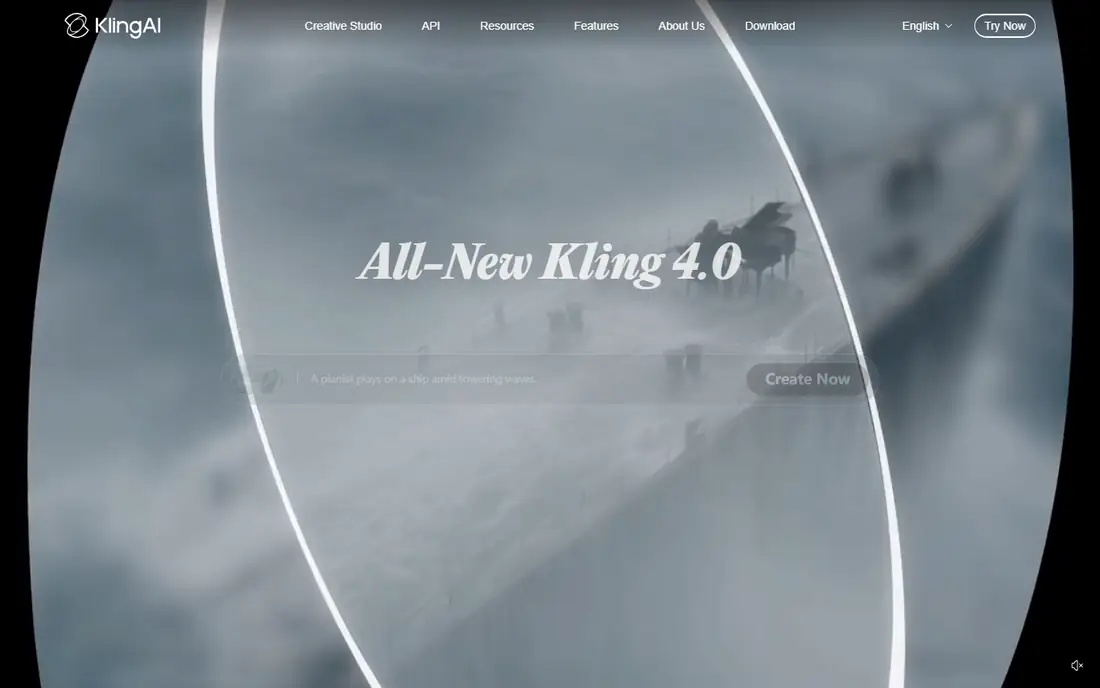
Kling AI is a strong choice when a still needs to feel like a real camera shot. It handles natural movement, such as a person turning, a product rotating, or a slow push in, with fewer warps than many rivals. Start and end frame options help when you need a clip to land on a specific final image.
Credit pricing needs checking on the current pricing page, since free allowances and paid tiers have changed during 2026. Test with your own photos, especially faces and hands, since those areas reveal motion flaws fastest.
- Realistic human and camera motion
- Start and end frame control on some models
- Generous free testing
- Pricing and credit amounts change often
- Higher quality generations use more credits
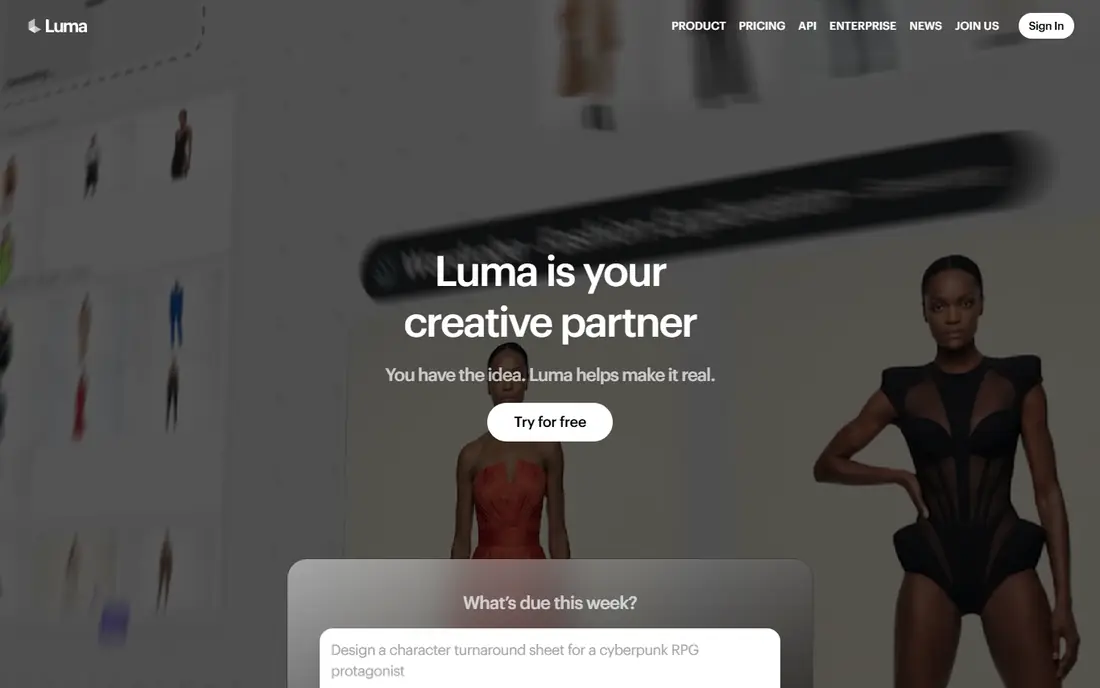
Luma Dream Machine is known for cinematic camera movement. A still photo can gain a slow orbit, a dolly move, or a gentle pan that feels like it was shot on a stabilised camera. That makes it useful for product shots, travel photos, and scene setting clips.
Free use is limited, so treat it as a test bed rather than a production plan. For hero shots where camera feel matters most, Luma is worth comparing directly with Runway and Kling AI on the same photo.
- Smooth, gimbal like camera moves
- Natural motion and physics
- Fast generation for tests
- Free plan is limited and outputs are for personal use on free tiers
- Paid pricing is higher than some rivals
Pika suits creators who need quick, shareable clips rather than film quality motion. Its effects and transitions help turn a photo into a short social post, and generation is fast enough for testing several ideas in one session. That speed matters for social calendars.
Complex scenes with people, hands, or detailed backgrounds can warp more than on premium models. Use Pika for fun, short clips and effects, and choose a realism focused tool when the photo must stay accurate.
- Fast social clips and effects
- Playful transitions
- No watermark on some tiers
- Free credits are limited each month
- Realism is weaker than Runway or Kling AI for complex scenes
Hailuo, from MiniMax, is a budget friendly way to animate photos with motion and sound. Daily free credits let you test ideas regularly, and the paid plan offers a large credit allowance for the price. Audio options help when a clip needs ambient sound or a voice layer.
Free clips are watermarked, so paid plans are needed for published work. Compare its motion on your own photos with Kling AI, since both target value buyers but handle faces and movement differently.
- Affordable paid step up
- Daily free credits on some plans
- Audio options for clips
- Free outputs carry a watermark
- Motion can feel less detailed than top tier models
D-ID is a different kind of tool: it makes a photo talk. Upload a portrait, add a script or audio, and the face speaks with lip sync and head movement. That suits explainers, training videos, and presenter style content where a face needs to deliver lines.
It is not the best choice for animating an outdoor scene, product, or action scene. Use D-ID when the job is a talking presenter, and a general image to video model when the job is scene motion. Always get consent before animating a photo of a real person.
- Strong lip sync for talking photos
- Useful for explainers and training
- API for developers
- Talking heads are its strength, general scene motion is not
- Free trial is limited
Hedra focuses on expressive talking characters for social and storytelling work. You can build a character from a photo, add voice, and generate clips where expression and speech carry the scene. That suits creators who run a recurring character or a short story series.
Character consistency across many clips takes care. Use the same reference image, voice, and style notes, and test short clips before a full series. For one off talking photos, D-ID may be simpler, while Hedra suits ongoing characters.
- Expressive talking characters
- Good for storytelling and social characters
- Voice and image controls
- Pricing and limits change often
- Character consistency needs careful prompts and reference images
Vidu is useful when a character must look the same across clips, especially for anime and stylised characters. Its reference uploads help keep a face, outfit, or style consistent, which is hard for general models. Monthly credits make it easier to plan regular output than one time free allowances.
Live action realism is less strong than Kling AI or Runway for some scenes. Choose Vidu when character consistency matters most, and test with your exact character before you build a series around it.
- Good character and anime consistency
- Recurring monthly credits
- Short clip generation
- Free outputs are limited in resolution and carry limits
- Complex live action scenes can warp
How we picked these
We reviewed official feature pages, pricing pages, and app store listings, along with privacy policies and public reviews for motion quality, credit costs, and free plan limits. We compared image to video models for general motion separately from talking photo tools, since those jobs need different strengths. We did not generate every clip type for every tool, so treat this as a research based shortlist.
Credit systems change often, so check the current pricing page for cost per clip, clip length, resolution, and watermark rules before you buy. Always get consent for photos of real people, and do not animate photos of children or private individuals without clear permission.
What to check before you choose
Motion type first
General motion, talking photos, and social effects are different jobs. Runway, Kling AI, and Luma suit general motion. D-ID and Hedra suit talking faces. Pika suits quick social effects. Pick the job, then shortlist two tools for that job.
Cost per finished clip
Monthly price alone misleads. Divide the plan price by the number of finished clips you expect, after failed generations and revisions. A cheaper plan with high per clip credit cost can cost more than a higher plan with a larger allowance.
Face and hand checks
Faces, hands, and text warp most often in AI video. Test with a portrait and a detailed scene, watch the full clip, and check the start and end frames. If a tool fails on your typical photos, no feature list will fix it.
Frequently asked questions
What are the best AI tools to animate photos into videos?
Runway, Kling AI, and Luma Dream Machine are the strongest general choices for animating a photo into video. Runway offers control and editing, Kling AI offers realistic motion, and Luma offers smooth camera moves. Test all three on the same photo, since motion quality varies by scene.
What are the best AI tools to animate a photo into video for talking heads?
D-ID and Hedra are the best tools to animate a photo into video when the photo needs to talk. D-ID suits explainers and training presenters, while Hedra suits expressive characters and storytelling. Get consent before animating a real person, and check voice and lip sync on a short script first.
Can I animate photos into video for free?
Yes, for testing. Kling AI, Pika, Hailuo, Luma, and Vidu offer free plans, but free clips are usually watermarked, limited in length or resolution, and for personal use. For published or client work, budget for a paid plan and check the licence for commercial use.
How long can an AI photo animation be?
Most tools generate short clips, often around five to ten seconds per generation, depending on model and plan. Longer videos are usually made by joining several clips in an editor. Check clip length, resolution, and credit cost for your plan, since longer and higher resolution clips use more credits.
Why do faces warp in AI video?
Faces warp when the model must invent movement, depth, and detail that a still photo does not contain. Hands, teeth, and side profiles are common trouble spots. Use a clear, front facing photo, keep motion gentle, and generate a few versions to pick the cleanest result.
Is it safe to animate photos of real people?
Only with consent. Do not animate photos of private individuals, children, or anyone who has not agreed to the use, and be careful with photos of public figures. Check each tool privacy policy for how uploaded photos are stored and whether they are used for training, and delete uploads when you finish.
Sources we checked (8)

Online Jobs is an independent blog about careers, online work, learning new skills and the tools that help people earn. More about us.
Keep reading
All posts
Zoom Alternatives
Zoom alternatives compared for 2026: Google Meet, Microsoft Teams, Webex, Jitsi and more for free calls, large meetings and webinars for teams and classrooms.

What Is the Best Free Tool to Rotate a PDF
What is the best free tool to rotate a PDF? We compare eight free rotation tools on per-page control, limits, privacy and saved output quality in detail.

What Is the Best AI Dubbing Tool
We compared the best AI dubbing tools in 2026, from ElevenLabs and HeyGen to Rask AI, Dubverse and Veed, for videos and creators in many languages worldwide.