Best AI Tools for Work in 2026: 8 Tools Compared

How we put this together: we compare official feature and pricing pages, app store listings, privacy policies and public user reviews. Prices change, so check the provider's site before you pay.
Key takeaways
- A small stack works best: one general assistant, one meeting tool, one docs workspace, and one automation tool cover most jobs.
- ChatGPT and Claude lead for general writing and analysis, with Claude stronger for long documents and ChatGPT stronger for broad tasks.
- Microsoft Copilot and Gemini suit teams already inside Office or Google Workspace, where built-in access beats a separate app.
- Meeting tools such as Otter.ai save time only when summaries turn into tasks and reach the right people.
- Check privacy and data rules before putting client, health, or financial details into any AI tool, and review AI output before sending it.
Quick comparison
| Name | Who it suits | Starting price | Free option | |
|---|---|---|---|---|
 ChatGPT ChatGPT | General work assistant | $20 per month | Yes | Visit |
 Claude Claude | Long documents and analysis | $20 per month | Yes | Visit |
 Microsoft Copilot Microsoft Copilot | Office and email teams | See website | Yes | Visit |
 Notion AI Notion AI | Docs and team knowledge | See website | Free trial | Visit |
 Grammarly Grammarly | Writing quality | $12 per month | Yes | Visit |
 Otter.ai Otter.ai | Meeting transcription | See website | Yes | Visit |
 Zapier Zapier | Workflow automation | $19.99 per month | Yes | Visit |
 Perplexity Perplexity | Cited research | $20 per month | Yes | Visit |
The best ai tools for work
We compared official feature pages, pricing pages, and integration lists for AI tools used daily at work, focusing on writing, meetings, documents, automation, and research. All of these tools require human review, since AI output can contain errors, outdated facts, or confident-sounding mistakes, and that review step is part of the workflow, not an optional extra.
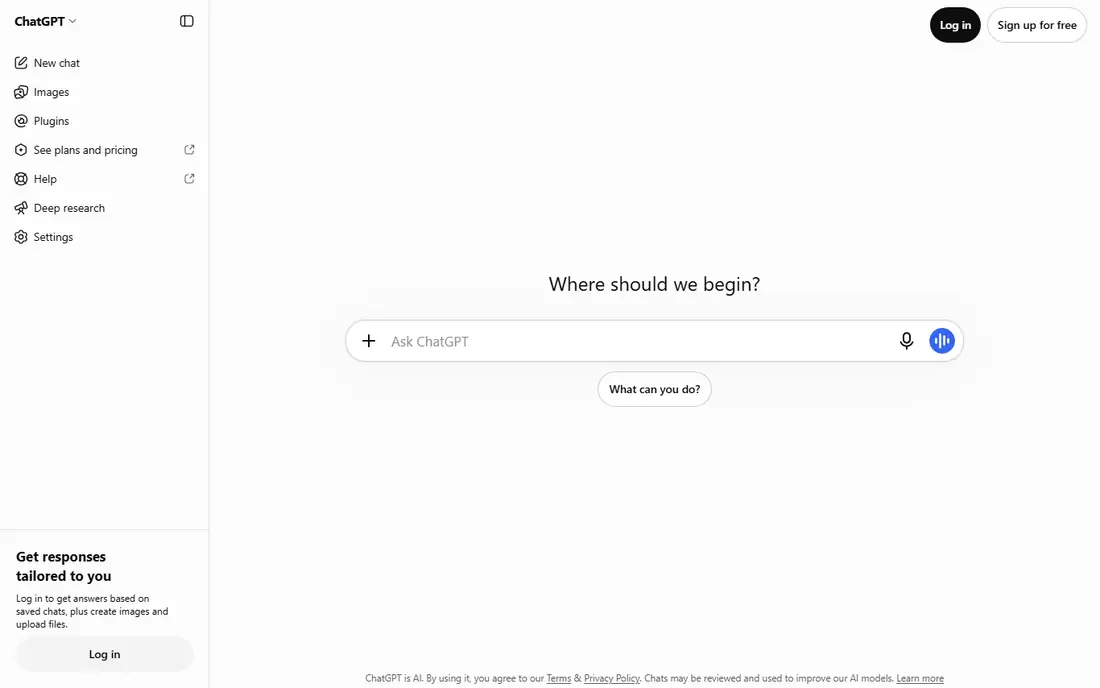
ChatGPT is the most versatile general assistant on this list. It drafts emails, outlines reports, summarizes documents, brainstorms ideas, and explains complex topics in plain language, which makes it a useful first stop for many work tasks. File uploads, image handling, and voice input extend it beyond simple chat, and paid plans raise limits for heavy daily use.
The limits are accuracy and privacy. ChatGPT can produce plausible but wrong details, and free or personal plans are not the right place for sensitive client data. ChatGPT suits individual workers and small teams who need one flexible assistant for many jobs, provided they check facts and follow their employer data rules.
- Broad help for drafting, brainstorming, and analysis
- Study Mode and file handling
- Large integration and app ecosystem
- Free tier has usage limits
- Answers need fact-checking
- Business data controls sit in paid plans
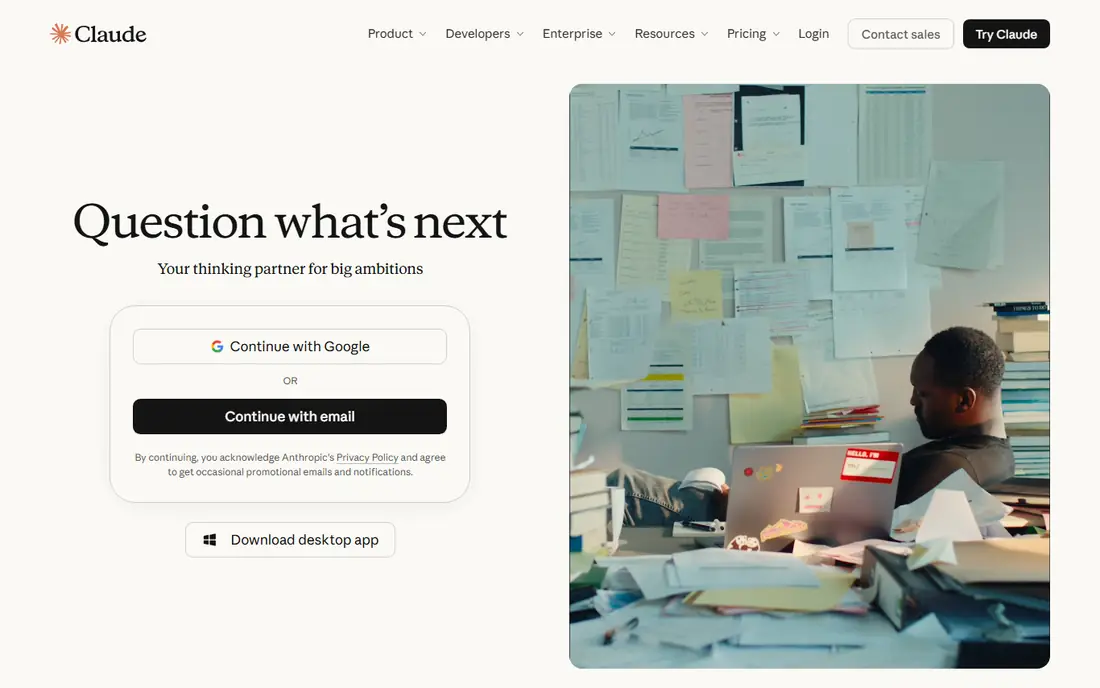
Claude stands out when work involves long reading. It handles lengthy reports, contracts, research papers, and briefs with careful summaries, comparisons, and edits, and its writing tends to stay structured and readable. That makes it a strong second assistant for analysts, lawyers, editors, and managers who live in documents.
Claude is less of an all-purpose app hub than ChatGPT, and its free tier will feel limited for heavy users. Claude suits document-heavy work, careful editing, and analysis tasks where clarity matters more than breadth, and it pairs well with a meeting or automation tool for the rest of the workflow.
- Strong handling of long documents and detailed briefs
- Clear, structured writing
- Useful for editing and analysis
- Fewer third-party integrations than some rivals
- Free tier limits daily use
- Coding and agent features vary by plan
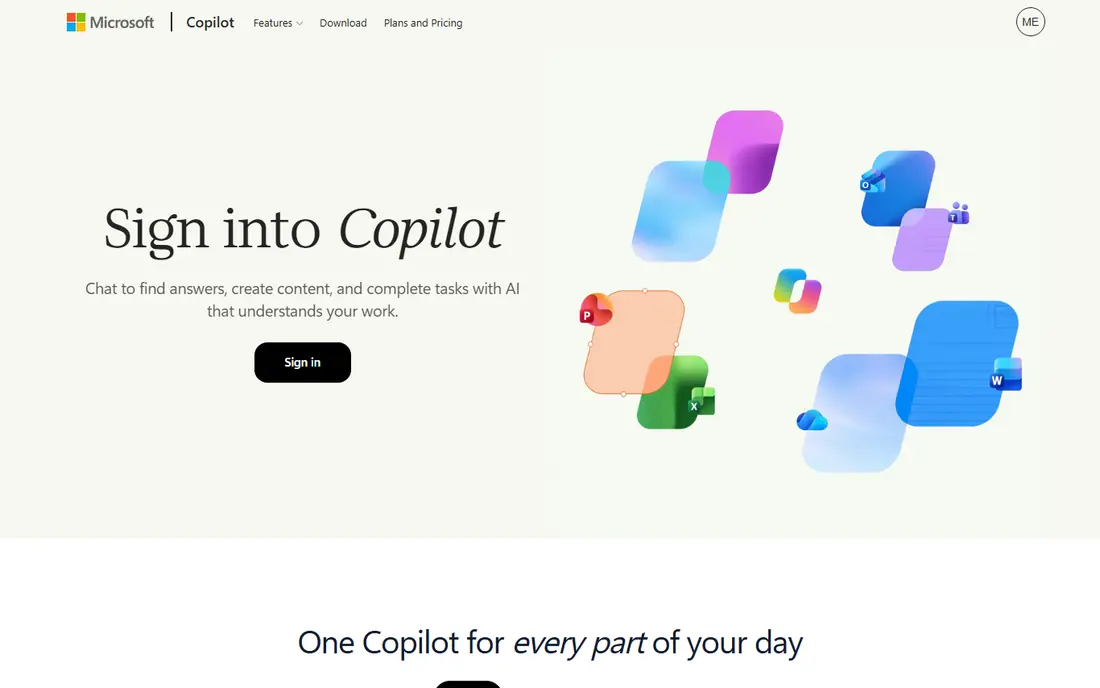
Microsoft Copilot earns its place for teams already inside Microsoft 365. Instead of copying text between apps, Copilot can draft in Word, summarize email threads in Outlook, recap meetings in Teams, and analyze data in Excel, all inside the files people already use. That built-in position saves the context-switching that separate AI apps create.
The free Copilot chat is useful, but the deep Office features need a paid license, so the cost depends on your existing Microsoft plan. Copilot suits Office-heavy teams, larger organizations with compliance needs, and workers who spend most of the day in Word, Excel, and Outlook rather than in a separate AI app.
- Built into Word, Excel, Outlook, and Teams on paid plans
- Helps draft, summarize, and analyze inside Office files
- Enterprise controls available
- Full Office integration needs a paid plan
- Value depends on how much your team uses Microsoft 365
- Features vary by license
Notion AI is most useful when your work already lives in Notion. It can summarize long pages, draft documents, answer questions across a workspace, and turn meeting notes into tasks without exporting text to another app. That keeps knowledge in one place, which helps teams that otherwise lose decisions in chat threads and email.
If you do not use Notion daily, the AI add-on alone is not a reason to switch workspaces. Notion AI suits teams with docs, wikis, and project pages in Notion, content teams that draft inside a shared workspace, and managers who want AI search across team knowledge rather than a separate chatbot.
- AI answers across your docs, notes, and wikis
- Summarizes and drafts inside the workspace
- Meeting notes land where work already lives
- AI features need a paid add-on or higher plan
- Value depends on using Notion as a workspace
- Less suited to standalone chat tasks
Grammarly works where writing happens, checking grammar, clarity, and tone in email, documents, browsers, and many work apps. For client-facing writing, that consistent check catches errors that a general assistant might miss when drafting quickly. Business plans add style guides and team controls, which help larger teams keep a consistent voice.
Grammarly does not write a report from scratch or verify facts, so it complements a general assistant rather than replacing one. It suits writers, sales and support teams, non-native English speakers working in English, and any team where polished client communication matters daily.
- Grammar, spelling, and tone checks across apps and browsers
- Team style guides on business plans
- Plagiarism and AI writing checks on some plans
- AI suggestions still need human judgment
- Full features need a paid plan
- It improves writing, it does not replace subject expertise
Otter.ai turns meetings into searchable text, with live transcription, speaker labels, and summaries that highlight action items. That helps people who miss meetings, teams that need a record of decisions, and workers who prefer reading a summary to replaying an hour of audio. Search across past meetings also makes it easier to find a promise or a number from weeks ago.
Accuracy depends on audio quality, and free minutes run out quickly for heavy meeting schedules. Otter suits meeting-heavy teams, remote workers, and managers who need reliable notes, provided someone reviews summaries and turns action items into tasks. Without that follow-up step, transcripts simply pile up unread.
- Live transcription with speaker labels
- Searchable transcripts and summaries
- Integrations with Zoom, Teams, and Meet on paid tiers
- Free tier limits monthly minutes
- Accuracy drops with accents, crosstalk, or poor audio
- Summaries need review before sharing
Zapier is the automation layer that makes other AI tools more useful. It moves data between apps, such as saving form responses to a sheet, creating tasks from emails, or posting meeting summaries to a channel, without manual copying. AI features help draft automation steps and explain what a workflow does, which lowers the barrier for non-technical teams.
Automation needs testing. A workflow that looks right can still misfire on edge cases, duplicate records, or break when an app changes its fields. Zapier suits operations, marketing, and admin teams with repetitive tasks, small businesses without developers, and anyone who spends hours moving the same data between apps each week.
- Connects thousands of apps without code
- AI features help build and describe automations
- Removes repetitive copy-and-paste work
- Complex workflows need careful testing
- Costs grow with task volume
- Automations can fail silently if not monitored
Perplexity suits work research better than a general chatbot because it shows sources alongside answers. That makes it easier to verify a claim, follow a citation to the original page, and build a research brief with links a colleague can check. For background research, competitor checks, and quick fact-finding, that transparency saves time.
Citations do not guarantee accuracy, since a source can be weak, outdated, or misread by the model. Perplexity suits researchers, marketers, analysts, and writers who need fast background with a trail to check, provided they open key sources before quoting numbers or claims in a final document.
- Answers with cited sources for checking
- Real-time web search
- Useful for market, competitor, and background research
- Citations still need opening and checking
- Free tier limits advanced searches
- Not a substitute for primary sources or expert advice
How we picked these
We compared official pricing and feature pages, integration lists, and free tier terms, favoring tools still widely available for US workers with clear business use. We built a small-stack model, one general assistant, one meeting tool, one docs workspace, and one automation tool, rather than listing every AI app on the market. We excluded tools without a clear work use, tools that had stopped operating, and tools whose pricing could not be checked on a vendor page or app store listing.
What to check before you choose AI tools for work
Start with one job, not a full stack
Pick the task that wastes the most time, such as meeting notes, first drafts, or repetitive data entry, and test one tool on that job for two weeks. Measure time saved and errors caught, then expand only if the result is clear. Buying five AI subscriptions at once usually creates more tools to manage than time saved.
Set data rules before you share files
Do not paste client data, health details, financial records, or unpublished company plans into a personal AI account without checking your employer policy and the tool data terms. Business and enterprise plans often offer stronger controls, data retention settings, and admin oversight. When in doubt, use redacted examples for testing.
Review every output that leaves your desk
AI drafts, summaries, and research notes need a human check for facts, tone, and missing context before they reach a client or a decision maker. Build that review into the workflow, especially for numbers, dates, legal claims, and quotes. A tool that saves drafting time but creates correction work later has not saved time at all.
Watch total cost as usage grows
Free tiers suit testing, but team seats, automation tasks, and meeting minutes add up quickly. Compare annual versus monthly billing, count how many seats truly need paid features, and cancel tools that overlap. A general assistant plus one specialist tool often beats three general tools doing the same job.
Frequently asked questions
What is the best ai tool for work?
ChatGPT suits most general work, Claude suits long documents, and Microsoft Copilot suits Office teams, so the best tool depends on your main job. Most workers benefit from one general assistant plus a specialist for meetings or docs, rather than a single app for everything. Test the free tier on real work before paying.
What is the best ai app for office productivity?
For Office teams, Microsoft Copilot offers the deepest integration, while Notion AI suits teams that work in Notion docs and wikis. For general office tasks across many apps, ChatGPT or Claude plus Grammarly and Otter.ai cover drafting, polish, and meeting notes. Choose by the workspace your team already uses daily.
Are AI tools for work safe for company data?
Safety depends on the plan and your company policy. Business and enterprise plans usually offer stronger data controls than free personal accounts, but no AI tool should receive sensitive client, health, or financial data without approval. Check data retention terms, avoid pasting unpublished material into personal accounts, and review outputs before sharing them.
Can AI tools replace meeting notes?
AI meeting tools can draft transcripts and summaries, but they do not replace human judgment about decisions and action items. Otter.ai and similar tools work best when someone reviews the summary, confirms owners and deadlines, and posts tasks where the team will see them. Without that step, meeting notes remain unread, whether written by a person or a machine.
How much do AI tools for work cost?
Many tools offer free tiers, with paid plans commonly starting around 12 to 20 dollars per user per month for individual plans, and higher for team or business tiers. Automation and meeting tools may charge by tasks or minutes, so total cost depends on volume. Start free, count real usage, and compare annual billing before committing a team.
Sources we checked (8)

Online Jobs is an independent blog about careers, online work, learning new skills and the tools that help people earn. More about us.
Keep reading
All posts
Zoom Alternatives
Zoom alternatives compared for 2026: Google Meet, Microsoft Teams, Webex, Jitsi and more for free calls, large meetings and webinars for teams and classrooms.

What Is the Best Free Tool to Rotate a PDF
What is the best free tool to rotate a PDF? We compare eight free rotation tools on per-page control, limits, privacy and saved output quality in detail.

What Is the Best AI Dubbing Tool
We compared the best AI dubbing tools in 2026, from ElevenLabs and HeyGen to Rask AI, Dubverse and Veed, for videos and creators in many languages worldwide.