Best AI Tools for Startups in 2026: 8 Tools Compared

How we put this together: we compare official feature and pricing pages, app store listings, privacy policies and public user reviews. Prices change, so check the provider's site before you pay.
Key takeaways
- Start with one general assistant, then add tools only for jobs that eat real time, such as decks, design or meeting notes.
- ChatGPT Plus and Claude Pro both cost around $20 per month and suit different writing and analysis styles.
- Perplexity Pro is the research pick when you need sources and current information with citations.
- Gamma, Canva, Notion AI, Make and Fireflies cover the next most common startup jobs without building a large, costly stack.
Quick comparison
| Name | Who it suits | Starting price | Free option | |
|---|---|---|---|---|
 ChatGPT | Everyday writing and analysis | $20 per month | Yes | Visit |
 Claude | Long documents and careful writing | $20 per month | Yes | Visit |
 Perplexity | Research with sources | $20 per month | Yes | Visit |
 Gamma | Pitch decks from a prompt | $10 per month | Yes | Visit |
 Notion AI | Docs, planning and wikis | $10 per month add-on | Yes | Visit |
 Canva | Design for non-designers | $15 per month | Yes | Visit |
 Make | Automation between apps | $12 per month | Yes | Visit |
 Fireflies | Meeting notes and follow-ups | $10 per month | Yes | Visit |
The best ai tools for startups
A startup does not need every AI tool on the market. It needs a small stack that covers writing, research, selling and operations, at a price a small team can defend. The eight tools below each do one job well, and we compared official pricing pages, feature pages and public documentation to build this list. Prices change often, so confirm the current plan page before you pay.
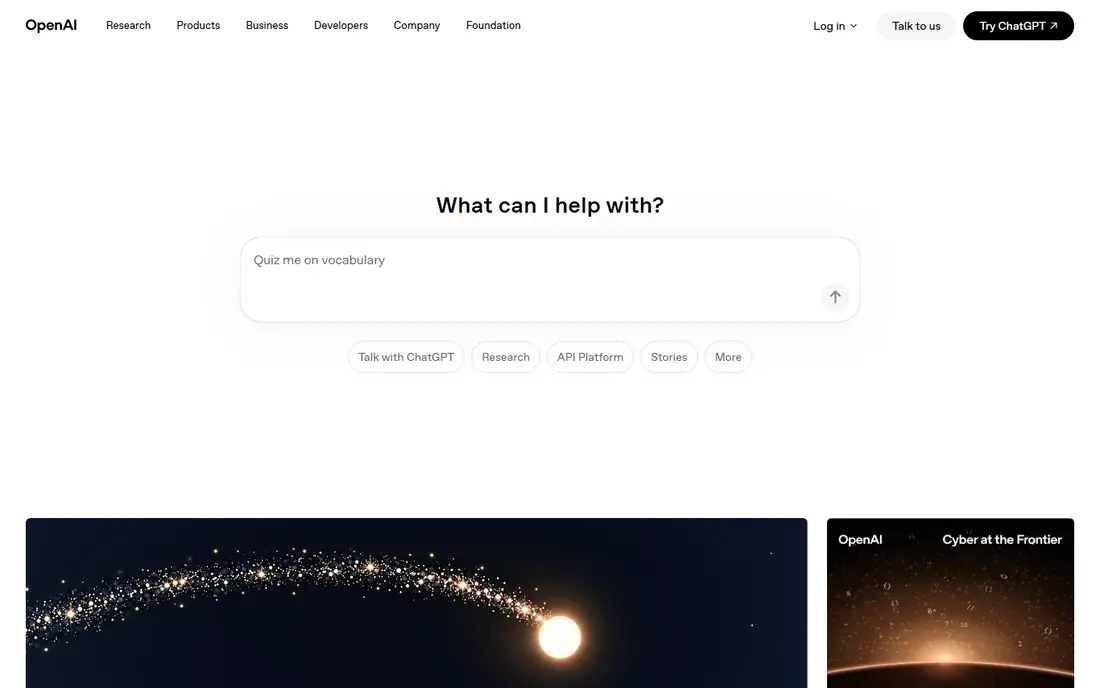
ChatGPT Plus is the default general assistant for many startups, and that popularity is earned. It drafts emails, job posts, landing page copy and investor updates fast, and it can summarise long documents, compare options and turn rough notes into a structured plan. For a founder doing many jobs at once, one tool that handles writing, coding help and analysis is worth more than three narrow tools.
The catch is accuracy. ChatGPT can invent details, dates and quotes, so anything customer-facing or financial needs a human check against a primary source. Treat it as a first-draft machine, not a source of truth. If you pay for only one AI tool, this is the safest starting point for most early teams.
- Strong general assistant for drafting, brainstorming and analysis
- Voice and image tools included
- Wide integration options
- Can produce confident errors, so facts need checking
- A second assistant can duplicate cost
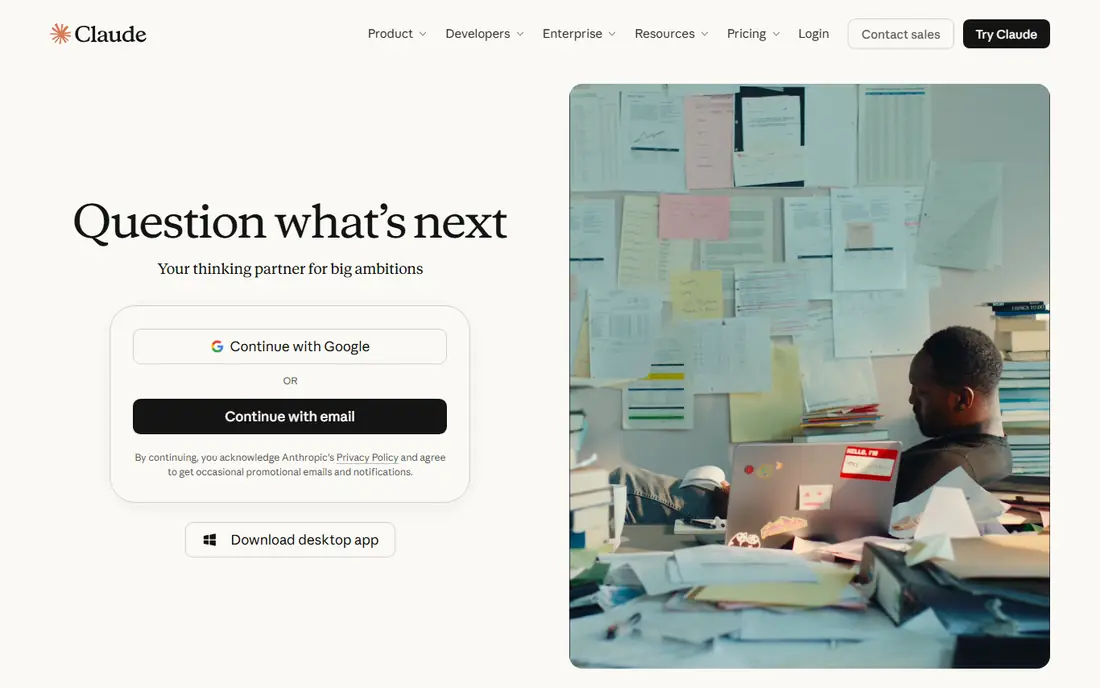
Claude Pro suits founders who work with long documents, contracts, research notes or detailed product writing. It handles large inputs well and tends to produce careful, structured prose that needs less editing than a typical first draft. For strategy documents, grant applications or detailed customer research summaries, many teams prefer its tone.
Paying for both ChatGPT and Claude is common, but it doubles a cost that a very early startup may not need. Pick Claude first if your main work is long-form writing and analysis. Pick ChatGPT first if you want the broadest mix of writing, voice, image and coding help in one subscription.
- Strong on long documents and nuanced writing
- Careful tone for sensitive drafts
- Good coding help
- Similar monthly price to ChatGPT, so paying for both adds up
- Some features vary by plan
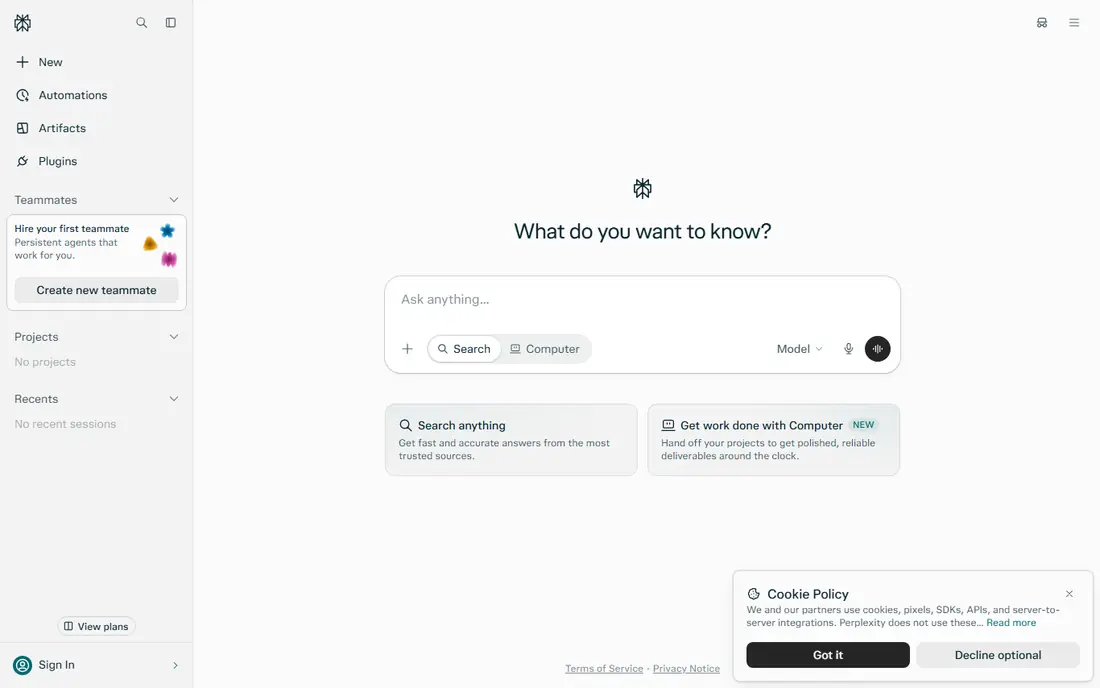
Perplexity is the research tool in this stack. Ask about a competitor, a market size, a regulation or a pricing change, and you get an answer linked to sources you can open and check. That citation habit matters for startups, where a wrong market claim can end up in a pitch deck or a board update.
The free tier covers casual searching, so try it before paying. Pro adds more advanced models and higher usage limits, which suit a team doing daily research. Even on Pro, open the cited pages for any number you plan to publish or present. Perplexity speeds up research, but it does not remove the need to verify.
- Answers with citations to web sources
- Strong for competitor and market research
- Current information built in
- Still needs source checking for key claims
- Paid value drops if you only search occasionally
Gamma is the fastest route from an idea to a pitch deck that looks presentable. Paste an outline or a short brief, and you get slides with a consistent design that you can edit, reorder and share as a link. For fundraising, sales and partner updates, that speed matters, since a deck that takes a week to build often arrives too late.
The design style is modern and card-based, which works well for narrative decks and less well for dense financial slides that need precise tables. Check exports early if your investor or client needs a PowerPoint file. For most early decks, Gamma saves days of design work and keeps the focus on the story.
- Turns a prompt or outline into a presentable deck fast
- Web sharing built in
- Exports to PDF and PowerPoint on paid plans
- Card-based layouts suit some decks better than others
- Free credits are one-time, not monthly
Notion AI makes sense only if your team already plans and documents work in Notion, but in that case it is very useful. It drafts meeting notes, project briefs and wikis, summarises long pages and fills database fields, all without copying text into another tool. For a small team, keeping knowledge in one place is a real advantage.
If you do not use Notion, do not buy it just for the AI. A general assistant plus a simple docs tool will cover the same jobs. If Notion is your home base, the add-on removes a lot of small writing tasks that otherwise pile up on the founder.
- AI inside the workspace you already use
- Drafts docs, summaries and database entries
- Good for team wikis
- Price is an add-on to a Notion plan
- Value is low if your team does not live in Notion
Canva covers the design jobs that a startup faces every week: social posts, pitch visuals, one-pagers, ads and simple videos. Templates and brand kits keep output consistent even when several people create material, and the AI tools help with backgrounds, resizing and first drafts. For a team without a designer, that consistency is the main win.
Complex brand work still needs a designer, and Canva output can look generic if you use the same templates as everyone else. Use it for speed and volume, and invest in custom design for the few assets that define your brand, such as your logo, website hero and main sales deck.
- Huge template library for social, decks and sales material
- AI design tools built in
- Easy brand controls
- Not a replacement for a professional designer on complex work
- AI uses are metered on some plans
Make connects the tools a startup already pays for, so work moves without manual copying. A new form submission can create a CRM contact, send a welcome email and log a row in a sheet, all in one flow. That kind of automation saves hours each week and reduces errors from retyping data.
The visual builder is easier than writing code, but automation still needs testing. A broken flow can send the wrong email or duplicate records, so start with one simple flow and watch it for a week before adding more. The free plan is enough to prove the value, and paid plans suit teams with regular volume.
- Visual automation across many apps
- Connects forms, CRM, email and sheets
- Free plan for small flows
- Usage is credit-based, so heavy flows cost more
- Complex automations need care to avoid errors
Fireflies records and transcribes meetings, then turns them into summaries, action items and searchable notes. For a startup, that means sales calls, investor meetings and product interviews become usable records instead of fading memories. Follow-ups get faster, and a teammate who missed a call can catch up in minutes.
Recording calls carries a responsibility. Tell participants you are recording, follow local consent rules, and check your privacy settings before sharing transcripts. Audio quality matters too, so use a decent microphone and a quiet room when the meeting matters. Used with care, Fireflies is one of the highest-return tools in this list for its price.
- Transcribes meetings and produces summaries and action items
- Integrates with calendars and CRMs
- Searchable meeting history
- Needs consent and clear privacy handling for recorded calls
- Accuracy drops with poor audio or heavy accents
How we picked these
We compared official pricing pages and feature pages for AI tools that solve a common startup job, and we kept only tools that are available now with clear pricing or a usable free tier. We favoured a lean stack over a long list, so each tool earns its place by saving time on writing, research, design, automation or meetings. Where a price depends on billing term, we used the commonly published monthly figure and noted that annual billing can differ.
What to check before you choose
Start by listing the three jobs that eat most of your week, then buy for those jobs only. A general assistant plus one or two specialist tools beats a stack of ten subscriptions that nobody uses well. Set a monthly budget for AI tools and review it each quarter, since usage-based pricing and new plans can push costs up without warning.
Check data handling before you put customer or investor information into any tool. Read the privacy page, confirm who can see your data, and avoid pasting sensitive personal or financial details into a general chatbot. Finally, trial each tool on real work for a week. A tool that looks good in a demo but slows down your actual workflow is not worth its subscription, however popular it is.
Keeping costs under control
Free tiers are useful for testing, but they often limit usage, models or exports. Track how many decks, designs or automations you actually produce each month, and move up a plan only when the free limit blocks real work. Cancel tools that have not been used in thirty days, since unused subscriptions are a quiet tax on a startup.
Avoiding errors
AI output needs a human check, especially for numbers, legal wording and customer promises. Build a simple rule for your team: AI drafts, humans verify and publish. That rule protects your reputation and keeps you in control of what your startup says in public.
Frequently asked questions
What are the best ai platforms for startups?
The strongest starting platforms are ChatGPT and Claude for general work, Perplexity for research, and Gamma or Canva for decks and design. Add Notion AI if you plan in Notion, Make for automation and Fireflies for meetings. The best platform depends on the job, so start with your biggest time sink.
How much should a startup spend on AI tools?
Many early teams manage well on $20 to $50 per person per month, starting with one general assistant and adding specialist tools only when needed. Track usage each month and cancel anything unused. A lean stack that your team actually uses beats a large stack that sits idle.
Do startups need both ChatGPT and Claude?
No, most do not need both at the start. Pick ChatGPT for breadth or Claude for long documents and careful writing, then add the second only if you hit a clear limit. Paying for both from day one is a common early waste.
Which AI tool is best for pitch decks?
Gamma is the fastest pitch deck tool in this list, turning an outline into a presentable deck in minutes. Canva is a good alternative if you want more template control or already use it for design. Either way, edit the story yourself, since investors judge the argument, not just the design.
Can AI tools replace early hires?
AI tools can delay some hires by handling drafting, research, design drafts and meeting notes, but they do not replace judgment, sales relationships or product decisions. Use them to make a small team more productive, and hire when the work needs ownership and accountability that a tool cannot provide.
Are free AI tools enough for a startup?
Free tiers are enough to test a tool and to handle light use, but they often limit models, usage or exports. If a tool saves several hours a week, the paid plan usually pays for itself. If it does not, stay on the free tier or drop it.
Sources we checked (8)

Online Jobs is an independent blog about careers, online work, learning new skills and the tools that help people earn. More about us.
Keep reading
All posts
n8n Alternatives
n8n alternatives compared for 2026, with Zapier, Make, Activepieces, and more, covering visual builders, code steps, self-hosting, and pricing models.

ZoomInfo Alternatives
The best ZoomInfo alternatives in 2026, compared on price, free plans, data coverage, and which tool fits small teams or large sales teams best in detail.

Zoom Alternatives for Webinars
Compare Zoom alternatives for webinars in 2026, from browser-based rooms to enterprise events, with prices, attendee limits, features and honest trade-offs.