Best AI Tools for Small Business in 2026: 8 Tools Compared

How we put this together: we compare official feature and pricing pages, app store listings, privacy policies and public user reviews. Prices change, so check the provider's site before you pay.
Key takeaways
- The best AI tool for a small business is the one that saves time on a task you already do every week, not the newest model.
- ChatGPT is our pick for general work, because it handles writing, brainstorming, and admin drafts in one place.
- Canva suits design and social posts, while HubSpot suits teams that want AI inside customer and marketing workflows.
- Check data privacy, output accuracy, and cost per user before rolling any AI tool out to staff, since free plans often limit commercial use.
Quick comparison
| Name | Who it suits | Starting price | Free option | |
|---|---|---|---|---|
 ChatGPT | General writing and admin | See website | Yes | Visit |
 Claude | Careful long-form writing | See website | Yes | Visit |
 Jasper | Marketing copy at scale | See website | Free trial | Visit |
 Copy.ai | Sales and marketing drafts | See website | Free trial | Visit |
 Canva | Design and social posts | See website | Yes | Visit |
 Notion | Notes, docs, and AI summaries | See website | Yes | Visit |
 HubSpot | Marketing and customer workflows | See website | Yes | Visit |
 Zapier | Automating repetitive tasks | See website | Yes | Visit |
The best ai tools for small business
Small businesses do not need every AI tool on the market. They need a few tools that cut real hours from writing, marketing, customer replies, design, and admin, without creating new privacy or accuracy problems. The eight tools below cover those jobs, and each one fits a different kind of team, from a solo owner to a growing staff.
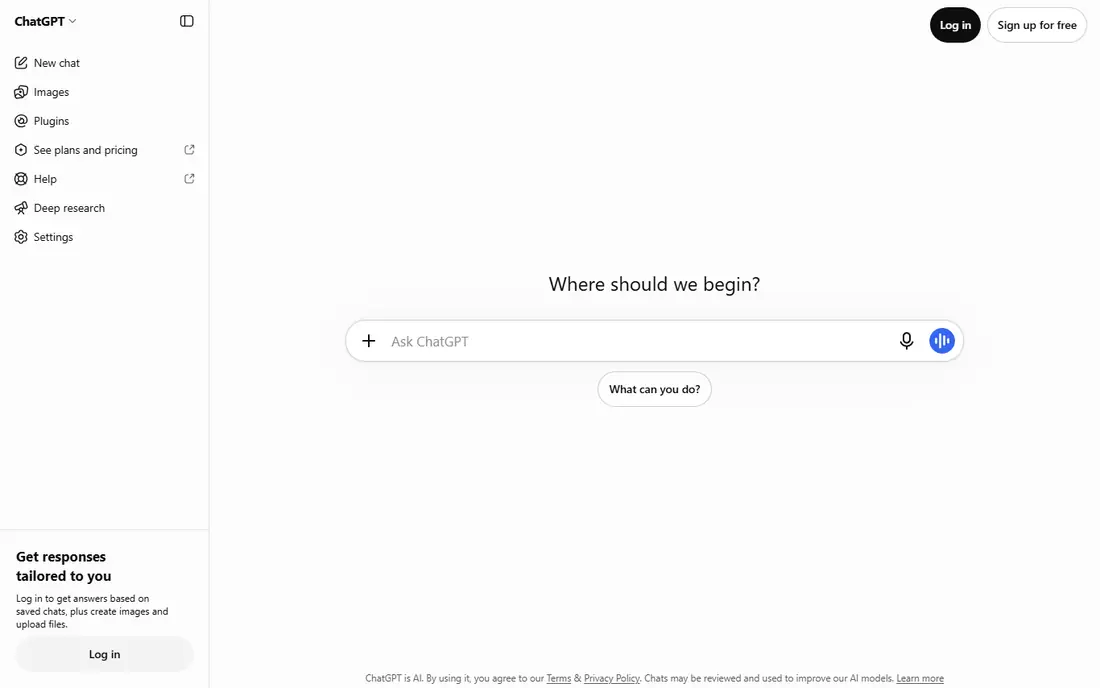
ChatGPT is the best general starting point for a small business, because one tool can draft emails, rewrite product descriptions, brainstorm social posts, summarise meeting notes, and help with spreadsheets or simple plans. That flexibility matters for a small team, where one person often handles marketing, admin, and customer service in the same day. The free tier is enough to test whether AI drafting actually saves you time.
The limit is accuracy. ChatGPT can produce confident-sounding text with wrong facts, prices, or citations, so every customer-facing draft needs a human check. Also review the data controls for your plan before pasting customer or financial details into a prompt. Used as a drafting assistant with human review, ChatGPT saves hours; used as an unchecked publisher, it creates risk.
- Very flexible for writing, ideas, and drafts
- Large ecosystem
- Easy to learn
- Outputs need fact-checking
- Free tier limits apply
- Data controls vary by plan
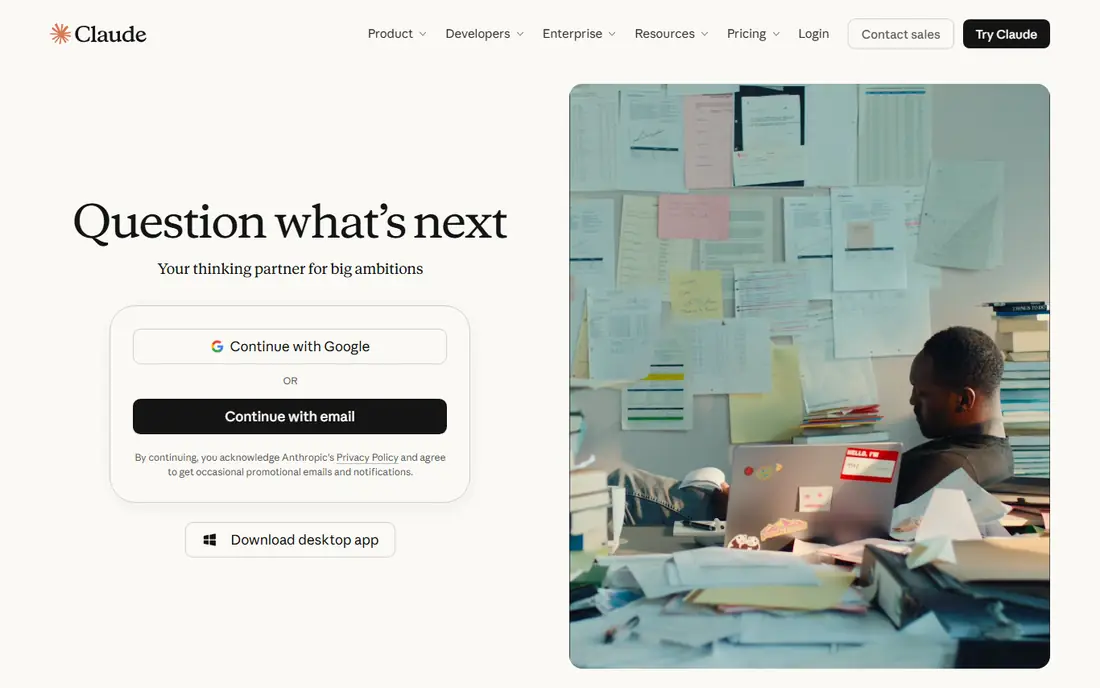
Claude suits businesses that write longer documents: proposals, guides, policies, reports, and detailed emails. It follows long instructions well, keeps tone consistent across a document, and produces clear summaries of long inputs. For a consultant, agency, or professional service firm, that long-form strength can matter more than ChatGPT's broader ecosystem.
Claude still makes mistakes, and its free tier limits heavy use, so check the current pricing page for your expected volume. It also has fewer third-party integrations than ChatGPT, which matters if you want AI inside many other apps. If your main AI job is careful writing and editing, Claude is a strong first choice.
- Strong long-form writing and editing
- Good at following detailed instructions
- Clear summaries
- Fewer plug-ins than ChatGPT
- Paid plans needed for heavy use
- Outputs still need checking
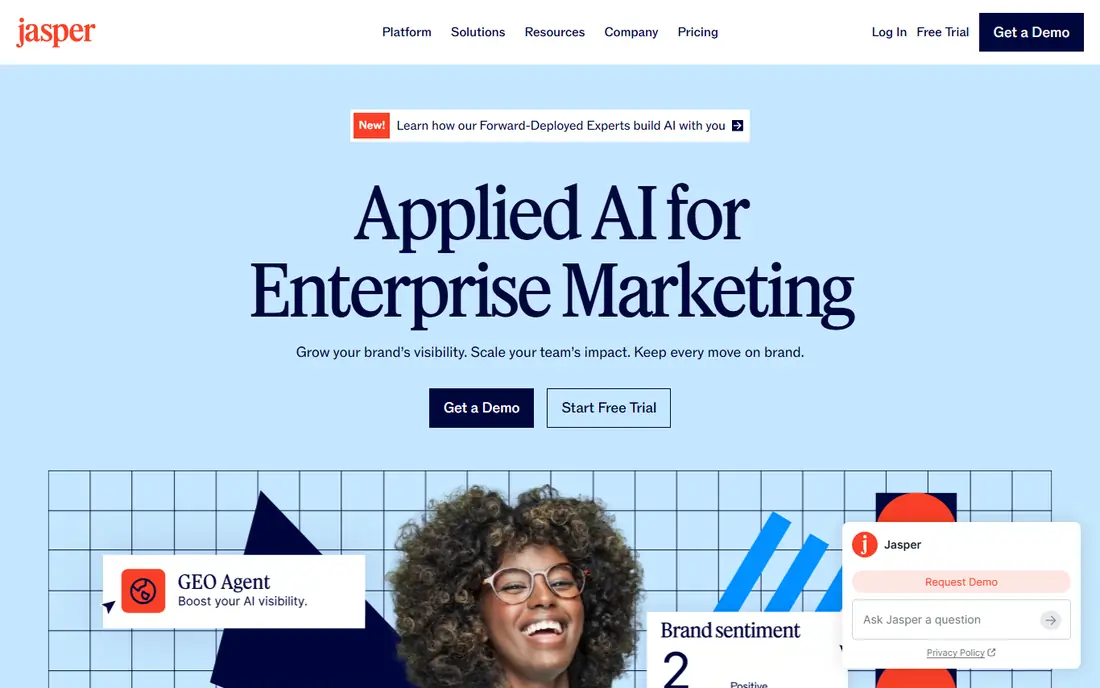
Jasper is built for marketing teams that produce a lot of copy: ads, landing pages, emails, product descriptions, and social posts. Its templates and brand voice settings help a team keep tone consistent across writers, and its workflows suit agencies and content teams that publish often. For a business that already spends hours on marketing copy each week, Jasper can speed that pipeline.
Jasper is not a general assistant, and it has no permanent free plan, only a trial, so it suits teams with a clear marketing volume, not a solo owner who writes occasionally. Every output still needs a brand and fact check, especially for claims about price, results, or compliance. If marketing volume is your bottleneck, Jasper earns a trial.
- Marketing-focused templates and brand voice tools
- Team workflows
- Campaign drafting
- No permanent free plan
- Costs add up for small teams
- Outputs need brand review
Copy.ai focuses on sales and marketing workflows, including prospecting messages, follow-up emails, and campaign drafts. That focus helps small sales teams that need many personalised drafts quickly, without starting from a blank page each time. Its templates and workflows suit teams that already have a sales process and want to speed the writing part of it.
The free tier is limited, and output quality depends heavily on the prompt and the data you provide, so vague prompts give vague copy. Copy.ai also does not replace sales judgement: a personalised email still needs a human to check the prospect, the offer, and the facts. For teams with a real outbound volume, it can save meaningful time.
- Strong sales and marketing workflows
- Prospecting and email drafts
- Team templates
- Free tier is limited
- Quality varies by prompt
- Needs human editing for final copy
Canva is the design tool most small businesses already know, and its AI features now help with background removal, image generation, text drafting, and resizing a design for many social formats. That makes it practical for a owner who needs a social post, a flyer, a menu, or a presentation without hiring a designer for every item. The free plan covers many everyday designs.
AI-generated images can look plausible yet wrong, with garbled text or odd details, so check every image before publishing, especially for products, prices, or people. Canva Pro adds more AI and brand tools, so check the current pricing page if you need brand kits or bulk design. For everyday small-business design, Canva remains the easiest option.
- Easy design for non-designers
- AI image and text tools
- Huge template library
- AI images need checking for accuracy
- Advanced design still needs a designer
- Paid features sit on Pro
Notion combines notes, documents, wikis, and task tracking, and its AI features can summarise a page, draft a document, or turn rough notes into a structured plan. That suits small teams that already keep their business in Notion and want AI inside that workspace, rather than in a separate chat tool. Meeting notes, standard procedures, and project docs all benefit from quick summaries.
Notion AI is not included on every plan, so check the current pricing page for your team size and whether AI is an add-on. Notion can also feel heavy if you only need simple notes, in which case a chat tool may be simpler. If your business already runs on Notion, adding its AI features is a natural next step.
- Docs, wikis, and tasks in one place
- AI summaries and drafting inside notes
- Good for small teams
- AI features cost extra on some plans
- Can feel complex if you only need notes
HubSpot suits small businesses that want AI inside their customer system, not just in a chat window. Its free CRM covers contacts and deals, and its paid hubs add AI-assisted email drafting, content help, customer insights, and workflow automation. For a team that already struggles to follow up leads or track customers, that combination can be more valuable than a standalone writing tool.
The cost trap is scale: paid tiers rise with contacts, users, and hub features, so model your total before committing. Setup also takes time, since a CRM only helps if data is entered consistently. If your main problem is customer follow-up and marketing organisation, HubSpot is a strong platform choice; if you only need occasional drafting, a chat tool is cheaper.
- CRM with AI writing and insights
- Marketing, sales, and service in one platform
- Free CRM tier
- Paid tiers rise with contacts and features
- Setup takes time
- AI features vary by hub
Zapier is the automation tool that makes other tools work together. It can move a form submission into your CRM, send a Slack message when a payment arrives, or create a task when a customer emails, without manual copying. Its AI features help build and describe automations in plain language, which lowers the barrier for non-technical owners.
Automations need testing, since a bad rule can send wrong messages or duplicate records at scale. Task limits also apply on lower plans, so count how many automated actions you run each month before choosing a tier. For a small business drowning in copy-and-paste admin, Zapier often saves more hours than any writing tool, because it removes the task entirely.
- Connects thousands of apps
- AI-assisted automation setup
- Saves hours on repetitive admin
- Complex automations need testing
- Task limits apply
- AI features vary by plan
How we picked these
We compared official feature pages, pricing pages, and free tier terms for AI tools that small businesses can actually use in 2026, with a focus on writing, marketing, design, customer work, and admin automation. We left out enterprise-only AI platforms and tools with no clear small-business plan. Where pricing varies by user, contact, or task volume, we use See website, and we note where AI features are an add-on rather than included.
How to roll AI out safely
Start with one task, not ten tools. Pick a weekly job, such as drafting social posts or summarising meetings, trial one tool for two weeks, and measure hours saved and errors caught. That small test tells you more than a feature list, and it limits privacy risk while you learn the tool's limits.
Privacy, accuracy, and staff rules
Do not paste customer personal data, financial details, or trade secrets into a free AI tool without checking its data policy and your plan's controls. Set a simple staff rule: AI drafts are drafts, a human checks facts, prices, and claims before anything goes to a customer, and sensitive data stays out of prompts unless your plan explicitly protects it.
Cost control
Free plans are good for testing, but they often limit usage, features, or commercial use, so check those terms before relying on them for business work. Add up per-user, per-contact, and per-task costs across tools, since three cheap subscriptions can cost more than one platform that covers the same jobs. Review usage monthly for the first quarter, and cancel tools that do not save measurable time.
Frequently asked questions
What are the best ai tools for small businesses on a budget?
ChatGPT, Canva, Notion, HubSpot, and Zapier all offer free tiers that cover useful small-business work, so start there before paying. Use the free tier to test one weekly task, then pay only for the tool that saves the most time. Avoid paying for several overlapping AI subscriptions at once.
What is the best ai marketing tool for small business?
Jasper and Copy.ai suit teams that produce a lot of marketing and sales copy, while Canva suits design-led marketing and HubSpot suits teams that want AI inside marketing and customer workflows. The best choice depends on whether your bottleneck is copy volume, design, or follow-up. Trial the tool that matches your bottleneck first.
Are AI tools safe for small business data?
They can be, if you check data policies and use the right plan. Avoid pasting sensitive customer or financial data into tools without clear data controls, and set a rule that a human reviews AI output before it reaches customers. For regulated work, check your industry rules and the vendor's data processing terms before adopting a tool.
Can AI replace a small business employee?
No, in most cases AI replaces tasks, not people. It drafts, summarises, and automates repetitive work, but it still needs human judgement for strategy, customer relationships, and final checks. The best use is to free staff time for work that needs trust, creativity, and local knowledge, rather than to cut headcount on day one.
Which AI tool should a solo owner start with?
ChatGPT is the best solo starting point, because it handles writing, ideas, and admin drafts in one place with a free tier. Add Canva if design is a weekly need, and Zapier if repetitive admin eats your time. Start with one tool, prove it saves time, and only then add a second.
Sources we checked (8)

Online Jobs is an independent blog about careers, online work, learning new skills and the tools that help people earn. More about us.
Keep reading
All posts
ZoomInfo Alternatives
The best ZoomInfo alternatives in 2026, compared on price, free plans, data coverage, and which tool fits small teams or large sales teams best in detail.

Workday Alternatives
We compared the best workday alternatives for HR, payroll, and global hiring, from BambooHR and Gusto to Rippling, Deel, and HiBob for growing teams in 2026.

Which SaaS Tools Have the Best Customer Support
Which SaaS tools have the best customer support? Compare eight popular tools on help centres, live help, response options and overall support quality.