Best AI Tools for Logo Design in 2026: 9 Tools Compared

How we put this together: we compare official feature and pricing pages, app store listings, privacy policies and public user reviews. Prices change, so check the provider's site before you pay.
Key takeaways
- Looka and Hatchful are the quickest routes to a usable logo, with AI generating options from your business name and style picks.
- Canva and Adobe Express suit owners who want to edit the logo themselves and reuse it across social posts and marketing.
- Wix Logo Maker fits businesses already building a site on Wix, since the logo flows into the site design.
- Most AI logo tools let you design free and charge to download high-resolution files, so check download pricing before falling for a design.
- For a brand that will live for years, an AI logo is a strong start, but a human designer still beats it on originality and trademark safety.
Quick comparison
| Name | Who it suits | Starting price | Free option | |
|---|---|---|---|---|
 Looka Looka | Fast AI logo packages | See website | Free trial | Visit |
 Canva Canva | Editing and brand kit | Free | Yes | Visit |
 Adobe Express Adobe Express | Adobe-style editing | Free | Yes | Visit |
 Hatchful Hatchful | Free Shopify logos | Free | Yes | Visit |
 Wix Logo Maker Wix Logo Maker | Wix website owners | See website | Free trial | Visit |
 LogoAI LogoAI | AI logo variations | See website | Free trial | Visit |
 Brandmark Brandmark | Minimal AI logos | See website | Free trial | Visit |
 DesignEvo DesignEvo | Template-based logos | See website | Free trial | Visit |
 Tailor Brands Tailor Brands | Logo plus branding | See website | Free trial | Visit |
The best AI tools for logo design
AI logo tools ask for your business name, industry, and style preferences, then generate logo options in seconds. The options below range from free generators to full brand kits. We compared official pricing pages, feature lists, and documentation to sort them by output quality, editing control, and download costs.
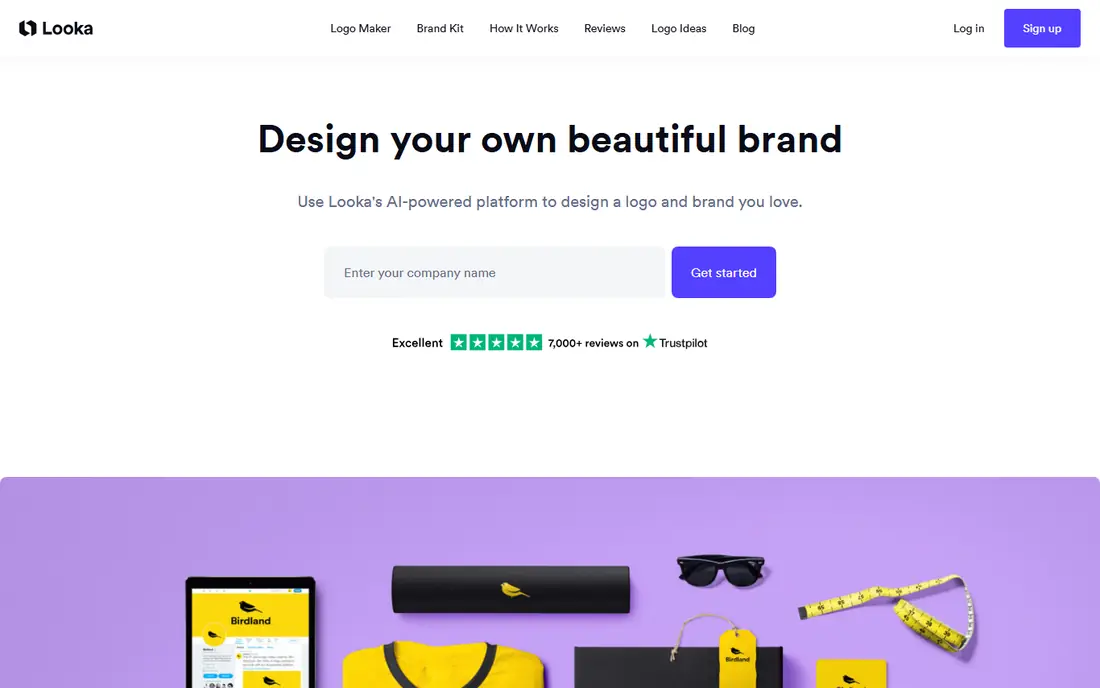
Looka is our pick for a fast, professional-looking logo. Enter your business name and industry, pick styles and colors you like, and Looka generates dozens of options you can refine with fonts, layouts, and icons. Paid packages add high-resolution files, social media sizes, and a full brand kit with business cards and email signatures.
The catch is the download paywall. Designing is free, but taking home the high-resolution files costs money, with package prices listed on Looka's site. For a startup that needs a credible logo this week, Looka's speed and package completeness are hard to beat.
- Fast generation from style picks
- Full brand kit with social and print files
- Good font and color controls
- You pay to download high-resolution files
- Designs can feel templated
Canva suits owners who want to shape the logo themselves. Its free tier includes logo templates and editing tools, while Pro adds premium assets, background removal, and a brand kit that stores your colors, fonts, and logos for every future design. A logo made in Canva flows straight into social posts, flyers, and presentations.
Canva's AI features guide you through templates rather than inventing a wholly original mark, so results can feel familiar. For a small business that needs a logo plus ongoing marketing design in one place, Canva is the most useful tool on this list.
- Free tier with logo templates
- Full editing control
- Brand kit and marketing templates included
- AI generation is template-guided rather than fully custom
- Premium assets need Pro
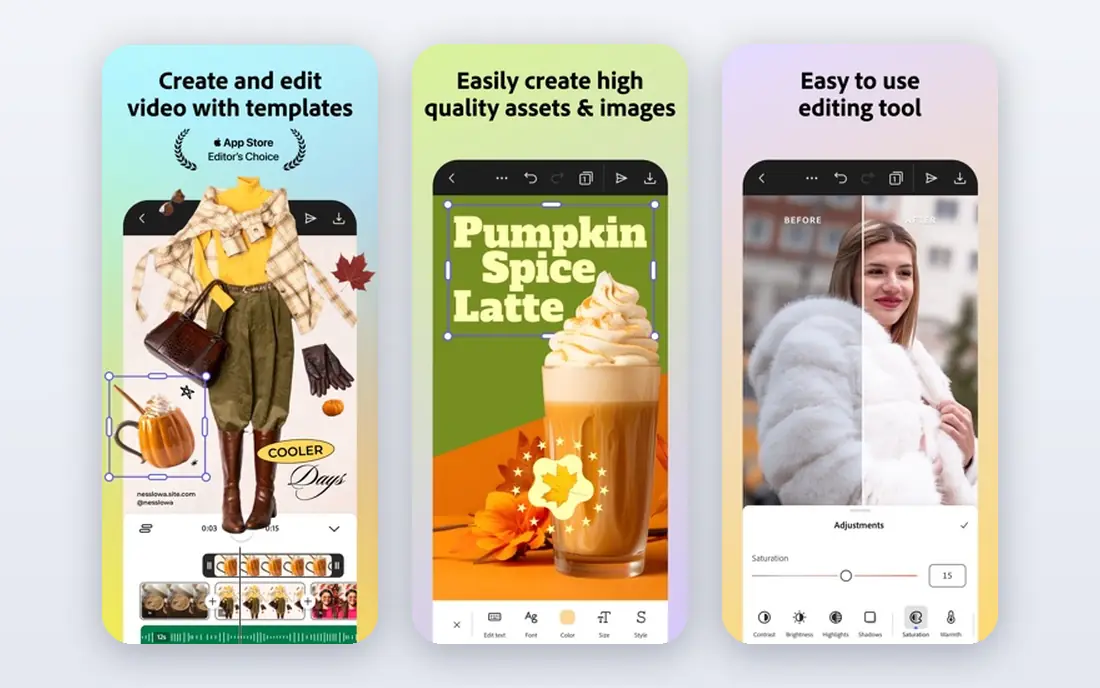
Adobe Express brings Adobe's design heritage to a simpler editor. Its free tier covers logo creation with templates, fonts, and stock assets, while Premium adds more features and assets. Logos resize easily for social profiles, and the editor feels polished for owners who already know Adobe products.
It is less logo-specific than Looka or LogoAI, with fewer logo generation controls and package options. For a creator who wants a logo plus social content in an Adobe-flavored editor, Express is a strong free start.
- Free tier with logo tools
- Adobe fonts and stock assets
- Easy social resizing
- Best features need a Premium plan
- Less logo-specific than Looka
Hatchful, built by Shopify, is the best truly free logo tool here. Pick your industry and visual style, and it generates logo options you can download free, including social media sizes. There is no paywall for the basic files, which makes it ideal for a side project or a store testing an idea.
Editing depth is limited next to Canva or Looka, and the template library shows its Shopify roots. For a free logo with no catch, Hatchful is the first tool to try, and many small stores never need more.
- Completely free logo downloads
- Built by Shopify
- Quick style-based generation
- Limited editing depth
- Tied to Shopify's template library
Wix Logo Maker asks a series of questions about your business and style, then generates logos you can refine. If you build your site on Wix, the logo flows into your site's design, favicon, and social images, which saves rework. Designing is free, with paid plans that include high-resolution downloads and full brand assets.
Outside Wix, the value drops, since the tight integration is the main draw. For a business already committed to Wix, its logo maker is the path of least resistance to a consistent brand.
- AI questions shape the logo
- Flows into a Wix site design
- Full brand assets on paid plans
- Downloading high-resolution files costs money
- Best inside the Wix ecosystem
LogoAI generates a wide spread of variations from a short brief, letting you compare directions quickly before refining colors, fonts, and layouts. Paid plans add high-resolution files, vector formats, and brand kit materials like business cards and social templates.
Like most AI logo tools, the free experience ends at download, and some outputs feel generic in crowded categories. For an owner who wants to see many directions before choosing, LogoAI's variation count is a real strength.
- Many variations from one brief
- Good color and layout controls
- Brand kit options
- Paid downloads
- Some designs feel generic
Brandmark focuses on clean, minimal logos, which suits modern startups that want a simple mark. Generation is fast, editing covers colors and layouts, and paid plans include high-resolution and vector files. Its restraint is a feature for brands that dislike busy logos.
The style range is narrower than Looka or Canva, so a business wanting an illustrated or vintage mark may find little to like. For a minimal, modern logo in minutes, Brandmark delivers.
- Clean, minimal logo styles
- Fast generation
- Simple editing
- Narrower style range
- Paid downloads
DesignEvo pairs AI generation with a huge template library, giving owners thousands of starting points across industries. Customization covers text, icons, colors, and layouts, and low-resolution downloads are free, which lets you test a logo in context before paying. Paid plans include high-resolution and vector files.
Templates are the weakness as well as the strength, since popular ones appear in many small brands. For an owner who wants a solid logo with minimal fuss and a free test run, DesignEvo is a practical choice.
- Huge template library
- Free low-resolution downloads
- Easy customization
- High-resolution files need a paid plan
- Templates can feel familiar
Tailor Brands goes beyond a logo, offering business formation, websites, and branding tools alongside its AI logo maker. The guided setup walks a new owner from name to logo to launch checklist, which suits first-time founders who want one vendor for the early steps. Logo design itself follows the familiar AI pattern of questions, generation, and refinement.
The bundle costs more than a logo alone, and upsells appear throughout the flow. For a founder who wants a logo plus a business launch package, Tailor Brands is convenient. For a logo only, a cheaper single-purpose tool wins.
- Logo plus LLC formation, website, and branding tools
- Guided brand setup
- Branding bundle costs more than a logo alone
- Upsells throughout
How we picked these
We compared official pricing pages, feature lists, and documentation for AI logo tools that work today. We favored tools that generate logos from a brief rather than pure template libraries, and we noted where downloads cost money, since that is the most common surprise. Prices are the standard published rates from each vendor's own site, and where pricing varies by package we say so rather than guessing.
What to check before you choose
Start with where the logo will live. A logo for a website header, social avatars, and print needs vector files and multiple sizes, while a logo for a single social profile can survive on a simpler download. Check the download package before committing to a design you love.
Check download pricing first
Most AI logo tools design free and charge for high-resolution or vector downloads. Compare package prices across two or three tools before refining a favorite, since the download cost, not the design experience, decides the real price.
Test the logo at small sizes
A logo that looks great large can turn to mush as a social avatar or favicon. Test your favorite at 32 pixels and in black and white before buying. Simple marks survive small sizes better than detailed illustrations.
Think about trademark safety
AI tools generate from patterns in their training data, which raises the chance of similarity to existing marks. Before investing in signage or packaging, search trademark databases for your chosen mark, and consider a human designer for a brand you expect to last years.
Frequently asked questions
What is the best AI tool for logo design?
Looka is our pick for a fast, polished logo package, while Hatchful is best for a genuinely free logo. Canva suits owners who want to edit and reuse the logo across marketing, and Wix Logo Maker suits Wix site owners. The right choice depends on budget and where the logo will live.
What is the best AI app for logo design on a budget?
Hatchful is free with no download paywall for basic files, making it the best budget option. Canva's free tier also covers logo creation and editing. Looka and LogoAI design free but charge for high-resolution downloads, so factor that into the budget.
What is the best AI logo design tool for startups?
Looka and Tailor Brands suit startups best, with Looka for a fast logo package and Tailor Brands for a logo plus launch tools. Hatchful covers the free route for a store testing an idea. For a startup brand that must last, pair an AI start with a trademark check.
Can AI logo makers create a truly original logo?
AI tools combine learned patterns, so outputs can resemble existing marks, especially in crowded categories. They are excellent for a strong starting point, but a human designer offers more originality and a safer trademark position. Treat an AI logo as a draft for a serious brand, not a final mark.
Are AI-generated logos free to use commercially?
It depends on the tool and package. Hatchful's free downloads and Canva's free tier allow commercial use within their terms, while other tools require a paid package for commercial files. Read the license for the plan you buy, and keep the receipt and license terms with your brand files.
What file formats should a logo download include?
A good package includes vector files like SVG or EPS for scaling, plus PNG files with transparent backgrounds in several sizes for web and social use. Print work needs high-resolution files, ideally vector. Check the package contents before paying, since some cheap tiers include only low-resolution images.
Sources we checked (9)

Online Jobs is an independent blog about careers, online work, learning new skills and the tools that help people earn. More about us.
Keep reading
All posts
Workday Alternatives
We compared the best workday alternatives for HR, payroll, and global hiring, from BambooHR and Gusto to Rippling, Deel, and HiBob for growing teams in 2026.

Which SaaS Tools Have the Best Customer Support
Which SaaS tools have the best customer support? Compare eight popular tools on help centres, live help, response options and overall support quality.

Top AI Helpdesk Software
Searching for top AI helpdesk software in 2026? We compared 8 AI helpdesks on automation, pricing, channels and ease of setup for small and growing teams.