Best AI Tools for Lawyers in 2026: 8 Tools Compared

How we put this together: we compare official feature and pricing pages, app store listings, privacy policies and public user reviews. Prices change, so check the provider's site before you pay.
Key takeaways
- Harvey, CoCounsel, and Lexis+ Protégé lead for large firms, because their answers draw on firm documents and licensed legal databases rather than general web text.
- Spellbook is the best contract tool for lawyers who live in Microsoft Word, while Paxton AI at $499 per month is a clearer priced option for solos and small firms.
- Clio Duo at $39 per user per month as an add-on suits firms already running Clio, because it works inside matter data they already keep.
- NexLaw at $2,999 per year for Essential and ChatGPT at $20 per month are the most accessible starting points, with very different limits on legal grounding.
- AI output needs lawyer review before it is used for a client, filed in court, or relied on for a citation. Tools grounded in a legal database reduce risk, but they do not remove the duty to verify every case, statute, and conclusion.
Quick comparison
| Name | Who it suits | Starting price | Free option | |
|---|---|---|---|---|
 Harvey | Large firms and corporate legal | See website | No | Visit |
 CoCounsel | Westlaw litigation research | See website | Free trial | Visit |
 Lexis+ Protégé | Lexis research with AI | See website | Free trial | Visit |
 Spellbook | Contract drafting in Word | See website | Free trial | Visit |
 Paxton AI | Solos and small firms | $499 per month | Free trial | Visit |
 Clio Duo | Existing Clio firms | $39 per month | Free trial | Visit |
 NexLaw | Accessible legal AI platform | $2,999 per year | Free trial | Visit |
 ChatGPT | General first drafts | $20 per month | Yes | Visit |
The best AI tools for lawyers
We compared legal AI tools on research grounding, drafting and review features, confidentiality controls, firm size fit, and price transparency. The list below separates enterprise platforms that require a sales quote from tools with published prices that a solo lawyer can buy directly.
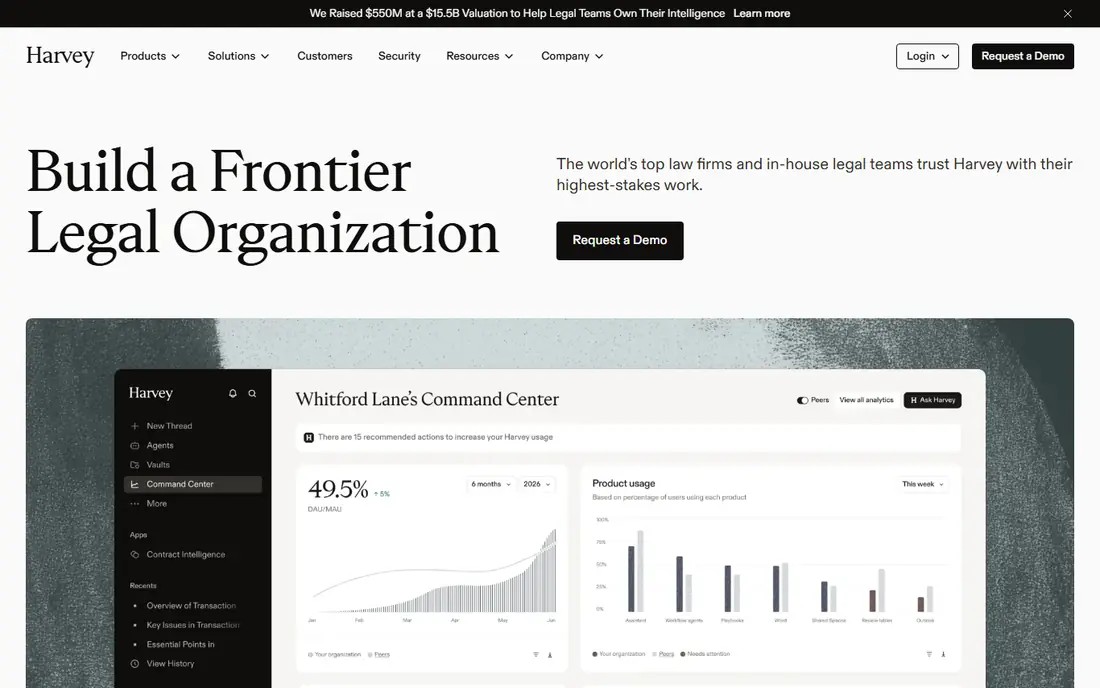
Harvey is the benchmark large firms compare other legal AI tools against. Its Assistant handles research and drafting, Vault reviews thousands of documents at once for due diligence and litigation support, Workflows codify repeatable tasks, and Deep Research handles multi step questions. An alliance with LexisNexis adds primary law and citation checking into the Harvey platform for firms that need it.
The catch is access. Harvey does not publish prices, enterprise contracts are commonly reported in the tens of thousands of dollars per year and higher, and smaller firms often face per user quotes far above large firm rates. Harvey fits firms with 50 or more lawyers, corporate legal departments with high volume review, and teams that can justify enterprise pricing with measurable time savings.
- Matter aware research and drafting
- Vault for reviewing large document sets
- Workflows for repeatable legal tasks
- Custom enterprise pricing with seat minimums
- Overkill and unaffordable for most solos
- Sales cycle can be long

CoCounsel, from Thomson Reuters, is strongest for United States litigation work inside the Westlaw ecosystem. It answers research questions with citations to primary law, compares documents, builds case timelines, and helps prepare for depositions, all drawing on Westlaw content rather than general web text. That grounding is the main reason litigators choose it over a general chatbot for research.
The trade off is bundle cost. CoCounsel pricing depends on the Westlaw plan, term length, and firm size, with published comparisons showing solo pricing from around $104 to $639 per user per month depending on bundle. CoCounsel fits litigation firms already invested in Westlaw, teams that need cited research they can verify, and firms that value Practical Law guidance alongside case law.
- Grounded in Westlaw and Practical Law
- Strong litigation research, document review, and deposition preparation
- Inline citations to check
- Pricing is sales led and varies by bundle
- Best value only for firms already paying for Westlaw
- Solo pricing can be high on short terms
Lexis+ with Protégé is the logical upgrade for firms already using LexisNexis. Lawyers can move between conversational AI research and the full Lexis database, check citations with Shepard's, and run multi step research tasks without leaving the platform they already use for primary law. That continuity matters, because research habits, saved searches, and billing workflows stay in one place.
The catch is total cost. Protégé is an add-on to a Lexis subscription, and all in pricing estimates in public comparisons run to several hundred dollars per user per month for many firms. Lexis+ Protégé fits research heavy firms, regulatory practices, and teams already paying for Lexis that want AI inside their existing research workflow rather than a separate tool.
- Conversational research inside the full Lexis database
- Shepard's citation checking
- Agentic research across primary and secondary sources
- Pricing is sales led and sits on top of a Lexis subscription
- Best for firms already on Lexis
- Enterprise terms vary widely
Spellbook is the best choice for lawyers whose daily work is contracts in Word. Instead of copying text into a separate app, you draft, review, and redline inside the document itself, using playbooks to flag terms that depart from your standard positions. That workflow saves the copy and paste errors that come from moving contract language between tools, and it keeps version control in Word where clients and colleagues already work.
The limit is scope. Spellbook does not replace Westlaw or Lexis for case research, and its pricing is sales led for many plans, although a seven day free trial lets you test the Word workflow. Spellbook fits transactional lawyers, in house counsel reviewing vendor contracts, and small firms that draft and negotiate contracts every day.
- Native Microsoft Word add-in
- Contract drafting, review, and redlining inside the document
- Playbook based review for standard terms
- Pricing is sales led for many plans
- Focused on contracts rather than case research
- Enterprise plans carry minimum terms in some reports
Paxton AI is notable on this list because a solo lawyer can actually buy it without a long sales process. It offers legal research and drafting grounded in United States federal and state law, at $499 per user per month or $2,999 per user per year billed annually, with a seven day free trial. That transparency makes budgeting easier than with enterprise tools that only quote through sales.
The catch is that $499 per month is still a serious cost, and Paxton is best judged by a trial on your own practice area, because coverage and drafting quality vary by topic. Paxton fits solos and small firms that need legal grounding, that cannot justify Harvey or CoCounsel enterprise pricing, and that will use the tool often enough to earn back the monthly fee in saved research time.
- Published pricing at $499 per user per month or $2,999 per user per year
- Covers United States federal and 50 state law
- Self serve signup with a trial
- Price is still high for a solo with low volume
- Smaller firm footprint than Harvey or CoCounsel
- Verify coverage for niche practice areas
Clio Duo is the easiest AI step for firms already running Clio for practice management. As an add-on at $39 per user per month, it helps summarise documents, draft messages, and find matter information inside the data the firm already keeps, without exporting files to another system. That matter awareness is useful for daily admin, client communication, and first drafts.
The limit is research depth. Clio Duo does not replace a legal database for cited case research, and firms without Clio gain little from it alone. Clio Duo fits solos, small, and mid size firms already on Clio that want AI help with documents and matter work at a predictable add-on price.
- Add-on at $39 per user per month for Clio customers
- Works inside matter, document, and billing data
- No separate research database to learn
- Requires a Clio subscription
- Less deep for standalone legal research than Westlaw or Lexis tools
- AI features depend on Clio plan
NexLaw stands out for published, per licence pricing that a small firm can compare without a sales call. Essential costs $2,999 per year and Professional costs $3,999 per year per licence, with no seat minimum reported in public comparisons and a five day trial to test research and drafting. That structure suits a solo or small team that wants a dedicated legal AI platform at a known annual cost.
The honest limit is vendor maturity. NexLaw is newer and smaller than the established legal publishers, so firms should test citation accuracy, jurisdiction coverage, and confidentiality terms on real matters during the trial. NexLaw fits small firms that want a dedicated legal tool, that value published pricing, and that will verify outputs carefully, as every lawyer must with any AI tool.
- Published pricing with no seat minimum
- Essential at $2,999 per year and Professional at $3,999 per year per licence
- Five day trial
- Newer vendor than Thomson Reuters or LexisNexis
- Verify database coverage for your jurisdiction
- Annual billing is standard
ChatGPT is useful for lawyers as a general drafting aid, not as a legal research authority. It can turn rough notes into a clean first draft, summarise a long document, brainstorm arguments, and explain a concept in plain language, all for $20 per month on the Plus plan, with a free tier for basic use. Business and enterprise tiers offer stronger confidentiality controls for firms that need them.
The catch is serious and must not be softened. General chatbots can invent realistic looking case citations, and courts have sanctioned lawyers who filed unchecked AI citations. Never paste confidential client information into a consumer tool that may use inputs for training, and never file AI research without verifying every citation against Westlaw, Lexis, or another authoritative source. ChatGPT fits non confidential first drafts, internal brainstorming, and plain language explanations, with a lawyer checking every legal claim before it reaches a client or a court.
- Very low cost at $20 per month for Plus
- Fast first drafts, summaries, and brainstorming
- Free tier for basic use
- No legal database grounding on consumer plans
- Higher hallucination risk for citations
- Confidential client data should not go into consumer tiers without proper controls
How we picked these
We compared official vendor pages and public pricing comparisons checked in October 2026, and we favoured tools that are actually used by law firms, that cover research, drafting, or contract review, and that span firm sizes from solo to BigLaw. We treated third party price estimates for sales led tools as estimates, not vendor published prices, and we used "See website" where a vendor does not publish a price. We did not claim hands on testing on live client matters, because legal AI quality depends on practice area, jurisdiction, and the documents supplied.
How to use legal AI safely
Start with confidentiality. Use enterprise or business tiers with no training guarantees for privileged information, confirm data retention and storage terms in writing, and keep client data out of consumer chatbots. Next, verify everything: check each citation in an authoritative database, read the full case or statute rather than trusting a summary, and confirm that the law is current for your jurisdiction.
Questions to ask any vendor
Does the tool cite sources you can open and check. Does it store your documents, for how long, and where. Is there a seat minimum, a contract minimum, or a price rise at renewal. Is research content included in the price or billed separately. Can you export your work if you leave. The answers matter more than a demo, because they decide cost, risk, and exit options.
Frequently asked questions
What is the best AI tool for lawyers?
Harvey leads for large firms, CoCounsel leads for Westlaw litigation teams, and Lexis+ Protégé leads for Lexis firms, while Paxton AI and NexLaw are more accessible for solos and small firms. The best tool depends on firm size, existing research subscriptions, and practice area.
What is the best AI app for lawyers on a budget?
ChatGPT at $20 per month is the cheapest starting point for general drafts, but it is not a substitute for legal research. Clio Duo at $39 per user per month is a low cost add-on for Clio firms, while NexLaw at $2,999 per year is a dedicated legal platform with published pricing for small firms.
Can AI replace a lawyer?
No. AI can speed research, drafting, and document review, but the lawyer remains professionally responsible for the work, must supervise the AI competently, and must verify its output. Bar guidance stresses that AI is a tool requiring oversight, not a substitute for legal judgment.
Can AI hallucinate case law?
Yes, especially general tools without a legal database, which can produce realistic but fabricated citations. Tools grounded in Westlaw or Lexis reduce this risk, but a lawyer must still verify every citation and conclusion against an authoritative source before filing or advising a client.
Is it safe to put client data into an AI legal tool?
Only with the right tool and settings. Prefer enterprise or business tiers with no training data guarantees, confirm storage and confidentiality terms, and avoid pasting sensitive client data into consumer tools that may use inputs for training. When in doubt, anonymise the material or do not upload it.
Do I need Westlaw or Lexis to use legal AI well?
Not always, but cited research is much safer inside Westlaw or Lexis tools, because answers draw on primary law you can check. Standalone tools such as Paxton AI and NexLaw aim to provide legal grounding without a separate publisher subscription, so test their citation accuracy on your own practice area during a trial.
Sources we checked (10)

Online Jobs is an independent blog about careers, online work, learning new skills and the tools that help people earn. More about us.
Keep reading
All posts
n8n Alternatives
n8n alternatives compared for 2026, with Zapier, Make, Activepieces, and more, covering visual builders, code steps, self-hosting, and pricing models.

ZoomInfo Alternatives
The best ZoomInfo alternatives in 2026, compared on price, free plans, data coverage, and which tool fits small teams or large sales teams best in detail.

Workday Alternatives
We compared the best workday alternatives for HR, payroll, and global hiring, from BambooHR and Gusto to Rippling, Deel, and HiBob for growing teams in 2026.