Best AI Tools for HR in 2026: 8 Tools Compared

How we put this together: we compare official feature and pricing pages, app store listings, privacy policies and public user reviews. Prices change, so check the provider's site before you pay.
Key takeaways
- The best AI HR tool depends on the job you want to automate, such as screening candidates, scheduling interviews, onboarding staff or spotting attrition risk.
- Workday and Rippling suit larger or growing employers that need HR, payroll and benefits in one system with AI built into daily workflows.
- BambooHR and Workable suit small and mid sized teams that want simpler setup, clearer pricing and faster hiring without an enterprise rollout.
- HireVue and Paradox focus on the hiring front end, with screening, assessments and candidate chat, while Lattice focuses on performance and people analytics.
- AI in HR needs human review, bias checks and clear candidate notices, because automated decisions about jobs carry legal and fairness risks.
Quick comparison
| Name | Who it suits | Starting price | Free option | |
|---|---|---|---|---|
 Workday Workday | Enterprise HR and payroll | See website | No | Visit |
 BambooHR BambooHR | Small team HR | See website | Free trial | Visit |
 Rippling Rippling | HR, payroll and IT | See website | No | Visit |
 Workable Workable | Hiring and applicant tracking | See website | Free trial | Visit |
 HireVue HireVue | Video screening and assessment | See website | No | Visit |
 Paradox Paradox | Candidate chat and scheduling | See website | No | Visit |
 Lattice Lattice | Performance and people analytics | See website | No | Visit |
 Eightfold AI Eightfold AI | Talent matching and skills | See website | No | Visit |
The best AI tools for HR
AI tools for HR now cover the whole employee journey, from writing a job post to scheduling an interview, onboarding a new hire and flagging teams at risk of losing staff. That breadth means a single list cannot crown one winner for every employer. We compared official product pages, feature lists, pricing models and integrations, and we kept only tools that are actively sold and used by employers today. Use this guide to match a tool to one clear HR problem first, then check whether it fits your existing payroll and applicant systems.
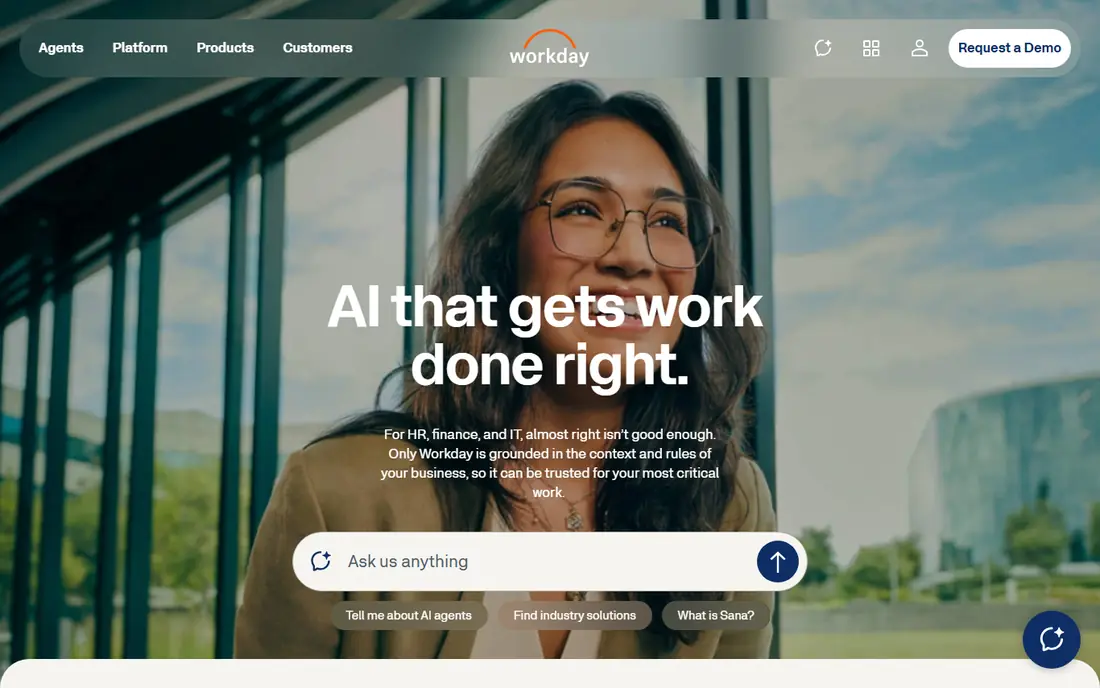
Workday suits large employers that need human capital management, payroll, benefits and workforce planning in one place. Its AI features help recruiters surface candidates, help managers plan headcount, and help employees find answers in a self service hub. Because HR and finance data live in the same system, reports on cost, headcount and attrition are easier to build than with separate tools.
The trade off is scale and effort. Workday pricing is quote based, implementation is a project rather than a quick sign up, and configuration needs skilled admins. Small employers will likely find a simpler HR tool faster and cheaper. For a large employer that already plans around Workday, its AI additions are a reason to stay, not a reason to switch systems on their own.
- Broad HR, payroll and finance in one system
- AI for recruiting and workforce planning
- Strong enterprise controls
- Quote based pricing
- Implementation takes time
- Smaller teams may find it heavy
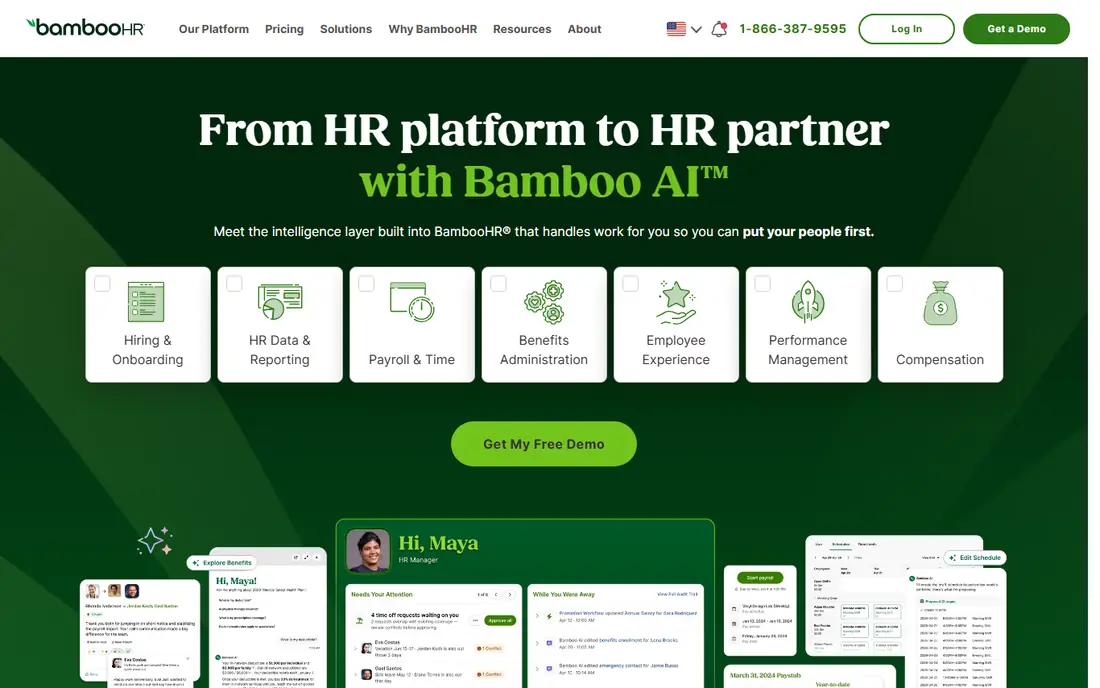
BambooHR is a practical pick for small and mid sized teams that need employee records, onboarding, time off and basic reporting without an enterprise system. Its AI and automation features focus on everyday tasks, such as drafting job descriptions, summarising employee data and speeding up onboarding checklists. Managers can approve time off and view team data without learning a complex platform.
BambooHR does not try to match Workday on workforce planning or deep analytics, and payroll is handled through add ons or partners in many cases. Pricing is quote based by plan and headcount, so we list it as See website. If your team has under a few hundred staff and wants HR that people actually use, BambooHR is a strong and low friction choice.
- Clear employee records and onboarding
- Simple time off and reporting
- Friendly setup for small teams
- AI features are narrower than enterprise rivals
- Advanced payroll needs add ons
- Pricing varies by plan
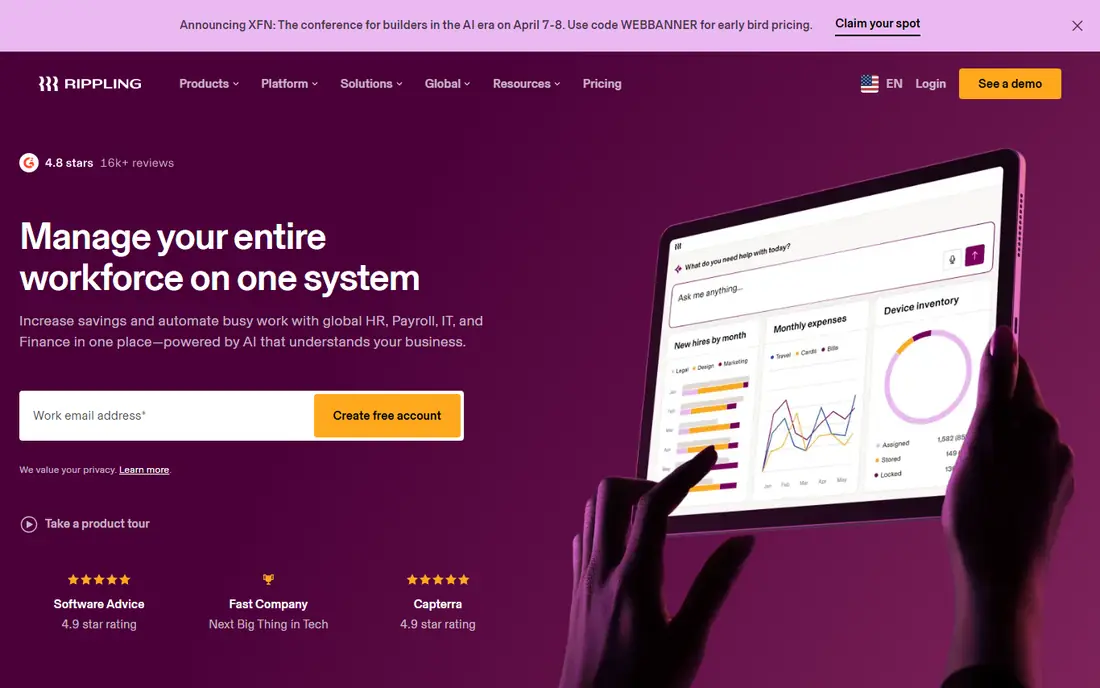
Rippling stands out because it joins HR with payroll, benefits and IT tasks that usually live in separate tools. When a new hire starts, Rippling can create accounts, assign apps, order a device and set payroll in one workflow. When someone leaves, access can be removed in the same way. Its AI features help draft policies, answer employee questions and flag payroll or compliance issues.
That breadth is also the risk. A very small team may pay for modules it does not need, and pricing is quote based, so the total depends on headcount and modules chosen. Rippling works best for growing companies that want to stop stitching HR, payroll and IT together with spreadsheets. If you only need hiring, a focused applicant tracker will be simpler.
- HR, payroll, benefits and device management in one place
- Automation for onboarding and offboarding
- Wide app integrations
- Pricing is quote based
- Feature breadth can overwhelm small teams
- Some modules cost extra
Workable is an applicant tracking system first, and that focus makes it a good pick for teams whose main pain is hiring. Recruiters can post to job boards, build a pipeline, score candidates with AI help, and share notes with hiring managers in one place. AI features assist with writing job posts, screening resumes and scheduling, which cuts the manual work that slows small hiring teams.
Workable does not replace a full HR system for payroll, benefits or performance reviews, so growing firms will still need an HR tool alongside it. Pricing varies by plan and hiring needs, so check the Workable site for the current model. If hiring speed is your main goal, Workable gives a clear and practical workflow without forcing a whole HR platform change.
- Easy job posting and candidate pipeline
- AI screening and job description help
- Good hiring team collaboration
- Not a full HR system
- Payroll and benefits need other tools
- Pricing scales with hiring volume
HireVue helps employers screen large numbers of applicants fairly and quickly through structured video interviews, assessments and chat. Recruiters set the same questions for every candidate, review responses in a structured way, and move strong candidates forward without scheduling dozens of first calls. That consistency can improve hiring quality when it is used well.
Video screening also raises fairness questions. Employers must review how assessments are built, what data they use, and how candidates are told about automated evaluation. Laws in some US states and other regions require notices or audits for automated hiring tools, so legal review is part of the purchase, not an afterthought. HireVue suits high volume hiring where structure matters, provided human reviewers make final decisions.
- Structured video interviews and assessments
- Faster early screening
- Consistent questions for candidates
- Candidate experience needs care
- Pricing is quote based
- Bias and legal review are essential
Paradox, known for its Olivia assistant, focuses on the candidate experience at the front of hiring. Candidates can ask questions, apply by chat, and book interviews without waiting for a recruiter to reply. That speed matters for hourly, retail, hospitality and warehouse roles, where strong candidates often take the first offer they receive. Recruiters save time on scheduling and screening messages.
Paradox works best when it connects cleanly to your applicant tracking system, so check that integration before buying. It is not a full HR platform, and it is less useful for senior roles that need long, human led interview processes. For high volume frontline hiring, it can cut time to hire in a way that a general HR tool cannot.
- Conversational assistant for candidates
- Fast interview scheduling
- Good for hourly and high volume roles
- Pricing is quote based
- Best for frontline hiring
- Needs integration with your applicant tracker
Lattice focuses on what happens after hiring, with performance reviews, goals, feedback and engagement surveys. Its AI features help managers summarise feedback, draft review notes and spot patterns in engagement data, which can make reviews less painful and more consistent. HR teams can track goals, recognition and growth plans without building reports in spreadsheets.
Lattice does not handle payroll or applicant tracking, so it pairs with an HR system rather than replacing one. Pricing is per user and varies by modules, so we list it as See website. The tool only helps if managers actually use it for regular feedback, not just an annual review. For teams that want a clearer performance culture, Lattice is a focused and well designed option.
- Reviews, goals and engagement surveys in one place
- AI summaries for managers
- Clear people analytics
- Not a payroll or hiring system
- Pricing is per user and quote based
- Needs manager adoption to work
Eightfold AI is built around skills, matching people to roles based on what they can do rather than only on job titles. It can surface external candidates, highlight internal staff for new roles, and suggest career paths that keep good people inside the company. For large employers with many roles and high turnover, that matching can reduce time to hire and improve internal moves.
Eightfold needs good data to work well. If job records, skills and performance data are messy, matching quality will suffer until that data is cleaned. Pricing and implementation are enterprise level, so small teams should look at Workable or BambooHR first. For large talent teams that think in skills rather than titles, Eightfold is one of the most capable tools on this list.
- Skills based candidate matching
- Internal mobility and career paths
- Large talent data model
- Enterprise pricing and setup
- Needs clean HR data to work well
- Smaller teams may not need its depth
How we picked these
We compared official product pages, feature lists and pricing models for HR tools with current AI features in 2026. We kept tools that are actively sold, that serve a clear HR job such as hiring, onboarding, performance or talent matching, and that have a verifiable official homepage. We used See website for pricing where plans are quote based or vary by headcount and modules, rather than publishing a flat price that would mislead readers.
We did not claim hands on testing inside a live company HR system. Our comparison draws on official pages, documentation and public reviews, and employers should trial a tool with their own hiring and HR data before buying.
How to choose an AI HR tool
Start with one problem, such as slow interview scheduling, messy onboarding, or unclear performance data. A tool that solves that problem well is more useful than a platform that promises AI across every HR task but fits none of them deeply. Check whether it connects to your payroll and applicant systems, because a tool that needs manual data entry will lose adoption fast.
Use AI with human review and clear notices
AI can draft, sort and summarise, but final hiring and employment decisions should stay with people. Tell candidates when automated tools are used, review outputs for bias, and keep records of how decisions were made. Train managers on what AI summaries can and cannot prove, and set a rule that no candidate is rejected on an AI score alone.
Trial with real workflows, not demos
Ask vendors to run a trial with your real job posts, candidate volume and HR data. Measure time to schedule, time to hire, manager adoption and candidate drop off, not just demo speed. Check data security, where employee data is stored, and how long it is kept, before you sign a contract.
Frequently asked questions
What is the best AI HR software?
The best AI HR software depends on your size and need. Workday and Rippling suit larger employers that need HR and payroll together, while BambooHR suits small teams. For hiring alone, Workable, HireVue and Paradox are stronger than a general HR platform.
What are the best AI HR tools for small businesses?
Small businesses usually do best with BambooHR for core HR and Workable for hiring, because setup is simpler and pricing is clearer than enterprise platforms. Start with one tool, add a second only when a clear gap appears, and avoid paying for modules your team will not use.
How can AI help HR teams?
AI can draft job posts, screen resumes, schedule interviews, answer common employee questions, summarise feedback and flag attrition patterns. It saves time on repetitive tasks, but it does not replace judgment about culture fit, performance or pay. Use it to support HR staff, not to replace human review.
Is AI hiring legal?
AI hiring tools can be legal when used with human review, bias testing and candidate notices, but rules vary by state and country. Some laws require audits or disclosures for automated employment decision tools. Get legal advice before using AI screening or assessments for final hiring decisions.
What is the best HR software with AI for performance reviews?
Lattice is a strong pick for performance reviews, goals and engagement, with AI summaries that help managers write fairer reviews. It pairs with a core HR system for payroll and records. If you need reviews inside a broader HR platform, check what Workday or Rippling include in your plan.
Sources we checked (8)

Online Jobs is an independent blog about careers, online work, learning new skills and the tools that help people earn. More about us.
Keep reading
All posts
ZoomInfo Alternatives
The best ZoomInfo alternatives in 2026, compared on price, free plans, data coverage, and which tool fits small teams or large sales teams best in detail.

Workday Alternatives
We compared the best workday alternatives for HR, payroll, and global hiring, from BambooHR and Gusto to Rippling, Deel, and HiBob for growing teams in 2026.

Which SaaS Tools Have the Best Customer Support
Which SaaS tools have the best customer support? Compare eight popular tools on help centres, live help, response options and overall support quality.