Best AI Tools for Graphic Design in 2026: 9 Tools Compared

All-in-one design for marketers · Starting price: $15 per month
How we put this together: we compare official feature and pricing pages, app store listings, privacy policies and public user reviews. Prices change, so check the provider's site before you pay.
Key takeaways
- Canva Magic Studio is the best all-in-one AI design tool for marketers and non-designers, turning AI images into finished social and marketing graphics.
- Adobe Firefly is the safest choice for commercial work, trained on licensed Adobe Stock and public domain content with indemnification for enterprise users.
- Midjourney still leads on raw artistic image quality for editorial and concept work, from 10 dollars a month, but has no free plan.
- Ideogram solves the problem every other generator struggles with: putting correct, readable text inside images like posters and thumbnails.
- Recraft is the only AI tool here that generates native vector SVG files, which matters for logos, icons and scalable brand assets.
Quick comparison
| Name | Who it suits | Starting price | Free option | |
|---|---|---|---|---|
| Canva Magic Studio | All-in-one design for marketers | $15 per month | Yes | Visit |
 Adobe Firefly Adobe Firefly | Commercially safe generation | $9.99 per month | Yes | Visit |
 Midjourney Midjourney | Artistic and editorial imagery | $10 per month | No | Visit |
 Ideogram Ideogram | Text inside images | $15 per month | Yes | Visit |
 Leonardo AI Leonardo AI | Game art and custom models | $12 per month | Yes | Visit |
 Recraft Recraft | Vector graphics and brand assets | $10 per month | Yes | Visit |
 Looka Looka | AI logos and brand kits | $20 one-time | No | Visit |
 Microsoft Designer Microsoft Designer | Free everyday graphics | Free | Yes | Visit |
 ChatGPT Images ChatGPT Images | Conversational image editing | $20 per month | Yes | Visit |
The best AI tools for graphic design
No single AI design tool does everything well. One model nails poster text and mangles faces, another produces gorgeous scenes but cannot spell a headline, and a third finishes designs but cannot generate original art. Most creators need a small stack: one generator and one tool to finish the design. We compared official pricing pages and feature lists from September and October 2026.
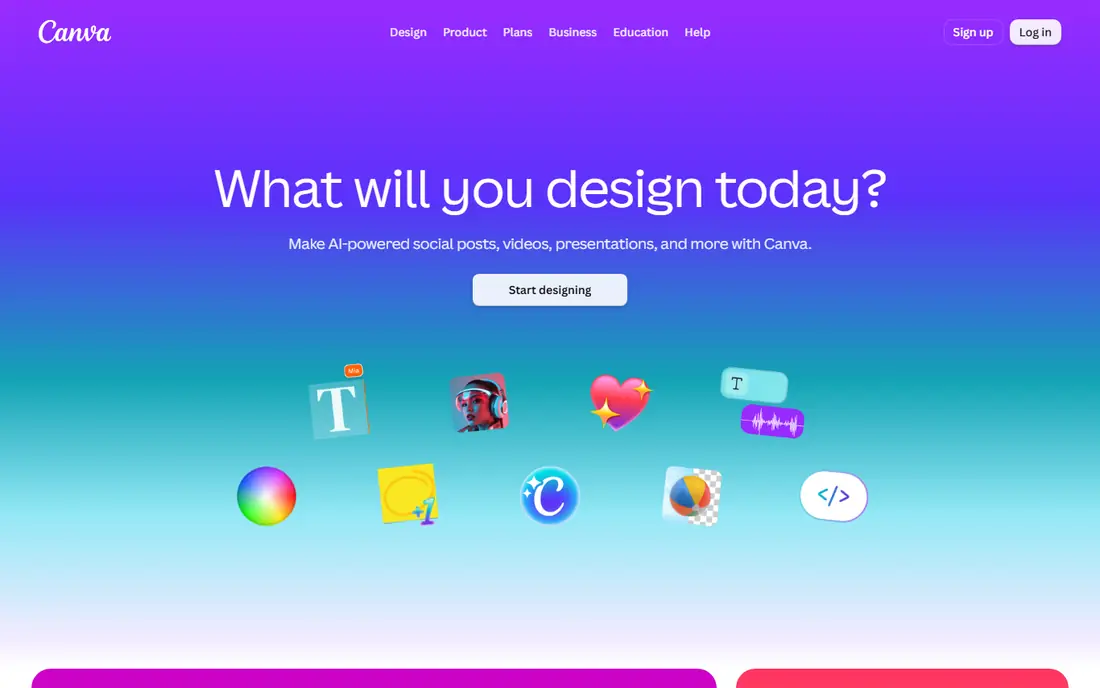
Canva Magic Studio is the strongest all-in-one solution for marketers and non-designers. Magic Design takes a description or an uploaded image and generates complete design options with layouts, fonts and colors, while Magic Eraser, Background Remover and Magic Write fill in the gaps. Magic Resize adapts one design to dozens of social formats automatically.
The free plan includes limited AI uses and 250,000-plus templates, while Pro costs 15 dollars a month, or 144 dollars billed annually, adding unlimited AI features, 100 GB storage, Brand Kit and background remover. For turning AI images into finished graphics, Canva is the tool that completes the workflow.
- Templates, brand kits and Magic Studio AI in one editor
- Magic Design generates complete layouts from a description
- Magic Resize adapts designs to every format
- Heavy AI use needs extra allowances
- Free plan limits AI uses to around 20
- Not a final-production image generator on its own
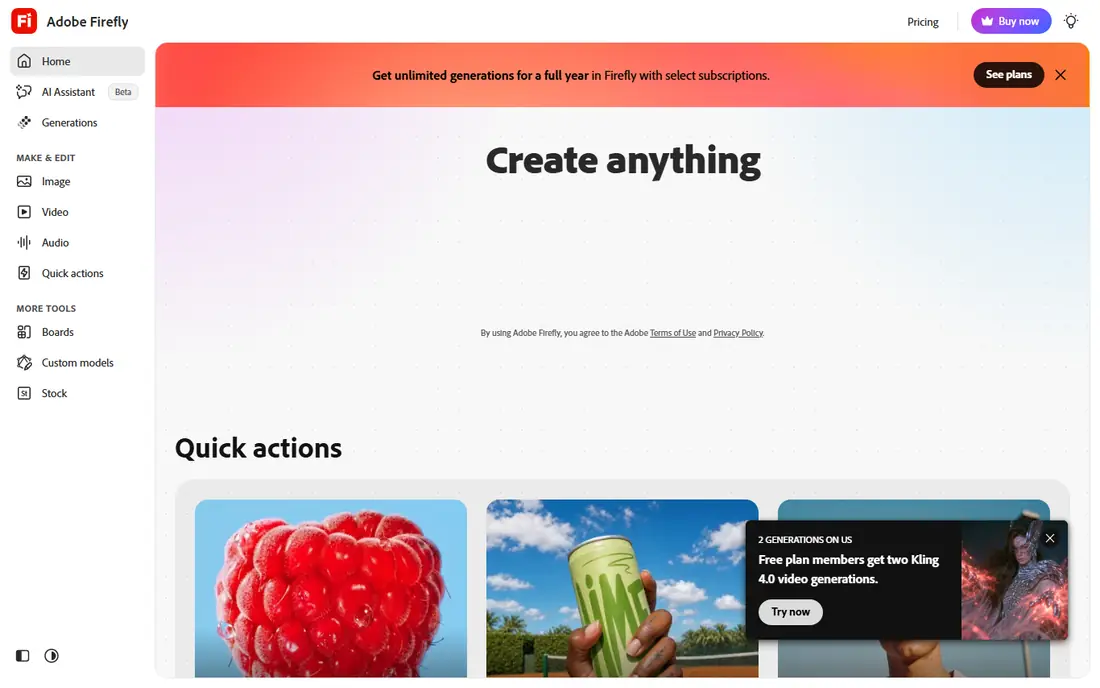
Adobe Firefly is the safest AI image generator for commercial work. Its models are trained on licensed Adobe Stock and public domain content, and enterprise users receive IP indemnification, which matters because the key question for commercial AI art is who is liable if output infringes copyright. Only Firefly and Kittl offer meaningful commercial indemnification among major tools.
The Standard plan costs 9.99 dollars a month with limited free generations available, and Firefly integrates with Photoshop, Illustrator and Express through Generative Fill, Boards and text-to-image tools. For professional designers already in Creative Cloud, Firefly is the obvious and safest choice.
- Trained on licensed Adobe Stock and public domain content
- Commercial indemnification for enterprise users
- Deep Creative Cloud integration
- Standalone plan from 9.99 dollars a month
- Full Creative Cloud costs far more
- Artistic range trails Midjourney for stylized work
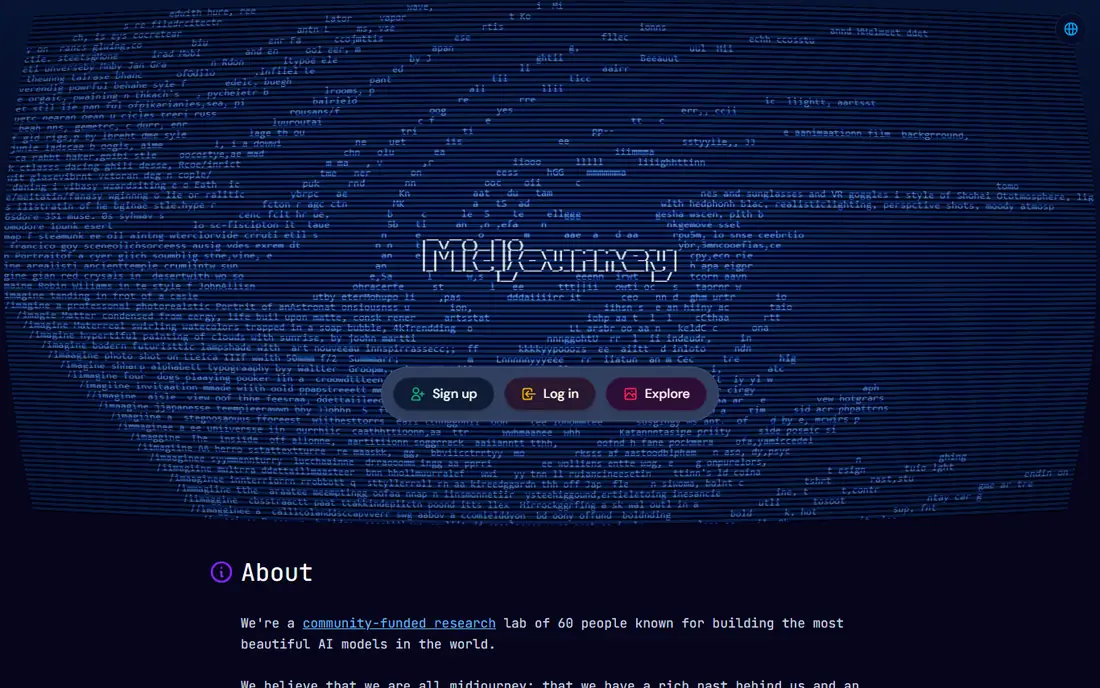
Midjourney remains the go-to for artistic quality. Concept art, mood boards, campaign hero images and editorial illustration styles all benefit from its distinctive aesthetic range, and generations now run through both web and Discord workflows. Standard plans and above include unlimited Relax mode generations, and Pro adds Stealth Mode.
Basic costs 10 dollars a month, or 96 dollars a year, Standard 30 dollars, Pro 60 dollars and Mega 120 dollars, with annual billing about 20 percent less. Extra Fast GPU time costs 4 dollars an hour. For creators prioritizing look and feel over in-app layout tools, Midjourney leads.
- Best aesthetic range for stylized, cinematic stills
- Clear plan ladder
- Commercial rights on paid plans
- No free plan
- Fast GPU time is metered
- Companies over 1 million dollars in revenue need Pro or Mega for commercial use
Ideogram solves the problem every other generator fumbles: putting correct, readable text inside images. Posters, logos, social graphics and thumbnails with headlines come out with words spelled right, where competitors produce gibberish. Character Reference and Style Reference keep identities and art direction consistent across images.
The free plan offers weekly slow-queue credits with public generations by default, and Plus costs 20 dollars a month or 15 dollars billed annually, adding 2,400 priority credits, private generation and unlimited slow credits. If your AI art needs words in it, which for most small businesses means nearly all of it, Ideogram is the first tool to try.
- Best-in-class text rendering for posters, logos and thumbnails
- Commercial use allowed even on the free tier
- Character and style references
- Free tier is slow-queue only with public generations
- Priority credits expire monthly
- Artistic output trails Midjourney
Leonardo AI is the free tool that professionals actually respect. The free plan hands you 150 tokens a day, roughly 15 to 30 images depending on settings, with fine-tuned models for game art, illustration and photorealism, plus a canvas editor and a community feed that teaches prompting by example.
Paid plans start at 12 dollars a month, or 10 dollars billed annually, adding private generation and custom model training. For concept art, game assets and character design, Leonardo offers the best free-to-professional path on this list.
- Generous free plan with 150 tokens a day
- Custom model training for your style
- Canvas editor for inpainting and outpainting
- Free generations are public
- Token costs vary by model and setting
- Interface takes time to learn
Recraft is the vector tool in a raster world. It generates native SVG files rather than flat images, which matters for logos, icons and brand assets that must scale to any size without losing quality. Style locking keeps brand visuals consistent across campaigns, and its illustration models rank highly for design-oriented output.
The free plan is limited to personal use, and Basic costs 12 dollars a month, or 10 dollars billed annually. For logos, icons and scalable brand assets, Recraft is the only AI generator that produces true vectors, and that alone earns its place.
- Only AI tool here generating native SVG vectors
- Style locking for consistent brand campaigns
- Strong for icons and illustrations
- Free images are not licensed for commercial use
- Less suited to photorealistic scenes
- Smaller community than Midjourney
Looka is the logo specialist. Generate unlimited logo concepts and use the full editor free, then pay only when you want to download: Basic at 20 dollars one-time gives a low-resolution PNG, Premium at 65 dollars gives high-resolution PNG plus vector SVG, EPS and PDF files with a transparent background, and Brand Kit plans at 96 to 129 dollars a year add 300-plus branded assets.
All purchases include commercial rights, lifetime ownership and unlimited edits. Template-driven outputs can look generic, and highly distinctive brand marks still need a human designer. For a new business that needs a professional-looking logo fast, Looka is the cheapest credible path.
- Free to design and preview unlimited logo concepts
- One-time purchase with lifetime ownership and commercial rights
- Brand kits with 300-plus assets
- No free download, every usable file requires purchase
- 20 dollar Basic tier is low-resolution only
- 65 dollar Premium is the realistic minimum
Microsoft Designer is the best free everyday graphics tool. Powered by DALL-E image generation, it creates social graphics, invitations, posters and presentations from text descriptions, with 15 fast daily boosts for quick generation and a design app for finishing touches.
It is free with a Microsoft account, and Microsoft 365 adds AI credits for heavier use. Commercial use is limited by the terms, and the content policy is stricter than some rivals. For quick social graphics at zero cost, Designer is hard to beat.
- Free with a Microsoft account
- DALL-E-powered image generation
- 15 fast daily boosts
- Built into the Designer design app
- Commercial use is limited by the terms
- Content policy is strict
- Requires a Microsoft account
ChatGPT Images is the best all-rounder for people who think in conversation rather than prompts. Describe an image, then refine it by chatting: change the background, swap an object, adjust the style, all without restarting. Text rendering is best in class, and the iterative workflow suits marketers refining campaign visuals.
Free generation is limited, and Plus costs 20 dollars a month with caps that vary by demand. For users who want one tool that generates, edits and iterates in plain language, ChatGPT Images is the most approachable option here.
- Best conversational editing: describe changes in plain language
- Strong text rendering
- Easy iteration in context
- Free image generation is limited
- Caps vary with demand
- 20 dollars a month for Plus is pricier than single-purpose generators
How we picked these
We compared official pricing pages, free tier terms and feature lists from September and October 2026, favoring tools with clear pricing, usable free options and distinct strengths for different design jobs. We checked that each official site belongs to the product. Prices and credit allowances change often in this category, so confirm the current plan on each pricing page before subscribing.
What to check before you subscribe
First, decide what the tool must do. If you need finished marketing graphics, Canva completes the job. If you need commercial safety, Firefly protects you. If you need text in images, Ideogram is essential. If you need vectors, Recraft is the only choice. Most creators end up with two tools: a generator and a finisher.
Next, check commercial rights carefully. Free images on Ideogram, Leonardo and Recraft are public or personal-use only, and Midjourney requires Pro or Mega for companies over 1 million dollars in revenue. Finally, test with your real brief, not a demo prompt, since text rendering, style consistency and output quality vary more by brief than by marketing claims.
Frequently asked questions
What is the best AI tool for graphic design overall?
Canva Magic Studio is the best all-in-one tool for marketers and non-designers, combining AI generation with templates, brand kits and finishing tools. Adobe Firefly is best for professional designers in Creative Cloud, and Midjourney is best for pure image quality.
What is the best free AI graphic design tool?
Microsoft Designer is the best free tool for everyday graphics, with DALL-E-powered generation at no cost. Leonardo AI offers the most generous free image tier at 150 tokens a day, and Ideogram's free tier suits text-heavy designs. Canva's free plan covers basic design with limited AI uses.
What is the best AI tool for logos?
Recraft is best for AI-generated logos that need true vector SVG output. Looka is best for a complete logo and brand kit package from 20 dollars one-time for basic files or 65 dollars for professional vectors. For a truly distinctive brand mark, a human designer still beats any AI tool.
Can I use AI-generated images commercially?
It depends on the tool and plan. Adobe Firefly offers the strongest commercial safety with licensed training data and enterprise indemnification. Ideogram allows commercial use even on the free tier. Recraft's free images are personal-use only, and Midjourney requires Pro or Mega for companies over 1 million dollars in revenue. Always check the current terms before publishing.
What is the best AI tool for text in images?
Ideogram is best for readable text inside images, including posters, logos, thumbnails and banners. ChatGPT Images is close behind for text accuracy with conversational editing. Midjourney's text rendering has improved but still trails Ideogram for headline-heavy designs.
Do I need more than one AI design tool?
Usually yes. Most creators pair a generator like Midjourney, Ideogram or Leonardo with a finisher like Canva, which adds text, brand colors and correct sizes for each channel. A single tool rarely excels at both generation and finished design.
Sources we checked (9)

Online Jobs is an independent blog about careers, online work, learning new skills and the tools that help people earn. More about us.
Keep reading
All posts
Zoom Alternatives
Zoom alternatives compared for 2026: Google Meet, Microsoft Teams, Webex, Jitsi and more for free calls, large meetings and webinars for teams and classrooms.

What Is the Best Free Tool to Rotate a PDF
What is the best free tool to rotate a PDF? We compare eight free rotation tools on per-page control, limits, privacy and saved output quality in detail.

What Is the Best AI Dubbing Tool
We compared the best AI dubbing tools in 2026, from ElevenLabs and HeyGen to Rask AI, Dubverse and Veed, for videos and creators in many languages worldwide.