Best AI Tools for Generating Images in 2026: 8 Tools Compared

How we put this together: we compare official feature and pricing pages, app store listings, privacy policies and public user reviews. Prices change, so check the provider's site before you pay.
Key takeaways
- Midjourney is our pick for artistic quality, while Adobe Firefly is the safest choice for commercial client work.
- Ideogram is best when an image needs readable text, and Flux is best for photorealistic detail.
- Free tiers from Ideogram, Leonardo, Firefly, and Canva let you test image generation before paying.
- Check commercial use terms for each tool, since free and paid plans do not always grant the same rights.
Quick comparison
| Name | Who it suits | Starting price | Free option | |
|---|---|---|---|---|
 Midjourney | Artistic and cinematic images | $10 per month | No | Visit |
 Adobe Firefly | Commercial-safe images | $5 per month | Yes | Visit |
 Google Imagen | Photorealistic images in Google apps | See website | Yes | Visit |
 Ideogram | Text inside images | $8 per month | Yes | Visit |
 Leonardo AI | Game and design assets | $12 per month | Yes | Visit |
 Flux | Photorealistic detail and control | See website | Yes | Visit |
 Stable Diffusion | Free local generation | Free | Yes | Visit |
 Canva Magic Media | Quick marketing visuals | $13 per month | Yes | Visit |
The best AI tools for generating images
Image generators now differ more by style and rights than by whether they can make a picture. The tools below cover artistic work, commercial work, text-heavy designs, and free local generation, so the best one depends on what the image is for.
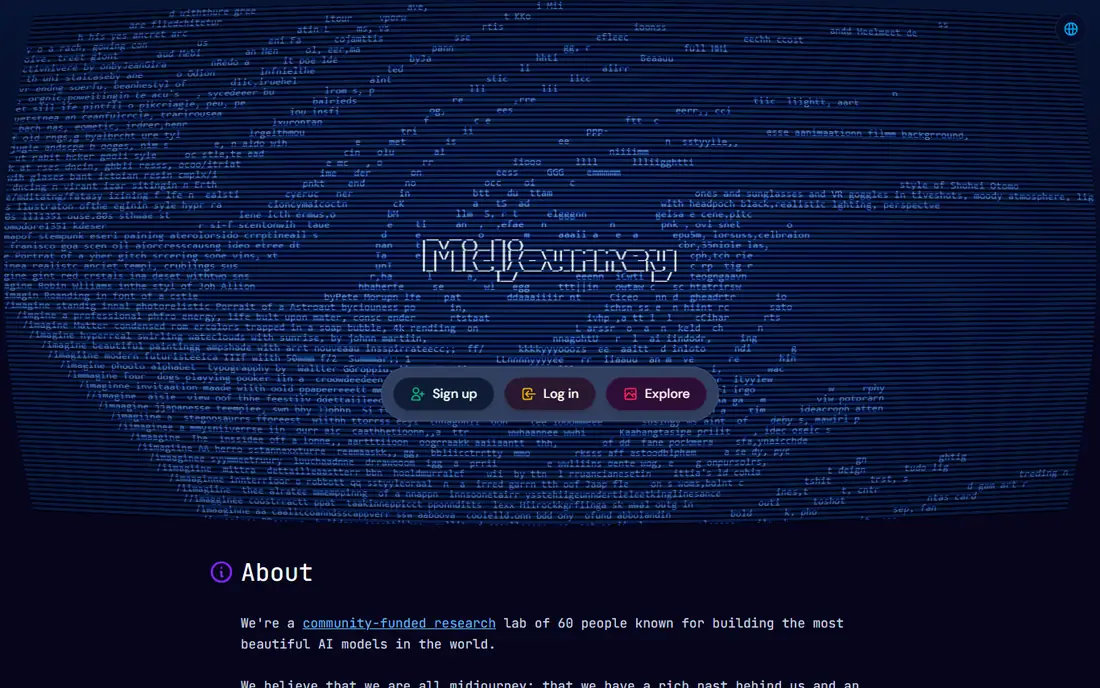
Midjourney remains the benchmark for how good an AI image can look. Its outputs have a polished, cinematic feel, with strong lighting, texture, and composition that suit concept art, editorial images, marketing visuals, and book covers. The web app now lets users generate, upscale, vary, and organise images without Discord, which removes the main barrier for beginners. Plans start at $10 per month for the Basic tier, with higher tiers adding more generation time. The limits are clear. There is no free tier, and Midjourney is weaker than Ideogram at rendering accurate text inside an image. For anyone whose top priority is visual impact, Midjourney is still the first tool to try.
- Best artistic quality on this list
- Strong style control
- Full web app now available
- No free tier
- Weaker at accurate text than Ideogram
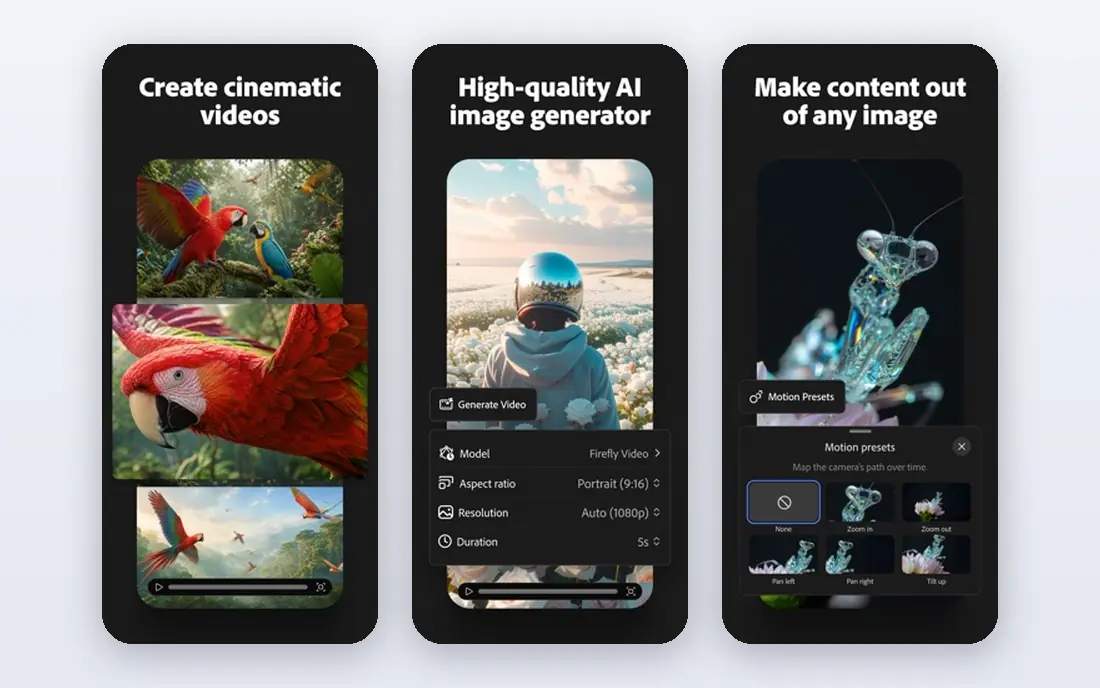
Adobe Firefly is the safest pick for client and commercial work. It is designed for commercial use, with training data and licensing terms that suit agencies and brands worried about rights. That safety matters when an image will appear in paid ads, product packaging, or client campaigns. Firefly also fits naturally into Photoshop, Illustrator, and other Creative Cloud tools, so generated images can be edited in the same workflow. A free tier with monthly credits lets users test it, with paid plans starting around $5 per month for extra credits. The trade-off is style. Firefly can feel less adventurous than Midjourney for pure art, and the credit system means heavy users must track usage. For commercial work, the rights story outweighs that limit.
- Trained on licensed content for commercial use
- Fits Photoshop and Creative Cloud
- Free credits to start
- Creative ceiling can feel lower than Midjourney
- Credit system needs tracking
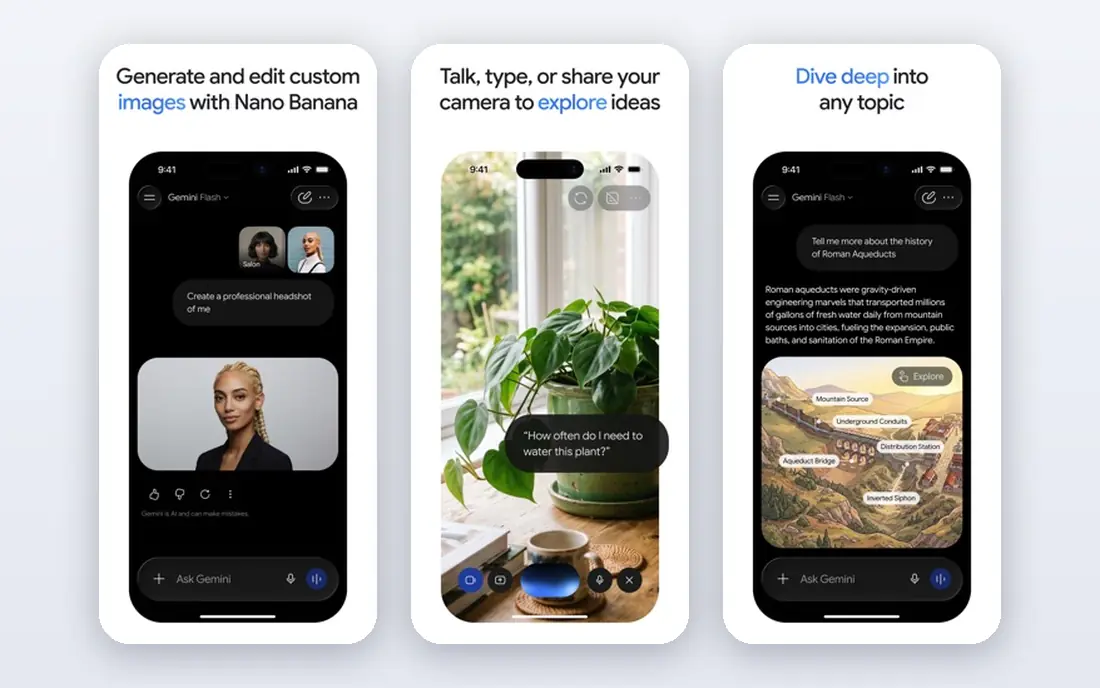
Google Imagen, accessed through Gemini and Google products, is a strong choice for photorealistic images. It handles complex scenes, lighting, and detail well, and it suits product shots, lifestyle images, and editorial visuals. Because it lives inside Gemini, Google users can generate images alongside chat, research, and document work without a separate subscription in many cases. Paid access sits inside Google AI plans, so we list See website for the starting price rather than a single figure. The limit is control. Imagen does not offer the same depth of style references and community tools as Midjourney, so artists who want fine style control may prefer a specialist tool. For realistic images inside Google apps, Imagen is hard to beat.
- Strong photorealism
- Accessible through Gemini
- Good for complex scenes
- Access and pricing sit inside Google plans
- Style control is less deep than Midjourney
Ideogram solves the problem that frustrates most image tool users, which is readable text. Where other generators garble words on posters, ads, and product labels, Ideogram renders text accurately far more often. That makes it the best pick for social graphics, event posters, book covers with titles, and brand assets that include words. The free tier covers daily generations, with paid plans starting around $8 per month for more volume and features. The style range is narrower than Midjourney, so pure art and cinematic scenes may look less striking. For any image where the words must be right, Ideogram should be the first tool you test, even if another tool handles the background art.
- Best text rendering in images
- Good for posters, logos, and ads
- Free daily generations
- Narrower style range than Midjourney
- Paid plans needed for higher volume
Leonardo AI is a favourite for game assets, character design, and consistent visual sets. It offers models tuned for different art styles, plus tools for training custom styles and keeping characters consistent across images. That control suits indie game developers, illustrators, and design teams that need a series of images in one style, not just a single picture. The free tier gives daily tokens, with paid plans starting around $12 per month. The interface can feel busy at first, with many models and settings to learn. For casual single images, a simpler tool may be faster. For asset work where consistency matters, Leonardo earns its place.
- Free daily tokens
- Strong for game art and character design
- Good control tools
- Paid plans needed for serious volume
- Interface can feel busy for beginners
Flux, built by Black Forest Labs, is known for photorealistic detail and accurate human features. It suits product photography, realistic portraits, and images where small details matter, such as hands, faces, and textures. Developers can access Flux through APIs and partner platforms, with pricing that varies by host, which is why we list See website here. Some hosts offer free tiers or credits to test it. The trade-off is complexity. Getting the most from Flux often means choosing a host, an API plan, or a partner app, rather than a single simple subscription. For photographers, product teams, and developers who need realism, Flux is one of the strongest models available.
- Excellent photorealism
- Strong detail and anatomy
- API access for developers
- Pricing varies by host and API use
- Needs technical setup for full control
Stable Diffusion is the free, open option for users who want full control. It can be run locally on a capable computer, which means no monthly fee for generation itself and no need to send prompts to a cloud service. Users can choose models, fine-tune styles, and adjust settings in ways that closed tools do not allow. That freedom suits hobbyists, researchers, and developers who enjoy tinkering. The cost is effort. Local setup needs technical skill and a graphics card strong enough for image work, and results vary widely by model and settings. For users who want a simple app, a hosted tool will be faster. For users who want free, private, and fully custom generation, Stable Diffusion remains unmatched.
- Free and open to run locally
- Full control over models
- No ongoing subscription for local use
- Needs a capable computer and technical setup
- Quality depends on the model chosen
Canva Magic Media suits people who need a finished design, not just an image file. Generate an image, drop it into a social post, presentation, or flyer, and export it, all in one place. That workflow saves non-designers from juggling several apps, and brand kits keep colours and fonts consistent. A free tier covers limited use, with Canva Pro starting around $13 per month for more credits and design features. The image quality is good for marketing, but it does not match Midjourney for artistic depth or Ideogram for text accuracy in complex designs. For small businesses and social teams that value speed over art, Canva is the most practical image tool on this list.
- Images inside a full design tool
- Easy for non-designers
- Templates and brand kits
- Less artistic depth than Midjourney
- Image credits are limited on lower plans
How we picked these
We compared vendor pricing pages, product documentation, and public reviews, and we checked each tool homepage to confirm the product is live. Prices shown are those published by the vendor or widely listed on vendor pages. Where pricing varies by host, credits, or bundle, we wrote See website rather than presenting one host price as the only price. Image quality claims are based on public reviews and model descriptions, not on invented benchmark scores.
How to choose an image generator
Start with the end use. A poster with text needs Ideogram, a client ad needs Firefly, a cinematic concept needs Midjourney, and a quick social post needs Canva. That one decision narrows the list more than any feature table. Then test the same prompt in two finalists and compare the results at full size, not just as thumbnails. Small flaws in hands, text, and backgrounds only show at full size, and they decide whether an image is usable.
Check rights before publishing
Read the commercial use terms for the plan you will actually use. Free tiers sometimes grant narrower rights than paid tiers, and some tools restrict use in trademarks or logos. If an image will appear in paid ads or client work, choose a tool with clear commercial terms, such as Firefly, and keep a record of the plan and date.
Budget for credits, not just subscriptions
Many image tools use credits as well as subscriptions, so the monthly fee is not the whole cost. Check how many images a plan covers, what an upscale or variation costs in credits, and what happens when credits run out. A cheap plan with few credits can cost more per finished image than a pricier plan with generous credits.
Frequently asked questions
What is the best AI tool for generating images?
Midjourney is the best overall pick for artistic quality, while Adobe Firefly is best for commercial work and Ideogram is best for images with text. The best tool depends on whether you need art, ads, posters, or product images. Test two tools with your own prompts before paying.
What is the best free AI image generator?
Stable Diffusion is the best fully free option for local generation, while Ideogram, Leonardo, Firefly, and Canva all offer free tiers with limits. Free tiers suit testing and light use. Regular commercial use usually needs a paid plan for credits and rights.
Which AI tool is best for generating images with text?
Ideogram is the best tool for readable text inside images, such as posters, ads, and covers. Newer versions of other models have improved text, but Ideogram remains the most reliable for words. Always proofread generated text at full size before publishing.
Can I use AI images for commercial work?
In many cases, yes, but terms vary by tool and plan. Adobe Firefly is designed for commercial use, while other tools grant commercial rights on paid plans with conditions. Read the terms for your plan, avoid generating trademarked characters or logos, and keep records of your subscription.
Is Midjourney worth $10 per month?
For users who need high-quality artistic images regularly, yes. The Basic plan covers a useful amount of generation for concept art, marketing, and editorial work. Casual users who only need a few images a month may do better on a free tier elsewhere.
What is the difference between Flux and Stable Diffusion?
Flux is a newer model family known for photorealism and detail, usually accessed through hosts or APIs. Stable Diffusion is an open model family that can be run locally for free with full control. Flux suits realism and API use, while Stable Diffusion suits free, private, custom work.
Sources we checked (8)

Online Jobs is an independent blog about careers, online work, learning new skills and the tools that help people earn. More about us.
Keep reading
All posts
Zoom Alternatives
Zoom alternatives compared for 2026: Google Meet, Microsoft Teams, Webex, Jitsi and more for free calls, large meetings and webinars for teams and classrooms.

Which Software Is Best for Data Entry
Compare the best data entry software for forms, OCR scanning, and spreadsheets, with free plans, pricing, and honest limits for each tool before you commit.

What Is the Best Free Tool to Rotate a PDF
What is the best free tool to rotate a PDF? We compare eight free rotation tools on per-page control, limits, privacy and saved output quality in detail.