Best AI Tools for Facebook Ad Creative in 2026: 8 Tools Compared


Free native Facebook variations · Starting price: Free
How we put this together: we compare official feature and pricing pages, app store listings, privacy policies and public user reviews. Prices change, so check the provider's site before you pay.
Key takeaways
- Start with Meta Advantage+ creative inside Ads Manager, since it is free with ad spend and already in your account.
- AdCreative.ai suits high volume static ads with scores, while Pencil suits video first testing at scale.
- Canva is the best general design choice when your team already designs there and needs fast resizing.
- Predis.ai and Creatify help small teams keep a steady flow of social and video ads without a designer.
- Scores and predictions are vendor estimates, so judge creative by real ad results, not by a tool score alone.
Quick comparison
| Name | Who it suits | Starting price | Free option | |
|---|---|---|---|---|
| Meta Advantage+ creative | Free native Facebook variations | Free | Yes | Visit |
 AdCreative.ai | High volume scored statics | $39 per month | Free trial | Visit |
 Canva Magic Studio | General ad design and resizing | Free | Yes | Visit |
 Pencil | Video ads with predictions | See website | No | Visit |
 Predis.ai | Social posts and ad creatives | $32 per month | Yes | Visit |
 Creatify | AI video ads from a product link | $33 per month | Yes | Visit |
 Creatopy | Ad design automation | $36 per month | Free trial | Visit |
 Madgicx | Meta creative plus automation | $55 per month | Free trial | Visit |
The best ai tools for facebook ad creative
Facebook ad creative fails most often from fatigue, not from a single bad image. You need fresh angles, formats and copy on a regular cycle, and AI tools help produce that volume. The tools below cover different parts of the job, from native variations inside Meta to full video ads, so pick based on whether your bottleneck is images, video, copy or testing speed.
Meta Advantage+ creative
Who it suits: Free native Facebook variations
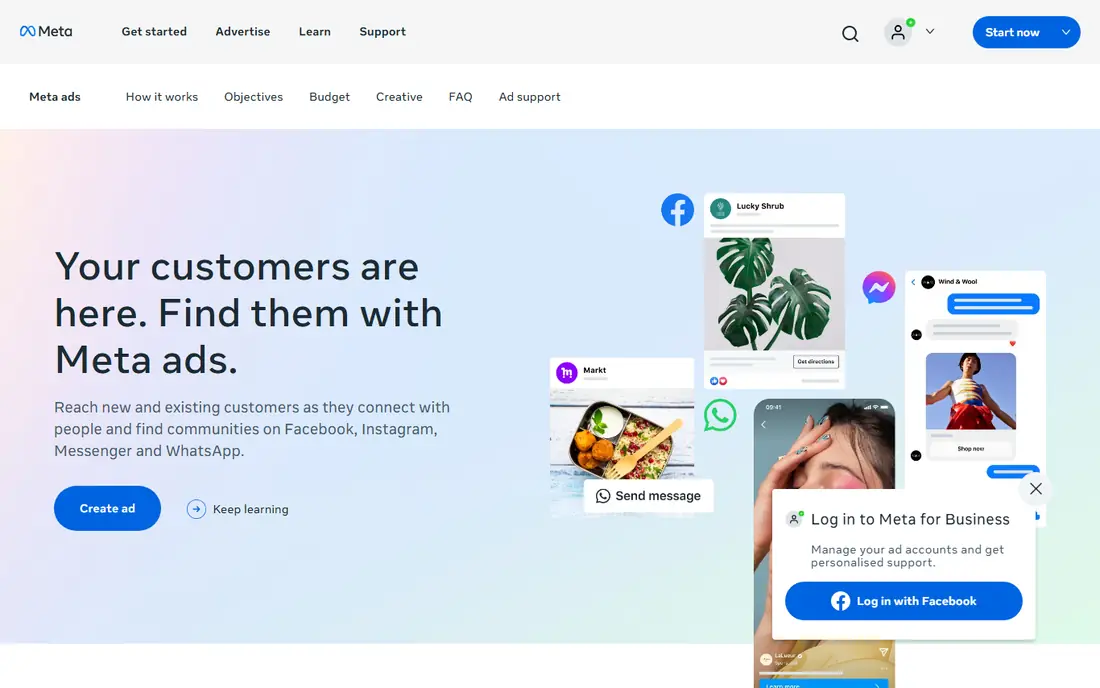
Meta Advantage+ creative should be the first test for most advertisers, because it costs nothing beyond ad spend and sits inside the account you already use. It can generate image variations, expand backgrounds, adjust text and suggest enhancements for an existing asset. For small accounts, that is often enough to keep creative fresh for a few weeks. The trade-off is control. Meta decides many changes, and brand colors, typography and product angles can drift from your guidelines. Review every variation before it runs, and keep a master asset with exact brand details outside Ads Manager. If Advantage+ creative solves your volume problem, you may not need a paid tool at all.
- Built into Ads Manager
- No extra subscription
- Creates variations, backgrounds and text options
- Meta only
- Less control over brand details than a dedicated design tool
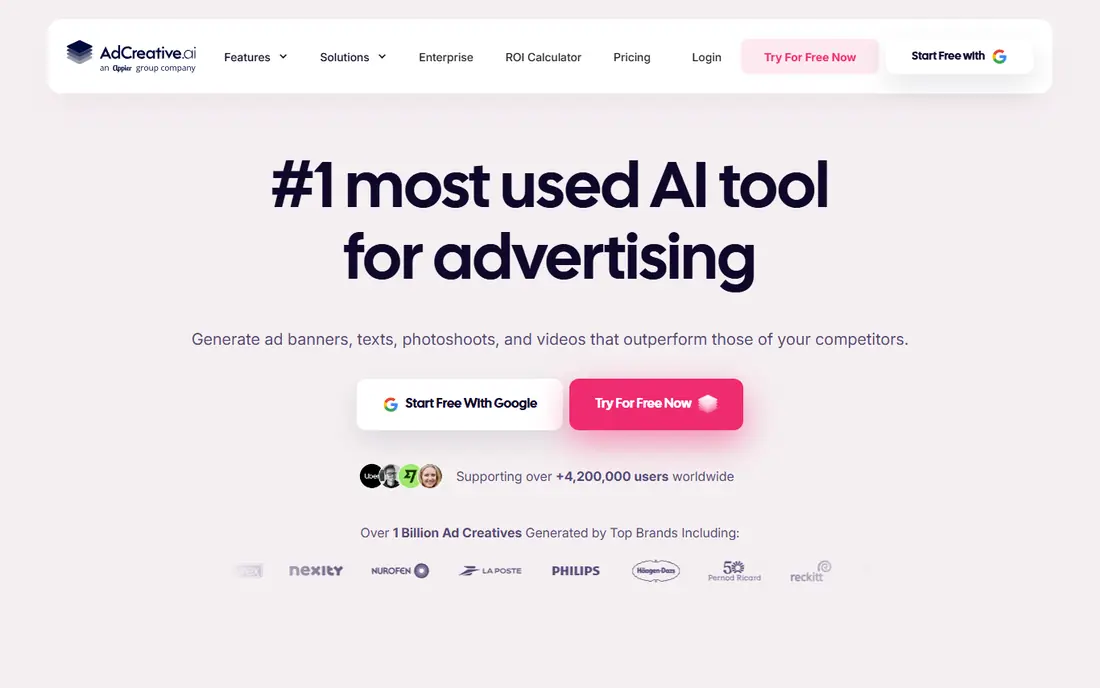
AdCreative.ai focuses on direct response statics. Enter a product, brand colors and copy direction, and it produces a batch of ad images with headlines and text. A performance score helps you shortlist options before spending, which is useful when you test dozens of angles for one product. Treat the score as a sorting aid, not a promise. Real results depend on offer, audience and landing page as well as creative. Credit based downloads also mean the monthly price is only part of the cost, so check how many finished ads your plan allows. For e-commerce teams that need many statics each week, AdCreative.ai is a practical volume tool.
- Generates many static variations fast
- Scores creative for likely performance
- Connects to ad accounts
- Credits limit downloads
- Scores are estimates, not guarantees
- Video depth is limited
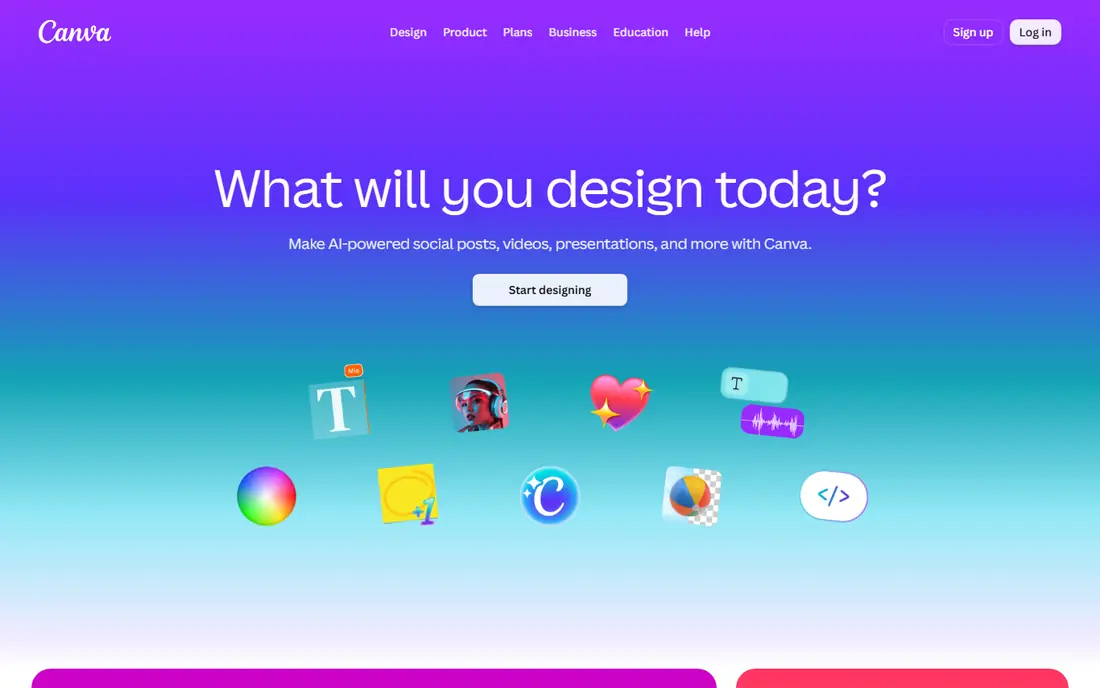
Canva Magic Studio suits teams that already design in Canva and want AI help without learning a new platform. Magic Design builds layouts from a prompt or asset, Magic Write drafts copy options, and resizing turns one Facebook ad into feed, story and reel formats quickly. Brand kits on paid plans keep colors and fonts consistent. Canva is a design tool first, not a performance prediction tool, so it will not score ads or automate testing the way AdCreative.ai or Pencil do. That is fine for many small teams, since a clear, on brand ad often beats a clever but off brand variant. If your team lives in Canva, start there and add a specialist tool only when volume or testing demands it.
- Familiar editor with templates
- Magic Design and Magic Write for layouts and copy
- One click resizing
- AI output still needs human review
- Brand control depends on plan features
Pencil targets advertisers who test a lot of creative, especially video. It generates variations from brand assets, then predicts how they may perform, so teams can shortlist before spending. Agencies that run many client accounts value that pre spend filter, since it reduces wasted impressions on weak variants. Pricing varies by plan and use, so check the vendor site for the current offer rather than relying on older reviews. Predictions are also models trained on past data, not a guarantee for a new product or audience. Use Pencil to prioritize tests, then let real Facebook results decide which creative scales.
- Generates static and video ads
- Predicts performance before spend
- Useful for agencies testing at scale
- Pricing is not a simple public entry figure
- Learning the prediction workflow takes time
Predis.ai helps small teams keep social and paid content flowing from a single prompt. You can generate an image, carousel or short video, add a caption and hashtags, and schedule the post without switching tools. For brands that post daily and run small Facebook campaigns, that combined workflow saves time. The output still needs a human eye. Copy can sound generic, and images may miss product details, so edit before publishing, especially for paid ads. Check credit limits on your plan, since image and video generation use credits differently. For steady, social first creative, Predis.ai is a useful all rounder.
- Creates posts, carousels, videos and captions from a prompt
- Scheduling tools included
- Free plan for testing
- Output quality varies by prompt
- Brand fine tuning needs review and editing
Creatify is built for short video ads, especially the user generated content style that performs well on Facebook and Instagram reels. Paste a product link, and it builds a script, avatar or voiceover and vertical video from product images and copy. That speed helps e-commerce brands test many products without filming each one. Avatar and script quality vary, and generic phrasing can hurt trust if you publish without review. Always check product claims, prices and visuals against your real product page. Use Creatify for volume testing, and reserve filmed content for hero products where authenticity matters most.
- Turns a product link into short video ads
- AI avatars and voiceovers
- Built for vertical formats
- Avatar video can feel generic
- Product details need checking in every output
Creatopy, now also presented as The Brief in some pricing pages, suits teams that need the same ad in many sizes and formats. Design once, then generate and edit a full set for Facebook feed, stories, display and other placements. Bulk editing helps when a price, offer or call to action changes across a campaign. Solo advertisers may find simpler tools faster for a single Facebook image. Creatopy earns its place when you produce ad sets weekly and need consistency across sizes. Check the current brand name and pricing page, since Creatopy has rebranded parts of its product, and confirm which plan includes the automation features you need.
- Strong banner and animated ad sets
- Bulk editing across sizes
- Exports for many networks
- Learning curve for automation features
- Best value for teams with regular display needs
Madgicx is for Meta advertisers who want creative and campaign automation in one place. Its AI generator produces ad variants, while automation and reporting tools help manage budgets, audiences and creative rotation. For teams spending regularly on Facebook and Instagram, that combination can reduce tool switching. Small accounts may not use the full automation suite, so the entry price can feel high for creative alone. Start with the trial, test whether the generator and automation actually save time on your campaigns, and compare the total cost with a simpler generator plus native Ads Manager tools. For active Meta teams, Madgicx is a strong combined option.
- Combines AI creative generation with Meta ad automation
- Useful audience and reporting tools
- Built for Meta advertisers
- Higher entry price
- Features beyond creative may be more than a small team needs
How we picked these
We compared official feature pages, pricing pages and public documentation, and kept tools that produce Facebook ready creative or automate Facebook testing in October 2026. We included the free native Meta option first, since many guides skip it, and we avoided tools that only design general graphics with no ad workflow. Where pricing varies by credits, plan name or billing term, we used the starting figure shown on the vendor site and noted trials separately.
Testing Facebook creative without wasting budget
Test one change at a time
Change the hook, image or offer, but not all three at once, or you will not know what worked. Run variants to a comparable audience, give each enough impressions to judge, and keep a simple log of angle, format and result. A clear log beats a large test with no record.
Watch the first three seconds for video
Most Facebook video viewers decide quickly, so put the product, problem or promise in the opening seconds. Add captions, since many people watch without sound, and keep text readable on a small phone screen. A strong opening with plain copy often beats a polished video with a slow start.
Refresh before fatigue, not after
When frequency rises and results fall, creative fatigue is likely. Rotate in a new angle before performance drops sharply, and keep a small bank of approved variants ready. AI tools help here, but only if you review outputs for brand accuracy and honest claims before they run.
Frequently asked questions
What is the best free AI tool for Facebook ads?
Meta Advantage+ creative is the best free start, since it is built into Ads Manager and costs nothing beyond ad spend. Canva and Predis.ai also offer free plans for design and social creative. Test the free Meta tool first, then pay for a specialist tool only if volume or video needs remain.
Do AI ad scores really predict performance?
Scores can help shortlist creative, but they are vendor models, not guarantees. Offer, audience, landing page and budget all affect results. Use scores to choose what to test first, then scale based on real cost per result, click through rate and conversion data from your own account.
How many ad creatives should I test at once?
For small budgets, test three to five strong variants rather than dozens of similar images. Each variant needs enough impressions to judge fairly, and too many variants split budget so thin that no result is clear. Larger budgets can support more tests, but keep a log so you learn from each round.
Can AI tools write Facebook ad copy that converts?
AI copy can produce useful drafts, headlines and angle ideas, but it needs human editing for accuracy, tone and compliance. Check every claim, price and offer, remove generic phrasing, and match the copy to the landing page. The best workflow is AI draft plus human review, not publish on first output.
Is AI video good enough for Facebook ads?
For short, product led video ads, AI video can work well, especially for testing many products quickly. For hero brand stories, filmed content usually feels more authentic. Mix both: use AI video for volume tests, and filmed or customer content for your main brand campaigns.
Do I need a designer if I use AI ad tools?
Not always for simple statics and social ads, but a designer still helps with brand systems, hero campaigns and complex layouts. AI tools speed up production, while a designer sets the visual rules that keep output consistent. Many small teams use AI daily and bring in a designer for key launches.
Sources we checked (8)

Online Jobs is an independent blog about careers, online work, learning new skills and the tools that help people earn. More about us.
Keep reading
All posts
ZoomInfo Alternatives
The best ZoomInfo alternatives in 2026, compared on price, free plans, data coverage, and which tool fits small teams or large sales teams best in detail.

Workday Alternatives
We compared the best workday alternatives for HR, payroll, and global hiring, from BambooHR and Gusto to Rippling, Deel, and HiBob for growing teams in 2026.

Which SaaS Tools Have the Best Customer Support
Which SaaS tools have the best customer support? Compare eight popular tools on help centres, live help, response options and overall support quality.